These are the Cyber Monday NAS deals I’d actually buy in 2026. For most people, the one to get is the UGREEN DXP4800 Pro on UGREEN’s store. It’s the NAS I think most people should start with: it’s Intel-based, so it can hardware transcode if you’re building a media server, and it has four bays you can grow with.
Cyber Monday 2026 is Monday, November 30, and that’s when both Amazon’s and UGREEN’s sales end. Amazon’s started on November 19, and new Cyber Monday deals drop at midnight and 8 a.m. PST that day.
Prices move by the hour and stock can vanish, so every Amazon deal below is as of November 28 and every UGREEN store deal is as of November 25, unless a line says otherwise. Every pick was sold by Amazon or the brand itself.
Disclosure: Some links below are affiliate links, which means that I earn a percentage of each sale at no cost to you. Thank you for your support.
| Pick | Best for | Where to buy |
|---|---|---|
| UGREEN DXP4800 Pro | Most people | UGREEN store |
| UGREEN DXP4800 GT | ECC, dual 10GbE and U.2 | UGREEN store |
| UGREEN DH4300 Plus | Backups and photos | UGREEN store |
| UGREEN DH2300 | Backups and photos on two bays | UGREEN store |
| UGREEN DXP8800 Ultra | The best UGREEN NAS | Amazon |
| TerraMaster F4-425 Pro | TrueNAS or Unraid | Amazon |
| Synology DS1525+ | A Synology to grow into | Amazon |
| Synology DS225+ | DSM on a budget | Amazon |
| WD Elements Desktop 20TB | A NAS backup drive | Amazon |
| Samsung 9100 PRO 2TB | NVMe cache or a storage pool | Amazon |
| GMKtec NucBox G3S | A first Proxmox or Docker box | Amazon |
| APC Back-UPS Pro BX1500M | A UPS for a NAS and more | Amazon |
Cyber Monday NAS Deals
Most of the good NAS deals are UGREEN, and that’s the brand I’d buy unless you’re set on TrueNAS or Unraid. I’ve been testing UGOS Pro for over two years, and it’s gone from something I honestly didn’t really like to one I’m comfortable recommending. Everything here is diskless, so budget for drives for a NAS too.
UGREEN and TerraMaster NAS Deals
UGREEN’s store has a 30-day price match, so if the same model drops further there after you buy, you get the difference back (bundles are excluded, and a lower Amazon price doesn’t count). The full lineup is in every UGREEN NASync model compared.
Best for Most People
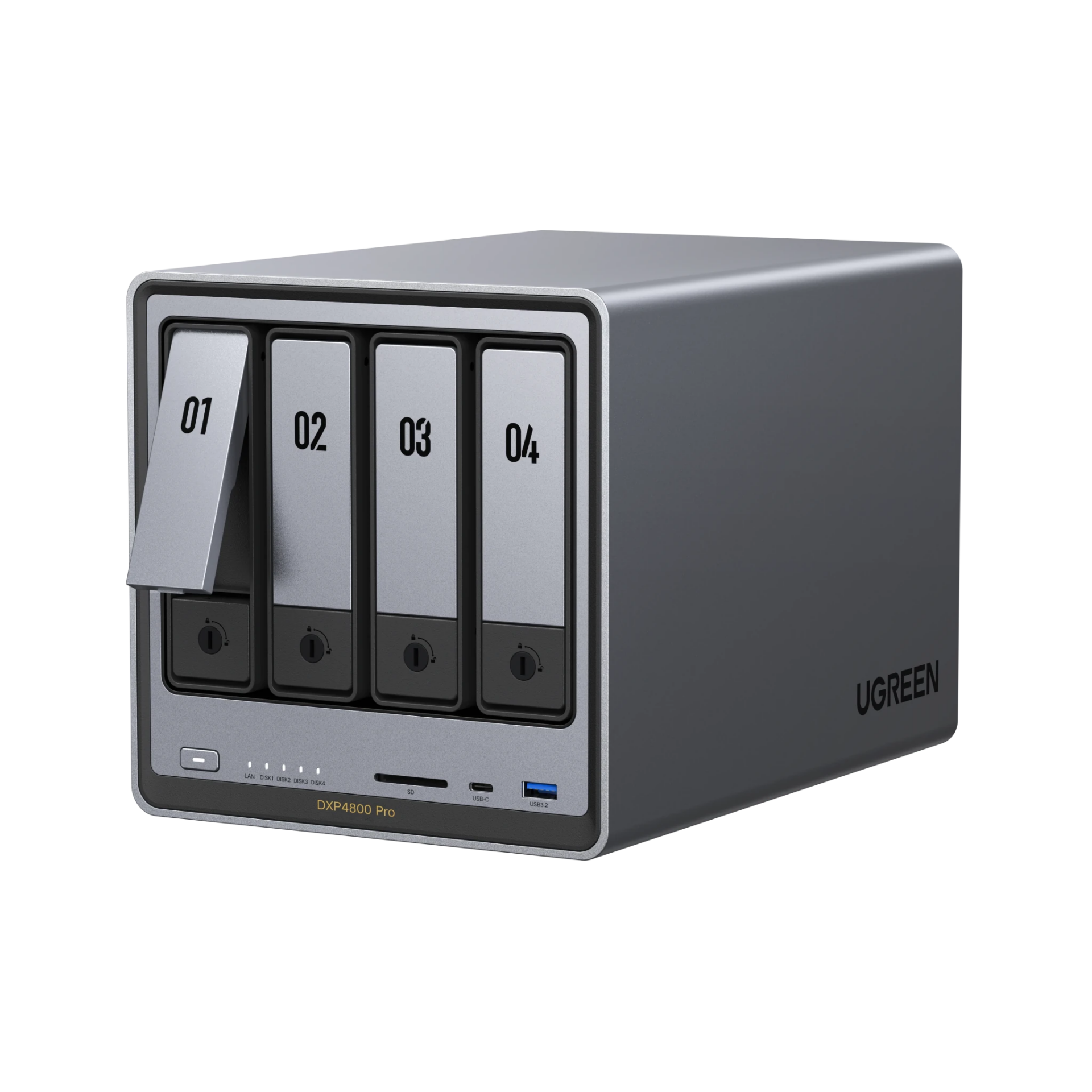
UGREEN NASync DXP4800 Pro
Intel Core i3-1315U (6 cores, 8 threads) · 8GB DDR5 (up to 96GB) · 4 bays + 2 M.2 · 10GbE + 2.5GbE · diskless
This is the one I’d buy for most people. The DXP4800 Plus is on sale too, and I’ve recommended it to a lot of people, but look at the Pro as the newer version of it. On November 25 the Pro cost less than the Plus on UGREEN’s store, and on November 28 Amazon’s listing for the Plus still had no Add to Cart button, so I’d only take the Plus if it drops well below the Pro.
Best for ECC and Dual 10GbE
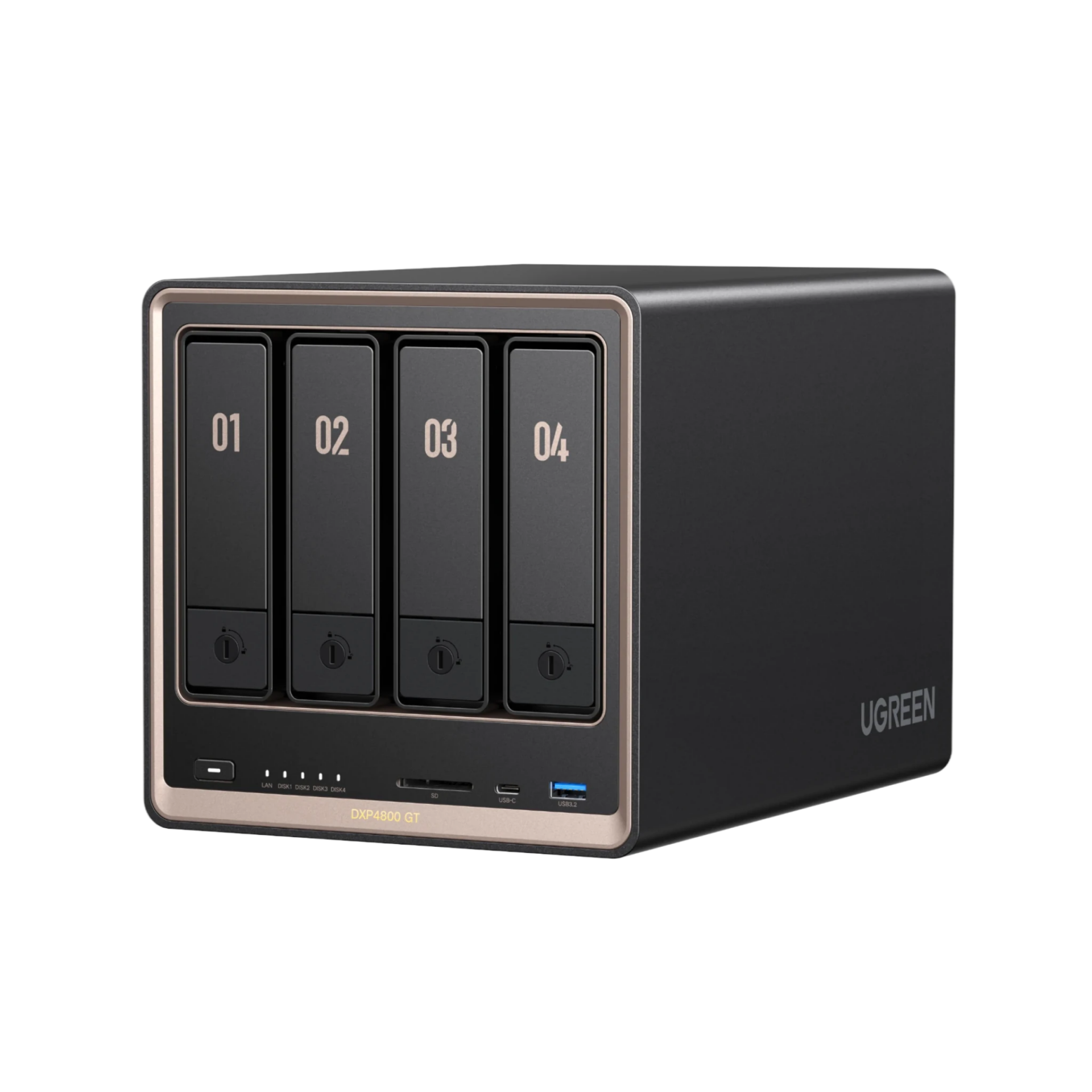
UGREEN NASync DXP4800 GT
AMD Ryzen Embedded R2514 · 8GB DDR4 (not ECC as shipped, up to 64GB) · 4 bays (2 take U.2) + 2 M.2 · 2x 10GbE · diskless
If you need ECC memory, two 10GbE ports and U.2 support, and you don’t need hardware transcoding for Plex or Jellyfin, the GT is the one to go with. There’s no Quick Sync, and the 8GB stick it ships with isn’t ECC, so you’ll have to fit your own. UGREEN sent me the GT, and I haven’t run into any major issues. On November 25 it was the cheapest 4-bay DXP on UGREEN’s store.

Best for Backups and Photos
UGREEN NASync DH4300 Plus
8-core ARM (A76 + A55) · 8GB LPDDR4X · 4 bays, up to 128TB · diskless
If you just want backups and photos, meaning no applications and nothing really fancy, this is the one I’d recommend. It’s the NAS I picked for my 2026 budget home lab, and it averaged 30 to 35 watts at full load when I measured it, against 55 to 58 on the DXP4800 Plus. It’s ARM, so no VMs and fewer apps, and if you can afford the DXP4800 Pro or GT, I’d spring for one of those for the flexibility down the road. It was the cheapest 4-bay NAS here on November 25.
Cheapest UGREEN NAS
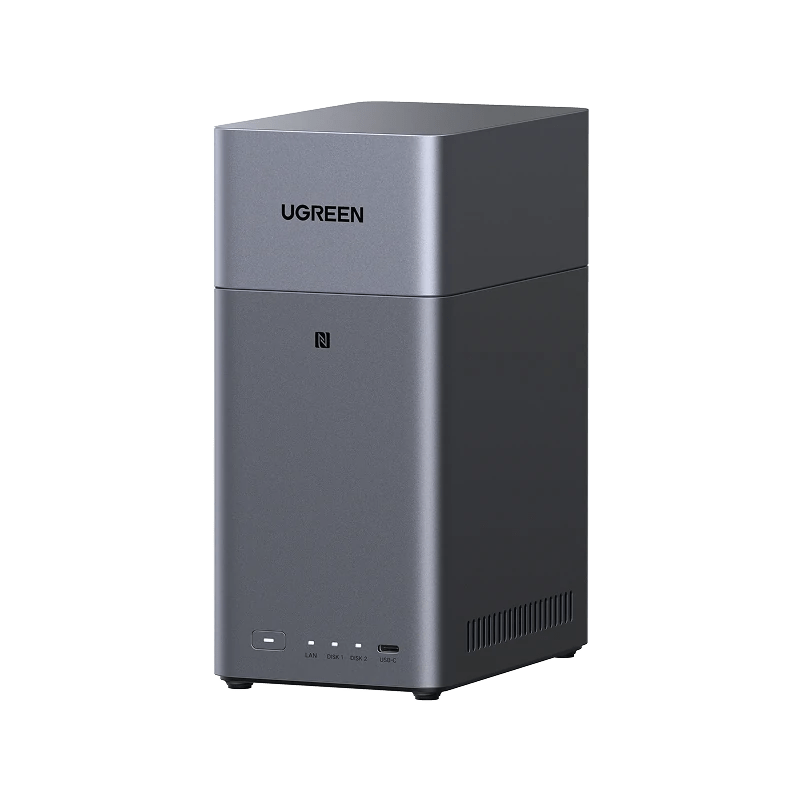
UGREEN NASync DH2300
8-core ARM (A72 + A53) · 4GB LPDDR4X · 2 bays, up to 64TB · 1GbE · no M.2 · diskless
On November 25 this was the cheapest NAS in UGREEN’s sale, a 2-bay for backups and photos. UGREEN says Docker and VMs aren’t supported, and it has 1GbE and 4GB of RAM. I went with the DH4300 Plus for my budget home lab because it has four bays, but if you don’t need a lot of storage space, a two-bay NAS is going to be absolutely perfect. If you want Docker on two bays, the DXP2800 GT below can run it.
Best 2-Bay Deal
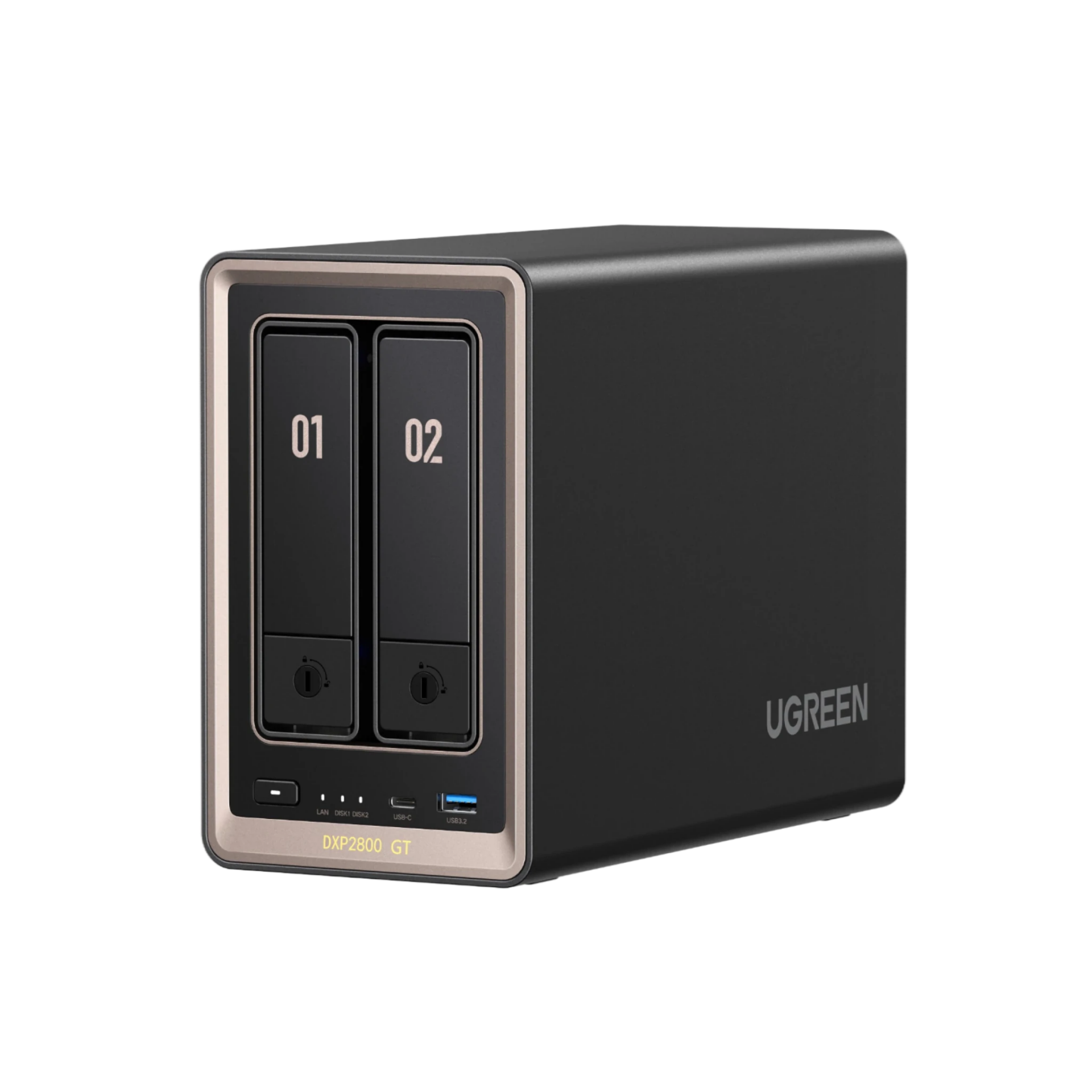
UGREEN NASync DXP2800 GT
AMD Ryzen Embedded R2514 · 8GB DDR4 (up to 64GB) · 2 bays with U.2 support + 2 M.2 · 10GbE · diskless
This had the deepest cut of any UGREEN NAS on November 25, and it cost less than the older DXP2800. Like the DXP4800 GT, it isn’t the box for Plex or Jellyfin transcoding, which is the reason to pick the DXP2800 instead.
Best UGREEN NAS (8 Bays)
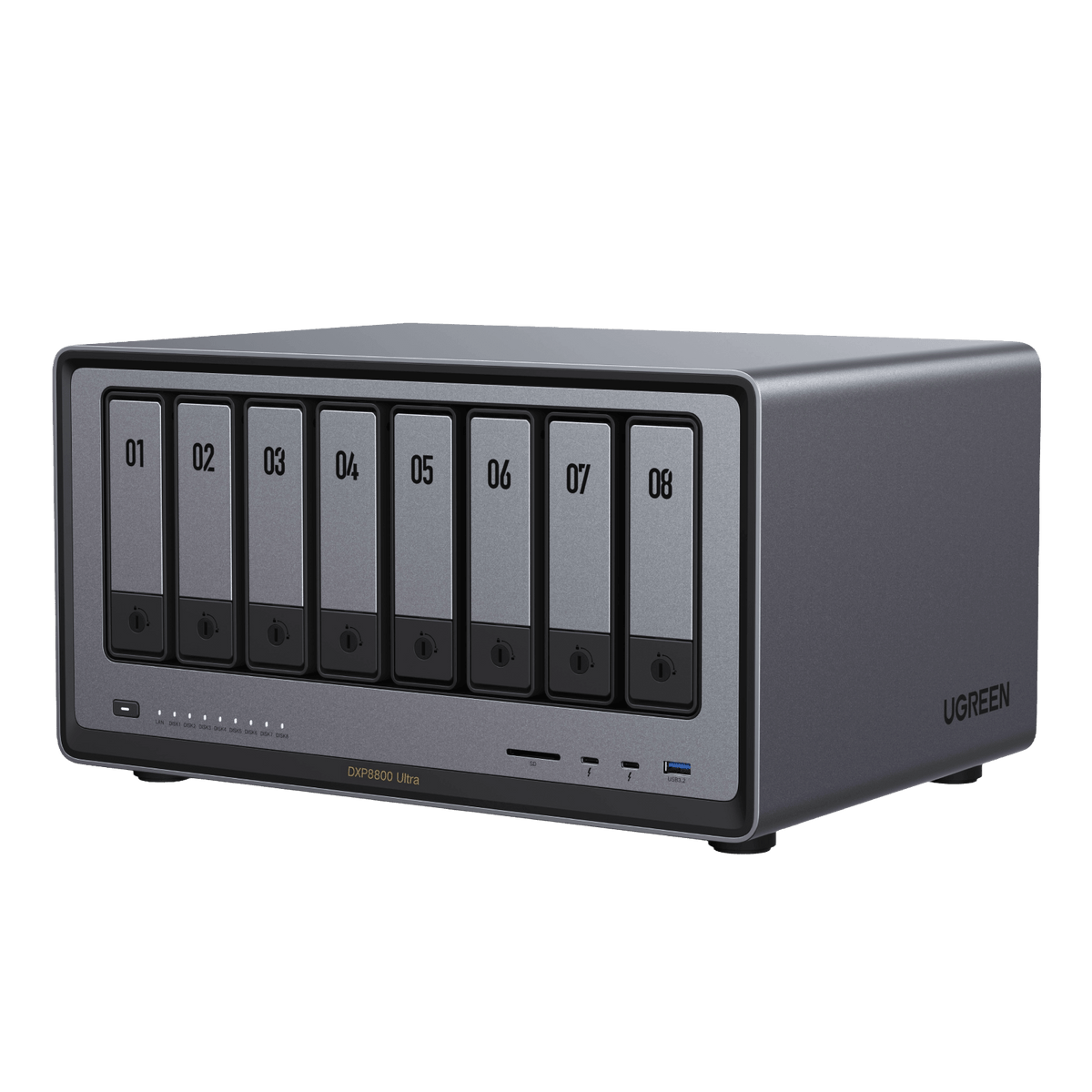
UGREEN NASync DXP8800 Ultra
Intel Core 7 150U (10 cores) · RAM up to 96GB · 8 bays, up to 272TB · 128GB OS SSD · 2x 10GbE · Thunderbolt 4 · diskless
This is the best UGREEN NAS I’ve ever used outside of their AI models (UGREEN sent it to me), and for a new buyer who needs eight bays, it’s the one I’d buy. My off-site backup is a DXP8800 Plus running TrueNAS that’s been rock solid for over a year, so if you already own one, I wouldn’t upgrade. New, the Ultra cost under a fifth more than the Plus on UGREEN’s store on November 25. If six bays is enough, the DXP6800 Ultra is the other Ultra, and it cost less than the DXP8800 Plus that day. The best 8-bay NAS covers the alternatives.
Best for TrueNAS or Unraid
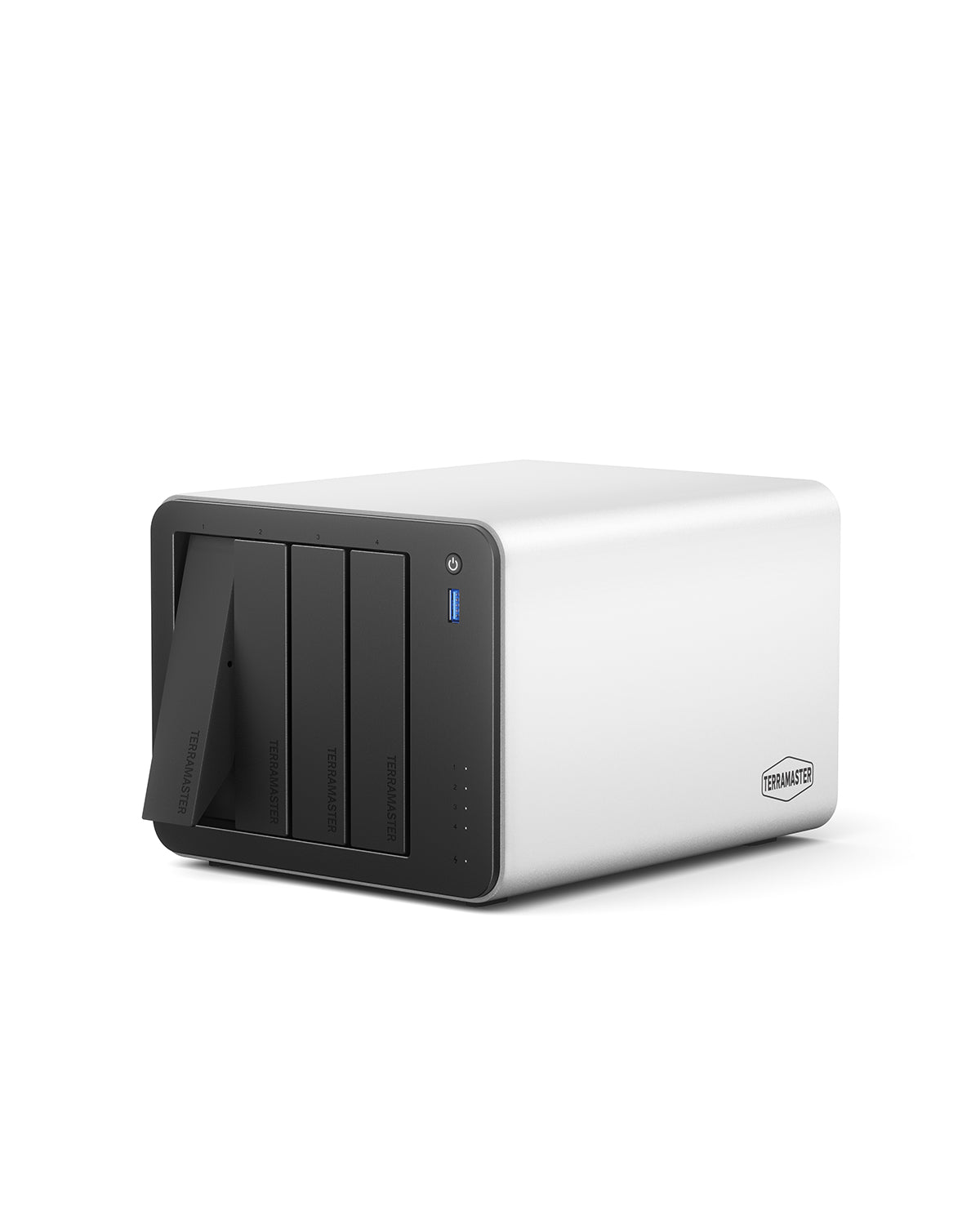
TerraMaster F4-425 Pro (N350, 16GB)
Intel Core 3 N350 (8 cores) · 16GB DDR5 (up to 32GB) · 4 bays + 3 M.2 · 2x 5GbE · diskless
If you’ll 100% install TrueNAS or Unraid, TerraMaster is the other brand I’d consider. This link goes to the N350 version with 16GB of RAM, which is the one to get. It replaced the F4-424 Pro I picked at past sales, has faster networking (two 5GbE ports instead of 2.5GbE), and cost less than the F4-424 Pro on November 28. Buy it for the hardware under TrueNAS or Unraid, because UGREEN’s software is better than TerraMaster’s.
Synology NAS Deals
The other Synology deals are in the table further down. I’ve owned a bunch of Synology NAS devices over the years (the DS1019+, DS923+ and DS925+ among them), and for small businesses or anyone who wants to set it and forget it, I still think Synology is better than UGREEN. The big asterisk this year is drives. Since DSM 7.3, you can use whatever hard drive you want on the 2025 Plus models, but there are DSM features you can’t use without Synology’s own drives, and more may stop being supported over time. That’s why I can no longer recommend buying a Synology NAS without buying Synology hard drives, which cost more than IronWolf or WD Red Plus. UGREEN vs Synology covers the trade, and the best Synology NAS covers each model.

Best Synology Deal
Synology DS1525+
AMD Ryzen V1500B (4 cores, 8 threads) · 8GB DDR4 ECC (up to 32GB) · 5 bays + 2 M.2 · 2x 2.5GbE · upgrade slot for a 10GbE card · diskless
For most beginners, this is the Synology deal I’d look at first. The DS925+ is generally the starting point for most people, but at this price I think the DS1525+ makes more sense, because it’s a device you can grow into. It has the same Ryzen V1500B and ECC memory as the DS1825+ below in five bays instead of eight. It’s also the smallest current desktop Synology Plus model that can reach 10GbE, through the E10G22-T1-Mini card in its upgrade slot.
Cheapest Synology Plus
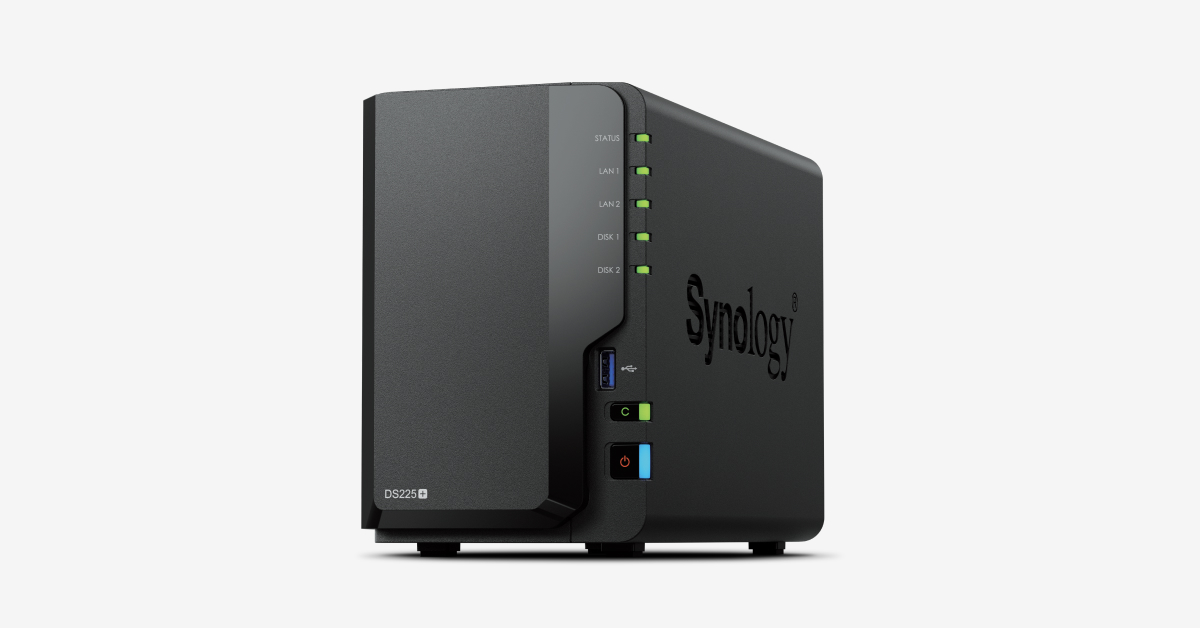
Synology DS225+
Intel Celeron J4125 (4 cores) · 2GB DDR4 non-ECC (up to 6GB) · 2 bays · 2.5GbE + 1GbE · diskless
This is the cheapest Synology Plus deal here, and it carried a Cyber Monday Deal badge on November 28. It runs the same old Celeron J4125 as the DS425+ I’d skip below, so for most beginners, I’d look at the DS1525+ above instead.
Synology 8-Bay
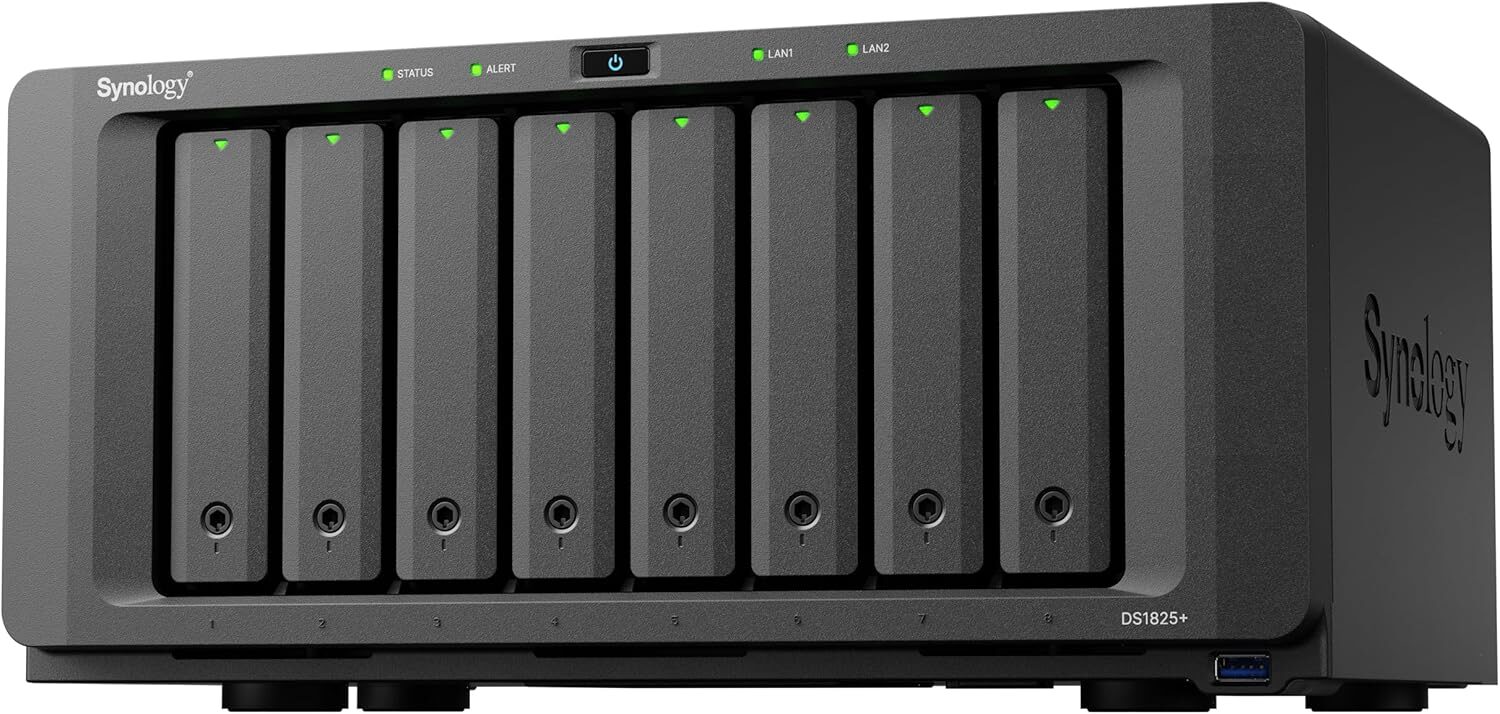
Synology DS1825+
AMD Ryzen V1500B (4 cores, 8 threads) · 8GB DDR4 ECC (up to 32GB) · 8 bays + 2 M.2 · 2x 2.5GbE · PCIe slot for a 10GbE card · diskless
It cost about the same as the DXP8800 Plus did on UGREEN’s store on November 25, with an older processor and 2.5GbE unless you add a card. That’s a great deal for where hardware prices are right now, if DSM is why you’re buying eight bays.
Hard Drive and SSD Deals
The hard drive deals worth having this year are external drives, because NAS hard drives aren’t a good deal. On November 23, every WD Red Plus listing I’d normally link to was a third-party seller, at about two to three times the 20TB Elements’ cost per terabyte. I still recommend proper hard drives for a NAS.
Best Backup Drive Deal
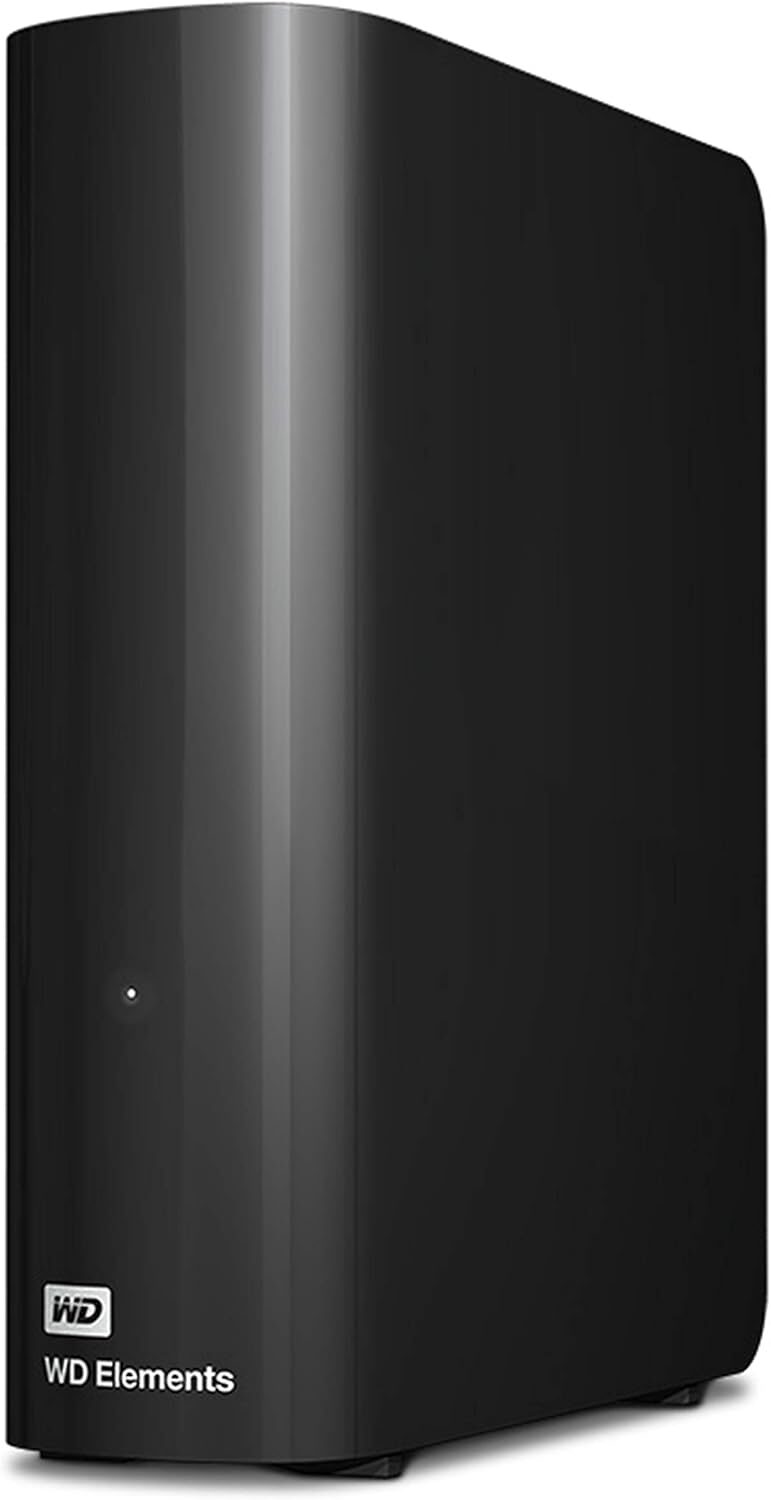
WD Elements Desktop 20TB
20TB · USB 3.0 (USB 3.2 Gen 1) · 2-year limited warranty
This is the only drive I can recommend buying right now. It’s not a good price historically. Still, on November 23 it had the lowest cost per terabyte of any 3.5-inch drive checked on Amazon for this page, and on November 28 it was still well under its list price, sold by Amazon.com with a Cyber Monday Deal badge. Use it as a NAS backup target, or shuck it (take the drive out of the enclosure, which can void WD’s warranty) and use it internally. I’ve shucked a lot of these, and the ones I opened had a white-label WD Red inside. The 14TB Elements was a slightly deeper cut, but cost more per terabyte.
For SSD deals, the one I’d buy is the Samsung 9100 PRO 2TB, for NVMe cache or a storage pool. You’re probably not going to use its PCIe 5.0 speed. But on November 28 it cost less than the PCIe 4.0 990 PRO below (both sold by Amazon.com), so I don’t see the downside.
NVMe SSD
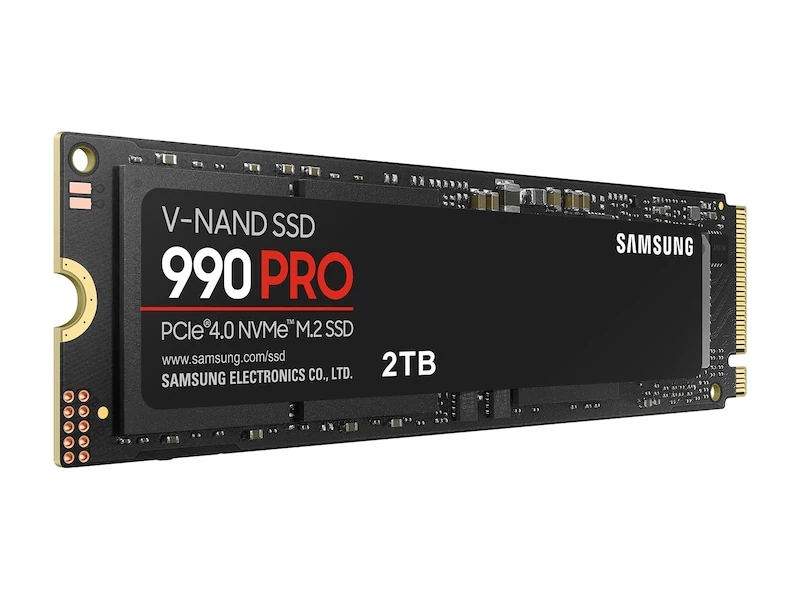
Samsung 990 PRO 2TB
2TB · PCIe 4.0 NVMe M.2 2280 · up to 7,450 MB/s read and 6,900 MB/s write
This is the one I’ve used. When I made last year’s list, I was using it for VM storage in my Proxmox host, and I picked it over the 980 Pro I had a bunch of. On November 28 it was well under its list price, sold by Amazon.com. Early units had problems that newer firmware fixed, so update it before you put data on it.
More NAS, Networking and DIY Deals
These are the other deals on gear I’ve linked to before, as of November 28. Each was below its list or typical price.
| Deal | What it is | Sold by | Who it’s for, or the catch |
|---|---|---|---|
| UGREEN iDX6011 (32GB) | 6-bay AI NAS, 32GB RAM, 2x 10GbE | UGREEN | Local AI search and OCR in UGOS; costs more than the DXP8800 Ultra |
| Synology DS223j | 2-bay, ARM, 1GB RAM | Amazon.com | Basic DSM file storage, on the least RAM here |
| Synology DS223 | 2-bay, ARM, 2GB RAM | Amazon.com | The same ARM chip as the DS223j with twice the RAM |
| QNAP TS-233 | 2-bay, ARM Cortex-A55, 2GB RAM | QNAP | A 2-bay on QNAP’s software instead of DSM |
| TerraMaster F4-425 Plus | 4-bay, Intel N95, 8GB RAM | TerraMaster | The cheaper sibling of the F4-425 Pro pick, with half the cores and RAM |
| QNAP TR-004 | 4-bay USB-C enclosure, hardware RAID | Amazon.com | A DAS, not a NAS: it plugs into one PC or a QNAP NAS over USB-C |
| TP-Link TL-SX1008 | 8-port 10GbE unmanaged switch, one fan | Amazon.com | Needs Cat6 or Cat6A and 10GbE on the NAS and PC |
| TP-Link TL-SX105 | 5-port 10GbE unmanaged switch | Amazon.com | A smaller, fanless TL-SX1008 |
| TP-Link TX401 | 10GbE PCIe network card (RJ45) | Amazon.com | The PC side of a 10GbE switch like the TL-SX1008; needs a free x4 or larger PCIe slot |
| TP-Link TL-SG105PP-M2 | 5-port 2.5GbE switch, four PoE++ ports | Amazon.com | 2.5GbE plus PoE++ for access points, cameras or a PoE KVM |
| TRENDnet TEG-S350 | 5-port 2.5GbE unmanaged switch | Amazon.com | Five ports instead of the TEG-S380’s eight (see below) |
| TP-Link TL-SG108PE | 8-port Gigabit Easy Smart managed switch with PoE | Amazon.com | Gigabit only: for PoE cameras or access points, not faster transfers |
| Omada POE260S | 2.5GbE PoE+ injector, up to 30W | Amazon.com | Adds PoE to one device, like an access point or camera |
| GL.iNet Comet Pro | Remote KVM, HDMI passthrough, Wi-Fi 6 | GL.iNet | No PoE; read the GL.iNet disclaimer first |
| GL.iNet Flint 2 | Wi-Fi 6 home router, two 2.5GbE ports | GL.iNet | OpenWrt-based; read the GL.iNet disclaimer first |
| JONSBO N3 | Mini-ITX NAS case, 8 bays + 1 SSD | JONSBO | Needs a Mini-ITX board and SFX power supply |
| AMD Ryzen 5 9600X | 6-core, 12-thread AM5 CPU | Amazon.com | Has integrated graphics, but no cooler included |
Mini PC Deals
Only one mini PC I’d recommend had a real discount on Amazon on November 23. If you need more than a starter box, the best mini PC for Proxmox covers the rest.
Budget Mini PC
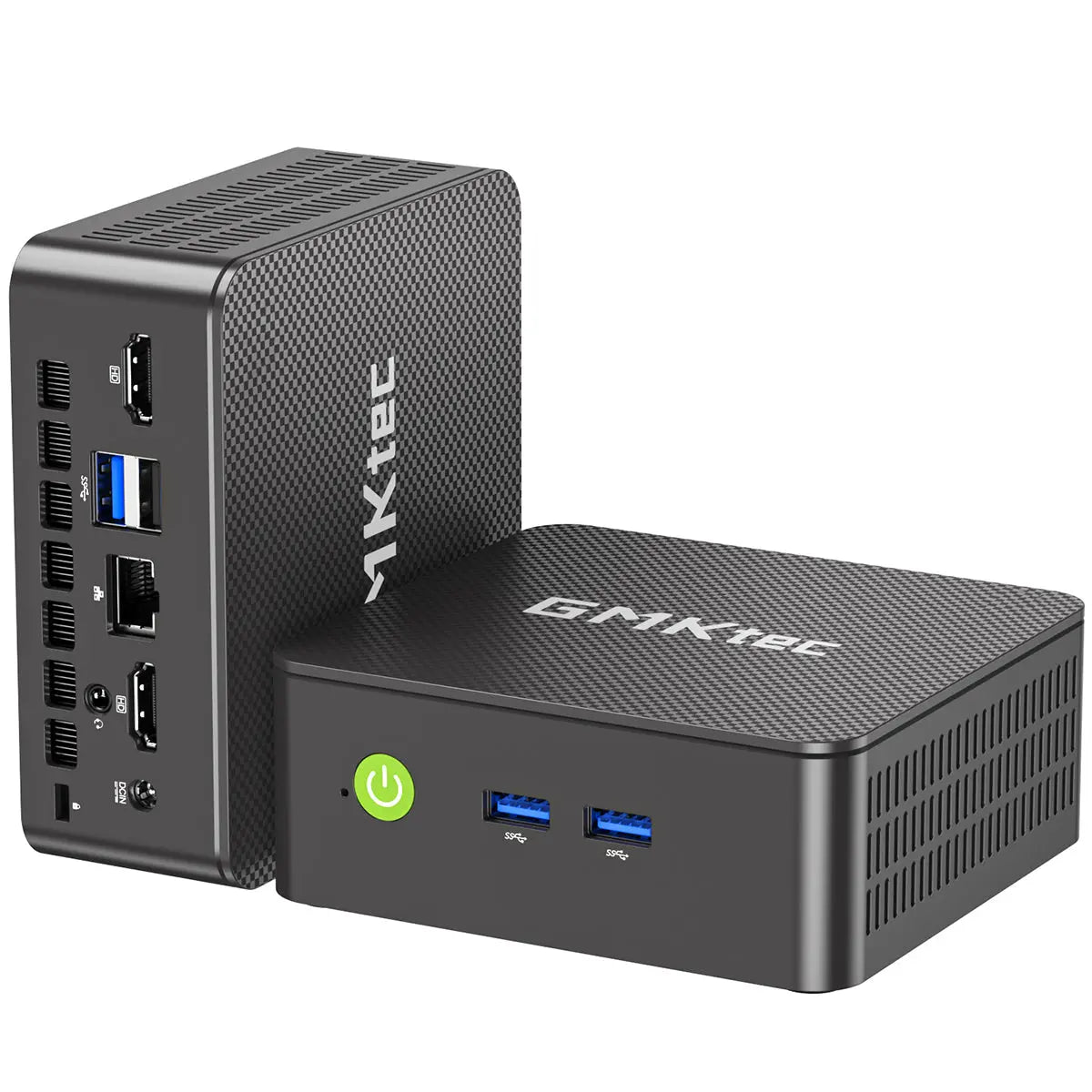
GMKtec NucBox G3S
Intel N95 (4 cores) · 1 SO-DIMM, DDR4 (16GB max) · M.2 2280 + M.2 2242 · 1x Gigabit Ethernet · Wi-Fi 5 · 2x HDMI
GMKtec is one of the three mini PC brands I stick with, and I ran a Proxmox cluster on three of their N100 NucBox G3s. The G3S is a step down from that: an N95 with one Gigabit port and 8GB of RAM (16GB max), and I would have liked to see an N150. The N95 supports VT-x, VT-d and Quick Sync, so it’s fine as a first Proxmox, Docker or Home Assistant box. It carried a Cyber Monday Deal badge on November 28, but if you want 2.5GbE or more than 16GB of RAM, skip it.
Networking and KVM Deals
UniFi’s own sale is older Enterprise switches, two gateways, cameras and accessories, none of the gear I’d point you to.
⚠️ GL.iNet disclaimer: In November 2026, attackers got into GoodCloud, GL.iNet’s cloud management service, and used it to put malware on some GL.iNet routers and KVMs. GL.iNet closed that path on November 20 and released firmware, and as of November 28 it’s still investigating. I’d hold off on buying one until that investigation is done. If you already own one, update it now (Comet KVMs 1.10.3, Beryl 7 4.9.2, Slate 7 4.10.3, Flint 2 4.11.2 or later); GL.iNet’s security notice has the steps. If you need a KVM now, I’d look at JetKVM instead. I have two of them, and they’re cheaper than a lot of these KVMs without even being on sale. Security always changes, and nothing is guaranteed.
Remote KVM
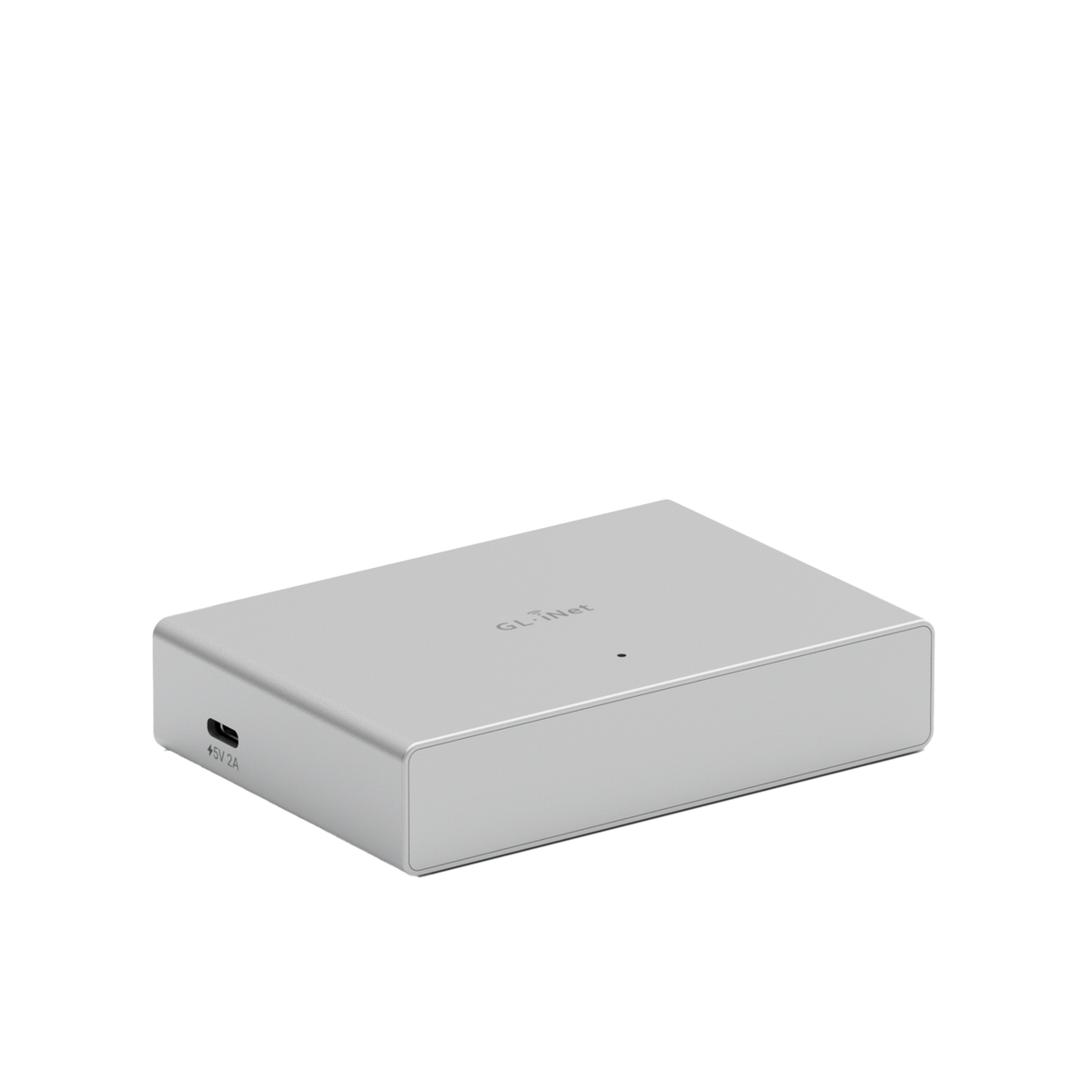
GL.iNet Comet PoE (GL-RM1PE)
4K at 30 FPS · PoE powered · Tailscale built in · Ethernet only · no touchscreen
If you’ve never used a KVM, I think just about everyone should have one, especially if you run servers headless. I held off on almost all of them because of power, and the Comet PoE fixed that. I power it through PoE from one of my switches, and I really like it. This isn’t about the hardware, but I’d still wait on it until GL.iNet’s investigation is done (the disclaimer is above).
2.5GbE Switch
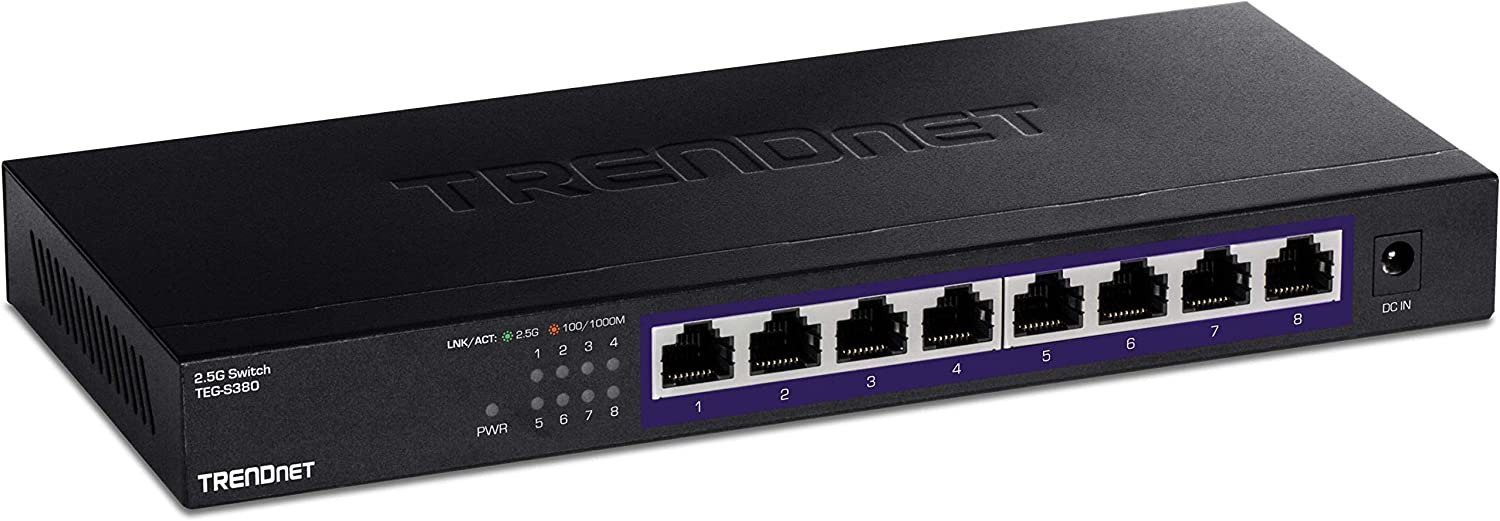
TRENDnet TEG-S380
8x 2.5GbE · unmanaged · fanless · lifetime warranty
Everything is generally switching to 2.5 gig, and the Cat5e most older houses are wired with handles it. For most people, a switch like this plus 2.5GbE on the NAS and your PC is the easy way to faster transfers. The TP-Link TL-SG108-M2 is the same kind of switch and cost less on November 28, and between the two, it generally comes down to which is cheaper when you buy. If you’re going down the UniFi route, I’d just buy UniFi switches, and the best 2.5Gb switch covers the rest.
If you want to add 2.5 gig to a PC or laptop that doesn’t support it, I have this WAVLINK USB adapter (USB-C or USB-A) and it works really well. It wasn’t discounted on November 28, but it’s inexpensive.
Travel Router
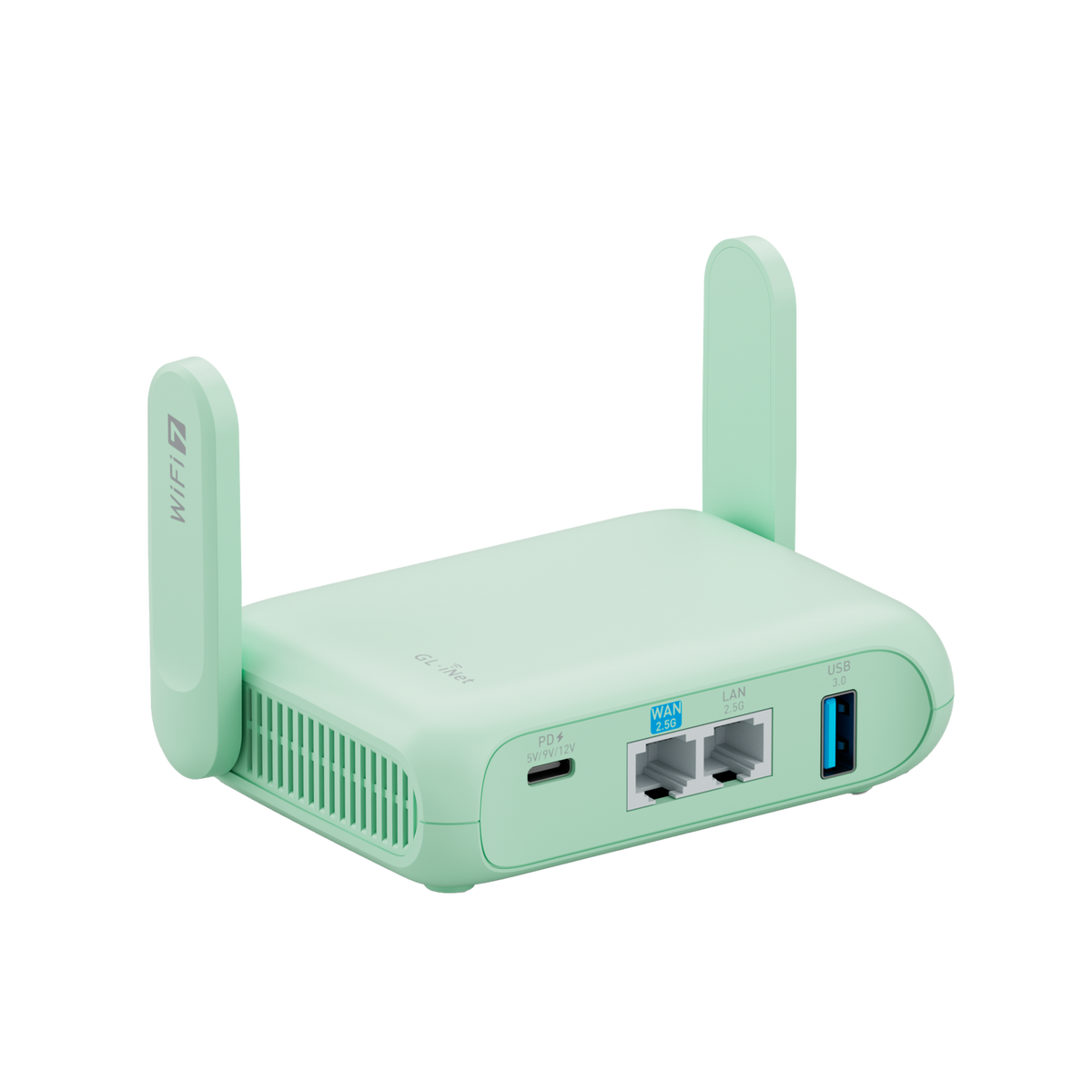
GL.iNet Beryl 7 (GL-MT3600BE)
Wi-Fi 7 · 2x 2.5GbE · USB-C power · WireGuard and OpenVPN · 120 x 83 x 34 mm, 205 g
Travel routers are kind of niche, but they come in handy if you travel with a lot of devices. The Slate 7 I travelled with in 2025 is on sale too, but it didn’t fit when I flew with only a carry-on. The Beryl 7 is smaller and lighter, and it had the deeper cut and the lower price on November 28. Like the Comet PoE, I’d wait on it until GL.iNet’s investigation is done. I travel with UniFi’s UTR-LR now, and if you have a UniFi network, I’d just buy one of theirs because of how closely it ties in.
UPS Deals for a NAS
Just about everybody with a NAS needs a UPS, and in my opinion, it’s the first thing I’d buy. Get one with a USB data port so the NAS can see the battery and shut itself down safely (I monitor my own UPS devices with NUT, and a NAS can act as a NUT server for everything else on the battery).
Best UPS Deal
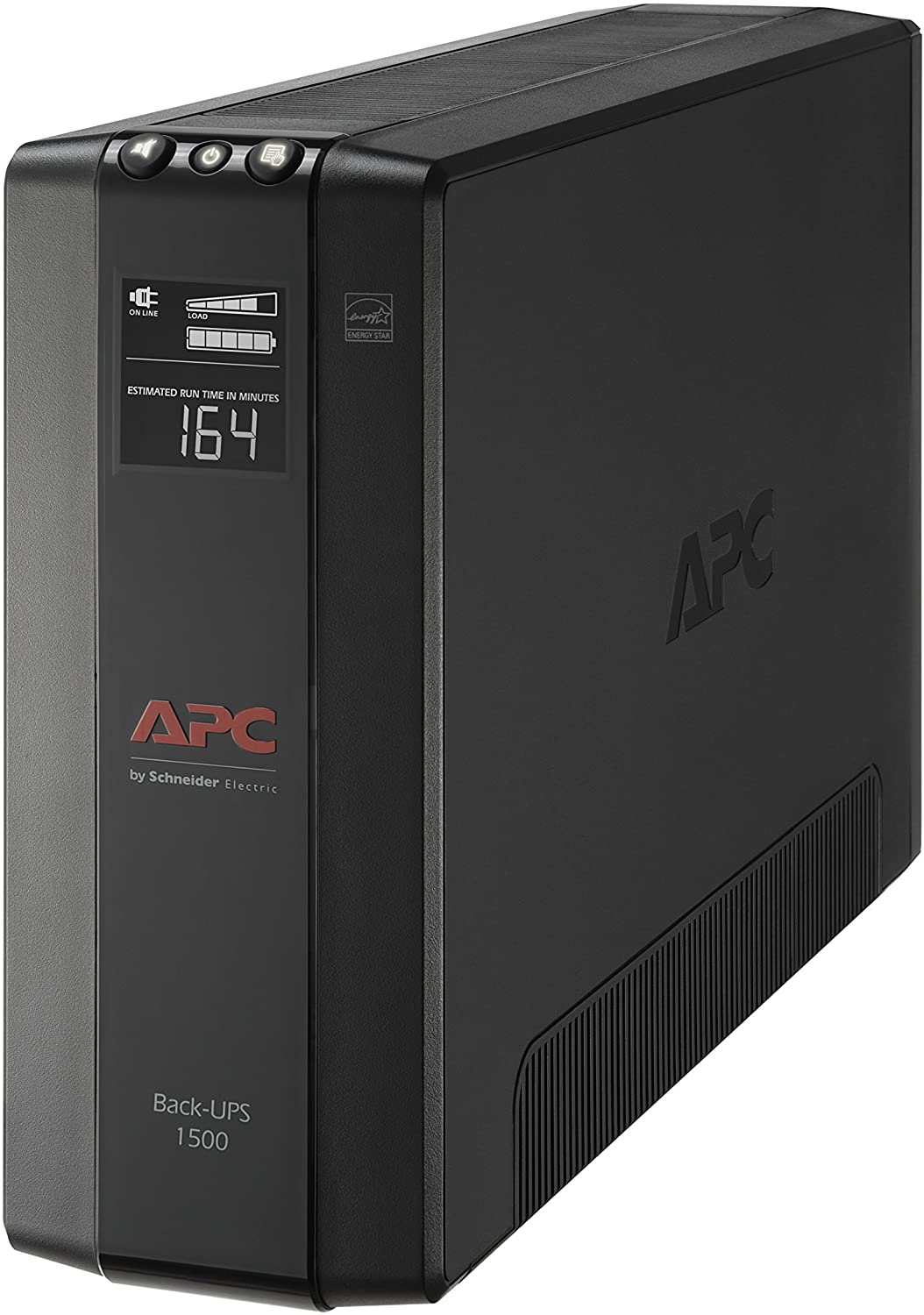
APC Back-UPS Pro BX1500M
1500VA / 900W · 5 battery + 5 surge-only outlets · USB data port · AVR · LCD · 3-year warranty (1 year on the battery)
This carried a Cyber Monday Deal badge and was sold by Amazon on November 28. It’s not the best deal in the world, but it’s cheaper than you’ll find it just about any other time, and it’s sized for more than the NAS, like your router and switch too. It’s simulated sine wave, so if you’re willing to spend more, get a pure sine wave UPS (I’ve always bought CyberPower for that). If you’re not, this is absolutely better than nothing.
UGREEN’s Own UPS
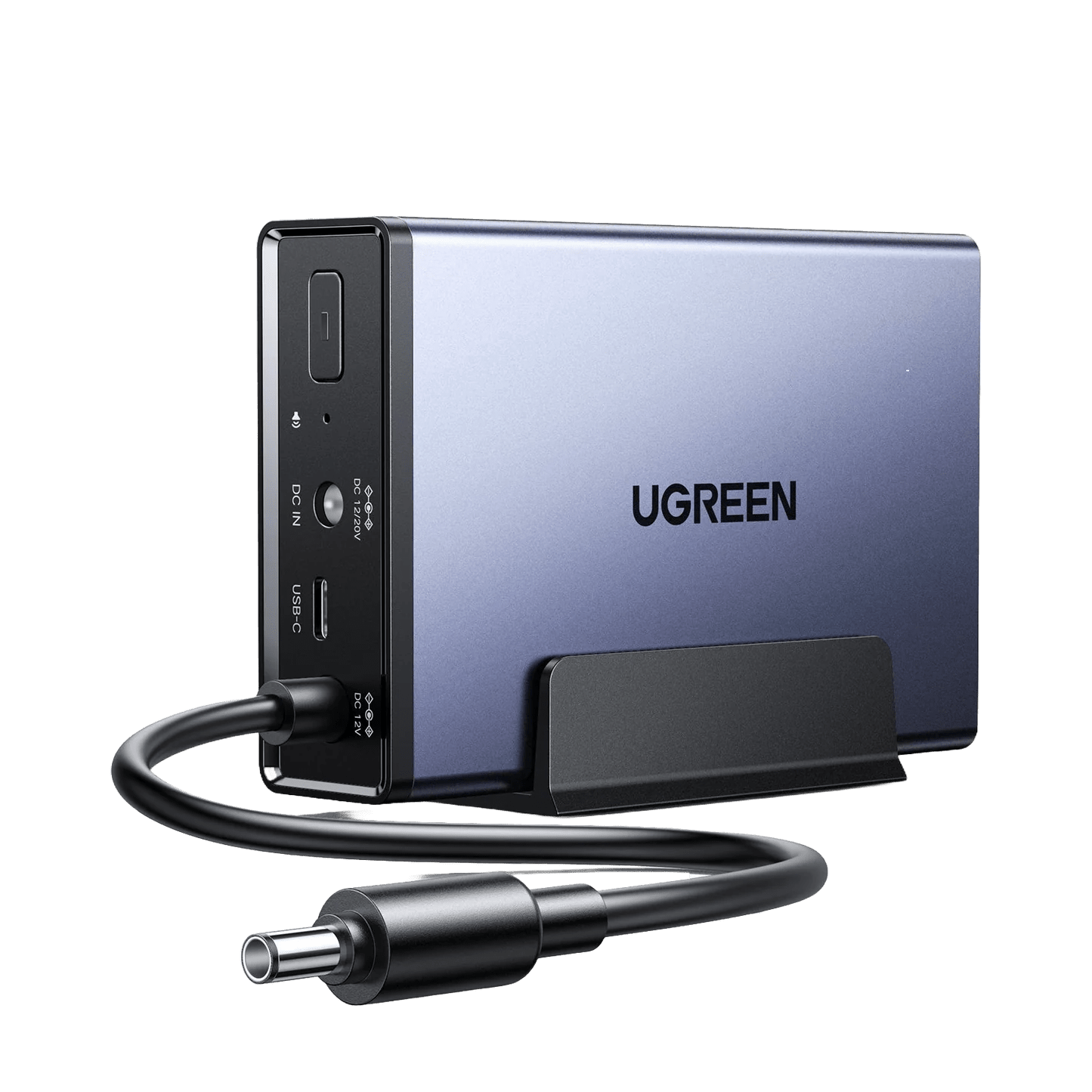
UGREEN US3000 120W DC UPS
120W DC UPS · 12000mAh · USB-C data port · for UGREEN 2- and 4-bay models
UGREEN also sells a 72W UPS for its DH models and a 300W one for the 6- and 8-bay units. This one was below its usual price on UGREEN’s store on November 23, and the store bundles it with several 2- and 4-bay models. For its size, the price isn’t the best, but it’s a good fit for something like an off-site NAS that only needs to shut down safely.
Electric Air Duster Deals

Air Duster
WOLFBOX MF200
Cordless electric air duster · swappable battery cartridge · 3 speeds
These will replace compressed air forever, and you’ll never have to buy another can. The MF200 has been amazing for me, and its removable battery is the reason to pay for it. If you’re only going to use one sparingly, don’t waste the money: the MF100 is a little less, with the battery built in, and the MegaFlow 50 is the least expensive of the three. All three had a Cyber Monday Deal badge on Amazon on November 28.
What to Skip This Cyber Monday
The UGREEN DXP2800 and the TerraMaster F4-424 Pro. The DXP2800 GT costs less than the DXP2800, and the F4-425 Pro has faster networking and costs less than the F4-424 Pro. The older models only make sense if you need Quick Sync on two bays (the DXP2800) or 32GB of RAM out of the box (the F4-424 Pro).
The Synology DS425+. Because it has an Intel processor, it’s still Synology’s best media server, but you should not be buying an end-of-life, discontinued processor from six-plus years ago.
GL.iNet’s KVMs and routers, for now. Wait until GL.iNet finishes its GoodCloud investigation; the disclaimer is in the networking section above.
If one of the picks above is something you were going to buy anyway, I wouldn’t hold out for December.