Choosing the best UniFi router in 2026 is more confusing than it probably should be. There are desktop gateways, Wi-Fi gateways, rackmount Dream Machines, devices with PoE, devices without PoE, a router with a built-in 5G modem, and gateways that can also run UniFi Protect.
So if you just want the quick answer, the best UniFi router/firewall for most people is the UniFi Cloud Gateway Fiber. It gives you the best mix of performance, ports, price, and long-term flexibility without forcing you into a rackmount setup.
With that said, it is not the right device for everyone. If you want Wi-Fi built in, I would look at the UniFi Dream Router 7. If you want the best rackmount option, I would look at the UDM Pro Max. If you want the cheapest way into UniFi with Wi-Fi 7, the UniFi Express 7 can make sense, but there are some important limitations.
As a UniFi Affiliate, I earn a small commission from certain transactions at no cost to you. Thank you for your support!
Best UniFi Router/Firewall: My Quick Picks
- Best overall UniFi router/firewall: UniFi Cloud Gateway Fiber
- Best UniFi router with Wi-Fi built in: UniFi Dream Router 7
- Best UniFi router with 5G failover: UniFi Dream Router 5G Max
- Best budget UniFi Wi-Fi 7 router: UniFi Express 7
- Best compact 2.5GbE UniFi gateway: UniFi Cloud Gateway Max
- Best rackmount UniFi router/firewall: UniFi Dream Machine Pro Max
- Most powerful UniFi gateway: UniFi Dream Machine Beast
- Best rackmount UniFi router with built-in PoE: UniFi Dream Machine Special Edition
- Best budget rackmount UniFi router: UniFi Dream Machine Pro
What I Actually Run
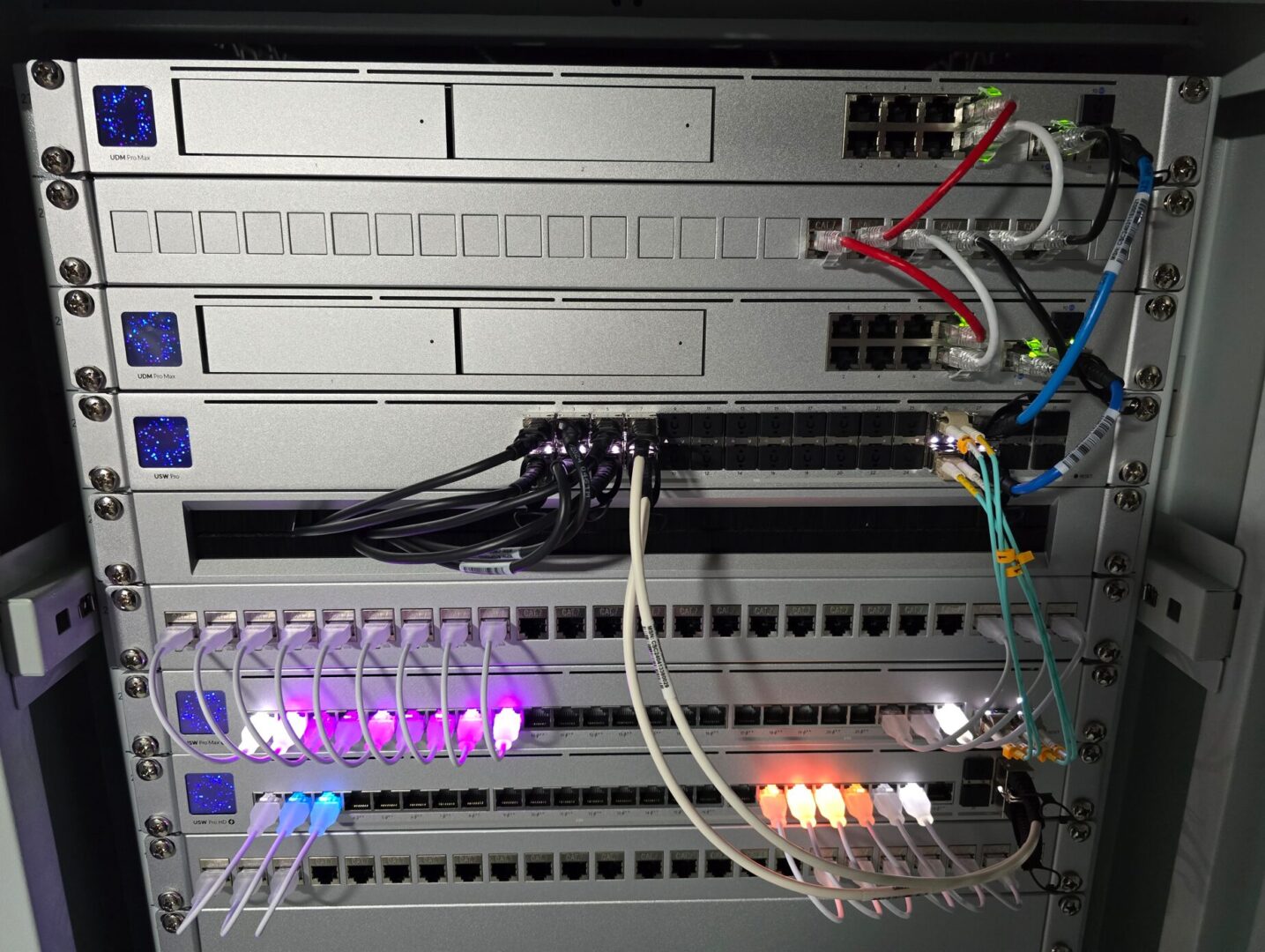
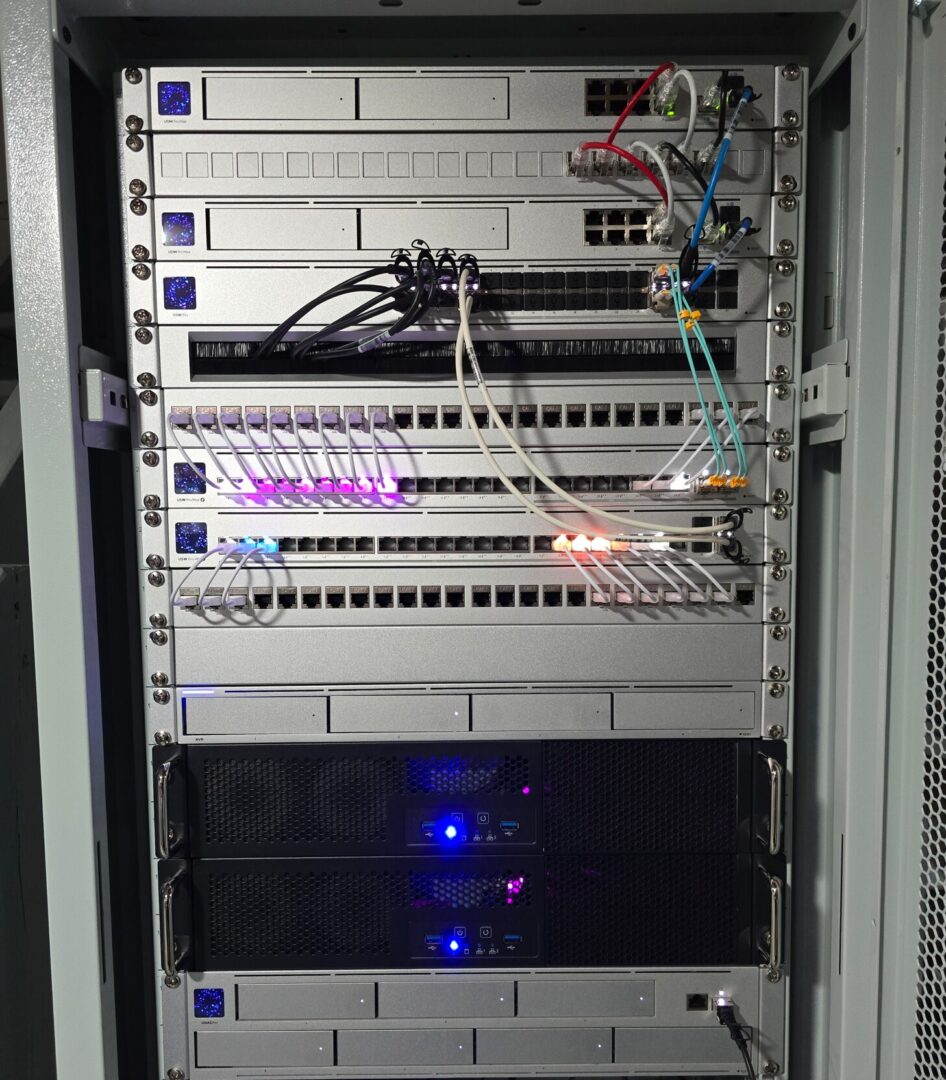
I run a full UniFi network and own and have tested every one of the devices in this article, including the UDM Pro Max, Cloud Gateway Fiber, Cloud Gateway Max, Dream Router 7, UniFi Express 7, and the new Dream Router 5G Max. I even just got the UDM Beast in for testing/review, and while it’s aimed more at the SMB/Enterprise space, it deserves a spot at the top of this list.
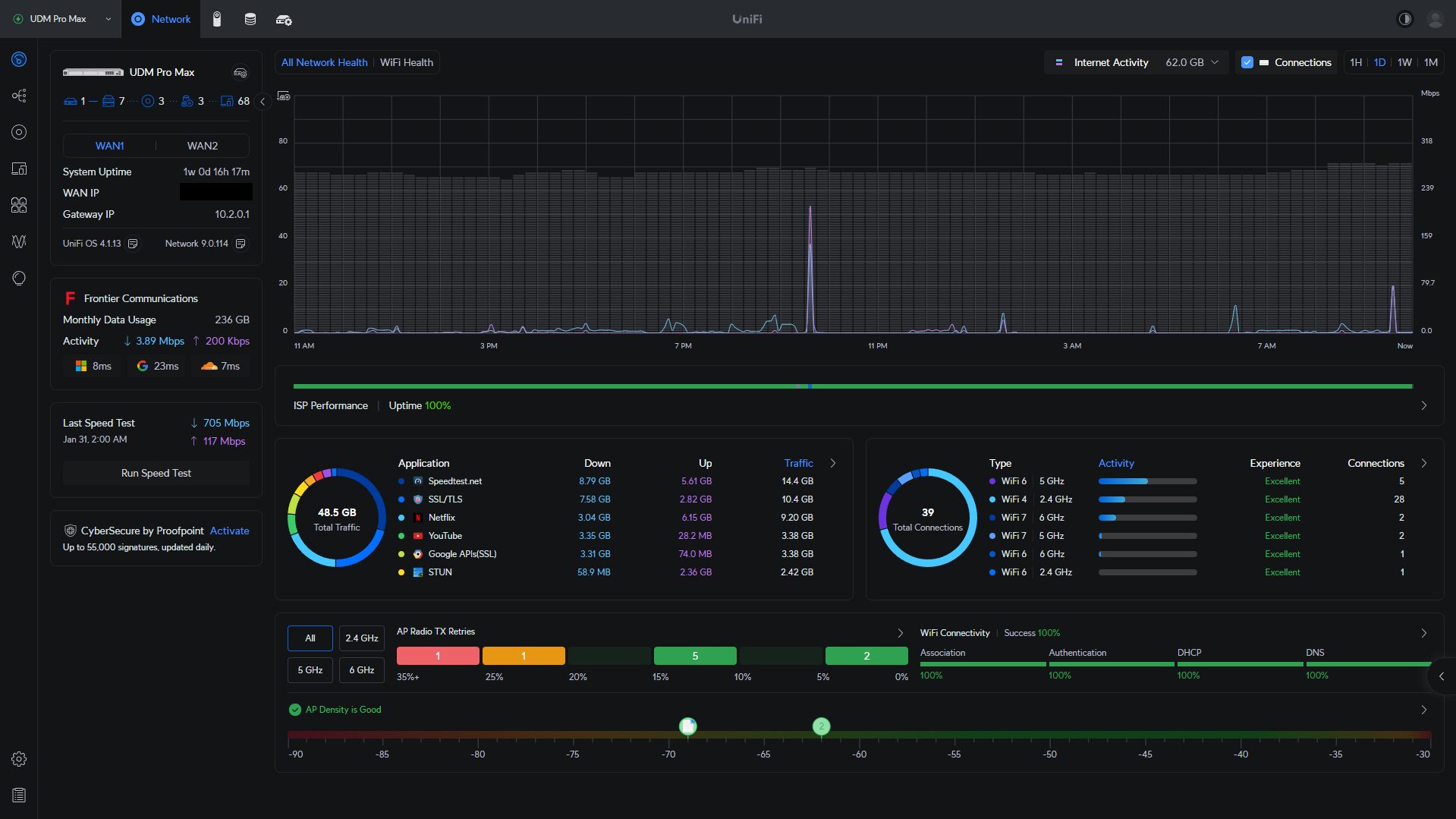
I also used pfSense on a Netgate 6100 for over three years, so I’m not coming at this from the perspective that UniFi is the only good firewall platform. It isn’t. pfSense and OPNsense are still better if you want maximum firewall customization, but UniFi is much easier to manage if you are also using UniFi switches, access points, cameras, VLANs, VPNs, and remote access.
Best Overall UniFi Router/Firewall: Cloud Gateway Fiber
The Cloud Gateway Fiber is the UniFi router I’d tell most people to start with. It is not the most expensive option, and it is not the highest-end rackmount option, but it has the right mix of ports, performance, and upgrade flexibility.
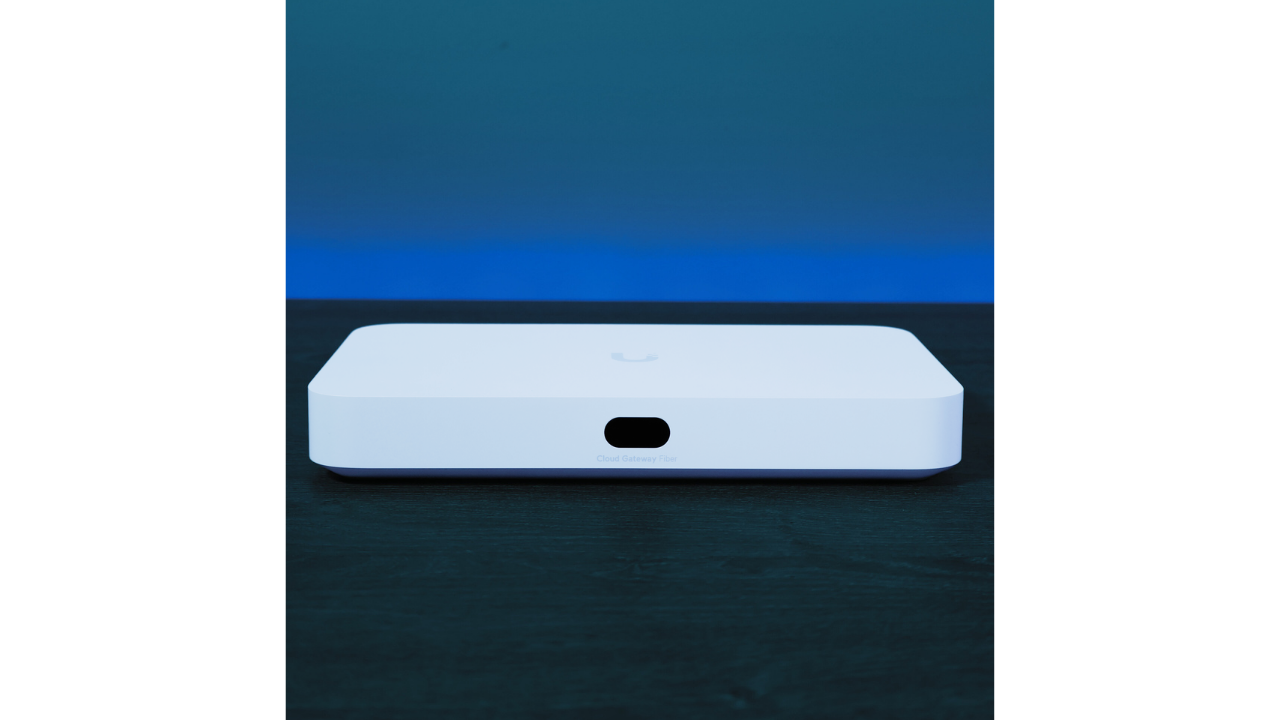
The biggest reason I like it is that it gives you room to grow. A lot of people start with a basic network, then eventually want VLANs, firewall rules, VPNs, dedicated access points, cameras, faster internet, or 2.5GbE/10GbE networking. This device gives you a lot of that flexibility without making you buy a full rackmount gateway.
It has 10Gb RJ45 and 10Gb SFP+ WAN options, a 10Gb SFP+ LAN port, four 2.5GbE LAN ports, one PoE+ port, IDS/IPS throughput around 5Gbps, and NVMe support for UniFi Protect. For the price, that is a really strong combination.
I tested the Cloud Gateway Fiber against the Dream Router 7 and UniFi Express 7, and this is the one that made the most sense to me from a price-to-performance perspective. The main downside is that it does not have Wi-Fi built in, so you’ll need dedicated UniFi access points. Personally, I don’t view that as a huge downside because dedicated APs usually give you better coverage and placement anyway.
Best UniFi Router for Home: Dream Router 7
If you want one UniFi device that gives you routing, firewall features, Wi-Fi, and a few wired ports, the Dream Router 7 is the one I’d look at first. For most homes, this is the best UniFi router to start with because everything is built in.
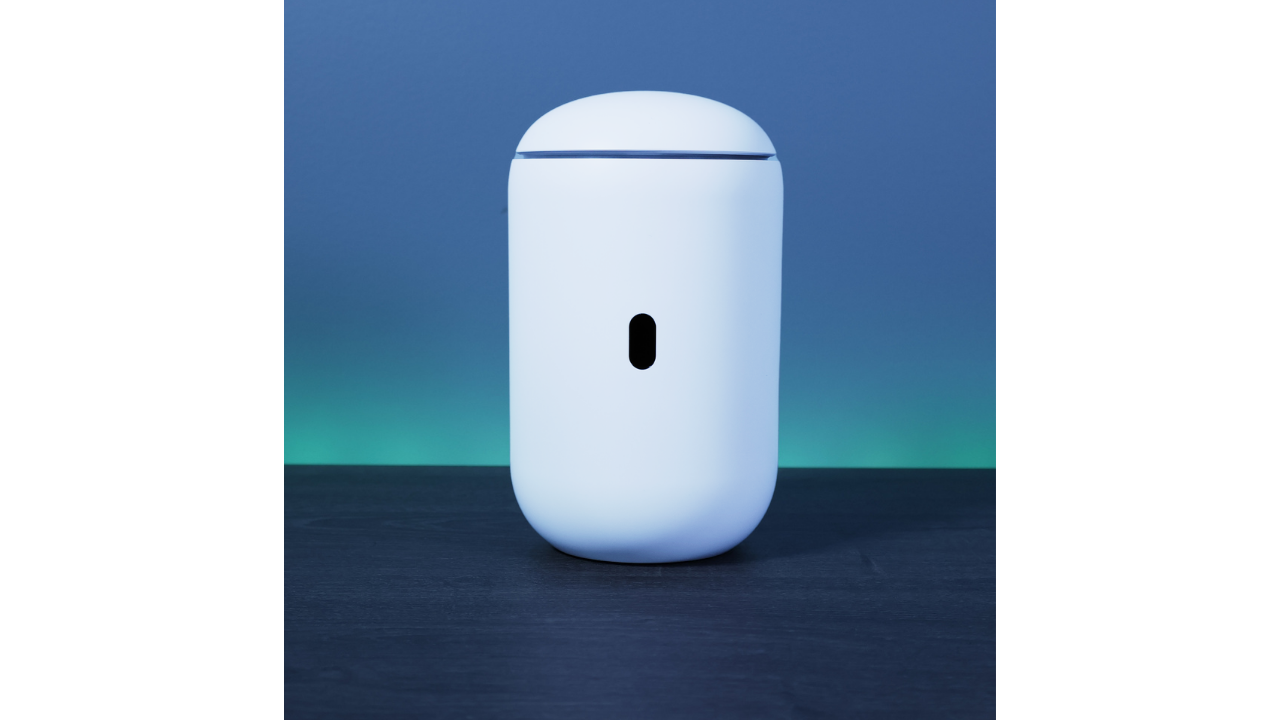
The Dream Router 7 makes the most sense if you are coming from a normal consumer router and want to move into UniFi without buying a separate gateway, switch, and access point on day one. It has Wi-Fi 7 built in, three 2.5GbE LAN ports, a 2.5GbE WAN port, a 10Gb SFP+ WAN port, one PoE port, and IDS/IPS throughput around 2.3Gbps.
The reason I like this more than the UniFi Express 7 is flexibility. The Express 7 is cheaper, but the Dream Router 7 gives you more ports, PoE, and a better path if you add more UniFi hardware later.
I’d buy the Dream Router 7 if you want the easiest all-in-one UniFi setup. I would skip it if you already know you are going to use dedicated access points. In that case, I’d rather buy the Cloud Gateway Fiber.
Best UniFi Router with 5G Failover: Dream Router 5G Max
The Dream Router 5G Max is the Dream Router 7 with a 5G modem built in, and that changes who it’s for. I own one and have been testing it for a new YouTube video.
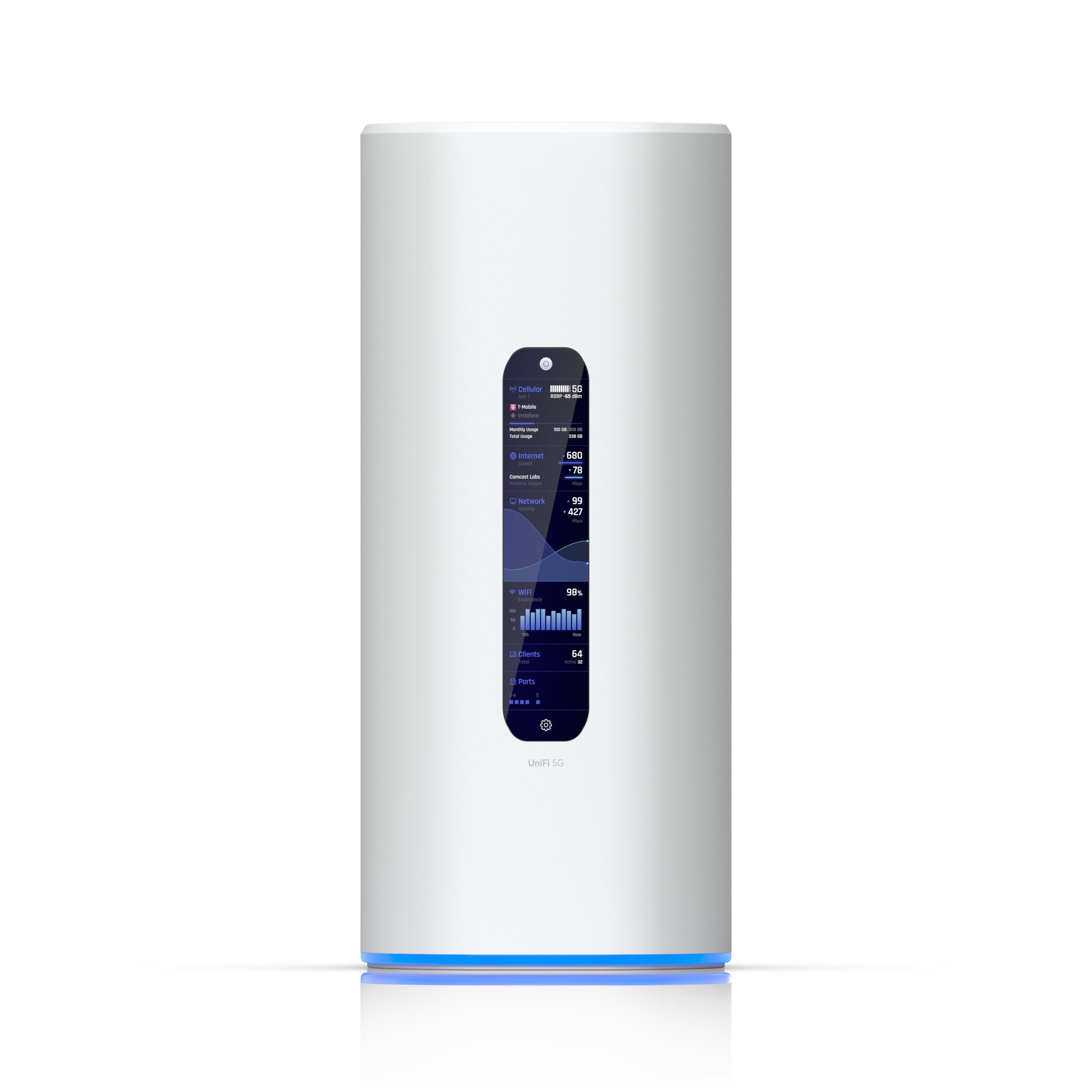
The core of it matches the Dream Router 7: a gateway and a tri-band Wi-Fi 7 access point in one device, a 10Gb SFP+ port, four 2.5GbE LAN ports with one PoE port, and an SD card slot for UniFi Protect. On top of that you get the 5G modem, rated up to 3.4Gbps, with two nano-SIM slots and one of them eSIM-capable.
The reason to buy it is failover. If your internet going down is a real problem, whether you work from home, run cameras, or live somewhere outages are common, the 5G connection takes over automatically. It also works as a primary cellular internet connection if wired service isn’t an option where you are. Two things to know before you buy: you need a data plan on top of the hardware (T-Mobile and AT&T work today, Verizon isn’t supported yet), and at $499 it costs about $220 more than the Dream Router 7. If you don’t need the cellular side, buy the Dream Router 7 and keep the $220.
Best Budget UniFi Wi-Fi 7 Router: UniFi Express 7
The UniFi Express 7 is the cheapest UniFi router I would look at if you want Wi-Fi 7 built in. It is small, simple, and can work well in the right setup, but it is also the easiest device on this list to outgrow.
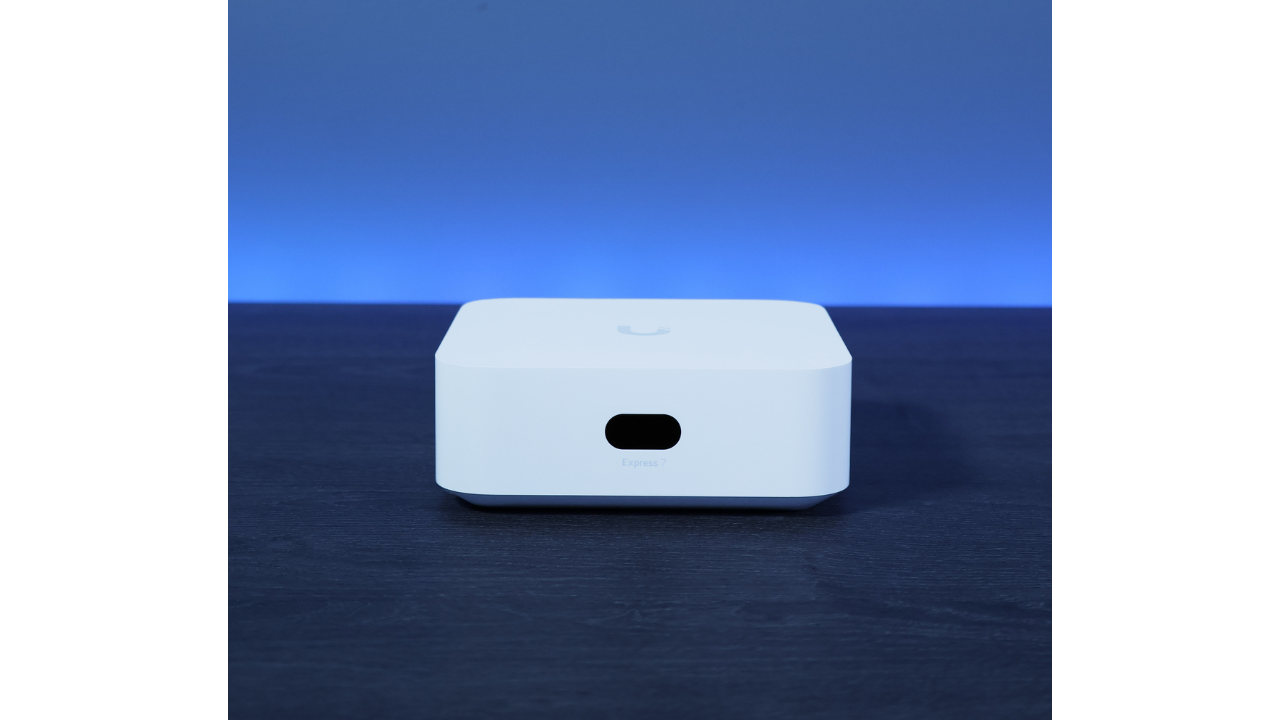
The Express 7 has one 10GbE WAN port, one 2.5GbE LAN port, Wi-Fi 7 built in, and IDS/IPS throughput around 2.3Gbps. For a simple wireless-first network, that can be enough.
The problem is the single LAN port. If you have multiple wired devices, want to add a PoE access point, or plan on expanding the network, you are going to need a switch just about immediately. That is why I generally prefer the Dream Router 7 for most people who want Wi-Fi built in.
Best Compact 2.5GbE UniFi Gateway: Cloud Gateway Max
The Cloud Gateway Max is still a good device, but the Cloud Gateway Fiber makes it harder to recommend as the default choice.
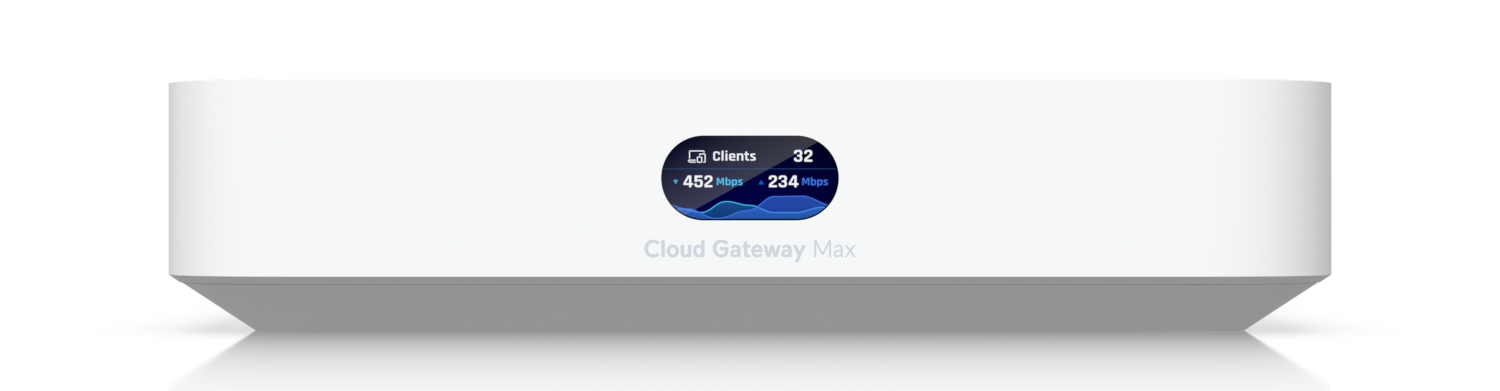
The Cloud Gateway Max has a 2.5GbE WAN port, four 2.5GbE LAN ports, IDS/IPS throughput around 1.5Gbps, and NVMe support for UniFi Protect. It does not have Wi-Fi built in, and it does not have PoE.
I’d buy it if you specifically want a compact 2.5GbE gateway and do not care about 10Gb networking. If you are buying for the long term, I would usually spend more and get the Cloud Gateway Fiber instead.
Best Rackmount UniFi Router/Firewall: UDM Pro Max
If you want the best rackmount UniFi router/firewall, I would buy the UDM Pro Max. This is what I currently use, and I have two of them configured in Shadow Mode.
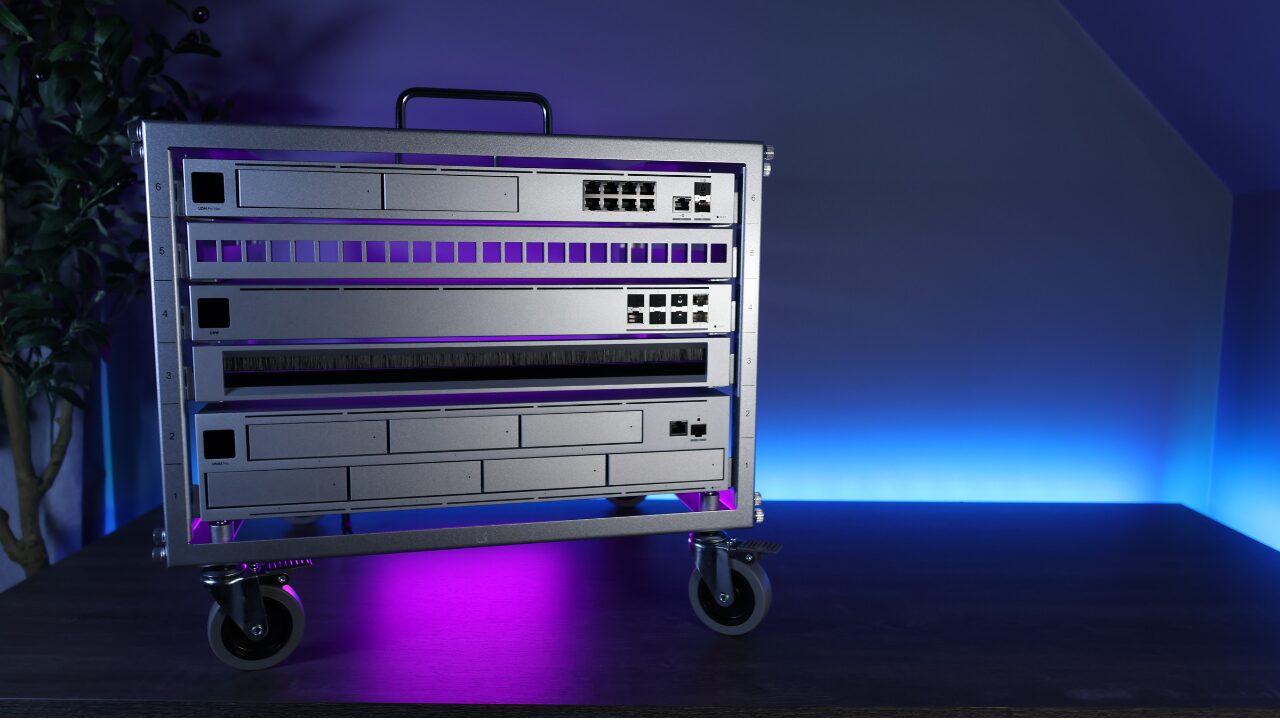
The UDM Pro Max has a 2.5GbE WAN port, 10Gb SFP+ WAN, eight 1GbE LAN ports, a 10Gb SFP+ LAN port, IDS/IPS throughput around 5Gbps, 8GB of memory, and two 3.5″ drive bays for UniFi Protect with RAID 1 support.
It does not have Wi-Fi built in, and it does not have PoE ports. For my setup, that is fine because I prefer using dedicated UniFi PoE switches anyway. If you are building a rack-based network, that is usually the cleaner design, and while the UDM Beast (covered next) sits above it in the lineup, it doesn’t replace the Pro Max for most setups.
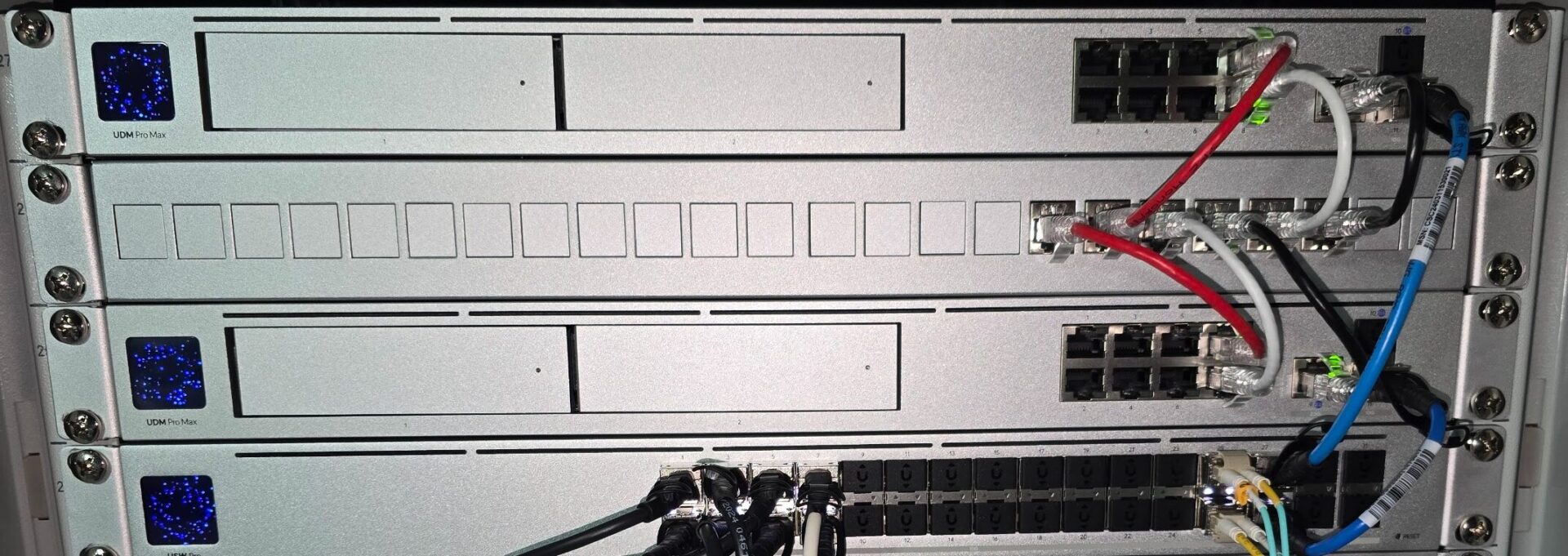
The two drive bays are one of the biggest advantages over the UDM Pro and UDM SE. If you are using UniFi Protect, RAID 1 support is nice to have. I still think a dedicated UNVR or UNVR Pro is better for larger camera deployments, but for a gateway-based Protect setup, the UDM Pro Max is the best option.
Most Powerful UniFi Gateway: UDM Beast
The UDM Beast is Ubiquiti’s newest and most capable gateway, and I just got my hands on one for testing. At $1,499 it sits above the UDM Pro Max, and I wrote a full first look at the UDM Beast if you want the details.
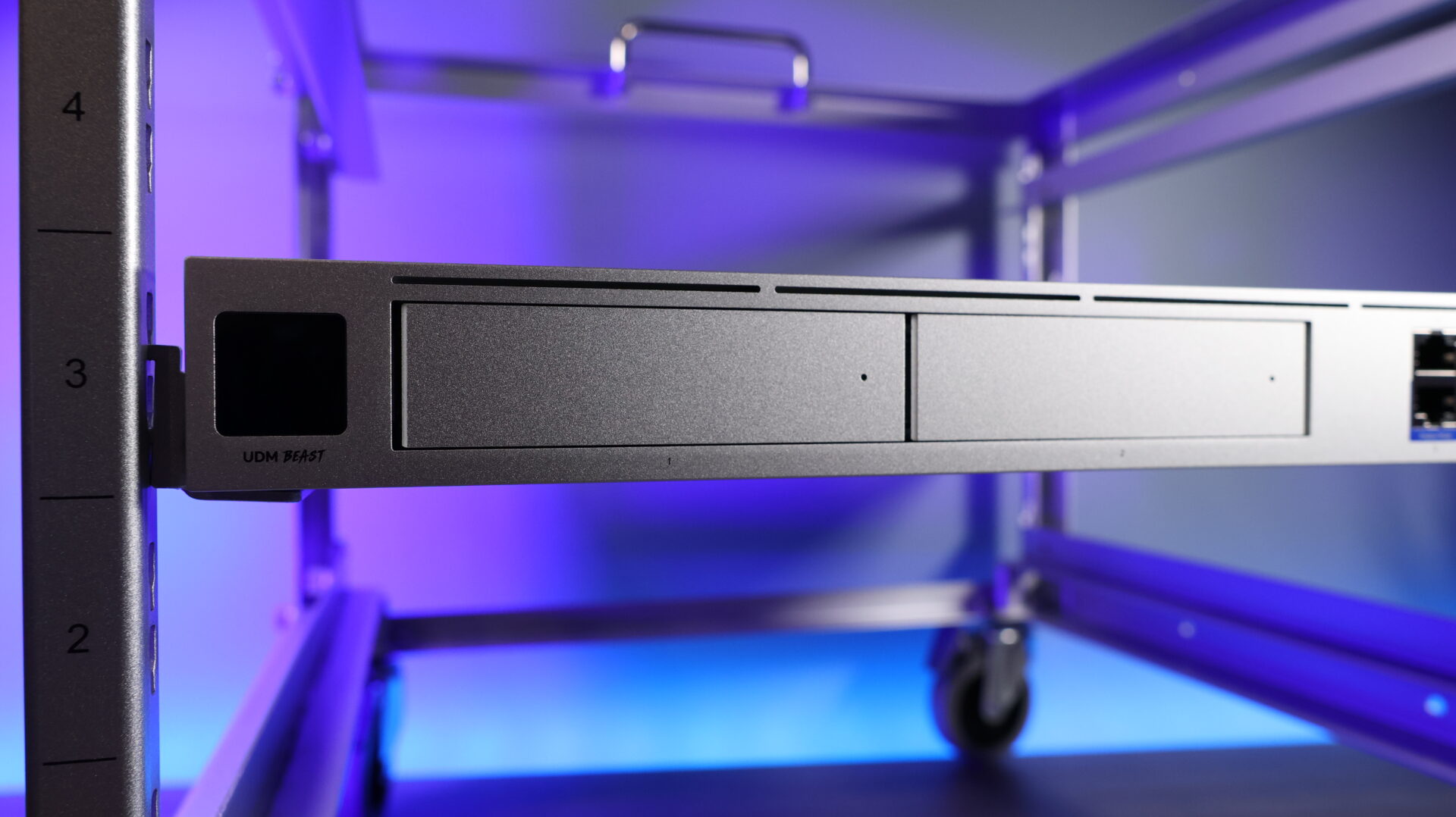
The spec sheet is in a different class than everything above: IDS/IPS throughput around 25Gbps, two 25G SFP28 ports, two 10G SFP+ ports, eight 10GbE RJ45 ports, an octa-core CPU with 16GB of memory, and a 128GB SSD plus two 3.5″ drive bays for UniFi Protect with support for up to 40 4K cameras. It also supports Shadow Mode failover, the same setup I run with my two UDM Pro Max units.
Most home labs and small businesses do not need this device. There are no PoE ports, because at this level Ubiquiti assumes you are already running dedicated PoE switches, and the price only makes sense for larger sites or camera-heavy Protect deployments. If that is you, this is the best gateway UniFi makes. For everyone else, the UDM Pro Max is almost certainly the right call.
UDM SE vs UDM Pro: When They Make Sense
The UDM SE makes the most sense if you want a rackmount UniFi gateway with built-in PoE. It has a 2.5GbE WAN port, 10Gb SFP+ WAN/LAN, built-in PoE, one 3.5″ drive bay, and an internal 128GB SSD for UniFi Protect.
The UDM Pro is still a good device, but I would only buy it if price is the priority due to its age.
If you already have a PoE switch, I would usually skip the UDM SE and buy the UDM Pro Max instead. If you want the cheapest rackmount Dream Machine, the UDM Pro still makes sense.
How to Choose the Right UniFi Router
The easiest way to choose is to answer a few questions. If you want Wi-Fi built into the gateway, look at the Dream Router 7 or Express 7. If your internet going down is a real problem, the Dream Router 5G Max adds cellular failover to the same formula. If you are using dedicated access points, start with the Cloud Gateway Fiber.
If you have a rack and want the best rackmount gateway, get the UDM Pro Max. If you specifically need built-in PoE, look at the UDM SE. If price is the priority and you still want rackmount hardware, the UDM Pro is the budget option. And if you are running a larger site with a camera-heavy Protect setup, that is the one case where the UDM Beast makes sense.
You should also think about your internet speed. A speed test can show what you are currently getting, but you should also confirm what plan you pay for. If you have multi-gig internet or plan on enabling IDS/IPS, make sure the gateway you buy can actually handle it.
For UniFi Protect, gateway-based recording is fine for smaller camera setups, but I would use a dedicated UNVR or UNVR Pro for larger deployments. Some UniFi gateways can run UniFi Protect, but that does not mean they are the best long-term NVR option.
UniFi Gateway vs pfSense and OPNsense: When I’d Pick Each
Even though I use UniFi now, there are still situations where I would choose pfSense or OPNsense instead. If you want maximum firewall control, advanced routing, more package options, or you enjoy managing everything manually, pfSense or OPNsense can be better. I also wrote a full pfSense vs UniFi comparison if you want the longer version of that decision.
Even something like setting up WireGuard on pfSense gives you a ton of control, but it also takes more time to configure and refine. UniFi is better when you want a cleaner ecosystem that is easier to manage day to day.
Final Recommendation
For most people starting fresh in 2026, I would look at the Cloud Gateway Fiber first. It gives you a lot of performance and flexibility for the money, and it fits the way I think most UniFi networks should be built: gateway, dedicated access points, and a switch if you need more wired or PoE ports.
The only time I would not start there is if you specifically want Wi-Fi built into the gateway. In that case, get the Dream Router 7. If you specifically want a rackmount gateway, get the UDM Pro Max.
The biggest thing is to buy based on the network you are actually building. Think about whether you need Wi-Fi built in, whether you are going to use dedicated APs, whether you need PoE, how fast your internet is, whether IDS/IPS throughput matters, and whether you plan on using UniFi Protect. Once you answer those questions, the right UniFi router/firewall becomes a lot easier to pick.