
WunderTech: Home Lab, NAS, and Self-Hosting Tutorials, Comparisons, and More
WunderTech is where I document what I actually run: NAS devices, Proxmox, UniFi networking, Docker, firewalls, and the rest of my home lab. Every tutorial is tested on real hardware in my own lab before it’s published. I’m Frank Joseph, I’ve worked in IT for over 15 years, and I make videos about all of this for over 90,000 subscribers on YouTube.
If you’re new here, pick a topic below. Each guide hub is organized in the order I’d actually learn it, from first setup to the advanced things you shouldn’t touch on day one.
Start Here: Pick Your Topic
Synology NAS
Setup, DSM, backups, security, and remote access. Start here if you just bought a NAS, or you’re about to.
Proxmox VE
VMs, LXC containers, storage, backups, and clustering, in the order that makes sense to learn them.
UniFi
Gateways, VLANs, Wi-Fi, VPNs, and UniFi Protect. How to build a network you don’t have to think about.
Docker
Compose, container management, updates, backups, and the self-hosted apps that are actually worth running.
Firewalls
pfSense, OPNsense, and OpenWrt. Which one to pick, and how to configure it without locking yourself out.
My Home Lab
The exact hardware and software I run at home, why I chose it, and a changelog of everything I’ve swapped out.
Guides I’d Start With
If I had to hand someone six articles from this site, it’d be these.
- Complete Home Server Build Guide. The full walkthrough, from picking parts to running your first services.
- You Only Need 5 Things to Start a Home Lab. Read this one before you buy anything.
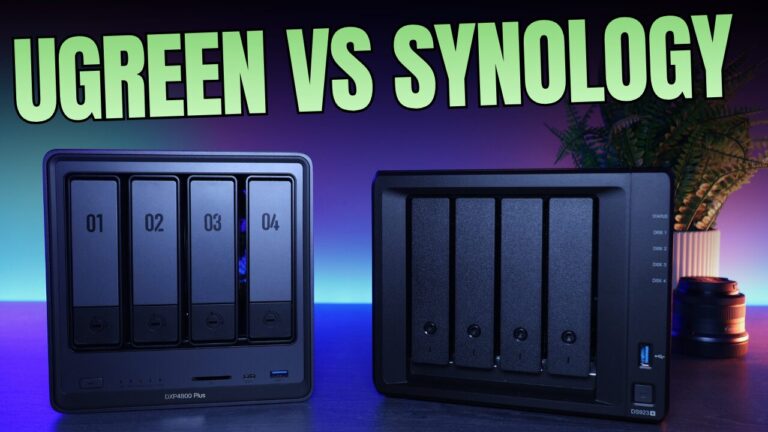
- UGREEN vs. Synology. The NAS question I get asked most right now.
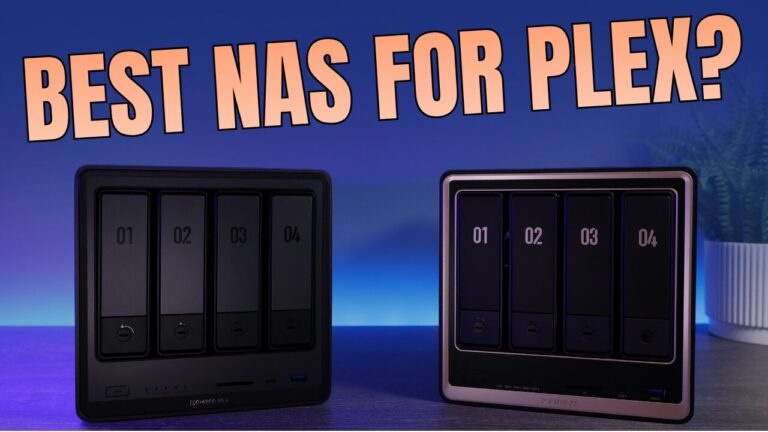
- Best NAS for Plex in 2026. Transcoding support changed recently, and it rules out units people still recommend.
- How to Access Jellyfin Remotely. The safe ways to do it, and the ones I’d avoid.
- OpenMediaVault vs. TrueNAS. Two free NAS systems with very different philosophies.
Latest Synology NAS Tutorials
- Synology Container Manager: How to Use Docker & Docker Compose

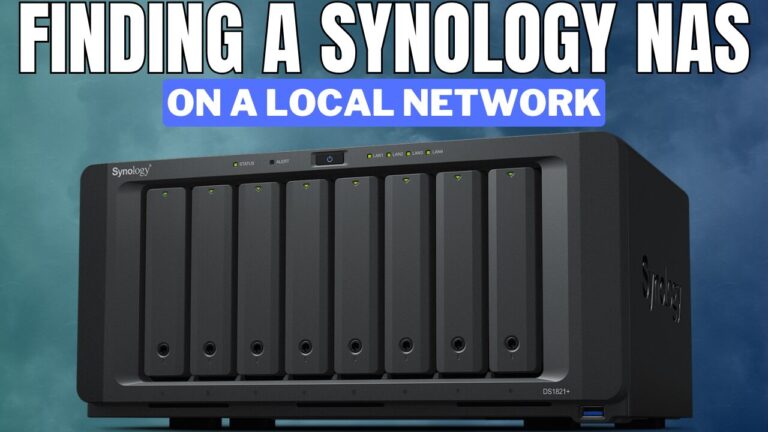
- Find a Synology NAS on Your Network: Assistant, find.synology.com, or IP Scan
- How to Set Up OpenVPN on a Synology NAS
View all Synology NAS guides →
Latest Proxmox Tutorials
- How to Install Pi-hole (Raspberry Pi, Ubuntu, Proxmox, Docker)
- How to Run Docker in Proxmox on a VM

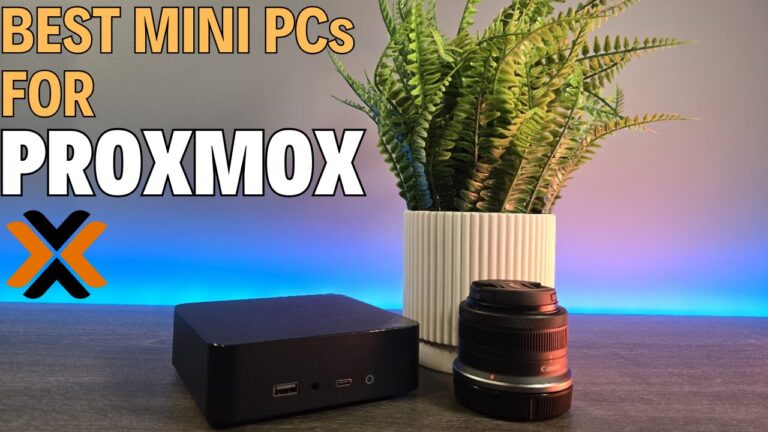
- Best Mini PC for Proxmox: Budget, Mid-Range, Power Users, and Clusters
Latest UniFi Tutorials
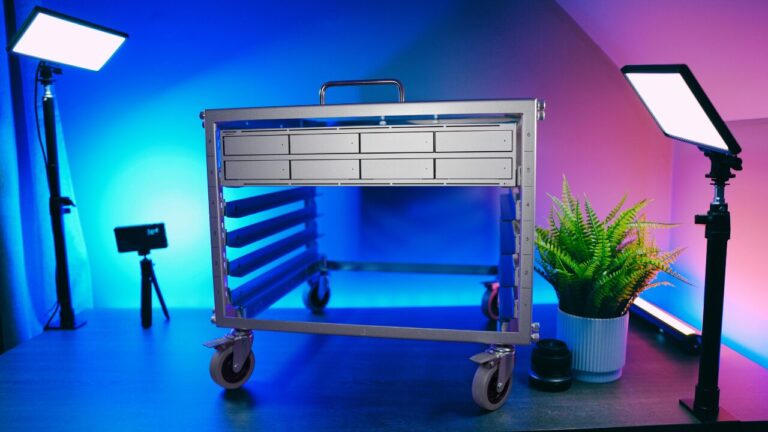
- Best UniFi NAS in 2026: Every UNAS Model Compared
- My First Look at the UniFi Dream Machine Beast: The Features That Actually Matter

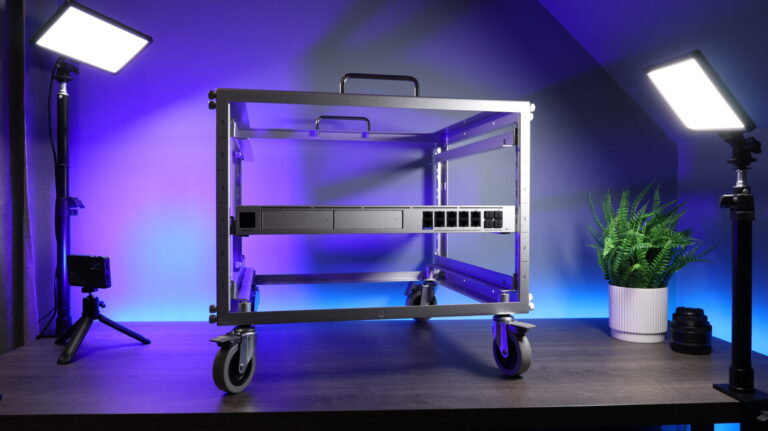
- UniFi Pro XG 24 PoE Switch Review
Latest Firewall Tutorials
- How to Set Up WireGuard on pfSense
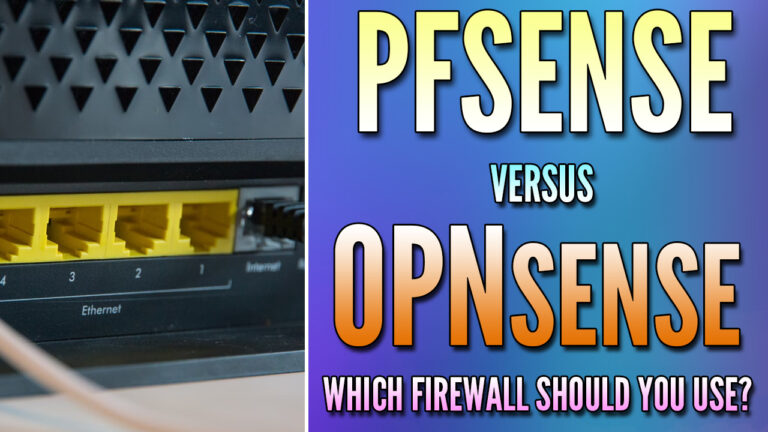
- pfSense vs. OPNsense: Which Firewall is Best for You?
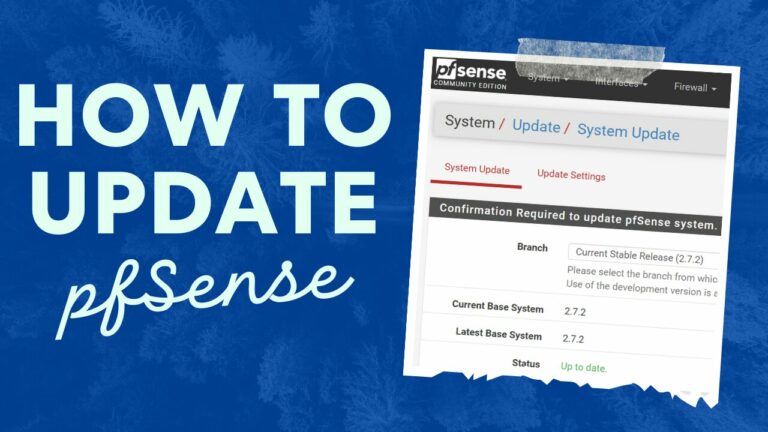
- How to Update pfSense Using Best Practices
Latest Docker and Self-Hosting Tutorials
- Synology Container Manager: How to Use Docker & Docker Compose
- How to Install Pi-hole (Raspberry Pi, Ubuntu, Proxmox, Docker)
- How to Run Docker in Proxmox on a VM
Latest NAS Reviews and Comparisons
- Best NAS for Plex in 2026: What I’d Actually Buy
- UGREEN vs. Synology: Which NAS Should You Buy in 2026?
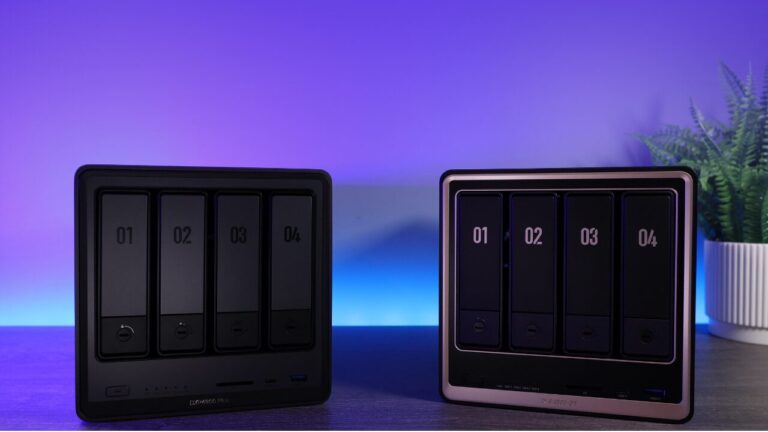
- Best UGREEN NAS in 2026: Every NASync Model Compared
Latest Home Lab Posts
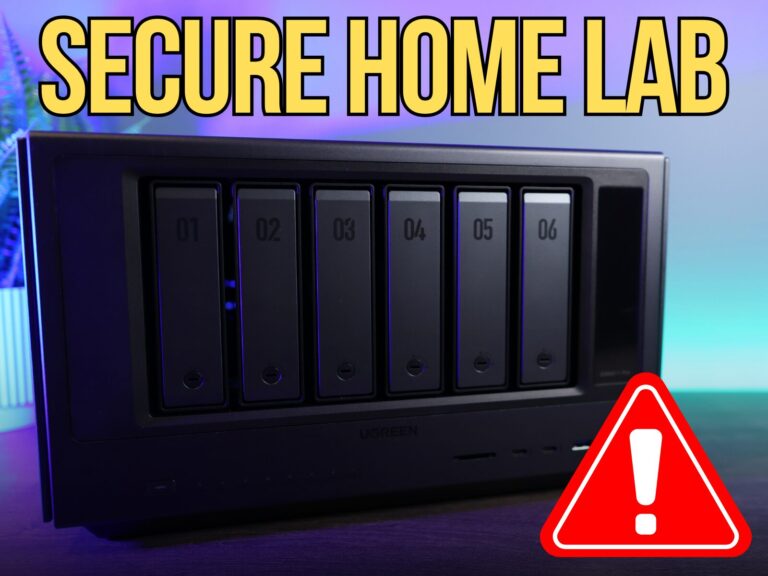
- 5 Security Changes I Made to My Home Lab That Actually Matter

- I’ve Built Multiple Home Labs — You Only Need These 5 Things to Start
- 5 Ways to Make Your Home Lab More Secure
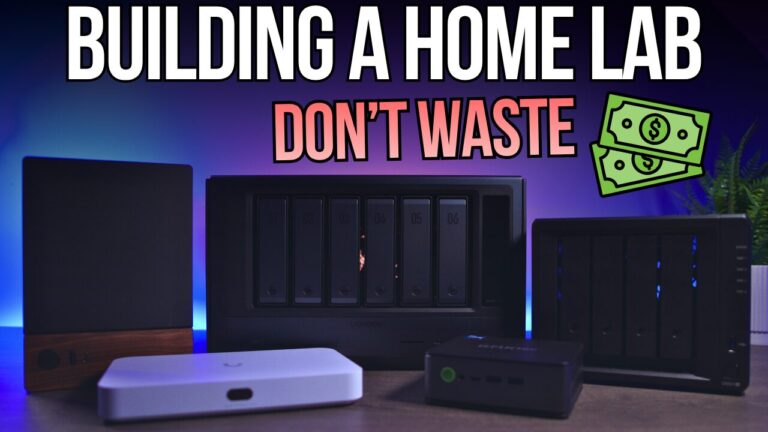
The WunderTech YouTube Channel
Most of what’s on this site starts as a video. I publish hands-on builds, comparisons, and setup guides, and the articles here go deeper on the details that don’t fit in a video. If you’d rather watch than read, start there.
Who Runs This Site
I’m Frank Joseph. I’ve spent more than 15 years working in IT, and WunderTech started as a place to write down the things I kept re-explaining to people. Everything on this site runs in my own lab first, and you can see the full setup, including what I’ve replaced and why, on my home lab page. Some guides include affiliate links, which support the site at no cost to you. What I recommend is what I actually run. More about me on the about page.
Need Help With Your Setup?
I take on consulting projects: home lab and network design, NAS and backup strategy, and self-hosting help for individuals and small businesses. If you’d rather have it set up correctly the first time, get in touch.