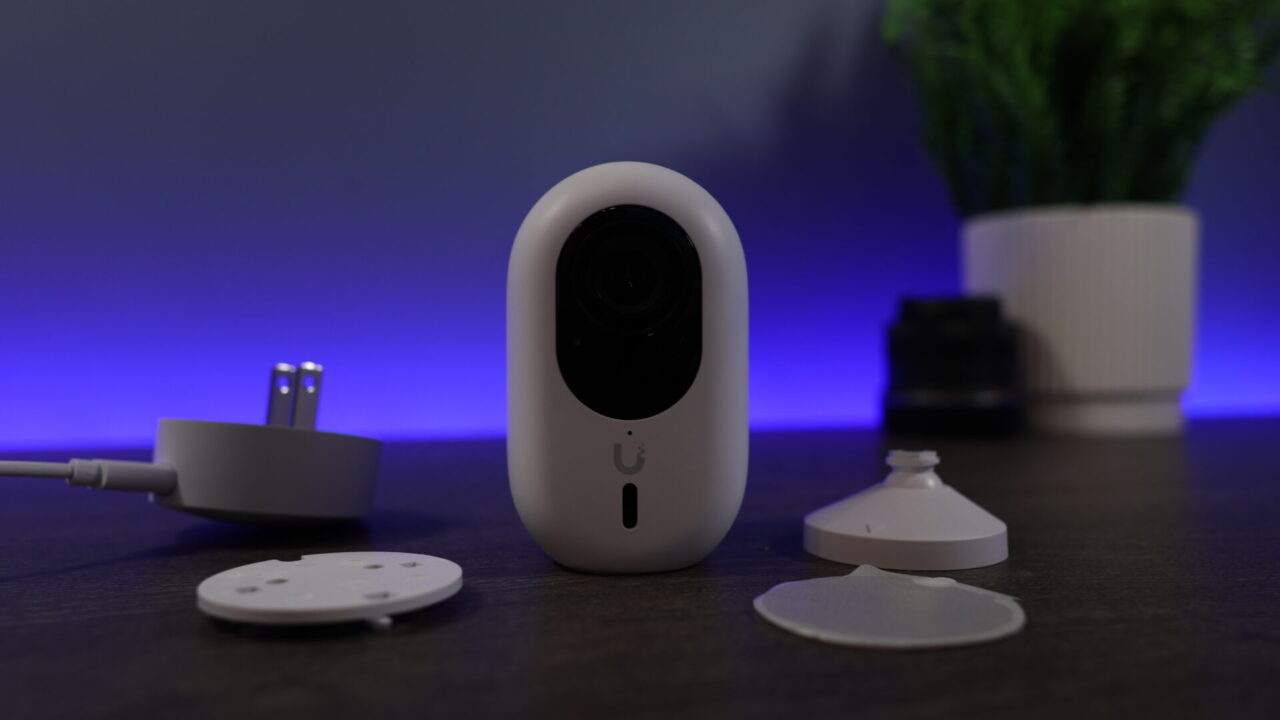
UniFi runs my entire network, and I’ve been running UniFi’s NAS line since the original UNAS Pro launched. Right now I’m running the UNAS Pro 8 in parallel with a TrueNAS box, plus a Synology and a UGREEN unit I use for off-site backups. The UNAS is what I keep going back to for sending files to people outside my network, and it’s the backup target for a good chunk of my home lab. It’s not the most feature-packed NAS I own, but it’s the one I trust for that job. This is a rundown of every UniFi NAS (UNAS) you can buy right now.
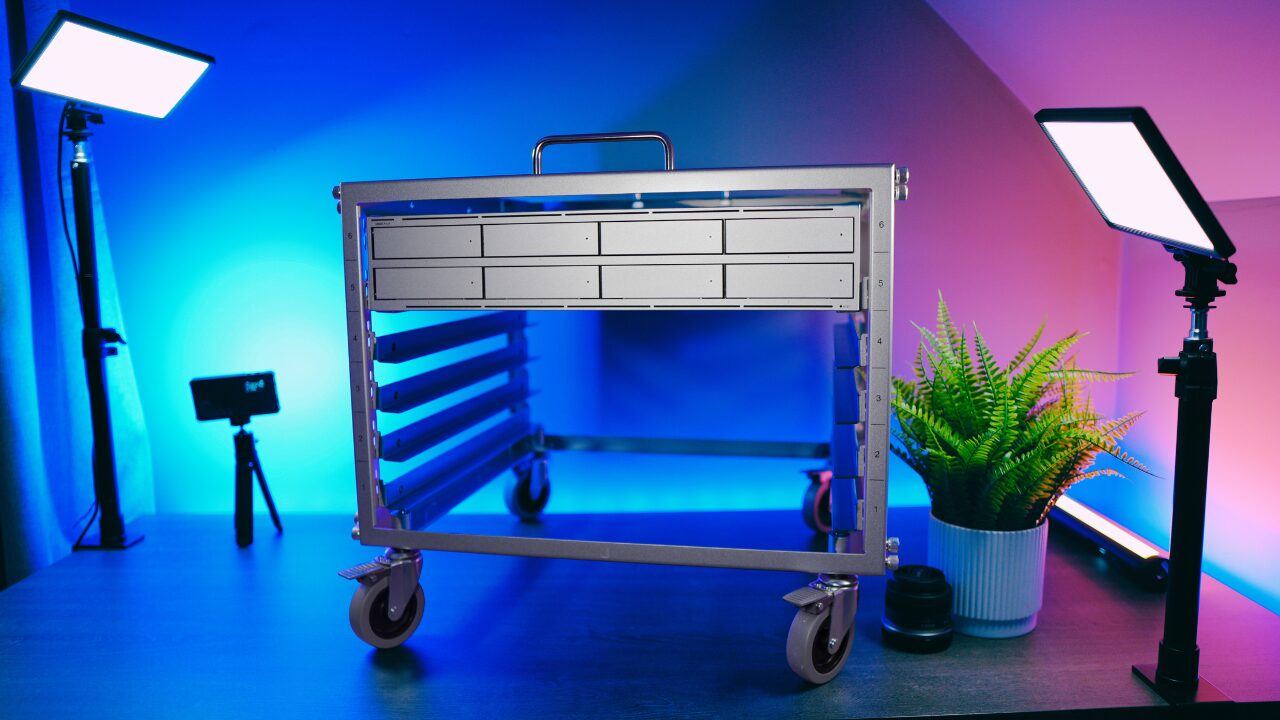
Here’s how I’d break it down if you don’t want to read the whole thing. The UNAS Pro is the right pick for most people. The UNAS 2 is the cheapest way in. The UNAS Pro 4 is the four-bay option in a 1U rack. The UNAS Pro 8 is what you buy for a serious backup target or a bulk store and has the benefit of NVMe cache. The ENAS is a business NAS, not a home one. Finally, here’s the big catch – UniFi Drive is storage only. No Docker, no apps, no Plex transcoding. If you need any of that, the answer is a cheap mini PC next to it, and I’ll show you how that works later on.
Disclosure: Some links below are affiliate links, which means that I earn a percentage of each sale at no cost to you. Thank you for your support.
How the UNAS Lineup Is Organized
There are six models now, and they sort into three groups:
- Desktop, PoE-powered: the UNAS 2 (two bays) and UNAS 4 (four bays). No power brick. A single Ethernet cable from a PoE switch carries both data and power, and if you don’t have a PoE switch, each one includes an adapter. These are for a desk or a shelf.
- Rackmount, 10G: the UNAS Pro (2U, seven bays), UNAS Pro 4 (1U, four bays), and UNAS Pro 8 (2U, eight bays). That’s where you get 10-gigabit networking, more bays, and SSD caching.
- Business: the ENAS is a 16-bay, 25-gigabit machine in a different class and price bracket. It’s an SMB and enterprise product, not something a home lab needs.
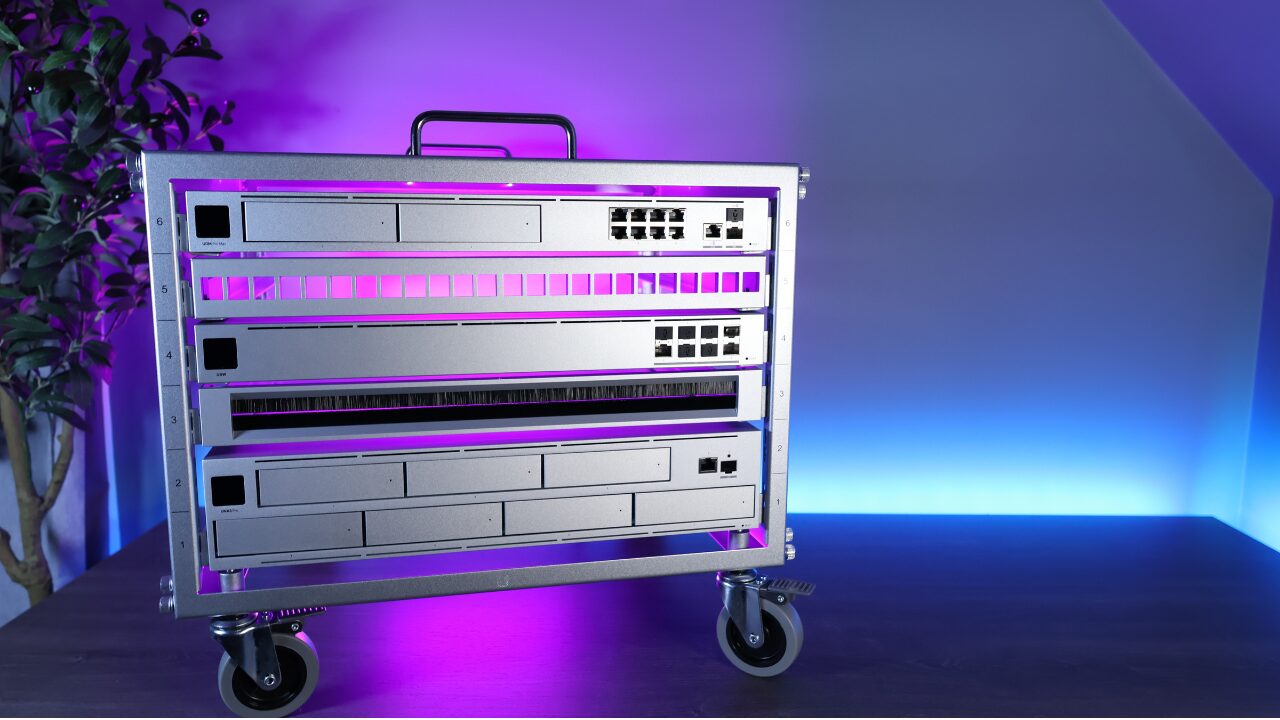
One thing stays the same across all of them. They run the same UniFi Drive software, and you manage them from the same UniFi console as the rest of your network, cameras, and access control. So the decision isn’t really about software, since that part is identical. It’s about the hardware: how many bays you need, how fast the networking is, whether you want SSD cache, and whether you need redundant power.
The Best UniFi NAS Models
Top Pick
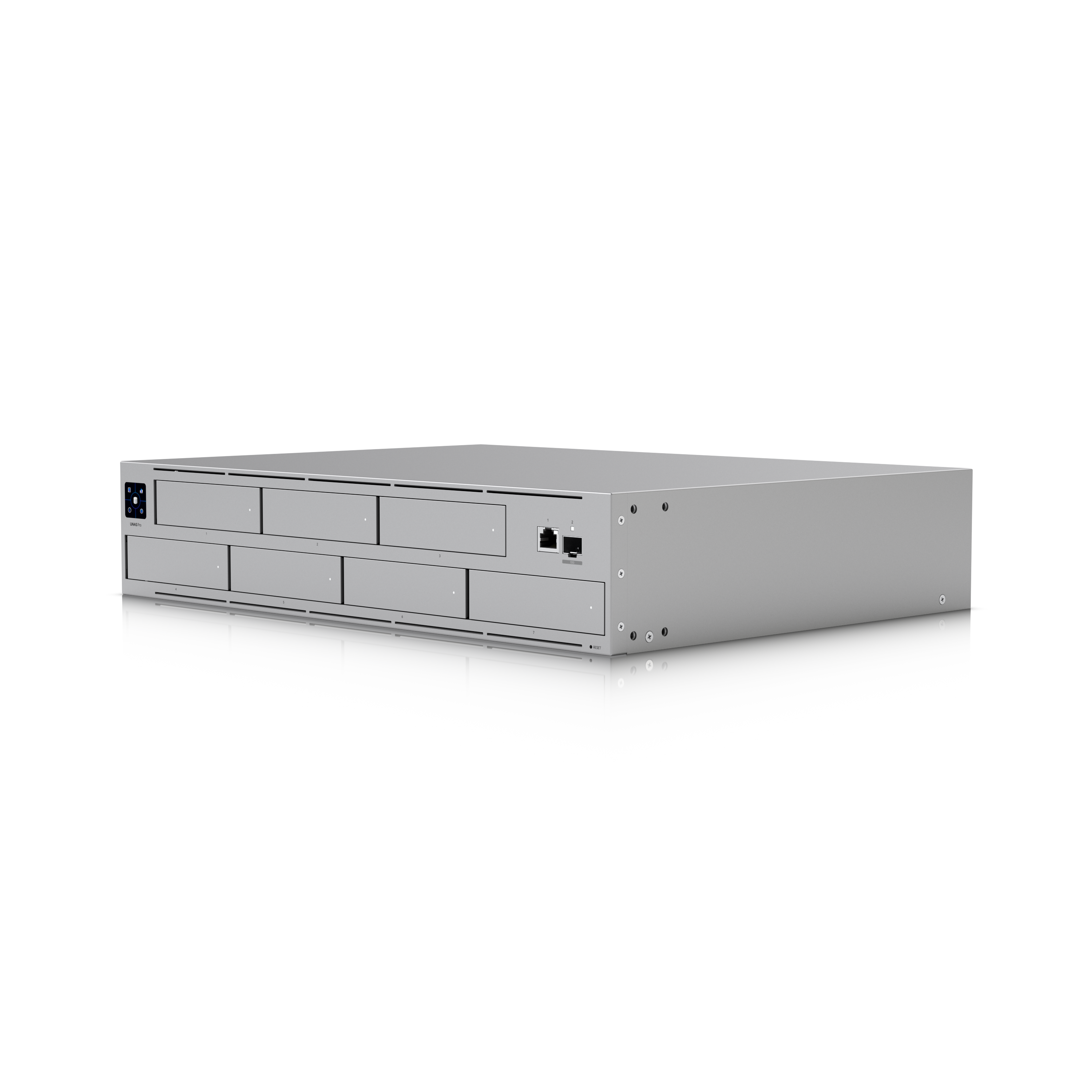
UNAS Pro
2U rackmount, 7 bays (2.5/3.5in), 10G SFP+ + 1GbE, quad-core ARM / 8GB, RAID 5/6/10 with multiple storage pools, optional redundant PSU, UniFi Drive
The UNAS Pro is the best Synology alternative I’ve used for pure storage, and it’s the UniFi NAS I’d point most people to first. Seven bays and a 10G SFP+ port for $499 surprised me the first time I set one up. If you had asked me to guess the price, I would have said two or three hundred dollars more. The hardware is a good deal, but the software is what sold me. Snapshots and backups sit right in the drive view, external sharing is a link and a password with no port forwarding, and Time Machine is a single checkbox. The trade-off applies to the whole line: no apps, no Docker, no transcoding, and it’s still missing iSCSI and encrypted backups. I stored data on it, kept snapshots running, and backed it up for close to a year, and it was more reliable than any first-generation NAS I’ve tested. If you want apps too, pair it with a mini PC. More on that below.
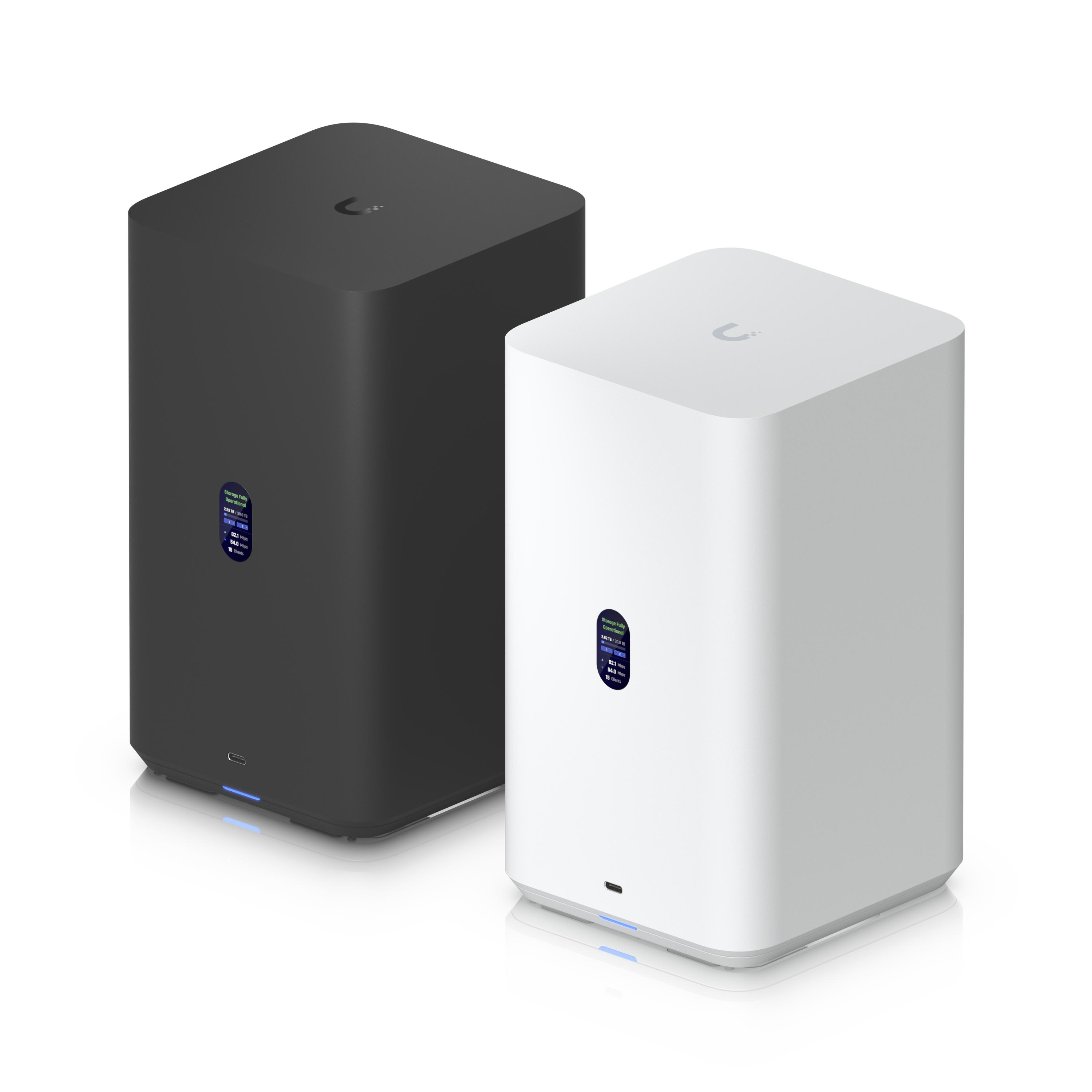
Best Value
UniFi UNAS 2
2-bay (3.5in), 2.5GbE, quad-core ARM / 4GB, PoE++ powered (adapter included), RAID 1, UniFi Drive
The UNAS 2 is the cheapest way into UniFi storage at around $199, and the PoE++ power is a nice touch. One Ethernet cable carries data and power, so there’s no wall wart and nothing extra to plug in. If you don’t have a PoE switch, it comes with an adapter. Just know what you’re getting. It’s two bays in RAID 1, so it’s a mirror for backups and file storage, not a media server, and the storage-only rule applies here too. Want a cheap box that also runs a couple of apps? The UGREEN DH2300 does more for similar money. But if you want clean, UniFi-managed backup storage that tucks onto a shelf, this is it.
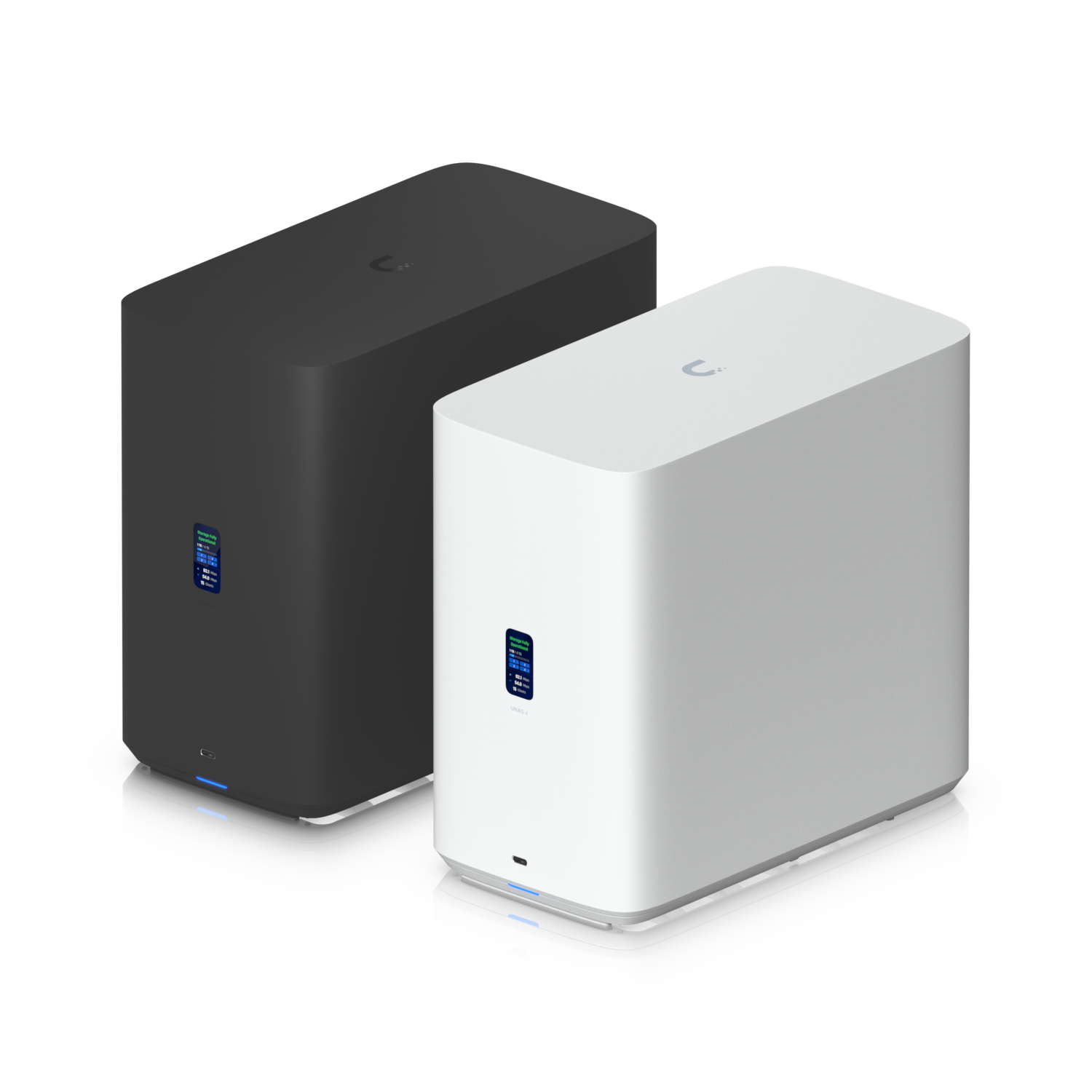
UniFi UNAS 4
4-bay (2.5/3.5in) + 2x M.2 NVMe cache, 2.5GbE, quad-core ARM / 4GB, PoE-powered (adapter included), RAID 5/6/10, UniFi Drive
The UNAS 4 is the desktop UNAS with real RAID. The UNAS 2 only mirrors two drives. This one gives you four bays with RAID 5/6/10, adds two M.2 slots for SSD caching, and still runs off a single PoE cable. At around $379 it sits between the UNAS 2 and the rackmount Pro models, and it’s the pick if you want proper redundancy without owning a rack. The one limit to watch is the single 2.5GbE port. If you move large files a lot and want 10G, that starts one step up at the UNAS Pro 4. For a desk-side backup target with room to grow, the UNAS 4 is a solid middle option.
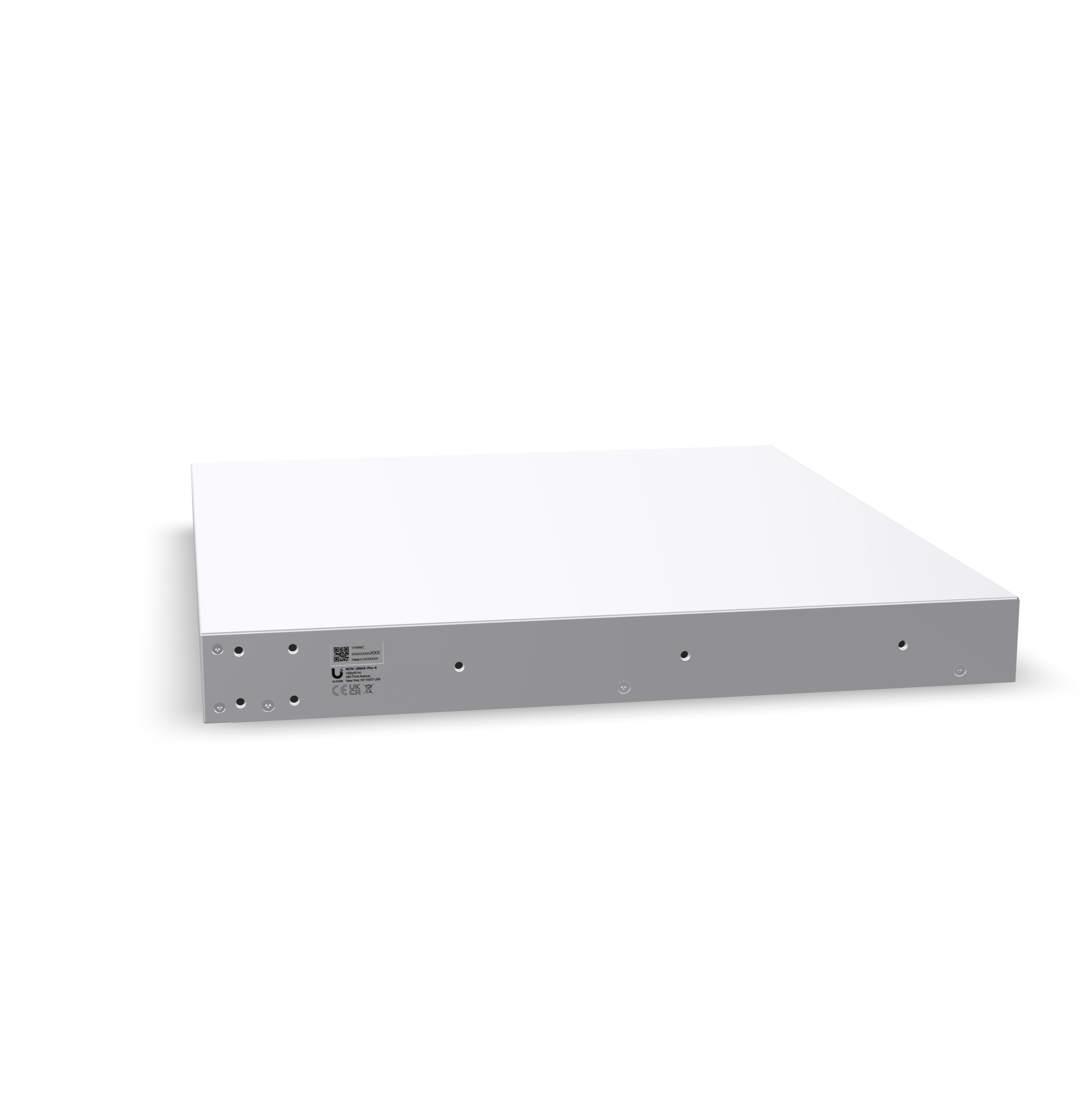
UniFi UNAS Pro 4
1U rackmount, 4 bays (2.5/3.5in) + 2x M.2 NVMe cache, dual 10G networking, quad-core ARM, RAID 5/6/10, UniFi Drive
If you want a rack unit, the UNAS Pro 4 is the one I’d point most people to. Four bays is the most popular configuration there is, and getting it in a 1U chassis with SSD cache slots and dual 10G is a great fit for a home rack that’s tight on space. At $499 it sits right next to the seven-bay UNAS Pro, so the real question is shape and capacity. Want the most bays and don’t mind 2U? The original Pro is still the value. If four bays is enough and you’d rather have 1U with faster networking and caching, this is the smarter buy. It’s newer than the original Pro, so it has a shorter track record, but the software is identical.
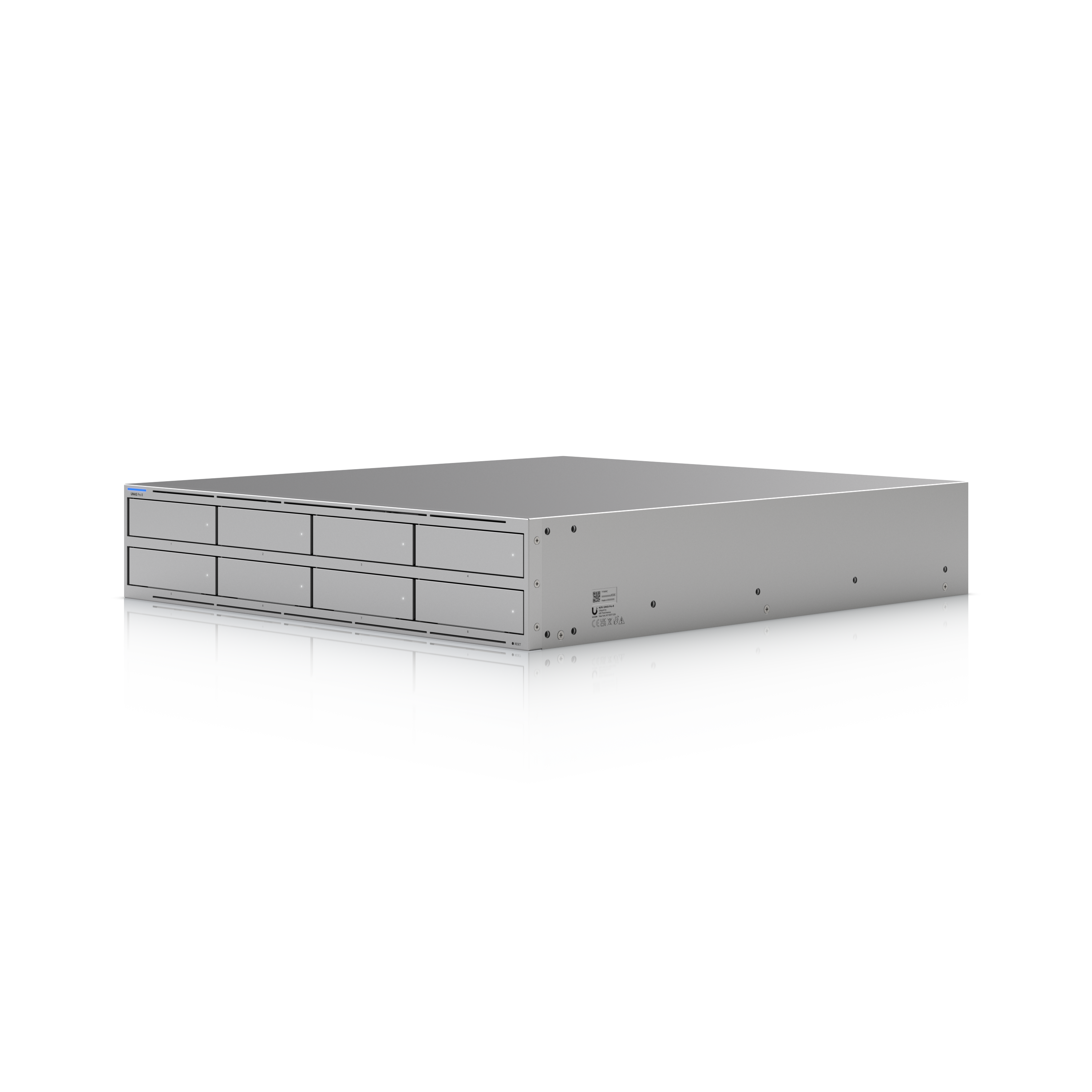
UniFi UNAS Pro 8
2U rackmount, 8 bays (2.5/3.5in) + 2x M.2 NVMe cache, 2x 10G SFP+ + 10GbE RJ45, quad-core ARM / 16GB, redundant hot-swap PSUs, RAID 5/6/10, UniFi Drive
The UNAS Pro 8 is the top of the line, it’s the one running in my rack right now next to my TrueNAS box, and I tested it head to head against the original UNAS Pro. It fixes the original’s main hardware gaps: an eighth bay, 16GB of memory instead of 8, SSD cache slots, redundant hot-swap power supplies, and three 10G ports instead of one. One thing to know on the power supplies: it ships with a single one, so buy the second if you actually want the failover. The SSD cache is the real story. In my testing it let the Pro 8 run RAID 5 or RAID 6 at close to the performance the original Pro only hit in RAID 10. That means more usable space at similar speed. At $799 it’s $300 more than the UNAS Pro, and if money is no object, it’s the better device in every measurable way. For a home user who only needs seven bays and no cache, the plain UNAS Pro is still the value pick. Buy this one for a serious backup target or a bulk store. The storage-only rule hasn’t changed.
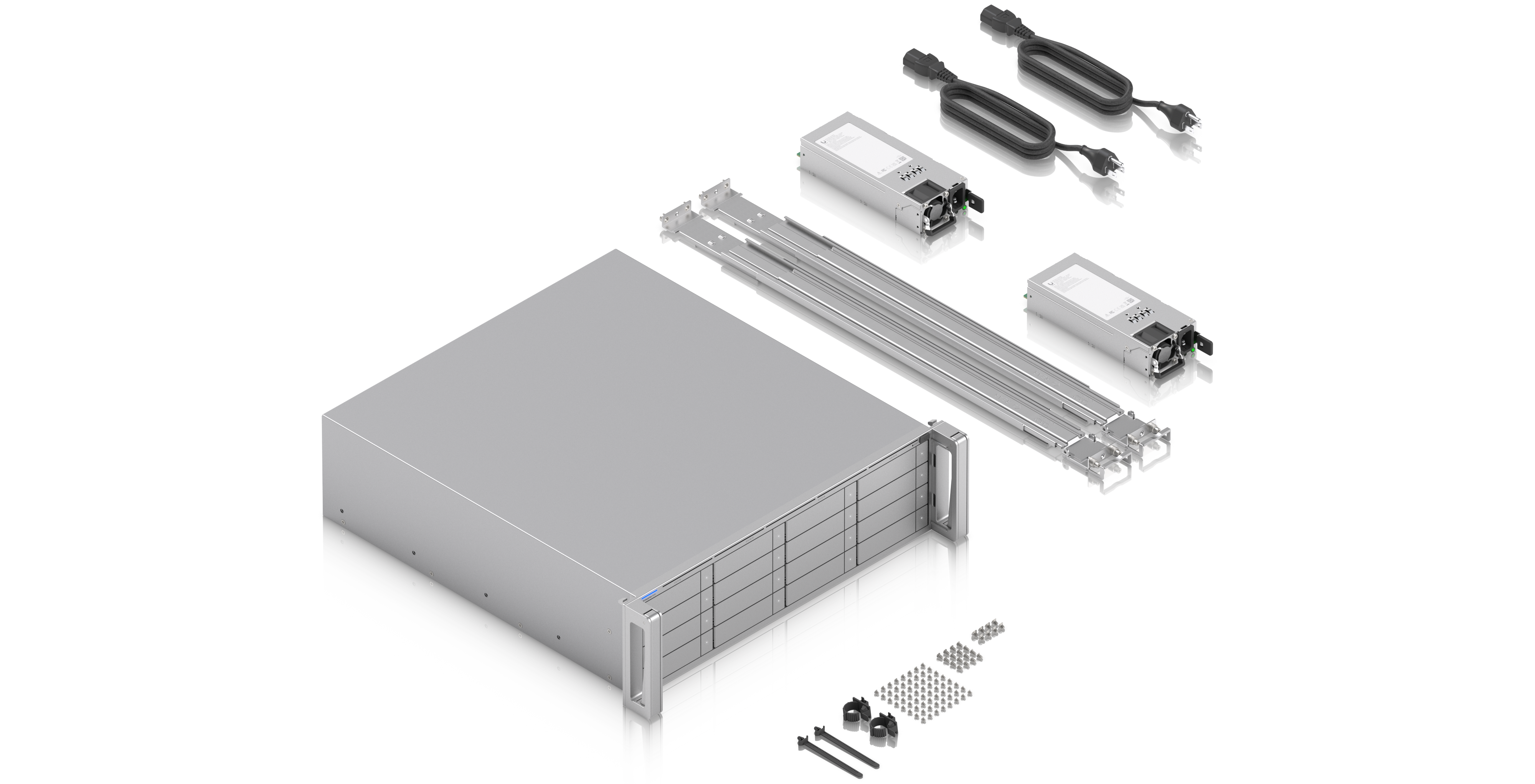
UniFi ENAS (Enterprise NAS)
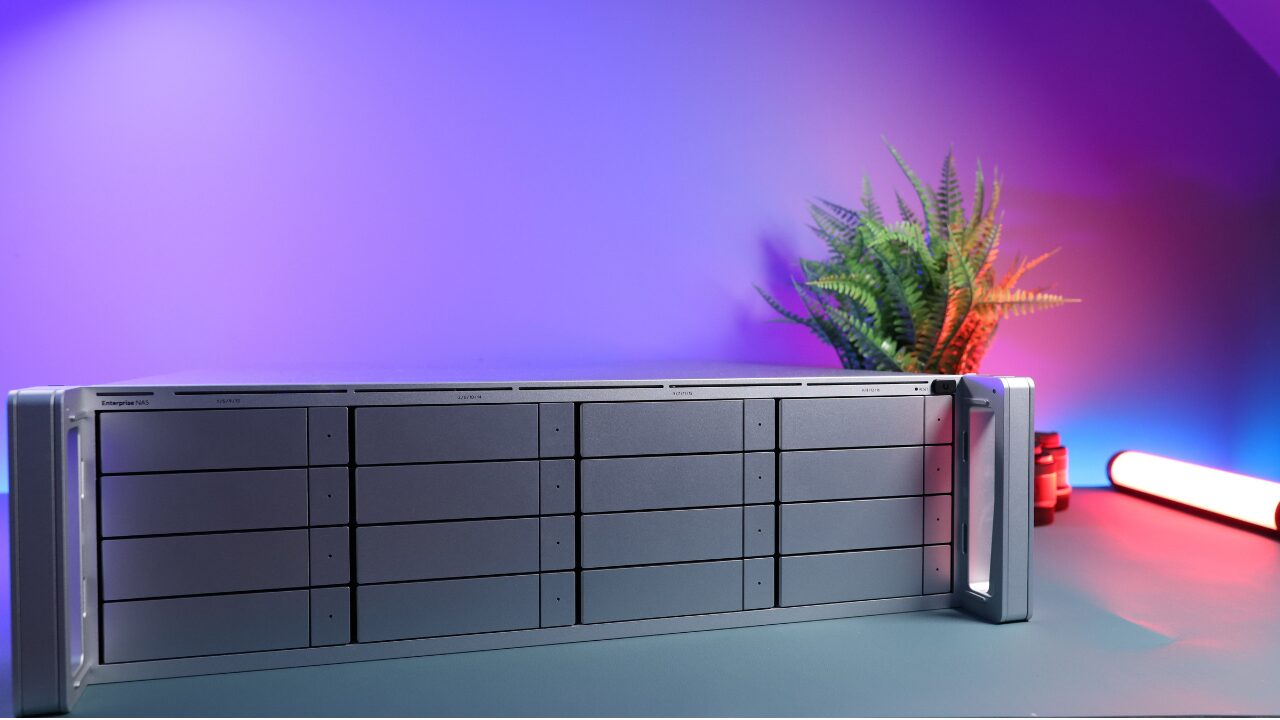
3U rackmount, 16x SATA bays (2.5/3.5in), 2x 25G SFP28 + 10GbE RJ45, hot-swap M.2 NVMe, Mini-SAS expansion, redundant power supplies, UniFi Drive
The eNAS is UniFi’s move into serious storage, and I want to be clear about who it’s for. This is a small-to-medium business product, not something a home lab needs. Sixteen bays, dual 25G SFP28, SAS expansion, and redundant power put it in a different class, and a different price bracket, than the UNAS line. If you run a business on UniFi and you want your storage in the same console as everything else, it’s the first option that actually fits that job. For a home setup, the UNAS Pro above covers you for a fraction of the cost.
Spec Comparison
| Model | Form factor | Bays | Networking | SSD cache | Price |
|---|---|---|---|---|---|
| UNAS 2 | Desktop (PoE++) | 2 | 2.5GbE | No | $199 |
| UNAS 4 | Desktop (PoE) | 4 | 2.5GbE | 2x M.2 | $379 |
| UNAS Pro | 2U rackmount | 7 | 10G SFP+ + 1GbE | No | $499 |
| UNAS Pro 4 | 1U rackmount | 4 | Dual 10G | 2x M.2 | $499 |
| UNAS Pro 8 | 2U rackmount | 8 | 2x 10G SFP+ + 10GbE | 2x M.2 | $799 |
| eNAS | 3U rackmount | 16 | 2x 25G SFP28 + 10GbE | Hot-swap M.2 | Business |
UniFi Drive: What You Get, and What You Don’t
Every model above runs the same software, so let me be specific about what UniFi Drive does well. It’s the most user-friendly NAS software I’ve used, and it’s not particularly close. Setup runs through the UniFi app over Bluetooth, and after that everything sits in the same console as your router, switches, and cameras. Snapshots and backups are right there in each drive’s view, which sounds minor until you see how many people never set them up on other systems because the option is hidden somewhere else.
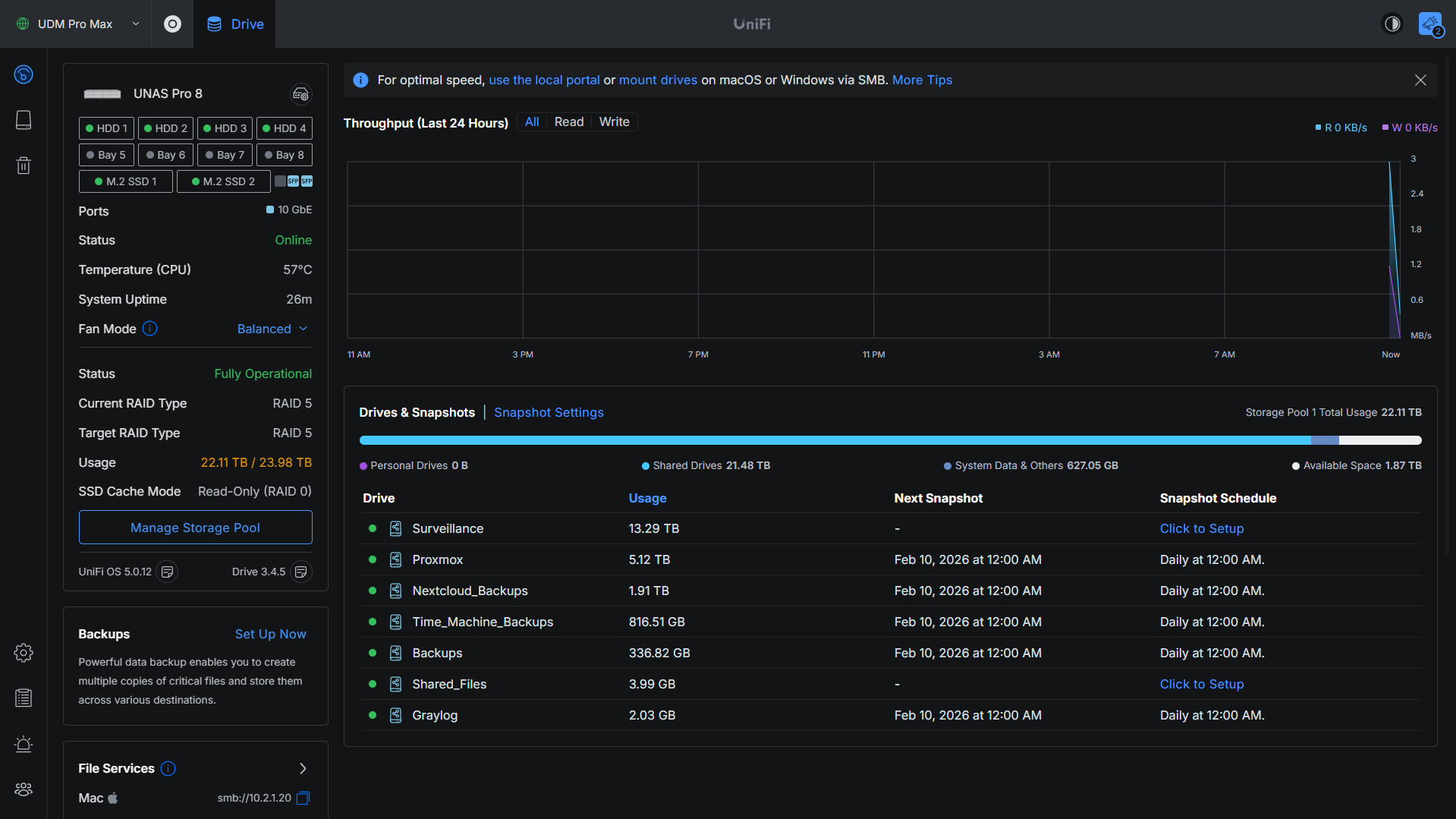
External sharing is a link with an expiration and a password, no port forwarding needed. You get SMB and NFS file shares, Time Machine with a checkbox, per-drive encryption, and a mobile app with remote access through UniFi Identity. Over the past year Ubiquiti has added multiple storage pools, RAID 6, and more cloud backup destinations, so you can back up to another UNAS, an SMB share, or cloud storage like Google Drive, OneDrive, and Backblaze B2. It’s all included with the hardware. No subscription for any of it.
Now the limits, and I’ll be honest about them. There are no apps, no Docker, and no Plex or Jellyfin transcoding. There’s no iSCSI (except on the ENAS). Backups are file-level copies, not encrypted, versioned archives, so something like Synology’s Hyper Backup still does more there. Permissions are simple: owner, editor, or viewer. That’s a plus for a home network and a limit if you need granular access-control lists. None of this is by accident. UniFi Drive is a NAS and only a NAS, and Ubiquiti has a track record with Network and Protect of adding features slowly without breaking the ones that already work. For a NAS, that kind of stability matters more than a long feature list.
If you want apps too, the fix is simple. Put a cheap mini PC next to the UNAS Pro and let it handle the apps. The data still sits on the UNAS, so it still gets snapshots and backups, and the mini PC does the actual work, including hardware transcoding for Plex or Jellyfin. That gives you reliable storage on the UNAS and a proper home server on the mini PC, without compromising either one. I have a full guide on that mini PC setup if you want to build it.
UniFi UNAS vs. Synology and UGREEN
This is the comparison most people are weighing, so here’s the short version. If you want the deepest software and the widest app ecosystem, Synology still leads, though its newer models have been tightening which drives you’re allowed to use, and that alone sends a lot of people looking elsewhere. UGREEN is the value and transcoding pick: stronger hardware for the money, Intel Quick Sync for Plex, and the option to install TrueNAS if you outgrow the software. UniFi is the pure-storage pick. Buy it if you already run UniFi and you want your storage in the same console as your network and cameras. It does less than the other two on purpose, and what it does, it does really well.
If you’re cross-shopping brands, I go a lot deeper in my best UGREEN NAS guide, which also breaks down how UGREEN stacks up against Synology. Between that and this one, you’ve got the full picture of what I’d actually buy in 2026.
Which UniFi NAS Should You Buy?
- Cheapest way in, or a tidy backup mirror: the UNAS 2.
- Desktop with real RAID and no rack: the UNAS 4.
- The one most people should buy: the UNAS Pro. This is the default answer.
- Same value in 1U with 10G and cache, if four bays is enough: the UNAS Pro 4.
- Best performance and the biggest backup target — and the one I run: the UNAS Pro 8.
- Running a business on UniFi: the eNAS.
- You need apps or Plex too: any UNAS plus a mini PC, using the setup above.
Whichever one you pick, put a UPS in front of it, because a NAS that loses power mid-write can corrupt data. I keep a full list of options on my recommended hardware page, along with the drives, networking, and mini PCs I actually run.