Synology vs QNAP comes down to one trade-off for most people: QNAP builds the better hardware and Synology builds the better software, and since the software is what you touch every day, Synology is still the brand I’d buy. I’ve been running Synology hardware for close to 10 years, through devices like the DS1019+, the DS923+ and the DS925+.
QNAP is not a bad buy though, and on paper QNAP vs Synology is closer than people expect, because QNAP clocks its entry ARM chips higher, the TS-133 carries twice the DS124’s memory, and the TS-464 keeps a PCIe slot the DS925+ dropped. The big thing that’s changed is Synology’s drive compatibility policy, which has moved more than once and is what the argument’s about now.
Disclosure: Some links below are affiliate links, which means that I earn a percentage of each sale at no cost to you. Thank you for your support.
Synology vs QNAP: Which NAS Should You Buy?
Buy a Synology. If you want the best pre-built NAS you can buy, add drives to, configure and keep flexible, it’s still Synology, though I’m not positive that will be the case forever. If ease of use is your only criterion, I can no longer say it’s the most user-friendly NAS operating system, so read UGREEN vs. Synology first.
Buy a QNAP if the spec sheet is what’s stopping you, because QNAP keeps a PCIe slot on its four-bay Intel model and ships WireGuard as of September 2026, where Synology doesn’t, and it’s the only one of the two selling ZFS in a pre-built device.
Is QNAP Better Than Synology?
On hardware, yes, and that’s been true for years. On everything else, no. My answer is that QNAP wins the spec sheet, while Synology wins the part you live in: the applications, the community and the track record on exploited vulnerabilities.
The applications are what get underrated, and Hyper Backup, Synology Drive, Synology Photos and Active Backup for Business are all great, with QuickConnect one of the easiest and most reliable ways to reach a NAS remotely. QNAP has an answer for most of them, but interacting with QTS has never felt as straightforward to me.
Synology or QNAP: Who Each Brand Is Best For
Whether you buy a QNAP or Synology depends on what you plan to run more than on the boxes, so here’s the split I’d use.
- Your first NAS, and you want it to just work: Synology. The applications are better and the community is far bigger, so somebody has already written down the answer to whatever confuses you.
- Home media, family photos and backups: Synology again, for Btrfs and snapshots on even the cheapest models.
- Ports and room to upgrade: QNAP. A TS-464 keeps a PCIe slot (so you can add 10GbE next year) and a DS925+ can’t.
- ZFS out of a pre-built box: QNAP, on a model that can switch to QuTS hero, like the TS-464 above; the ARM TS-433 can’t.
- A pile of drives you already own, and a 2025-or-later DiskStation: either. DSM 7.3 gave those models third-party HDDs and 2.5-inch SATA SSDs back, and only M.2 has to be on Synology’s list.
If you’re considering a third brand, Unraid vs. Synology is a better read.
QNAP TS-133 vs Synology DS124 and Other Model Matchups
QNAP TS-133 vs Synology DS124
| QNAP TS-133 | Synology DS124 | |
|---|---|---|
| CPU | ARM 4-core Cortex-A55, 1.8 GHz | Realtek RTD1619B, 4-core, 1.7 GHz |
| Memory | 2 GB, not expandable | 1 GB DDR4, not expandable |
| USB | 1 x USB 3.2 Gen 1, 1 x USB 2.0 | 2 x USB 3.2 Gen 1 |
Both have a single gigabit port and the TS-133 carries twice the memory, while the DS124 answers with two USB 3.2 Gen 1 ports to QNAP’s one, and DSM is the actual reason to pick it. However, both are single-bay, so there’s no redundancy in either and whichever you buy still needs backing up somewhere else.
QNAP TS-233 vs Synology DS223 and the DS223j
| QNAP TS-233 | Synology DS223 | Synology DS223j | |
|---|---|---|---|
| CPU | ARM 4-core Cortex-A55, 2.0 GHz | Realtek RTD1619B, 1.7 GHz | Realtek RTD1619B, 1.7 GHz |
| Memory | 2 GB, not expandable | 2 GB DDR4 | 1 GB DDR4 |
| USB | 1 x USB 3.2 Gen 1, 2 x USB 2.0 | 3 x USB 3.2 Gen 1 | 2 x USB 3.2 Gen 1 |
| Hot-swap bays | Yes | Yes | No |
The TS-233 has the faster clock and QNAP’s dual-boot flash, and the DS223 counters with three USB 3.2 Gen 1 ports and Btrfs, which QTS can’t give you at all. The DS223j is the one to be careful with: it’s the cheapest of the three, has half the memory of the other two, and its drives are not hot-swappable. Between them I’d take the DS223: Btrfs and the app suite beat a 300 MHz clock difference. Our best Synology NAS guide covers the rest of the lineup. None of the models above is a 2025-or-later Synology, so the drive policy further down doesn’t touch them.
Synology vs QNAP NAS Hardware: Bays, CPUs and Ports
At the bottom of the range, the Synology vs QNAP NAS hardware argument barely exists. Both sides run a four-core ARM chip with memory you can’t expand, and none of the five models above gives you 2.5GbE.
| Synology DS225+ | Synology DS925+ | QNAP TS-433 | QNAP TS-464 | |
|---|---|---|---|---|
| Bays | 2 | 4 (9 with a DX525) | 4 | 4 |
| CPU | Intel Celeron J4125 | AMD Ryzen V1500B | ARM Cortex-A55, 2.0 GHz | Intel Celeron N5095 |
| Memory | 2 GB DDR4, 6 GB max | 4 GB DDR4 ECC, 32 GB max | 4 GB, not expandable | 8 GB DDR4, 16 GB max |
| Network | 1GbE + 2.5GbE | 2 x 2.5GbE | 1GbE + 2.5GbE | 2 x 2.5GbE |
| M.2 and PCIe | None | 2 x M.2 NVMe | None | 2 x M.2 plus a PCIe slot |
The PCIe slot is the most useful line in that table, because the TS-464 can take a 10GbE card a year from now and the DS925+ can’t. That’s a change from the DS923+, which had a slot for Synology’s 10GbE upgrade module; the DS925+ has none.
The DS925+’s answer is ECC memory and M.2 slots you can build a storage pool on. With that said, the DS925+ is a 2025 model, so those M.2 drives have to be on Synology’s compatibility list. Compared to the competition, Synology’s hardware is underpowered in just about every way, but for a NAS it’s powered properly for what it’s being asked to do.
DSM vs QTS: Comparing Synology and QNAP Software
Every Synology DiskStation runs DSM, currently DSM 7.4 from June 2026, and most consumer QNAP devices run QTS (currently the 5.2 branch). Certain QNAP models run QuTS hero instead, which is the ZFS one, now at h6.0.
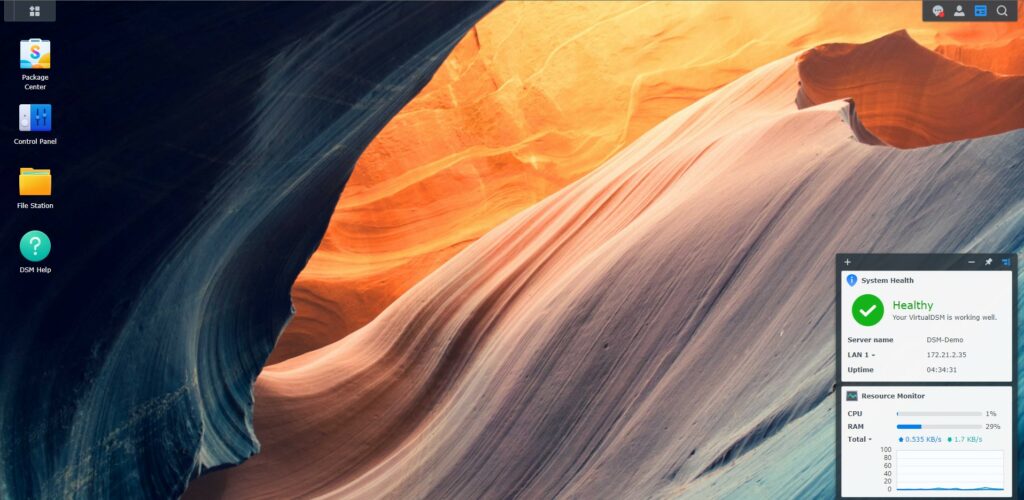
Synology’s OS: DiskStation Manager
DSM is user-friendly and has an awesome community behind it, and its Package Center will install everything from home media servers like Plex to full VPN solutions. It’s mature in a way that’s easy to mistake for dull, because the big changes are rare, and that’s exactly what leads to the reliability.
QNAP’s OS: QTS
QTS installs its applications from an App Center and is incredibly similar to DSM from a functionality standpoint, but it’s less user-friendly. That’s not to say QTS is bad, because it isn’t, it’s just harder to find your way around, especially if you’re a beginner.
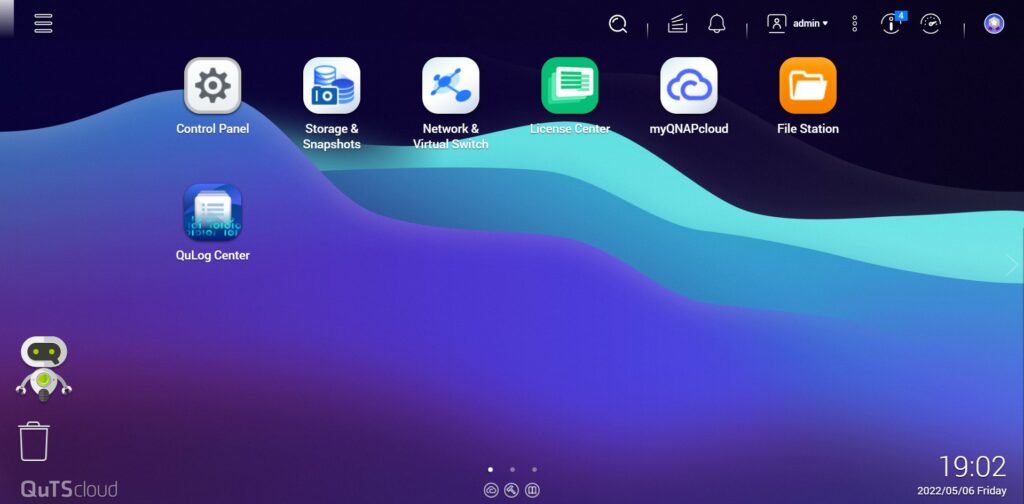
One package difference is worth knowing about, and it’s the VPN. QNAP’s QVPN Service lists WireGuard alongside OpenVPN, L2TP/IPSec and PPTP, while Synology’s own VPN package still has no WireGuard in it as of September 2026.
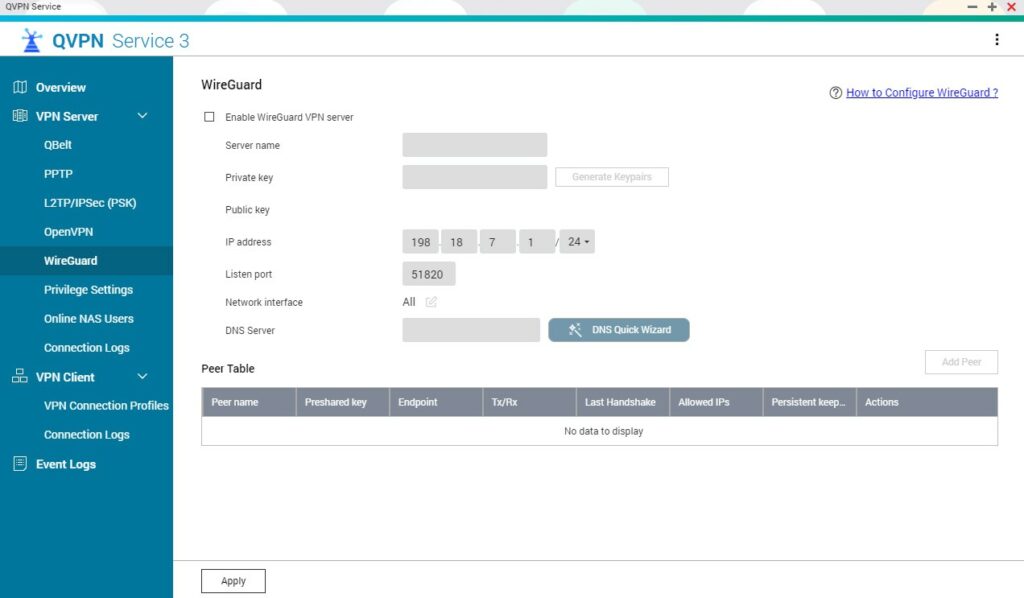
DSM vs QTS Live Demos
Before you buy either one, test-drive both. They each run a fully functional online demo, so you can click through the interface, install packages and look at the security settings yourself.
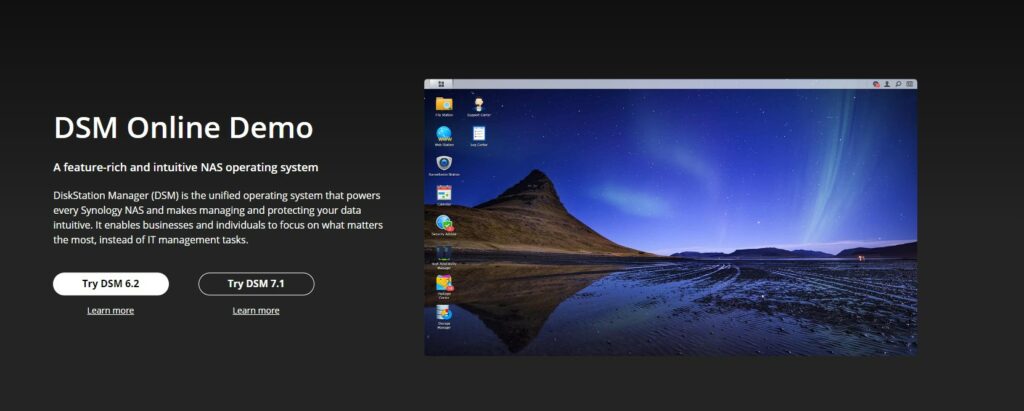
Synology DSM Live Demo
1. Open the Synology DSM demo site and select the Try DSM button, which reads Try DSM 7.3 as of September 2026.
2. Launch the instance after a few seconds. The session is time-limited and shows a Remaining time counter.
3. When you’re done, try QNAP’s demo below so that you’ve seen both.
QNAP QuTScloud Live Demo
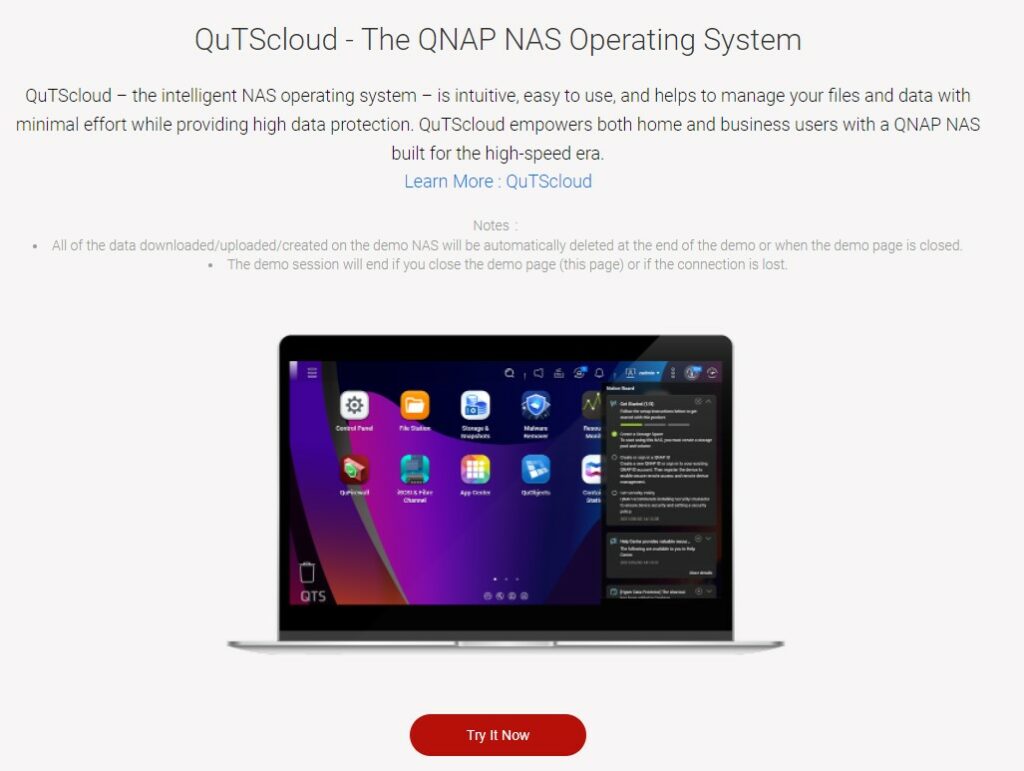
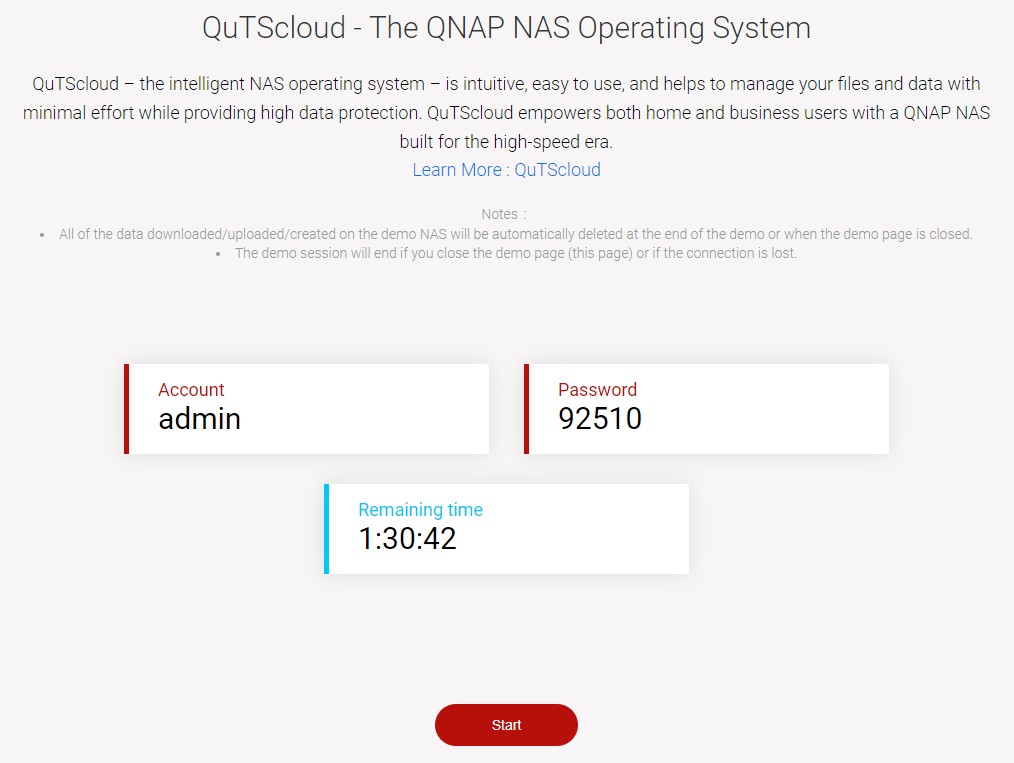
1. Open the QNAP QuTScloud demo site and select Try It Now. The demo runs QuTScloud, QNAP’s cloud version of the same operating system, so what you click through is the QTS interface.
2. You’ll be given an Account and a Password. Note both down, then press Start.
3. The operating system loads and you can try it out.
RAID, File Systems and Drive Compatibility
Synology and QNAP are close on RAID, with both supporting RAID 0, 1, 5, 6 and 10 and QNAP adding RAID 50 and 60, plus Triple Parity on its ZFS-based QuTS hero models. Synology’s real addition is SHR and SHR-2, which lets you mix drive sizes: with two 4 TB drives and two 10 TB drives, SHR gets you close to 6 TB more usable space than RAID 5 would.
On file systems, Synology gives you Btrfs or ext4 while QTS is limited to ext4 on the models compared here, and Btrfs matters because it can repair bit rot on its own. The old warning about buying a Synology that supports Btrfs is mostly historical now, since even the DS124, DS223 and DS223j list it. Whichever brand you pick, put proper NAS drives in it.
Hard Drive Support
This is the part that changed. In April 2025 Synology said Plus series models released in 2025 would need drives from its own compatibility list, and on those an unlisted drive couldn’t even create a storage pool. DSM 7.3 walked most of that back in October 2025, so the 2025 models, the DS225+ and DS925+ above, build storage pools from third-party HDDs and 2.5-inch SATA SSDs again. However, M.2 has to be listed, RS Plus stays list-only for hard drives, and the enterprise series for everything.
Two things matter to a buyer. The policy applies only to models released in 2025 and later and is not retroactive, so every pre-2025 DiskStation is untouched, and the fair way to put it today is that you can install and use third-party drives, but not with DSM 7.4’s post-processing deduplication and compression, which need Synology’s own drives. QNAP hasn’t followed, and QNAP’s compatibility list is a support boundary rather than a gate. That’s where it stands in September 2026 against Synology’s own drive compatibility policy, and since it’s a policy, check it again before you order.
QNAP vs Synology Security: Which NAS Is Safer?
Security depends on what you plan to do more than on the badge on the front, because if you never expose the NAS outside your local network, the vendor’s record matters far less.
One measure is neutral though: CISA’s Known Exploited Vulnerabilities Catalog, version 2026.09.14, holds 1,710 entries, 12 of them QNAP and none of them Synology. Those QNAP entries cluster in 2022 around the ransomware campaigns that hit internet-exposed devices, covering QTS, File Station and QNAP Photo Station. The newest was added in December 2023. Synology isn’t clean either, with a critical BeeStation OS flaw patched in November 2025.
Back in 2024 I put a Synology NAS on the external internet with the admin account active and a basic password, to see if it would get attacked. That was on a totally separate network, with its own ISP, its own router and Virtual DSM. If you’ve never exposed your NAS and never installed unofficial packages, you really don’t have much to worry about.
So don’t expose your NAS outside your local network, and if you own a QNAP, absolutely don’t. I’m not a cybersecurity expert, both records change constantly, and nothing here is a guarantee.
Hard Drive Expansion
Most people never go past the bays their NAS shipped with, but both brands can be expanded. Synology attaches a first-party unit, so a DS925+ takes a DX525 to reach nine bays and older models take a DX517, as long as the model supports expansion. QNAP’s consumer route is a USB RAID enclosure like the TR-004, which QNAP documents attaching through Storage & Snapshots Manager, so the kind of expansion differs but the idea that a consumer QNAP cannot be expanded is not right.
Application Support
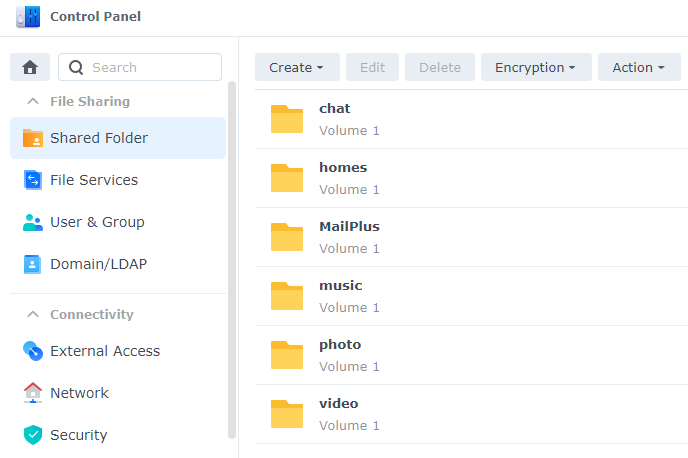
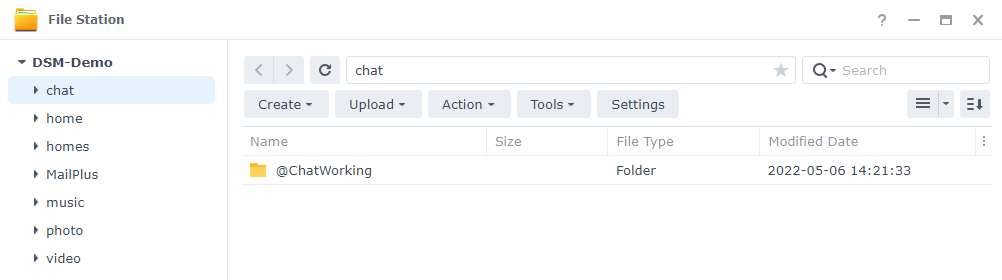
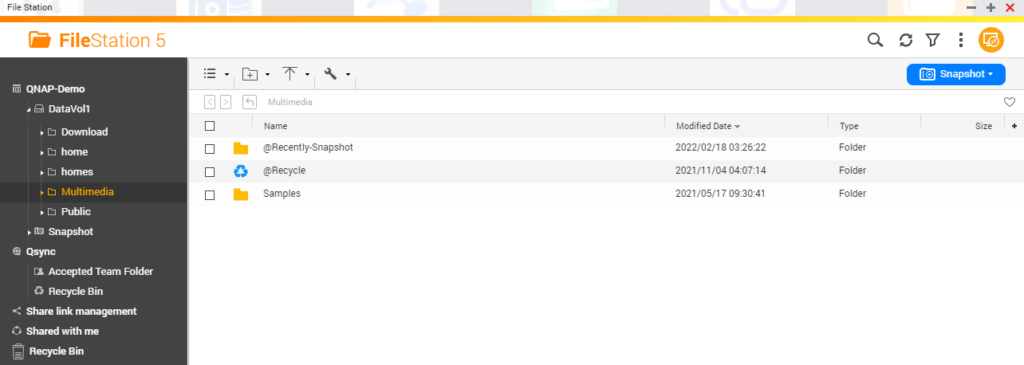
DSM and QTS are close on the basics, since both create shared folders in Control Panel and both have a File Station for browsing files inside the OS.

NAS Backup Software
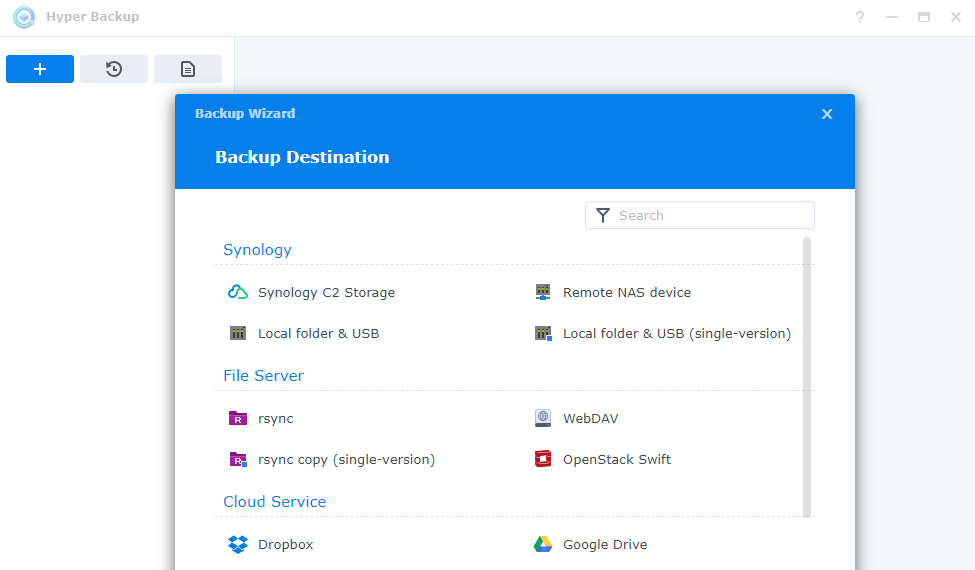
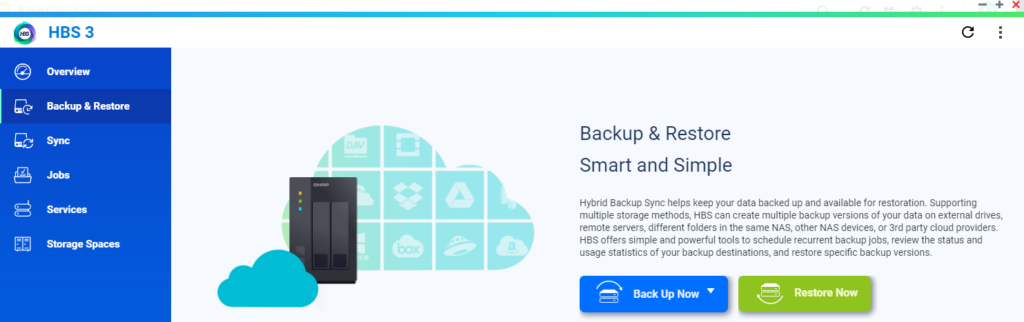
For backups, Synology has Hyper Backup and QNAP has Hybrid Backup Sync, or HBS 3. Both get your data off the NAS to a second location, which is the part that actually matters. Hyper Backup is the one I use, and it’s a great backup tool.
Community and Support
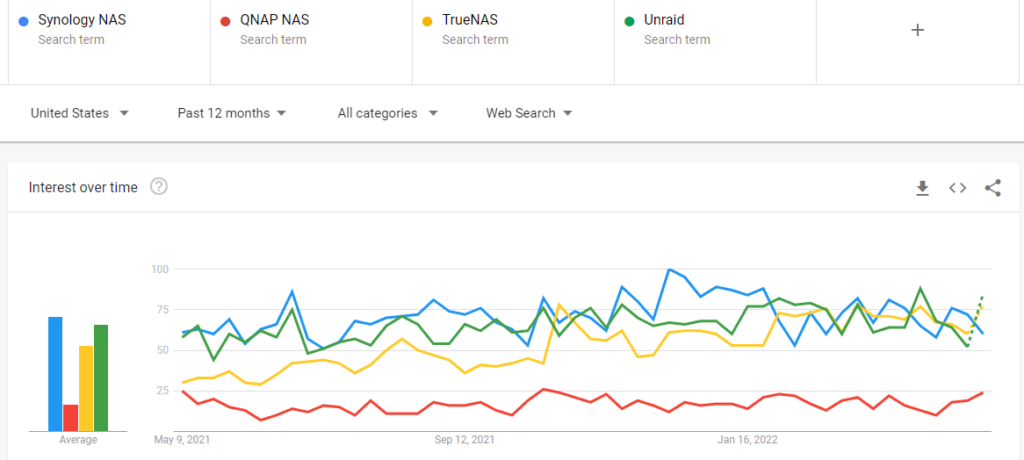
This is where the community gap is widest. Far more people search for Synology than for QNAP, and far more has been written about it as a result. The Reddit community around Synology (r/synology) is roughly five times the size of r/qnap. When something breaks at 11pm, that’s worth more than a support ticket.
Final Verdict
Overall, as of September 2026, Synology still wins this for most buyers, and I’m not sure that holds forever, though QNAP takes the hardware and that’s a real reason to buy one. If neither brand appeals, the Synology NAS alternatives worth a look are the UniFi UNAS Pro and UGREEN’s NASync. While I find DSM easier to use, it’s in your best interest to try it out yourself.