I’ve run OPNsense as my firewall for a long time, mainly running it as a VM on my Proxmox server. I’ve also set up OpenWrt on a few routers over the years. They’re both open-source, both capable, and both free, but they solve different problems, and the right choice depends almost entirely on the hardware you’re working with.
Here’s how they compare across the areas that actually matter.
OPNsense: A Full Firewall OS for Dedicated Hardware
OPNsense is a FreeBSD-based firewall and router platform created by Deciso. It’s similar to pfSense in many ways, but with a different GUI and a more aggressive update cycle.
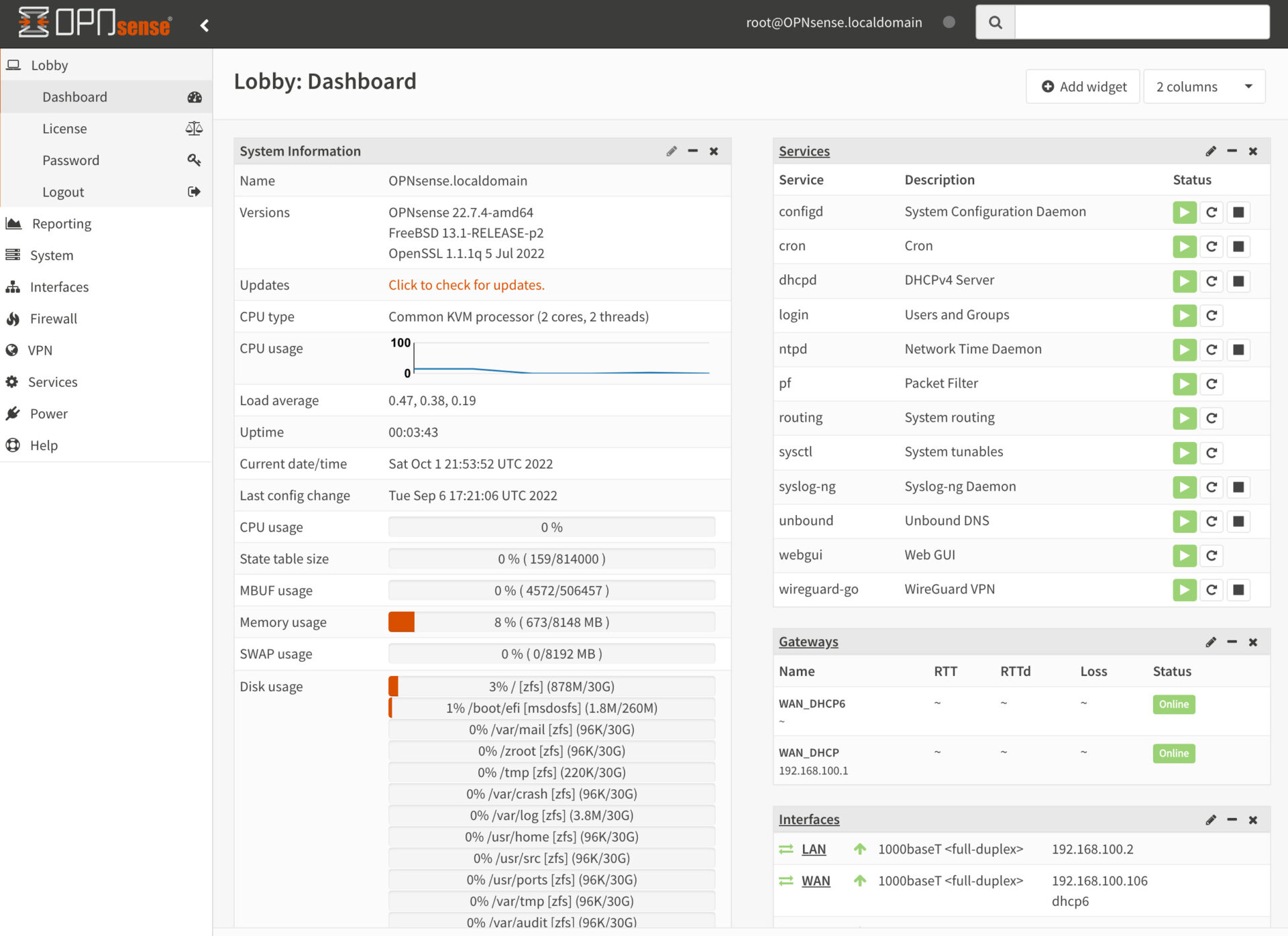
You can install OPNsense on your own hardware, run it in a virtual machine, or buy a Deciso appliance with it preinstalled. I run mine as a VM inside Proxmox VE, which gives me snapshot support and easy backups through Proxmox Backup Server. That setup has worked well, though it does mean my firewall depends on the hypervisor staying up.
OPNsense handles VLANs, VPNs, firewall rules, intrusion detection, DNS, DHCP, and more out of the box. I have four VLANs configured on my network (management, IoT, guest, and a VM network), and setting those up in OPNsense was straightforward. The interface walks you through it logically.
OpenWrt: Custom Firmware for Existing Routers
OpenWrt is a Linux-based operating system designed to be flashed onto consumer routers and embedded devices. The main appeal is that it replaces the stock firmware on hardware you already own, giving you a fully writable filesystem and access to a package manager.
If you have a router sitting around that’s running slow or with locked-down firmware, OpenWrt can turn it into something significantly more useful. You get proper firewall rules, VLAN support, VPN capabilities, and a package ecosystem. Our comparison on the best OpenWrt routers has a list of compatible hardware if you’re starting from scratch.
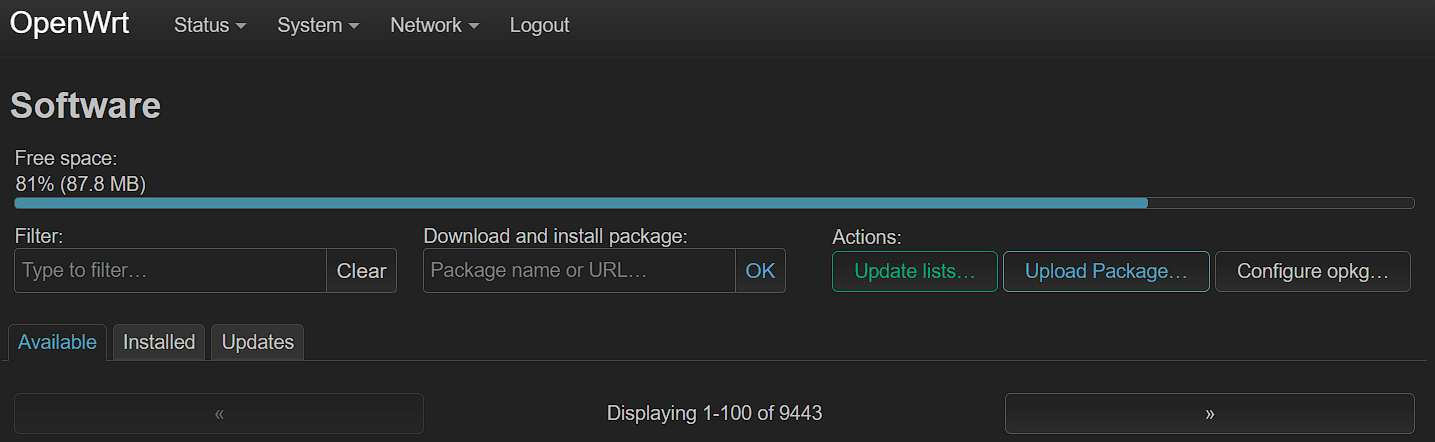
The tradeoff is that you’re limited by whatever CPU, RAM, and flash storage the router has. A consumer router with 128MB of RAM and a dual-core processor is never going to match a dedicated x86 box running OPNsense.
How the Interfaces Compare
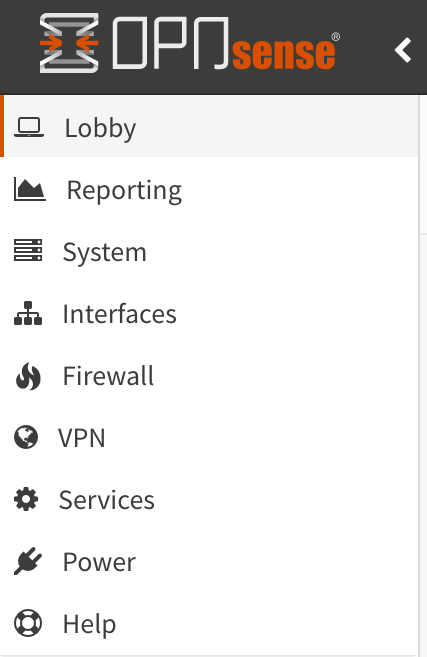
OPNsense has a left-side menu with categories that expand into sub-menus. It’s logically organized and easy to find things even when you’re configuring something for the first time. When I first set up my VLANs and firewall rules in OPNsense, I rarely had to search for where a setting lived.
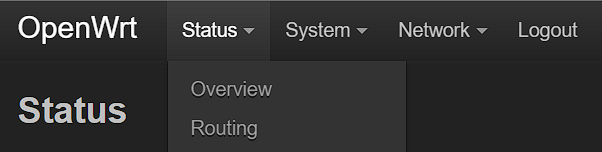
OpenWrt uses a top menu bar (LuCI is the default web interface). It’s clean and minimal, but that minimalism means fewer options are visible at once. For basic tasks like setting a static IP or creating a firewall rule, it’s fine. For more complex setups, you’ll spend more time clicking around.
Both interfaces are functional. OPNsense just has more depth to it because there’s more functionality behind it.
Day-to-Day Usability
For basic tasks (firewall rules, DHCP reservations, DNS settings, port forwarding), both platforms handle things well. I’ve configured port forwarding on both, and neither gave me trouble for simple one-to-one NAT rules. If you’re interested in the OPNsense side, I have a separate guide on how to port forward in OPNsense. The same goes for port forwarding in OpenWrt.
Where OPNsense pulls ahead is anything more advanced. VLAN configuration is a good example. In OPNsense, you create the VLAN interface, assign it, set up DHCP, and add firewall rules, all from the GUI with clear labels. In OpenWrt, VLAN setup involves more steps and is a little more confusing. It’s not impossible, but it takes more effort and more reading.
OPNsense is generally more powerful out of the box. OpenWrt can do many of the same things, but you’ll be installing packages and editing config files to get there.
Plugins and Packages
Both platforms let you extend functionality through installable packages.
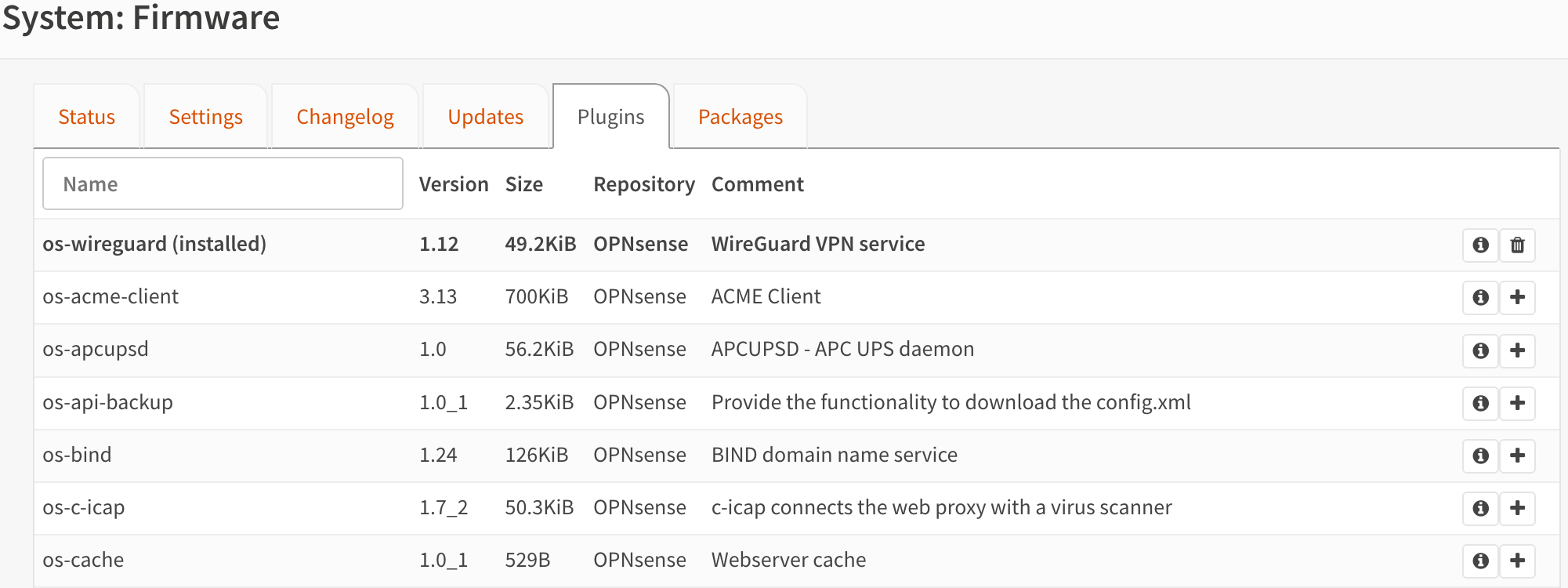
OPNsense has a curated plugin system. You’ll find options for things like Zenarmor (network security), WireGuard, Tailscale, CrowdSec, and various monitoring tools. The list isn’t huge, but most of what you’d want is there.
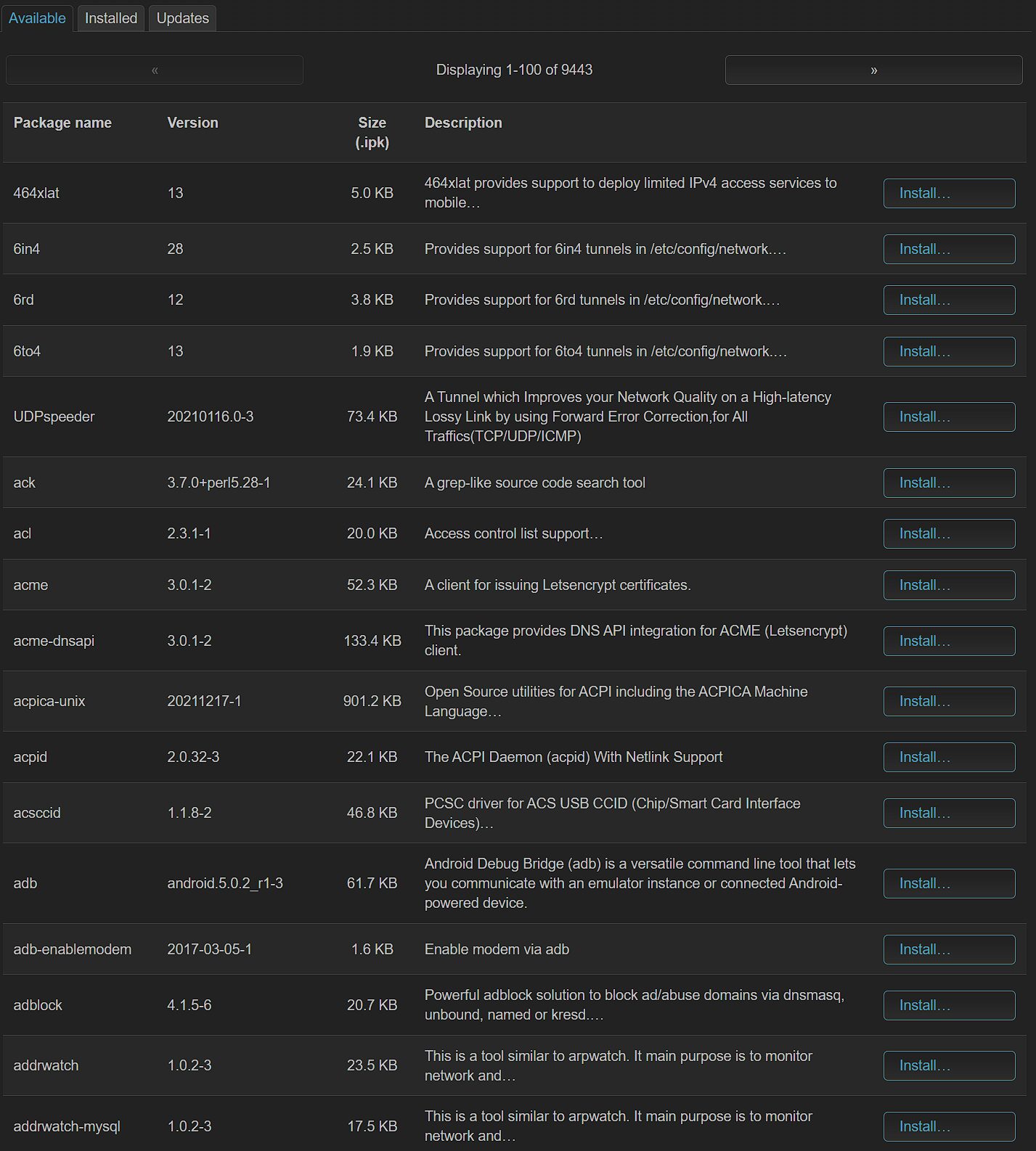
OpenWrt has a much larger package repository. Thousands of packages are available through opkg. The downside is that the sheer number makes it harder to figure out which packages you actually need. Some packages conflict with each other, and you’re working within the storage and RAM limits of your router hardware.
I prefer OPNsense’s approach here. Fewer choices, but they’re better curated and less likely to cause problems.
VPN Support
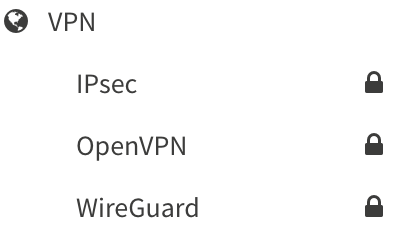
OPNsense includes OpenVPN, WireGuard, and IPSec support by default. You don’t need to install anything extra. I use WireGuard on my setup, and it was quick to configure. I have a full guide on setting up WireGuard in OPNsense if you want the details. You can also add Tailscale to OPNsense as a plugin for mesh VPN access.
OpenWrt requires you to install VPN packages separately. WireGuard, OpenVPN, and others are all available, but none are included by default. You can set up Tailscale on OpenWrt as well. The package approach keeps the base install small, which makes sense on resource-constrained hardware. But it does mean more setup steps.
Which One I’d Pick (and When)
If you’re buying or building dedicated hardware for a firewall, go with OPNsense. The feature set, the GUI, the plugin ecosystem, and the documentation are all better. I’ve run OPNsense on Proxmox alongside my other VMs and containers, and it handles my entire network, including multiple VLANs and WireGuard, without any issues. You could also run it on a mini PC with an Intel N100 or similar low-power hardware.
If you already have a compatible router and you want to get more out of it without spending money on new hardware, OpenWrt is a great option. Flashing it onto a supported device takes minutes, and you’ll immediately have more control than the stock firmware gives you. Just understand that you’re working within the limits of that router’s hardware. For a comparison with another option, check out pfSense vs. OpenWrt.
For most people building a home lab or setting up a proper network from scratch, I’d recommend OPNsense. My experience with it has always been solid.