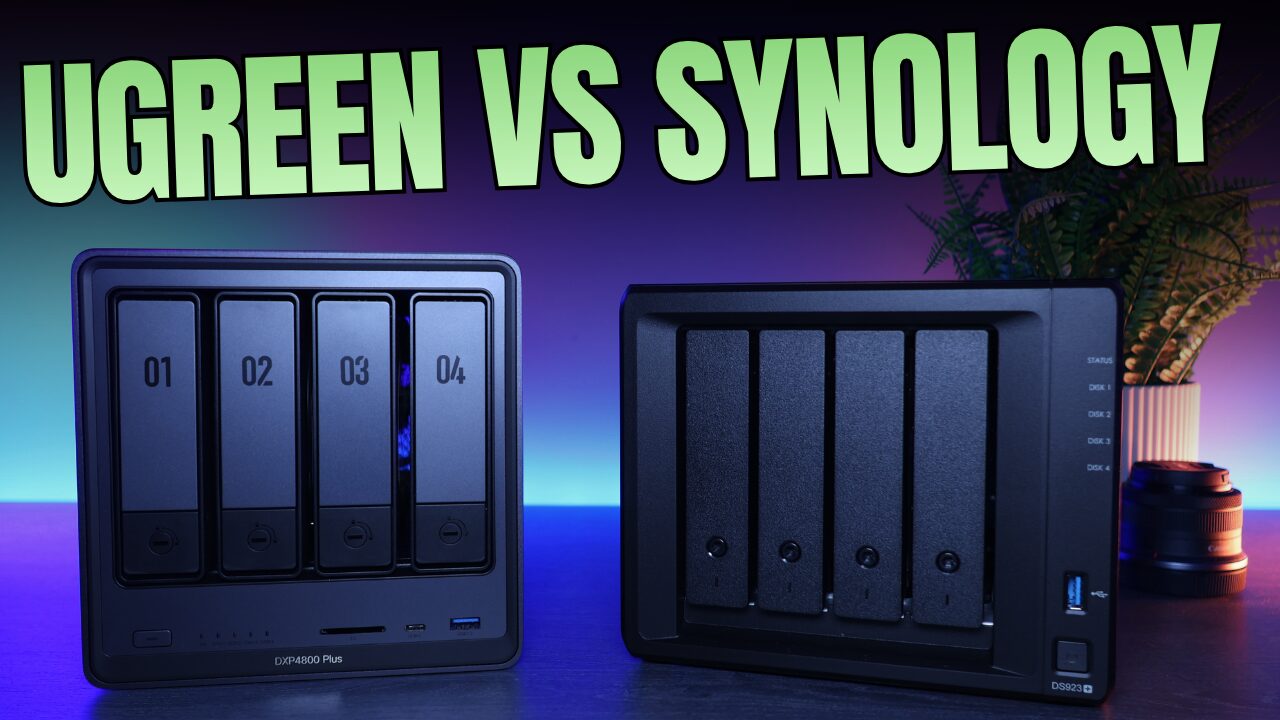
For about a decade, the answer to “what NAS should I buy for Plex” was simple: get an Intel Synology and let Quick Sync do the work. That answer died in 2025, when Synology moved its Plus lineup to AMD processors with no integrated GPU and took hardware transcoding with it. I’ve spent the time since testing what fills that hole, including every Intel model in UGREEN’s lineup and the mini PC setup my own media server runs on. This is what I’d buy for Plex in 2026. But the first question isn’t which NAS. It’s whether you need a transcoding box at all, so I’ll start there.
The short version: the UGREEN DXP4800 Plus is the best NAS for Plex for most people. The DXP2800 is the budget pick if two bays are enough. The DXP6800 Pro is the one for big libraries and heavier home servers. And if you already own storage you like, a cheap Intel mini PC next to it will out-transcode every NAS on this page. The rest of this article explains who each one is for, and why the old default answer is off the list entirely.
Disclosure: Some links below are affiliate links, which means that I earn a percentage of each sale at no cost to you. Thank you for your support.
Do You Actually Need Transcoding?
Plex serves video two ways. Direct play sends the file to your TV untouched, and almost any hardware can do it, because the server is just moving bytes. Transcoding re-encodes the video in real time, and that’s the part that needs a capable chip. You transcode when someone watches remotely on limited upload bandwidth, when a device can’t handle a codec in your library, when subtitles have to be burned in, or when a 4K HDR file plays on a 1080p screen and needs tone mapping. If everything in your house plays through an Apple TV or a Shield on your local network, you may never transcode at all, and any NAS on my UGREEN list or elsewhere will do the job. Be honest about this before you spend money on it.
Two Plex-specific things factor in here. Hardware transcoding requires a Plex Pass, and after the 2025 price increase, a lifetime pass runs $250. Plex also moved remote streaming behind a paywall the same year. None of that is a dealbreaker, but it changes the math for some people, and Jellyfin does hardware transcoding for free on the same Intel chips. I compare the two in my Jellyfin vs. Plex breakdown. Everything below applies equally to both, because both lean on the same Quick Sync engine.
Why “Buy a Synology” Stopped Being the Answer
This hurts to write, because I’ve recommended Intel Synology units for Plex for years. The 2025 generation moved the DS925+ and DS1525+ to AMD processors with no integrated GPU, so hardware transcoding is gone from the current Plus lineup. The 2-bay units still ship the Intel J4125, a processor that’s been end-of-life for years, and the 2025 firmware disables its iGPU driver anyway. Synology will tell you their focus is storage and backup, and to be fair, DSM is still the most polished NAS software there is. But if Plex is a primary reason you’re buying, the current Synology lineup is a bad fit, and I lay out the full picture in my UGREEN vs. Synology comparison.
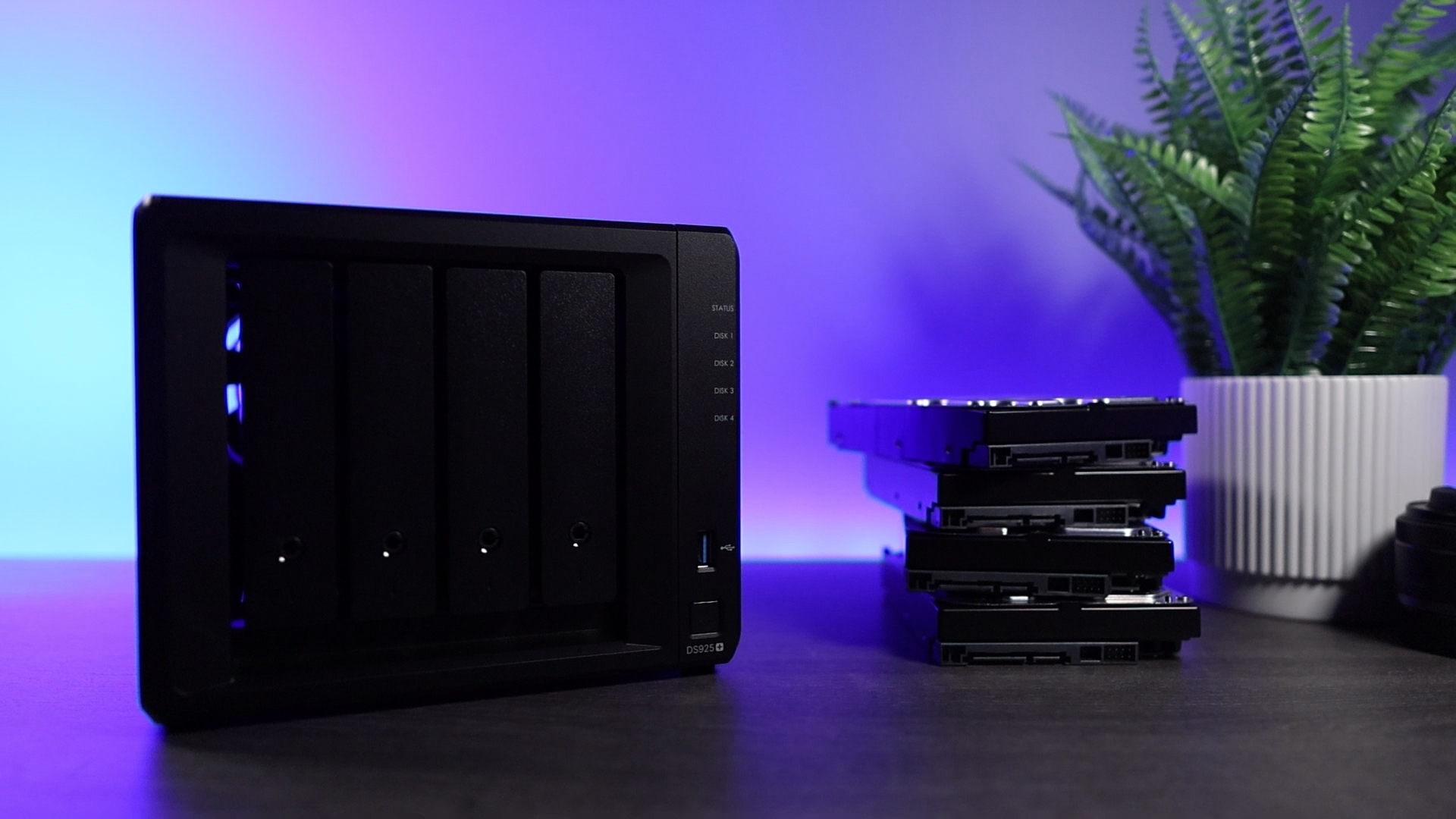
One important exception: if you already own an older Intel Synology that transcodes today, keep it. A DS920+ or DS423+ that’s doing the job doesn’t need replacing, and my Plex on Synology guide still applies to those units. Just go into updates with your eyes open, since the 2025 firmware is where the transcoding support started disappearing. My advice is only this: don’t buy a new Synology for Plex in 2026.
The One Spec That Matters: Intel Quick Sync
Here’s the rule that simplifies every Plex hardware decision: buy an Intel processor with Quick Sync. Quick Sync is a dedicated media engine baked into Intel’s chips, and it handles the encoding work so the CPU barely notices a transcode is happening. It’s why a $150 mini PC with an N100 out-transcodes a $600 NAS with a stronger AMD processor. Core counts and clock speeds don’t matter for this workload. The media engine does.
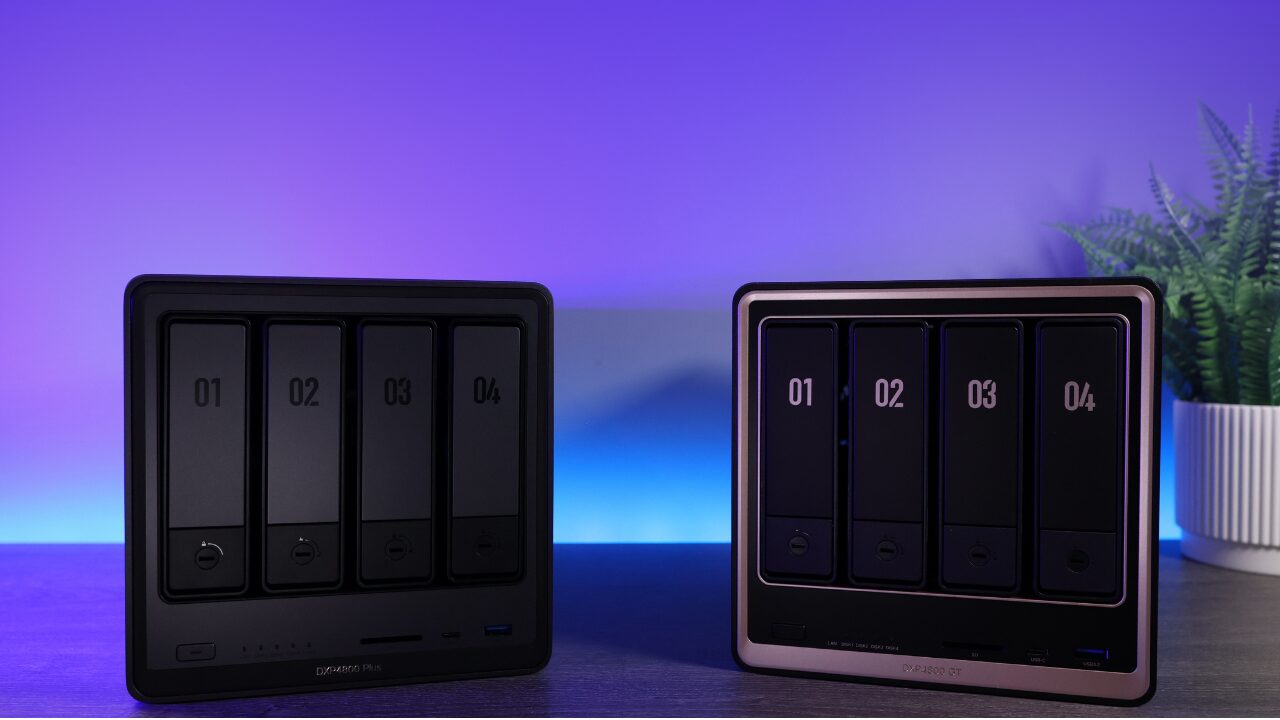
That rule is also why AMD-based boxes keep landing on my “not for Plex” list. AMD’s graphics can technically transcode, but the support just isn’t as clean, and most NAS-grade AMD chips don’t have graphics at all. That includes Synology’s current Plus lineup and UGREEN’s own GT models, which exist for 10GbE networking and ECC memory, not media serving. Good machines, wrong job. On the UGREEN side, the rule sorts the lineup neatly: every Intel DXP model transcodes properly, and both GT models sit this one out.
The rest of the spec sheet matters less than you’d think. Extra RAM and NVMe cache do almost nothing for Plex, so put that money into drives instead. Networking only becomes a factor if you’re pushing 4K to multiple TVs or moving the library around a lot, and 2.5GbE covers both for most homes.
The Best NAS for Plex Right Now
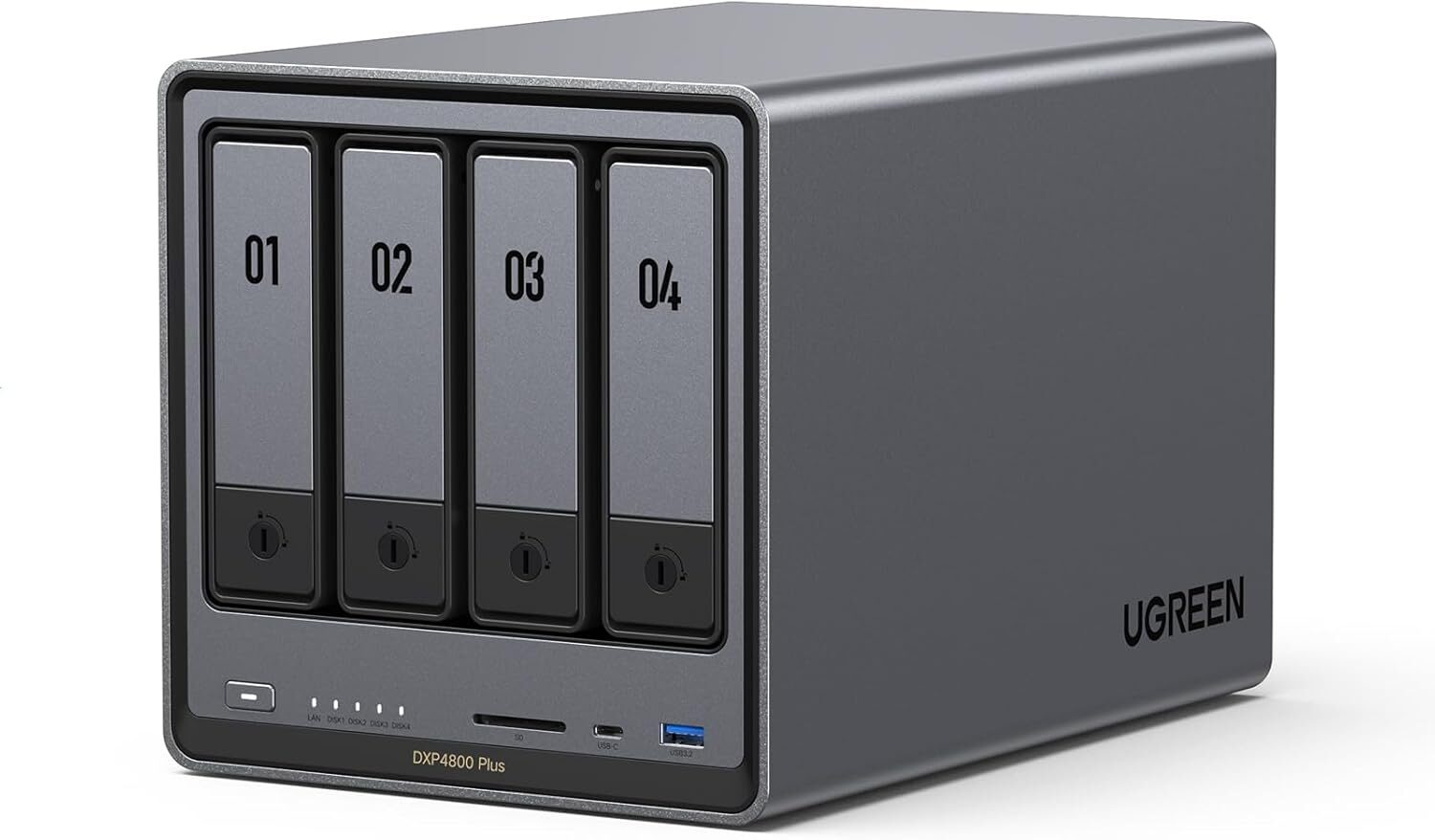
Top Pick
UGREEN NASync DXP4800 Plus
4-bay + 2x M.2 NVMe, Intel Pentium Gold 8505 (5-core, Quick Sync), 8GB DDR5 (to 64GB), 10GbE + 2.5GbE, UGOS Pro
The DXP4800 Plus is the box I’d hand to most people asking this question. The Pentium Gold 8505 carries the same Quick Sync engine as chips costing far more, so simultaneous 1080p transcodes and 4K tone mapping are a solved problem here. Four bays give a media library room to grow, the 10GbE port is included at a price where Synology ships 2.5GbE, and it earned the top spot in my full UGREEN roundup for reasons that go beyond Plex. The honest trade-off is the software: UGOS is younger than DSM, and while it’s improved a lot in two years, Synology still wins on depth. The counterweight is that this is a standard x86 machine, so TrueNAS or Unraid installs on it if you ever want out. For a Plex-first NAS, nothing at the price is close.
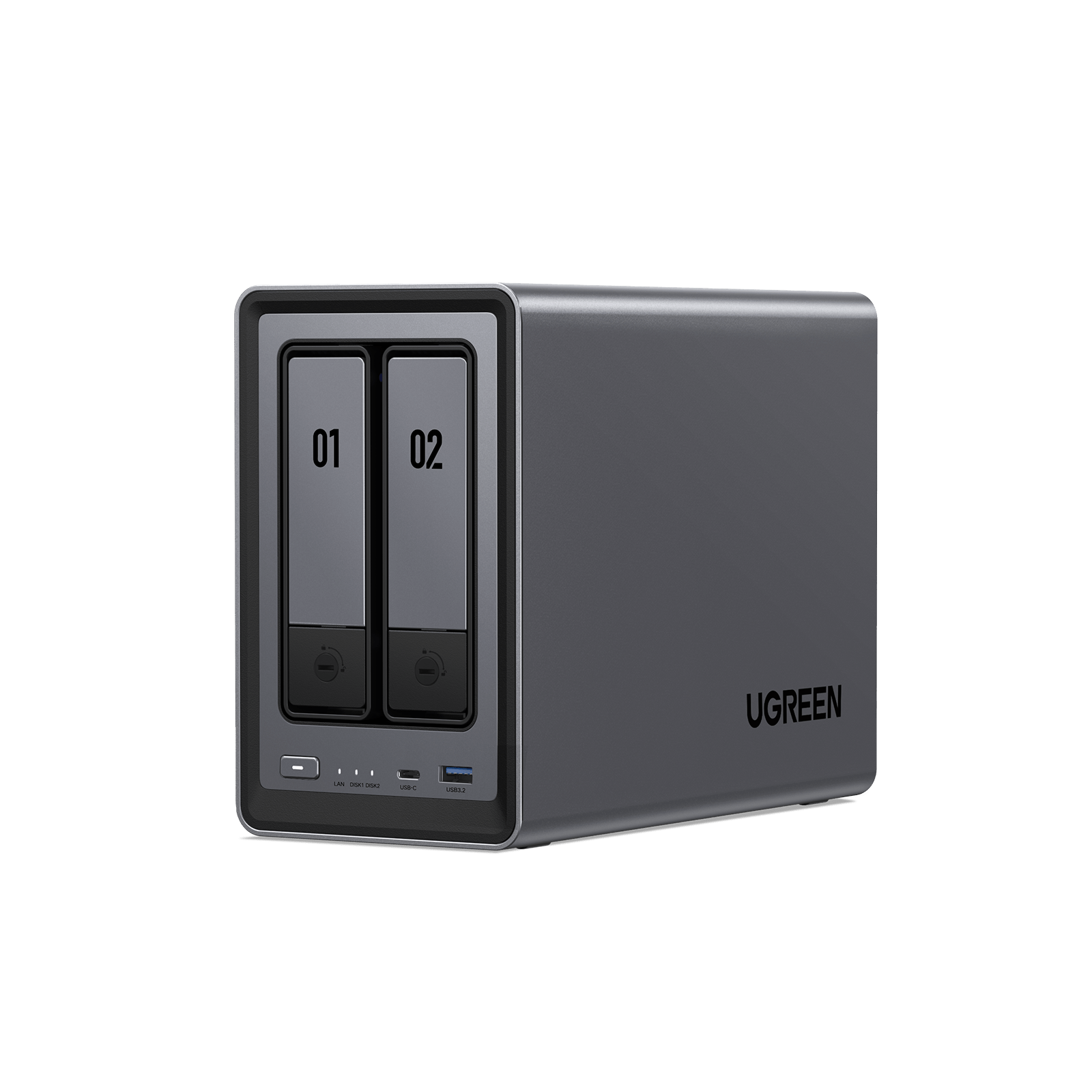
Best Value
UGREEN NASync DXP2800
2-bay + 2x M.2 NVMe, Intel N100 (Quick Sync), 8GB DDR5 (exp.), 2.5GbE, UGOS Pro
The DXP2800 is the cheapest NAS with real hardware transcoding, which makes it the budget Plex box by default. The N100 handles 4K transcodes that the same-priced Synology 2-bays can’t reliably do anymore, and the two NVMe slots are a nice extra at this price. Know the limits going in: two bays cap how far the library can grow, and when you outgrow it you’ll be selling it rather than expanding it. The single 2.5GbE port sounds modest, but it’s plenty for serving media; it only pinches when you’re moving the whole library around. If your collection is big or growing fast, spend up to the DXP4800 Plus now. If it’s a few terabytes of movies and shows, this does the job for a lot less money.
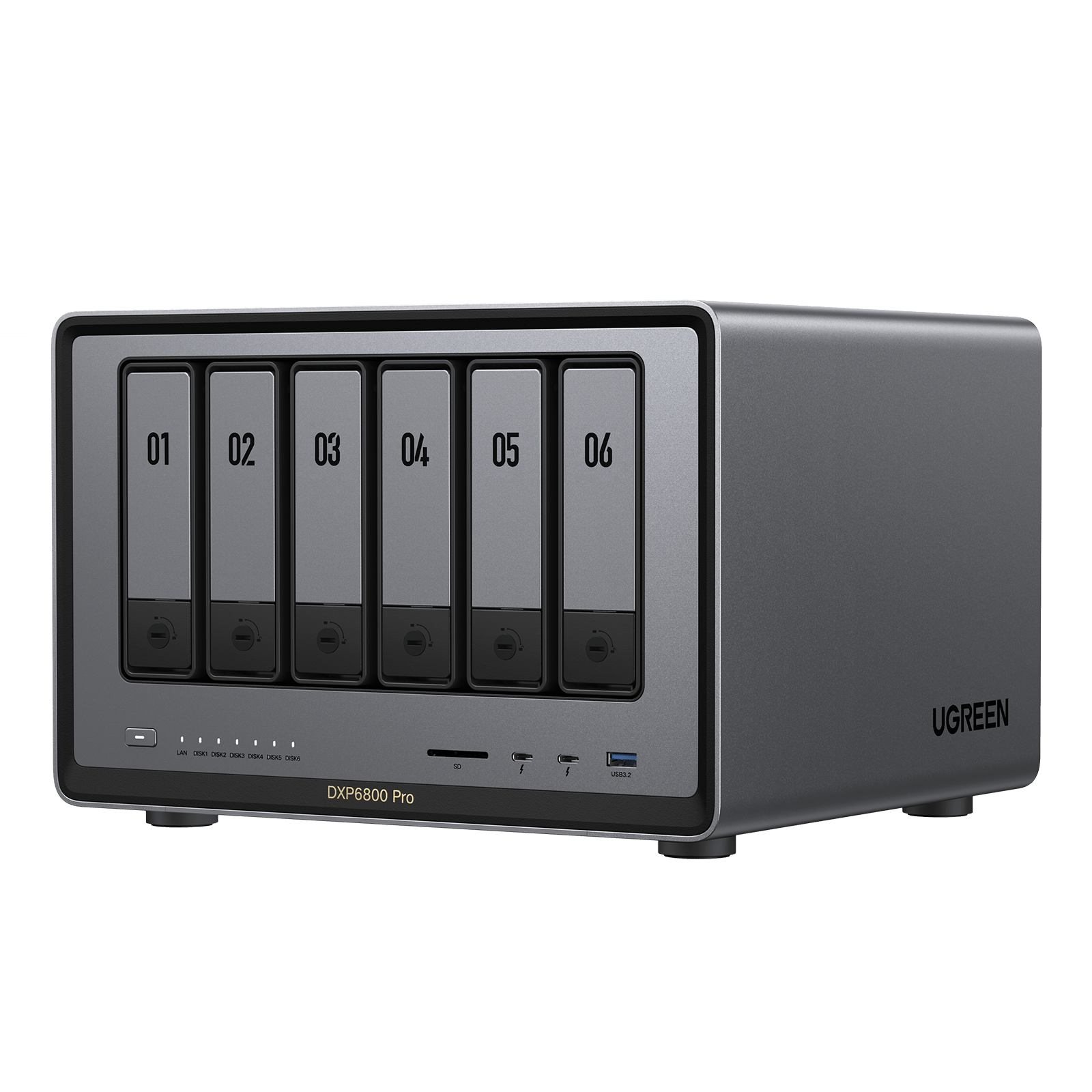
UGREEN NASync DXP6800 Pro
6-bay + 2x M.2 NVMe, Intel Core i5-1235U (10-core, Quick Sync), 8GB DDR5 (exp.), dual 10GbE, 2x Thunderbolt 4, UGOS Pro
The DXP6800 Pro is for the person whose Plex server is also becoming the family home server. The 10-core i5 keeps Quick Sync, so transcoding works exactly like it does on the cheaper boxes, and the extra cores go toward VMs, Docker containers, and whatever else accumulates once the household realizes what this thing can do. Six bays plus two NVMe slots is serious library headroom, and dual 10GbE means the network never becomes the excuse. This is more NAS than a media server strictly needs, and that’s the point: you’re buying the ceiling, not the floor. If you want eight bays instead, the DXP8800 Plus is the same platform with two more.
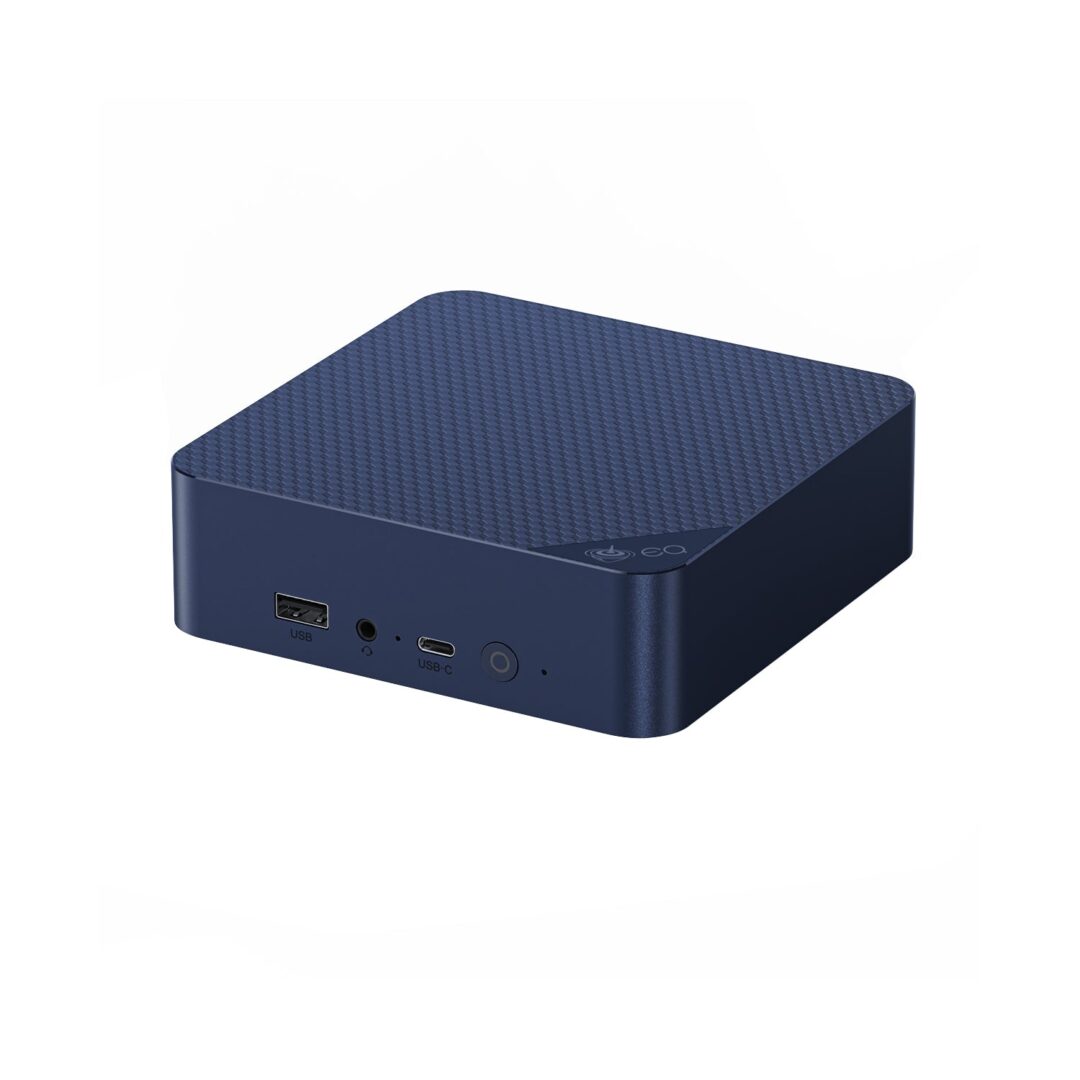
My Setup
Beelink EQ14 + the NAS You Already Own
Intel N150 mini PC (Quick Sync), pairs with any NAS over SMB or NFS, runs Plex or Jellyfin in Docker
Here’s the setup nobody selling you a NAS mentions: my own media server isn’t a NAS at all. It’s an N100 mini PC that cost about $140, sitting next to the storage. It mounts the NAS shares over SMB, runs Docker and the media server, and does all the transcoding with its own Quick Sync engine. The data never leaves the NAS, so snapshots and backups keep working exactly as before. The beauty of this approach is that the NAS stops mattering: it works with a Synology that can’t transcode, and it even works with storage-only boxes like the UniFi UNAS line, which can’t run apps at all. I documented the whole thing in my mini PC media server guide, and my mini PC roundup has stronger options if you want more headroom. The trade-off is two devices to manage instead of one. In exchange, you get the best transcoding hardware per dollar there is.
Spec Comparison
| Model | Bays | CPU | Plex transcoding | Network |
|---|---|---|---|---|
| DXP2800 | 2 + 2x M.2 | Intel N100 | Yes | 2.5GbE |
| DXP4800 Plus | 4 + 2x M.2 | Intel Pentium 8505 | Yes | 10GbE + 2.5GbE |
| DXP6800 Pro | 6 + 2x M.2 | Intel i5-1235U | Yes | 2x 10GbE + TB4 |
| DXP8800 Plus | 8 + 2x M.2 | Intel i5-1235U | Yes | 2x 10GbE + TB4 |
| Synology DS925+ | 4 + 2x M.2 | AMD V1500B | No | 2x 2.5GbE |
| Beelink EQ14 + any NAS | uses your NAS | Intel N150 | Yes | 2.5GbE |
Which Setup Should You Buy?
- Small library, tight budget: the DXP2800. Cheapest real transcoding in a NAS.
- One box that stores and serves, the default answer: the DXP4800 Plus.
- Big library, VMs, or one machine for the whole lab: the DXP6800 Pro, or the DXP8800 Plus for eight bays.
- You already own a NAS you like: put a Beelink EQ14 next to it and let the mini PC do the transcoding.
- You’re set on Synology: buy it for DSM and the backup tooling, not for Plex, and plan around direct play.
Whichever way you go, the drives matter more than the RAM: use CMR drives, not SMR, and my NAS hard drive guide covers the ones I trust. The rest of what I run every day is on my recommended hardware page.