The best NAS for video editing for most people is the UGREEN DXP4800 Plus. It has 10GbE built in, which Synology’s four-bay DS925+ cannot add at all. On Synology, buy the DS1525+ and its 10GbE card. To edit off hard drives at full 10GbE speed, you need at least seven drives, which means eight bays, like the DXP8800 Ultra.
Network attached storage for video editing is only as fast as the slowest link between its drives and your editing computer, so the network matters as much as the NAS. Every model below is current as of October 2026.
Disclosure: Some links below are affiliate links, which means that I earn a percentage of each sale at no cost to you. Thank you for your support.
What a NAS for Video Editing Needs
You can edit directly off a NAS, but only if the drives and the network can both keep up. Decide first whether you’ll edit from it or use it as the place footage lands before and after the edit. As a storage destination, almost any current NAS works.
When I recorded how I use my Synology NAS in 2024, the project I was editing lived on my PC and synced to the NAS. Synology Drive kept 32 versions of each file, which was extremely helpful when an edit corrupted.
Drive Bays, Drives, CPU and RAM
In NAS storage for video editing, the number of bays decides your speed as much as your capacity, because RAID reads from every data drive at once. UGREEN puts a NAS hard drive at roughly 200 to 260 MB/s and a SATA SSD at 500 to 550 MB/s, so most editors fill a NAS with hard drives, and more of them is how you go faster. Buy more bays than you think you’ll need, since footage only grows. Don’t overthink the CPU and RAM either, because the drives and the network are the limit long before the processor is. My best NAS hard drives list covers drives, and the Seagate IronWolf Pro 16TB is a good place to start.
NAS vs DAS (and Thunderbolt)
A DAS is one computer’s external drive, while a NAS is shared by every machine on the network. UGREEN’s DXP6800 Pro and DXP8800 Plus also take a Thunderbolt cable straight to one Mac or PC (UGOS firmware 1.2.0.2121 or later), which skips the switch. UGREEN’s documentation is clear that it is still a network share, though, not direct-attached storage.
Fast NAS for Video Editing Starts With the Network
For most people, 2.5GbE is the upgrade worth making first, and 10GbE only pays off once the NAS has enough drives to feed it. Divide Ethernet speeds by eight for bytes: 1GbE tops out at 125 MB/s, 2.5GbE at about 312 MB/s and 10GbE at 1,250 MB/s.
By early 2026, I’d moved my whole network to 10GbE, mainly for my video editing, because moving even a 10 to 15 GB file between my computers took a long time. I can now move files 10 times faster, and for me, it was worth it. With that said, a 2.5GbE switch and a NAS that supports it will be enough for most people, and 10GbE is roughly four times faster again when you outgrow it.
How Many Drives It Takes to Fill 10GbE
With hard drives in RAID, you generally need at least seven of them to fully max out a 10GbE connection. The arithmetic agrees: at 200 to 260 MB/s a drive, RAID 5 needs five to seven data drives plus parity to reach 1,250 MB/s. A four-bay NAS beats 2.5GbE, but it won’t fill 10GbE from hard drives.
SSD Cache Won’t Hold 10GbE Speeds
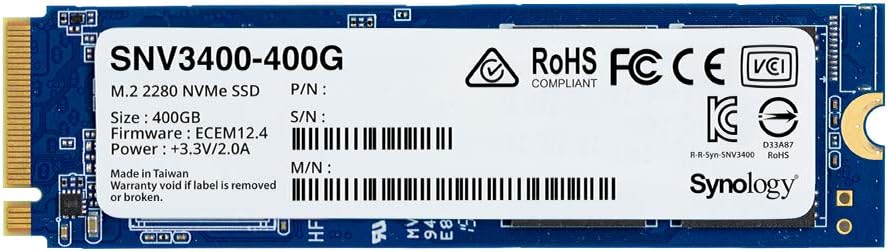
You can use an SSD cache, but it isn’t going to hold 10GbE speeds over long transfers, and video files are the long transfer. For flash speed, an M.2 SSD storage pool is the option both Synology and UGREEN document. On the 2025 Synology Plus models (DS925+, DS1525+, DS1825+), an M.2 cache or pool needs an SSD on Synology’s list, and here’s how SSD caching on a Synology NAS is set up.
Both Ends Need the Speed
If you buy a 10GbE NAS and your network doesn’t support it, having it available is going to do nothing. Your editing computer needs a 10GbE adapter (I had to install drivers for the card in my desktop), and you need a 10GbE switch with a port for the NAS and one for each editing machine.
Best NAS for Video Editing
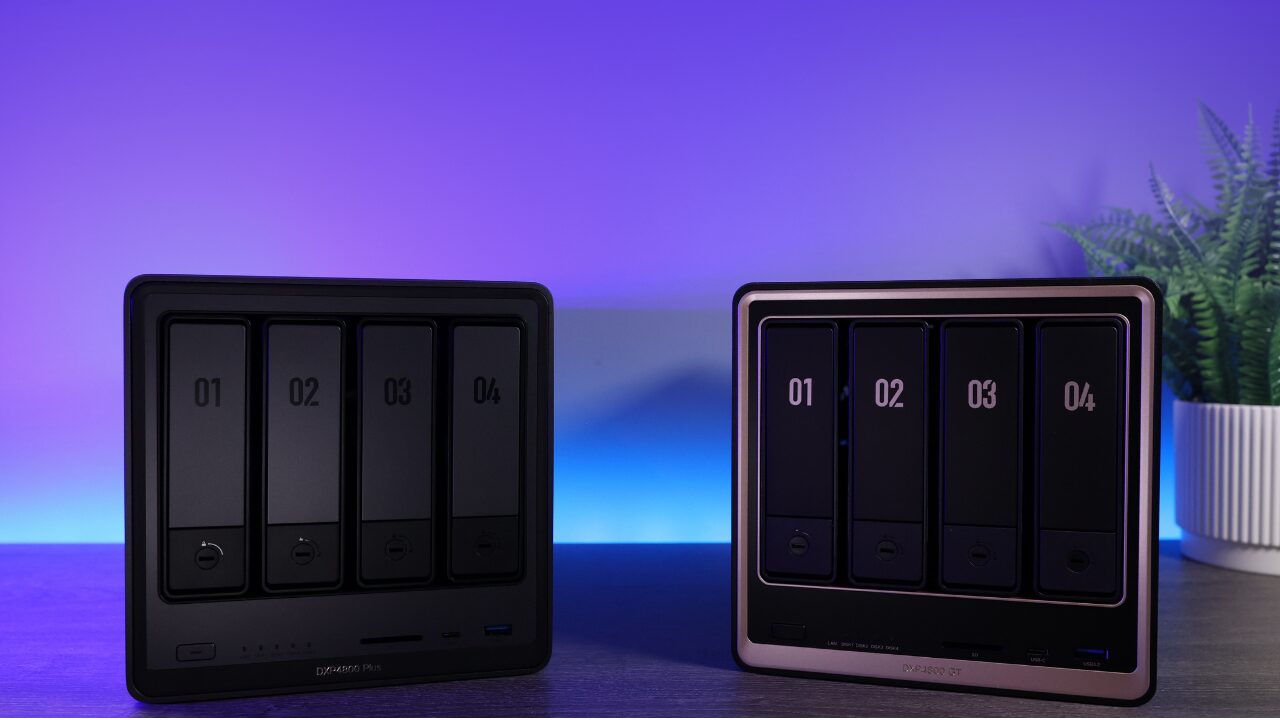
For most editors, the UGREEN DXP4800 Plus is the one to buy. UGREEN builds 10GbE into it and into every six- and eight-bay model here, while a Synology NAS for video editing needs a 10GbE card or one of the xs models. If video isn’t your only use, see which Synology NAS to buy or my UGREEN NAS buying guide.
| NAS | Bays | Built-in network | Path to 10GbE | Best for |
|---|---|---|---|---|
| UGREEN DXP4800 Plus | 4 | 10GbE + 2.5GbE | Built in | Most solo editors |
| Synology DS1525+ | 5 | 2 x 2.5GbE | E10G22-T1-Mini | Synology on 10GbE |
| Synology DS925+ | 4 | 2 x 2.5GbE | None | Editing on 2.5GbE |
| UGREEN DXP6800 Pro | 6 | 2 x 10GbE | Built in | Six bays, close to 10GbE |
| UGREEN DXP8800 Ultra | 8 | 2 x 10GbE | Built in | Editing off hard drives |
| UGREEN DXP8800 Plus | 8 | 2 x 10GbE | Built in | Value eight-bay UGREEN |
| Synology DS1825+ | 8 | 2 x 2.5GbE | E10G30-T1 | Eight-bay Synology |
| Synology DS1823xs+ | 8 | 10GbE + 2 x 1GbE | Built in | Small teams |
| Synology DS3622xs+ | 12 | 2 x 10GbE + 2 x 1GbE | Built in | Production teams |
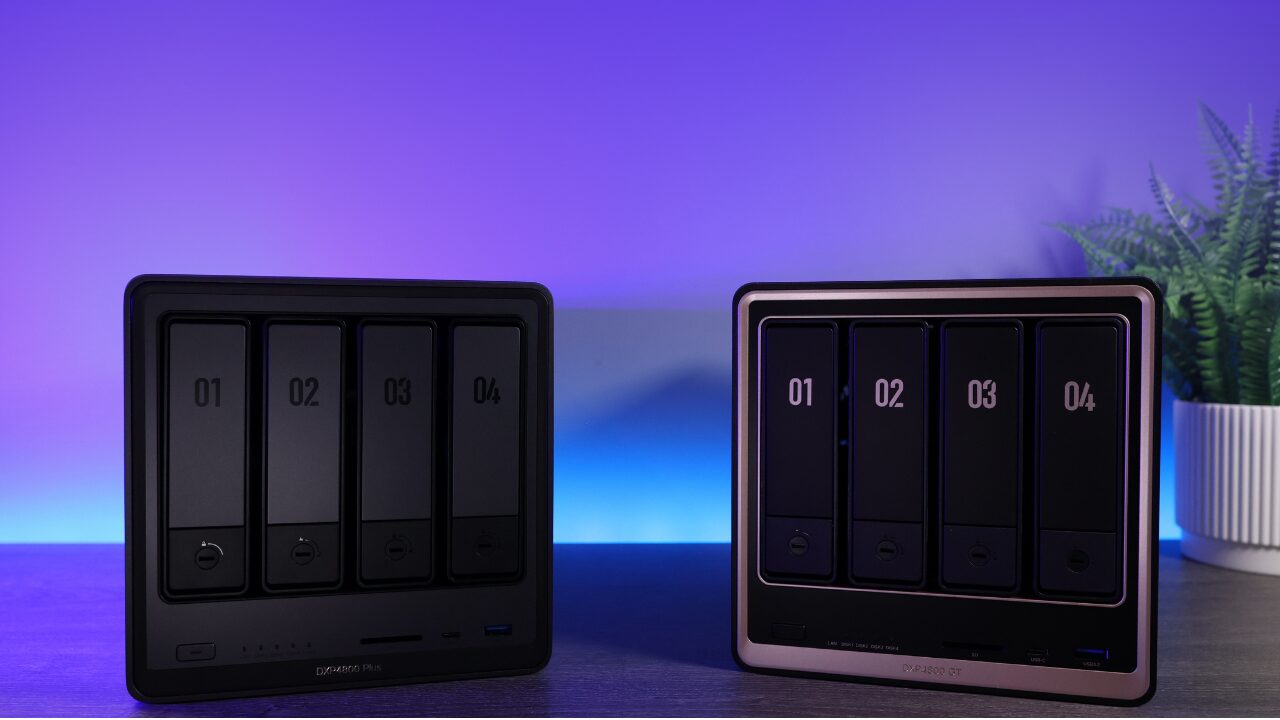
UGREEN DXP4800 Plus: Best for Most Editors
In my opinion, this is where most users are going to end up. It has 10GbE built in, and four drives in RAID 5 land around 600 to 700 MB/s by UGREEN’s own numbers, double what 2.5GbE carries. UGREEN doesn’t restrict drive brands, and the two M.2 slots work as a cache or an SSD pool.

Synology DS1525+: Best Synology NAS for Video Editing
The DS1525+ is the smallest current desktop Synology Plus model that reaches 10GbE, through the E10G22-T1-Mini in its upgrade slot. Since DSM 7.3 it takes third-party hard drives for pools, but M.2 cache and pools still need an SSD on Synology’s list.

Synology DS925+: Best for Editing on 2.5GbE
Only buy the DS925+ if 2.5GbE is your ceiling, because it has no slot to add 10GbE. Its two 2.5GbE ports won’t combine for one editor, unless your computer’s link beats 2.5GbE and SMB3 Multichannel is on. As the place footage lands before and after an edit, though, it’s great.
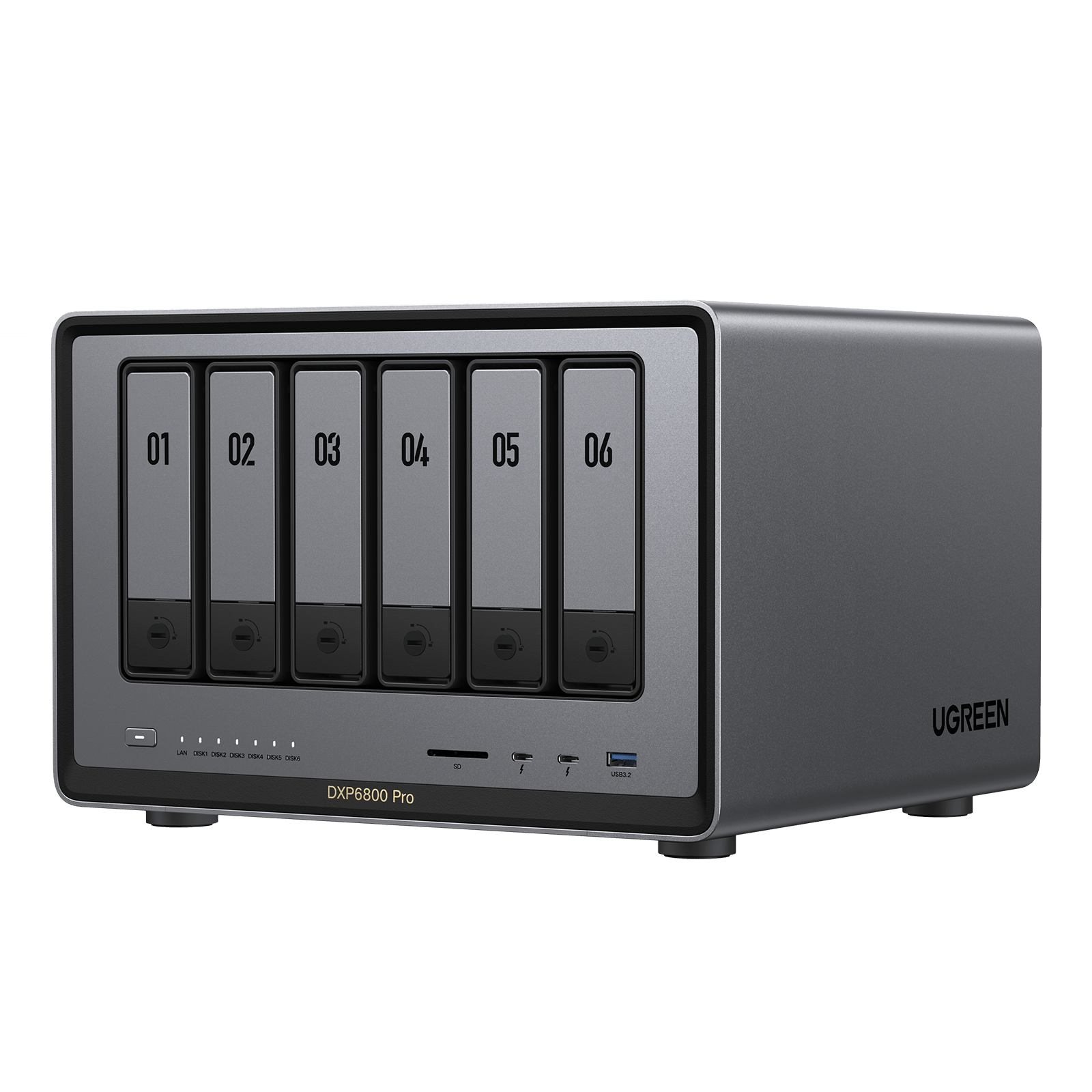
UGREEN DXP6800 Pro: Best Six-Bay NAS
Six bays is the size Synology no longer makes in its Plus line, and six drives get you close to a full 10GbE link. It adds a PCIe slot and front Thunderbolt for a point-to-point link to one editing machine. The newer DXP6800 Ultra changes the CPU and RAM ceiling, not the bays or network that set editing speed.
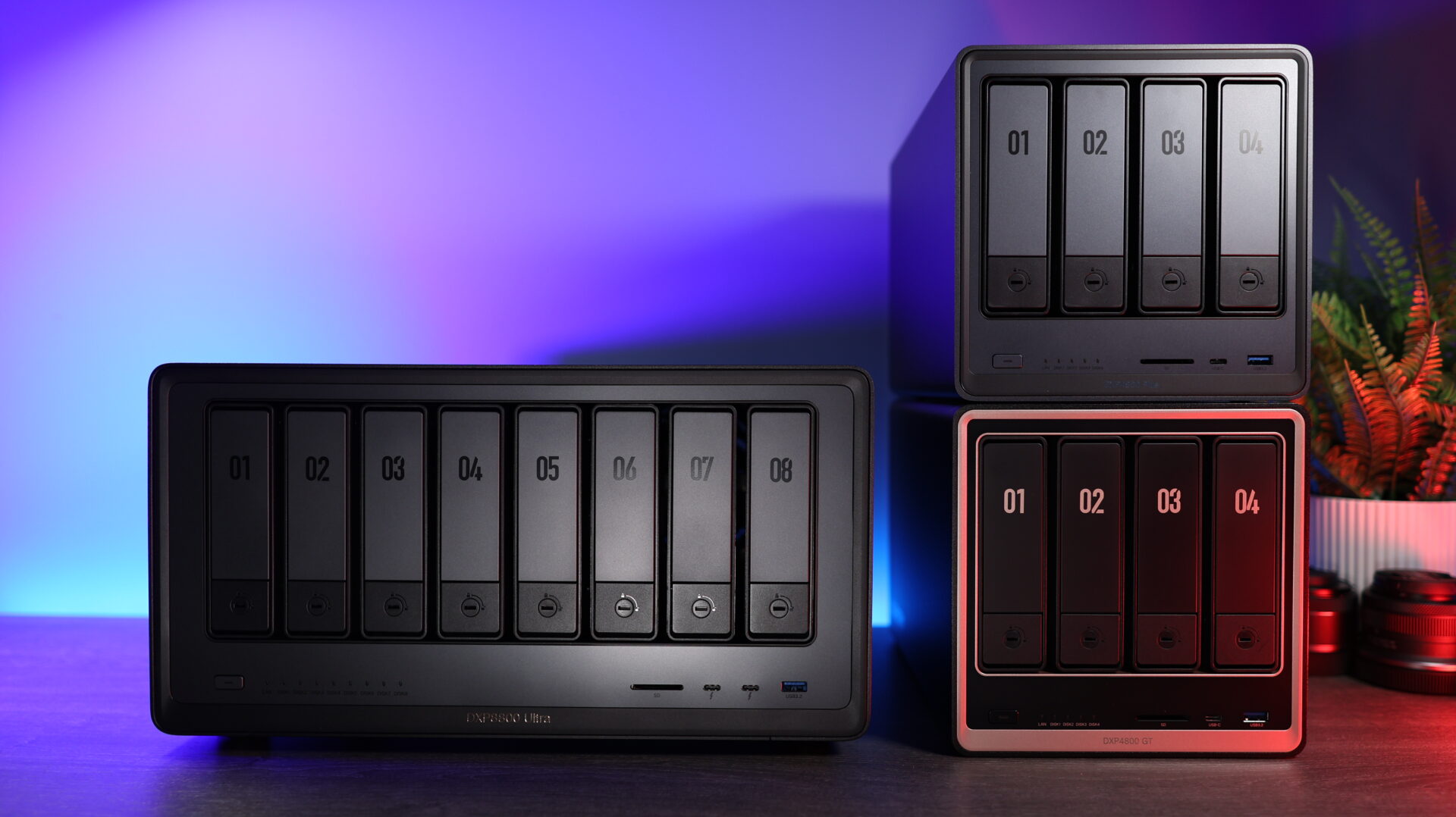
UGREEN DXP8800 Ultra: Best for Editing Off Hard Drives
The Ultra is really a refresh of the 8800 Plus with a faster CPU and a higher memory ceiling. I had no problem loading it with eight drives, no SSD cache, and editing directly off of it over 10GbE, which is saying something because not all devices can do that. If you need eight bays, this is the one I’d buy. For transparency, UGREEN sent me the Ultra and sponsored my video on its lineup.
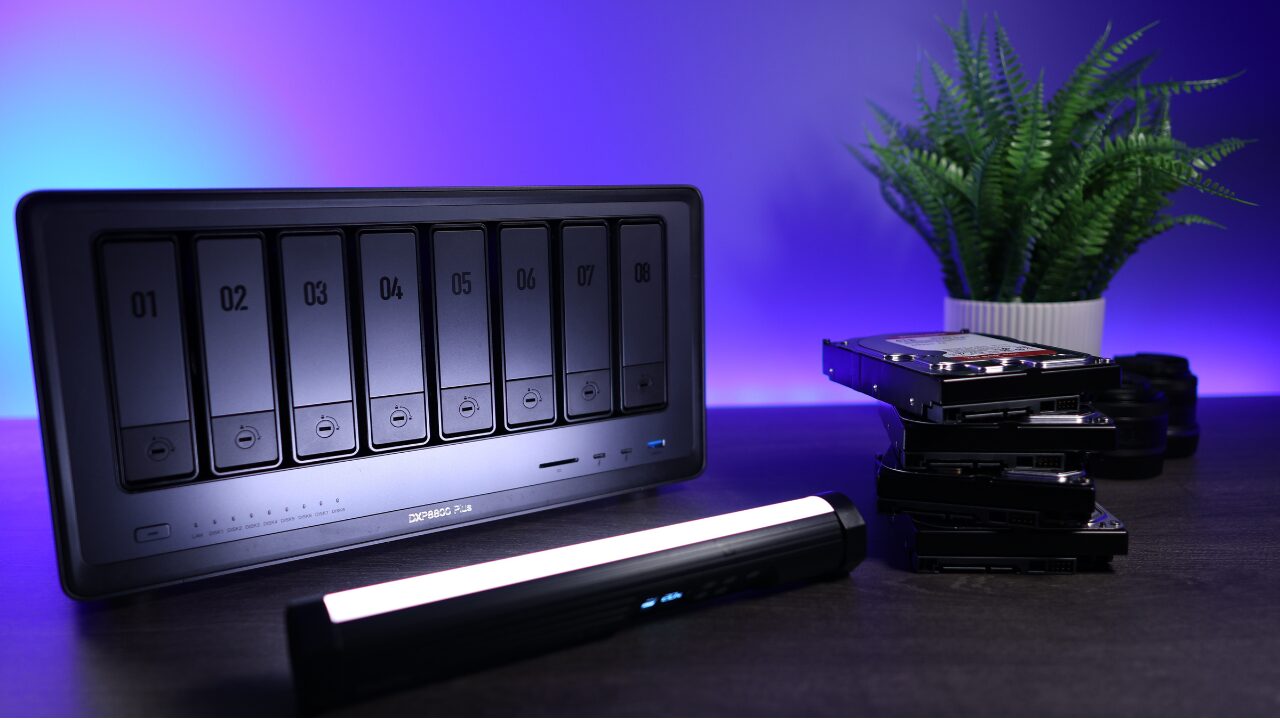
UGREEN DXP8800 Plus: Best Value Eight-Bay
Eight hard drives fill 10GbE, and it has the Ultra’s bays and network, just not its CPU or RAM ceiling. I’ve run one as an off-site backup for about a year (as of September 2026), and it’s been rock solid.
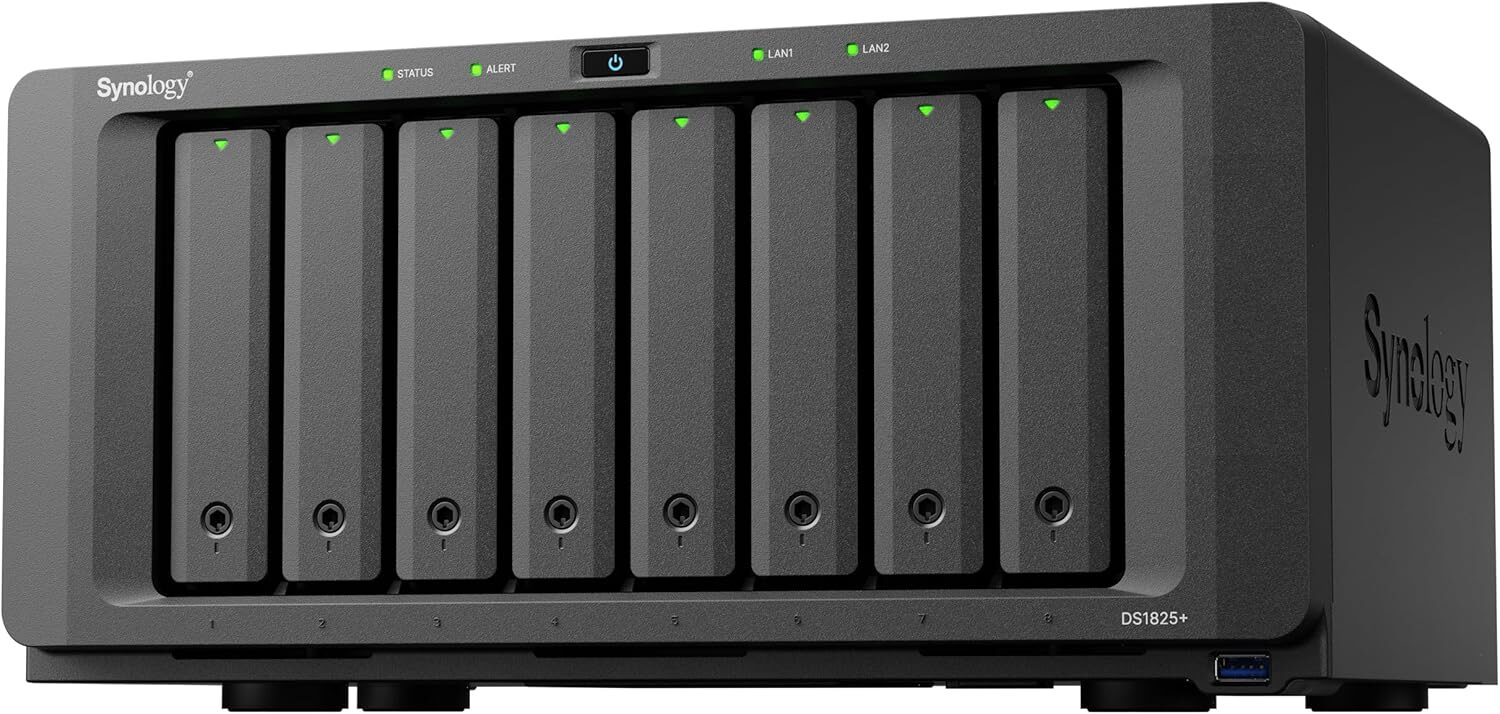
Synology DS1825+: Best Eight-Bay Synology
This is the Synology to buy if you want to edit off hard drives at full speed. Its PCIe slot takes Synology’s E10G30-T1 for 10GbE over RJ45 (not the E10G22-T1-Mini), or the E25G30-F2 for 25GbE.
Best NAS for Video Production Teams
A NAS for video production with several editors needs more drives in the pool and enough network on the NAS that one editor’s export doesn’t stall the others. Synology’s xs models are built for that. They stay on Synology’s older drive policy, though, which only guarantees full functionality with Synology drives on its compatibility list.
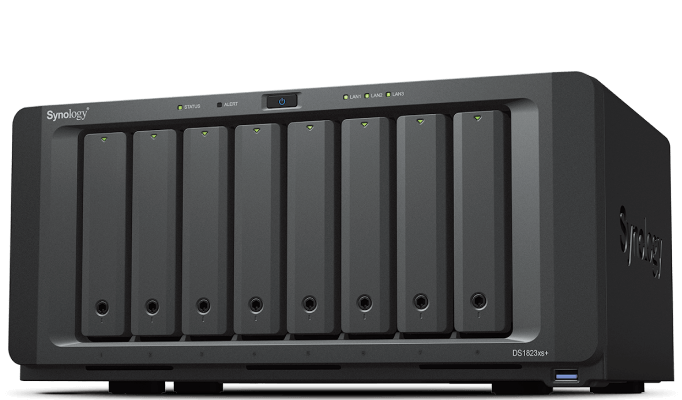
Synology DS1823xs+: Best for Small Teams
The DS1823xs+ has eight bays, 10GbE out of the box and a faster-clocked Ryzen than the DS1825+, but not its newer drive policy. Its two M.2 slots take a cache or an SSD pool, and a PCIe slot leaves room for more network as the team grows.
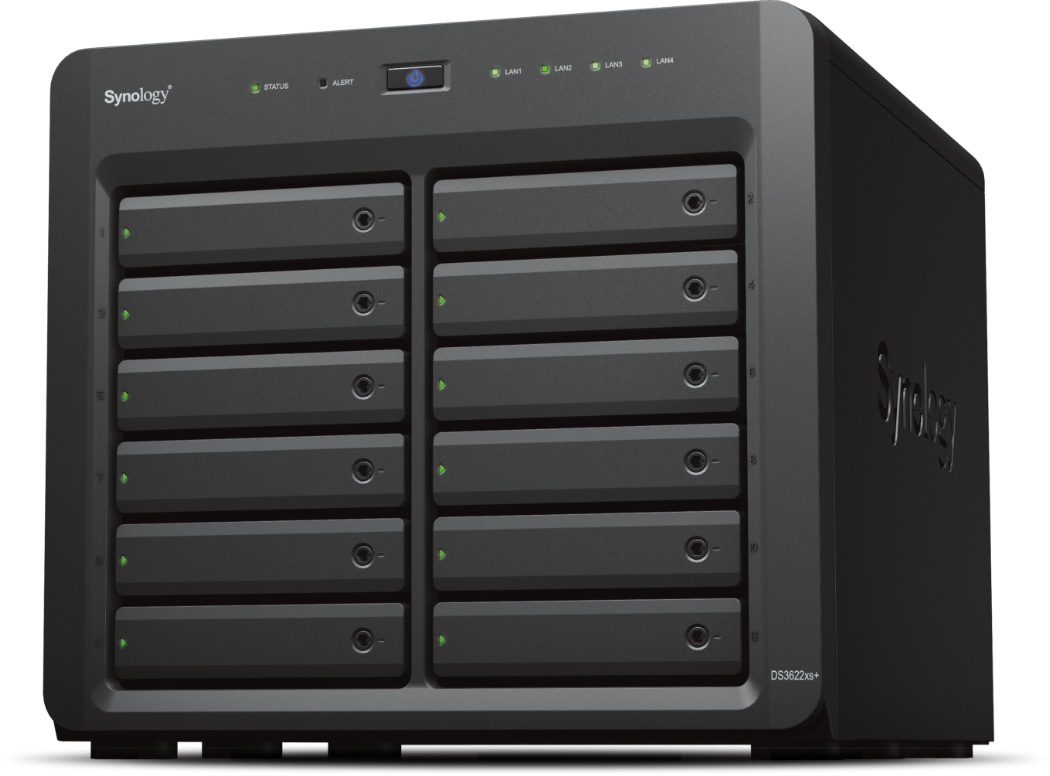
Synology DS3622xs+: Best for Production Teams
The DS3622xs+ is still the one for a team. Twelve bays keeps several editors busy, two 10GbE ports come standard, and with no onboard M.2, a cache needs an adapter card or SATA SSDs in the bays. Budget for the switch as carefully as the NAS, because every editor needs their own 10GbE port to see the speed.