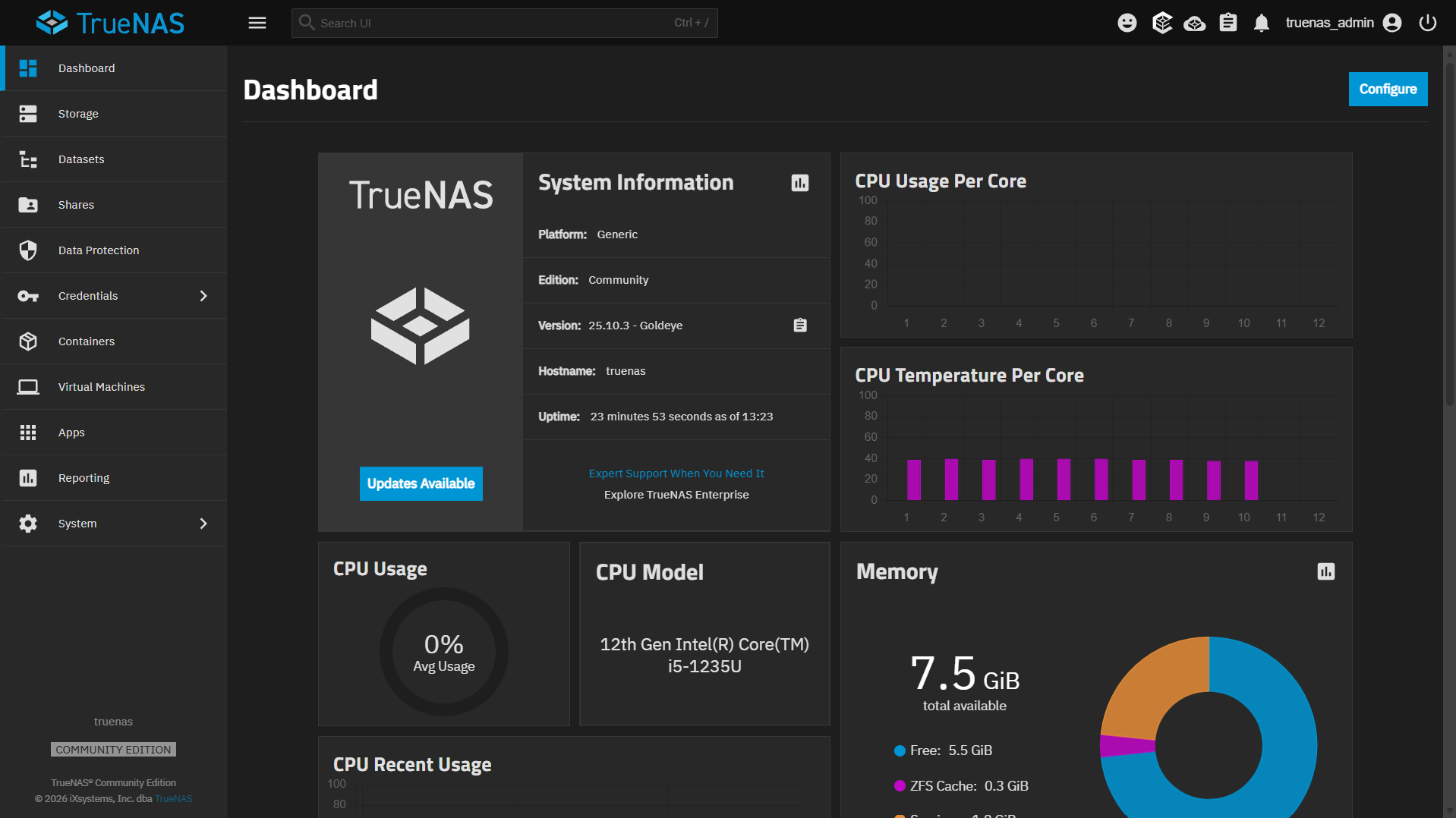
I built a DIY NAS with an AMD Ryzen 7 5700X and an ASRock X570 Taichi motherboard running TrueNAS Community Edition, and it’s been great, but TrueNAS isn’t the right fit for everyone. ZFS has a learning curve, the web UI can feel overwhelming at first, and I’ve hit situations where TrueNAS network speeds capped at around 1 Gbps instead of the higher speeds I expected. If you’re looking for something different, there are three alternatives I’ve personally used that are worth considering.
Before picking one, it helps to understand what you’re moving away from. TrueNAS comes in two versions: TrueNAS Core (FreeBSD-based) and TrueNAS Scale (Debian Linux-based, now Community Edition). Both are free and open-source, and both use OpenZFS. The differences matter more than you’d think, so read up on those before deciding whether TrueNAS itself is really the problem, or just the version you picked. With that said, for now, almost everyone should pick TrueNAS Community Edition
Unraid: The Most Flexible Option
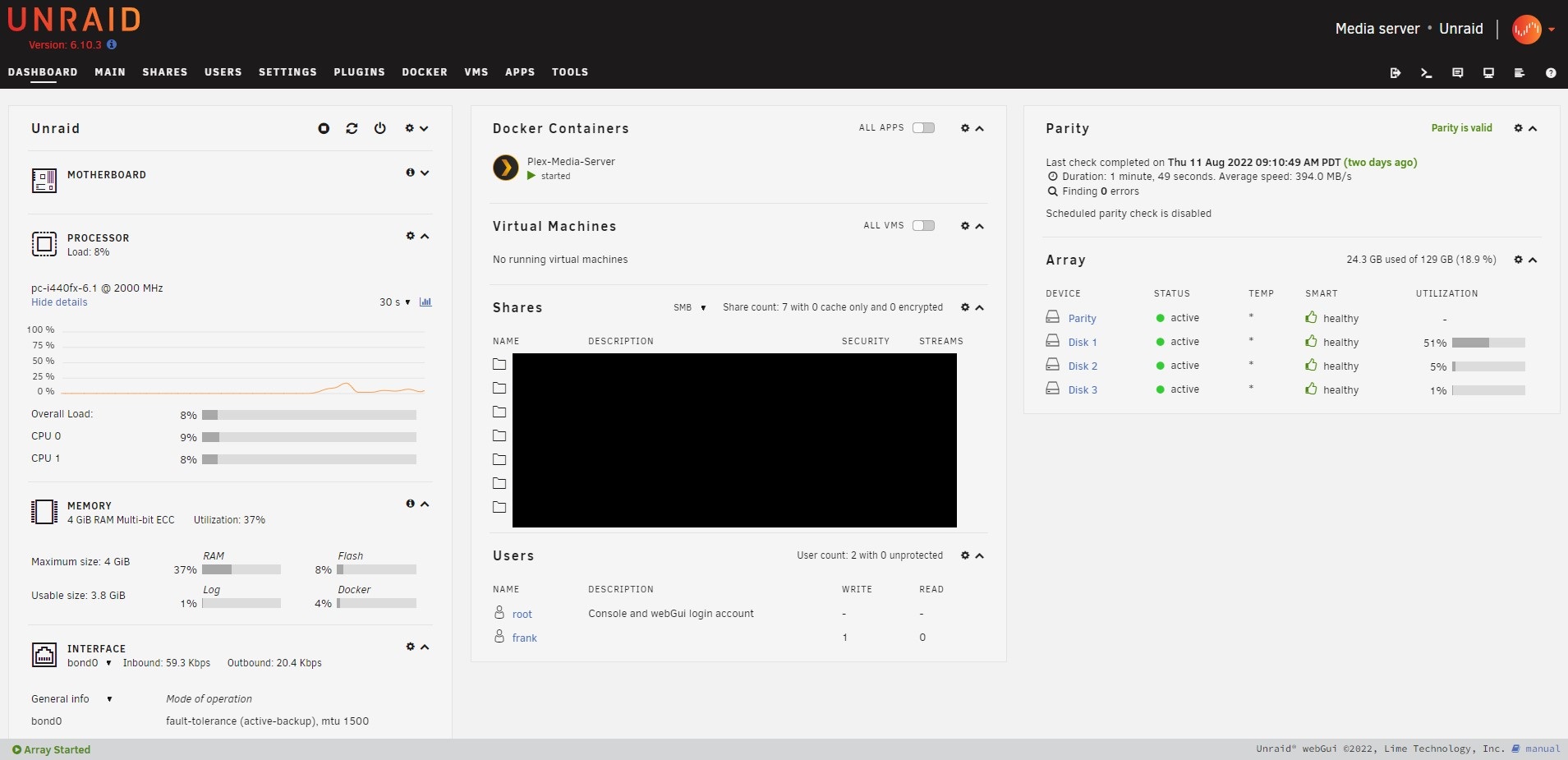
Unraid is a proprietary NAS operating system that lets you create shared folders, run Docker containers, and create virtual machines. It’s not a traditional hypervisor, but the VM support is good enough for most home lab use cases. If you want to compare the two side by side, I wrote a full Unraid vs. TrueNAS comparison.
The biggest advantage of Unraid is how approachable it is to beginners. Most NAS operating systems feel confusing the first time you set them up, but Unraid doesn’t. The dashboard makes sense, the community app store gives you one-click installs for most Docker containers, and the storage system is flexible. You can mix and match drive sizes, which TrueNAS (with ZFS) doesn’t really handle.
Unraid is the best TrueNAS alternative for most people due to its flexibility and reliability.
The trade-off is cost, as Unraid is not free. You’ll need to purchase a license based on the number of hard drives you plan to use. The other thing to know is that Unraid doesn’t use a traditional RAID system. It uses parity-based protection, which means rebuild times after a drive failure can be long, and write speeds to the array are limited by the speed of a single disk. For most home NAS workloads, that’s fine, but if you need sustained high write throughput, TrueNAS with ZFS mirrors will outperform it. While Unraid now supports ZFS, it’s not really comparable to what TrueNAS offers.
OpenMediaVault: Lightweight and Free
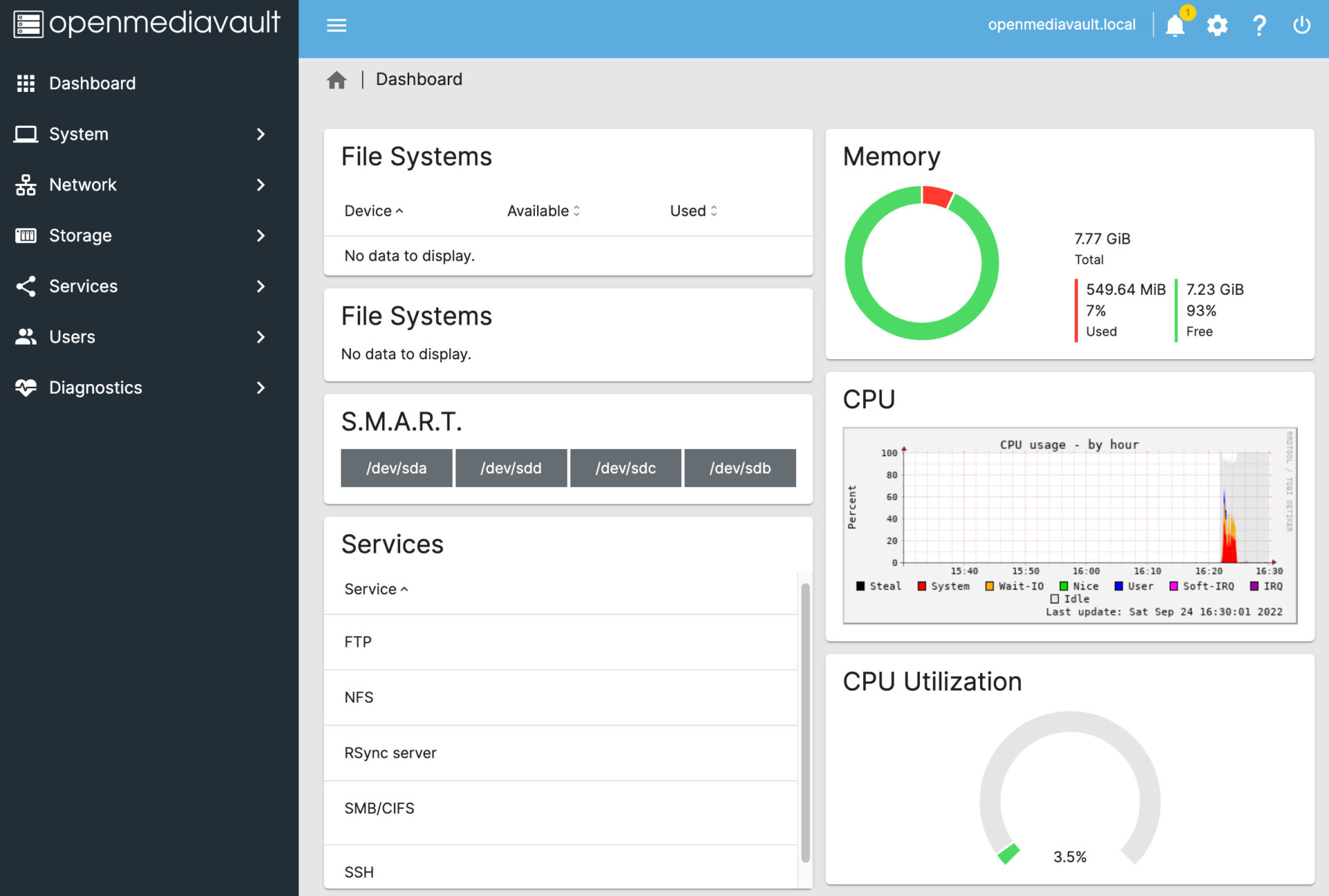
OpenMediaVault is an open-source NAS operating system based on Debian Linux. It has all the core features you’d expect: shared folders, user management, S.M.A.R.T. monitoring, and plugin support for things like Docker. I wrote a detailed OpenMediaVault vs. TrueNAS comparison if you want the full breakdown.
What sets OpenMediaVault apart is hardware compatibility. It runs on almost anything. You can install it on bare metal, as a virtual machine, or even on a Raspberry Pi. If you want to turn a Raspberry Pi into a basic NAS for backups or file sharing, OpenMediaVault is the way to do it. I prefer Raspberry Pi model 4 or newer for this, since you need gigabit Ethernet to get reasonable transfer speeds.
OpenMediaVault is also extremely resource-friendly. It doesn’t need much RAM or CPU to run well, which makes it a good option if you’re building a NAS from older or lower-power hardware. If you’re just starting a home lab, OpenMediaVault on spare hardware is a low-risk way to learn.
The downside is that OpenMediaVault’s plugin system can be pretty inconsistent. Some plugins are well-maintained, others aren’t. And while you can run Docker on it, the Docker integration isn’t as developed as Unraid’s community app store or the TrueNAS app section. You’ll likely end up managing containers through Portainer or the command line, which is fine if you’re comfortable with that, but it’s an extra step.
Synology: A Different Approach Entirely
Unlike TrueNAS, Unraid, or OpenMediaVault, a Synology NAS is a hardware device that runs Synology’s DSM operating system.
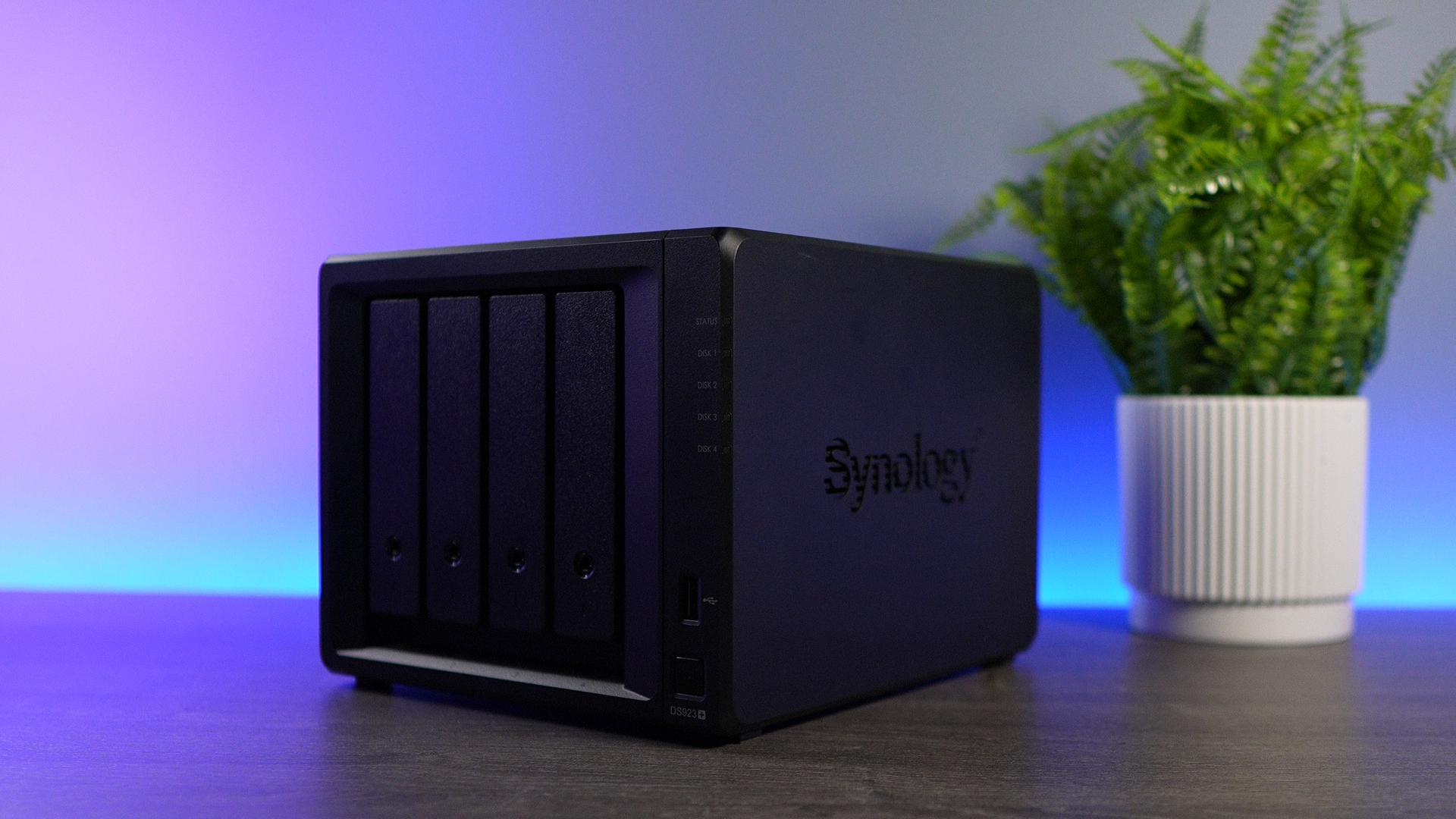
You can’t install DSM on your own hardware (not officially, anyway). Instead, you buy a Synology device, and DSM comes with it. If you’re comparing TrueNAS against Synology specifically, check out my full Synology vs. TrueNAS comparison.
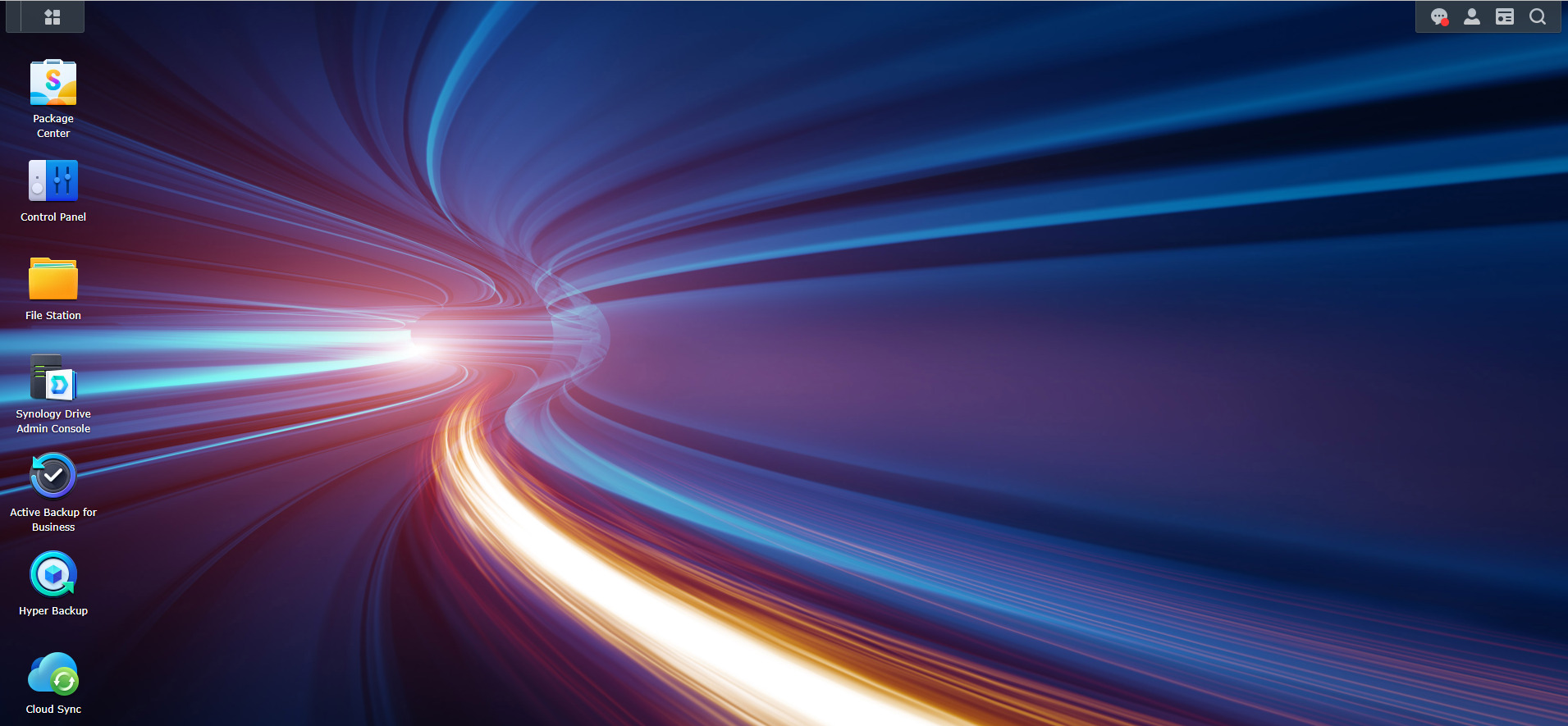
I ran Synology NAS devices for over ~7 years, including a DS1821+ and a DS1019+. DSM is great, the built-in apps (Synology Drive, Hyper Backup, Cloud Sync) work well, and you get direct support from Synology if something breaks. I was running DSM 6 and later upgraded to DSM 7, and the experience was solid overall.
The honest trade-off is the hardware. Most Synology devices come with CPUs that are three to five years old at the time of release. You’re paying a premium for the software ecosystem and support, not for the best hardware specs. For context, I built my DIY NAS for roughly the same price as a high-end Synology, and the performance difference is insane.
There’s also the hard drive restriction issue. Newer Synology models have started restricting which hard drives and SSDs you can use, and third-party hard drives weren’t officially supported until DSM 7.3. That’s a real concern if you like to buy drives on sale or shuck external drives.
With that said, NAS devices don’t need a ton of resources for basic file serving. Synology devices are power-efficient, quiet, and compact. When I measured power consumption on my NAS hardware, the difference was pretty crazy. A budget four-bay NAS like the UGREEN DH4300 Plus pulls around 30 to 35 watts under load, and Synology devices are in a similar range. If low power consumption and a plug-and-play experience matter more than raw performance, Synology still makes a lot of sense.
Which One Should You Pick?
It depends on what you value. After using all three alongside TrueNAS (and also preferring TrueNAS for most), here’s how I’d break it down.
If you want the most flexibility and don’t mind paying for a license, go with Unraid. The storage system is forgiving, the Docker support is excellent, and you’ll be up and running quickly.
If you want something free, lightweight, and you have spare hardware (or a Raspberry Pi), OpenMediaVault is a great starting point.
If you’d rather not build anything and want a polished, supported experience out of the box, Synology is still hard to beat. Just go in knowing you’re paying for the software, not the hardware.
Personally, I’d pick Unraid for most people moving away from TrueNAS. The learning curve is lower, the community is active, and it handles mixed-drive arrays without the rigidity of ZFS pool management. With all of this said, there’s no single “best” here. It comes down to your hardware, budget, and how much time you want to spend setting things up.