A year ago this wasn’t much of a debate. Synology DSM won on software, you paid a premium for it, and that was the end of the conversation. Since then UGOS Pro has had a full year of updates, Synology has made a few decisions that pushed people away, and the answer I give has genuinely changed.
Let me be upfront about the part that hasn’t changed. On software and ecosystem, DSM is still the better operating system. Synology has been doing this for close to 30 years and UGREEN hasn’t. If you came here to find out whether DSM and UGOS are equals in 2026, they’re not, and I’m not going to pretend otherwise.
What changed is the reason to pay Synology’s premium, which is weaker than it was a year ago, and UGOS Pro has gotten good enough that most home users aren’t really compromising anymore. That’s the shift, and it’s worth stating precisely: UGREEN didn’t win this, UGREEN stopped being the thing you settle for.
For context on where I’m coming from: I’ve run Synology hardware for close to 10 years, through a DS1019+, a DS923+, and a DS925+. When I first reviewed the UGREEN DXP4800 Plus I ran into real problems and I was very vocal about them. I kept using that device anyway, and today two UGREEN units run in my own backup pipeline, one of them on TrueNAS for close to a year now, so none of what follows is a spec sheet comparison.
The short answer: buy Synology if the software is the product for you, because DSM is still the most polished NAS operating system there is and Hyper Backup, Synology Drive, and Active Backup for Business are genuinely hard to replace. Buy UGREEN if you want more hardware for the money, working Plex or Jellyfin transcoding, no drive restrictions, or the freedom to wipe it and run TrueNAS later. The rest of this covers exactly where each one wins, what changed in 2026, and the specific models I’d buy today.
Disclosure: Some links below are affiliate links, which means that I earn a percentage of each sale at no cost to you. Thank you for your support.
What Actually Changed This Year
Two things moved, and they moved in opposite directions.
The first is that UGOS Pro matured, and it now has BTRFS volumes with snapshot support, a photos application that holds its own, a mobile app, Docker, a virtual machine application that’s genuinely good, sync and backup tooling, and a new surveillance center that records ONVIF cameras with NVR-style retention. That’s not a barebones operating system anymore, it’s a real one with a real first-party app catalog behind it.
The second is Synology’s own decisions, mainly around DSM 7.3 and 7.4. Some of those were good, like walking back the drive lock. Some of them created a new problem that most people haven’t noticed yet, which is the next section, because it’s the single most confusing topic in this comparison right now.
The Drive Restrictions, and What’s Left of Them
Here’s what happened. Synology released the DS925+ in 2025 and it shipped with hard drive restrictions, meaning you couldn’t use third-party drives at all and had to buy Synology’s own instead. That rightfully pushed a lot of people away, and the backlash was loud enough that Synology reversed course.
Since DSM 7.3, you can use whatever hard drive you want, including drives Synology hasn’t verified. So if you were avoiding Synology purely over the 2025 drive controversy, that specific problem is gone.
Not entirely, though, and this is the part that matters. New features are being released that you can’t actually use with third-party drives. DSM 7.4 introduced Storage Efficiency, which is post-process deduplication and compression. Instead of storing identical data multiple times it stores it once, which saves real space. It’s a good feature and I’m glad they added it, but it’s locked behind Synology drives, and the storage pool has to be made up entirely of Synology drives before you can turn it on.
So we’re at a strange crossroads where you can build a storage pool and a volume with third-party hard drives, but there are now features shipping that you won’t be able to turn on. It isn’t fair to say you can use third-party drives, full stop. It’s fairer to say you can install and use third-party hard drives with most of the functionality, not all of it. And note that I keep saying hard drives, because the SSD restrictions are still in place.
I’m not coming at this as someone who dislikes Synology, and I’ve bought their hardware for a decade. But the restrictions are a problem, and the pattern is the real issue: what was changed once can be changed again, and now it’s being reintroduced one feature at a time instead of all at once.
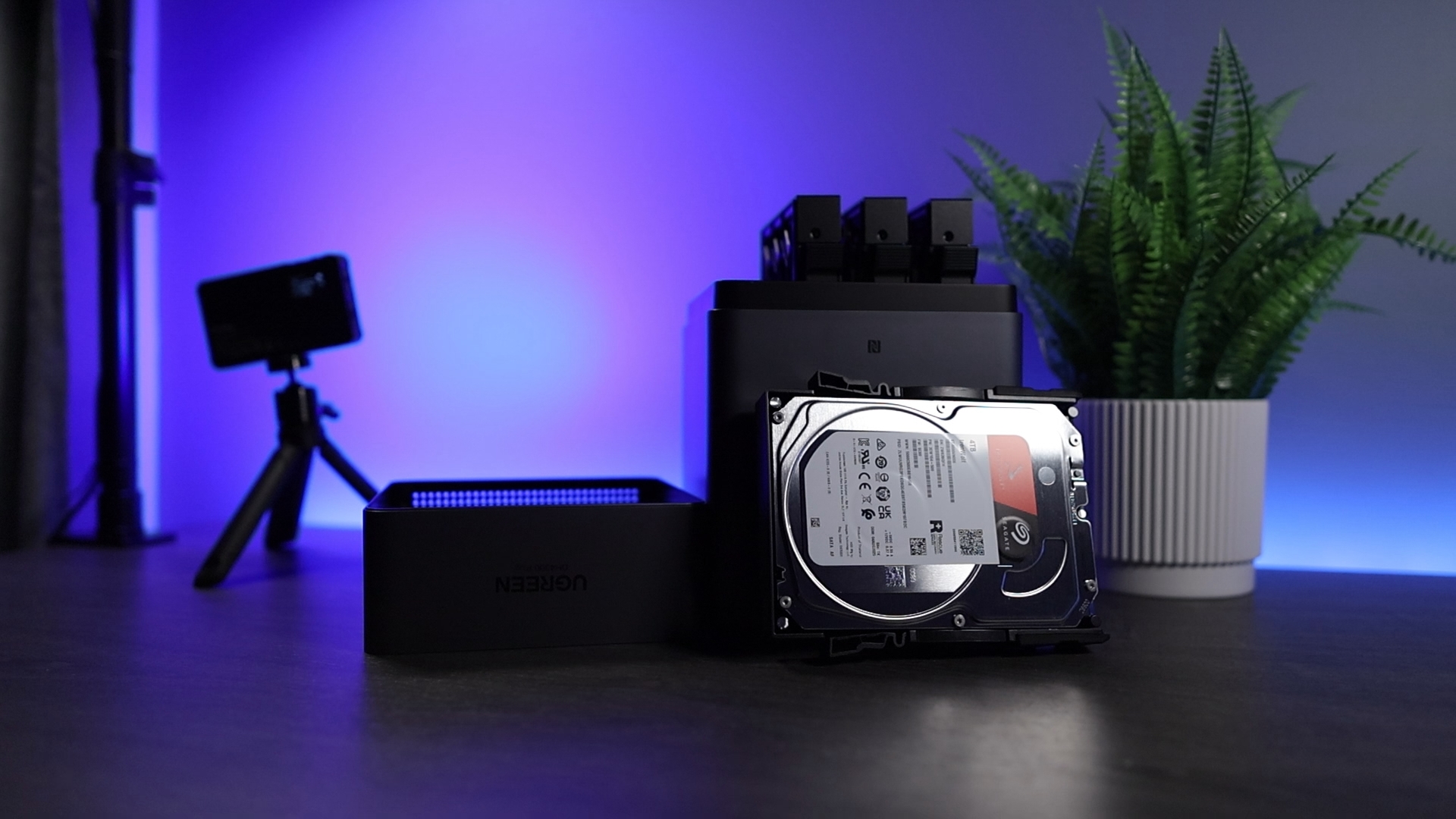
UGREEN never had a vendor list to begin with. Any SATA drive you own or want to buy will work, no asterisks, no feature gating. I still can’t quite believe that’s a selling point in 2026, but here we are. If you’re migrating with a stack of existing drives, that’s worth something.
Where the Hardware Stands in 2026
From a hardware perspective this isn’t a debate, and the gap has grown. Once you take the drive restrictions out of the equation, the DS925+ is still one of the best pre-built NAS devices you can buy. But as soon as you start comparing hardware against hardware, UGREEN pulls ahead everywhere.
On the Synology side, the 2025 generation moved the DS925+ and DS1525+ to AMD processors with no integrated GPU, which means Plex and Jellyfin hardware transcoding is gone from the current Plus lineup. The 2-bay units still ship the Intel J4125, a processor that’s been end-of-life for years, and the current firmware disables its iGPU driver anyway. You’re paying 2026 prices for hardware that would have been mid-range in 2021.
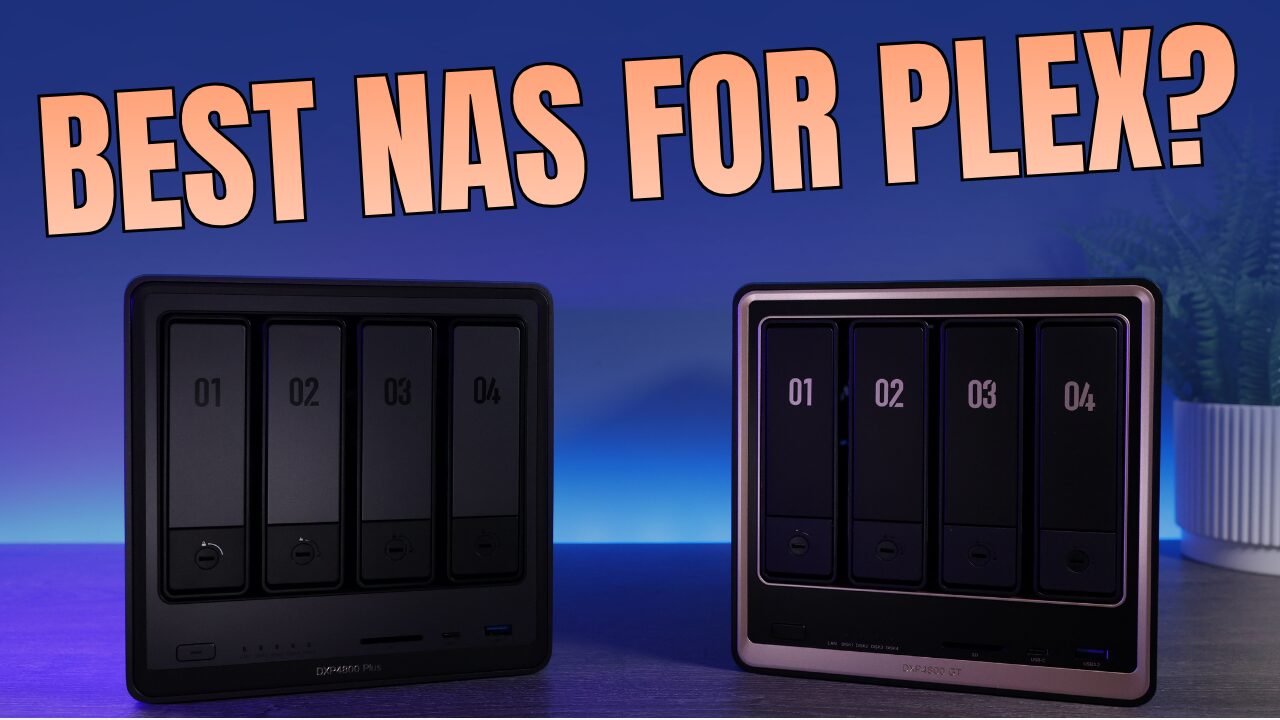
UGREEN went the other direction, and where Synology has one or two 4-bay options, UGREEN has an entire lineup. The three most people land on are the DXP4800 Plus, the DXP4800 Pro, and the DXP4800 GT, and while they look nearly identical on a listing page, they’re built for different jobs.
- DXP4800 Plus is Intel-based with DDR5, a 10GbE port and a 2.5GbE port, and Intel Quick Sync for Plex or Jellyfin transcoding.
- DXP4800 Pro is essentially a slightly better Plus. Same idea, same Quick Sync, a bit more CPU.
- DXP4800 GT is the newest one and it swaps to AMD, which is what makes it interesting. It supports ECC memory, has two 10GbE ports, and adds U.2 drive support. No Quick Sync, though.
Worth being precise about ECC, because it gets oversold: the DS925+ ships with ECC memory, while the GT supports ECC but doesn’t come with it, so you’re buying that module yourself. For most people the real decision on the UGREEN side is simpler than that: if you want Quick Sync transcoding, go Intel and pick the Plus or Pro. If you don’t and you want ECC, go AMD and pick the GT.
The rest of the lineup fills in around those three. The DXP2800 is the budget 2-bay, the DXP6800 Pro and DXP8800 Plus cover larger libraries, and the DH line is there for people who just want photo and file backup. I broke down every model in my best UGREEN NAS guide, but the summary is that whatever your budget is, UGREEN gives you more hardware for it.
DSM vs. UGOS Pro: The Software Gap
If you’re interested in a Synology, you’re interested in it because of DSM, which makes this the section that actually decides it for most people.
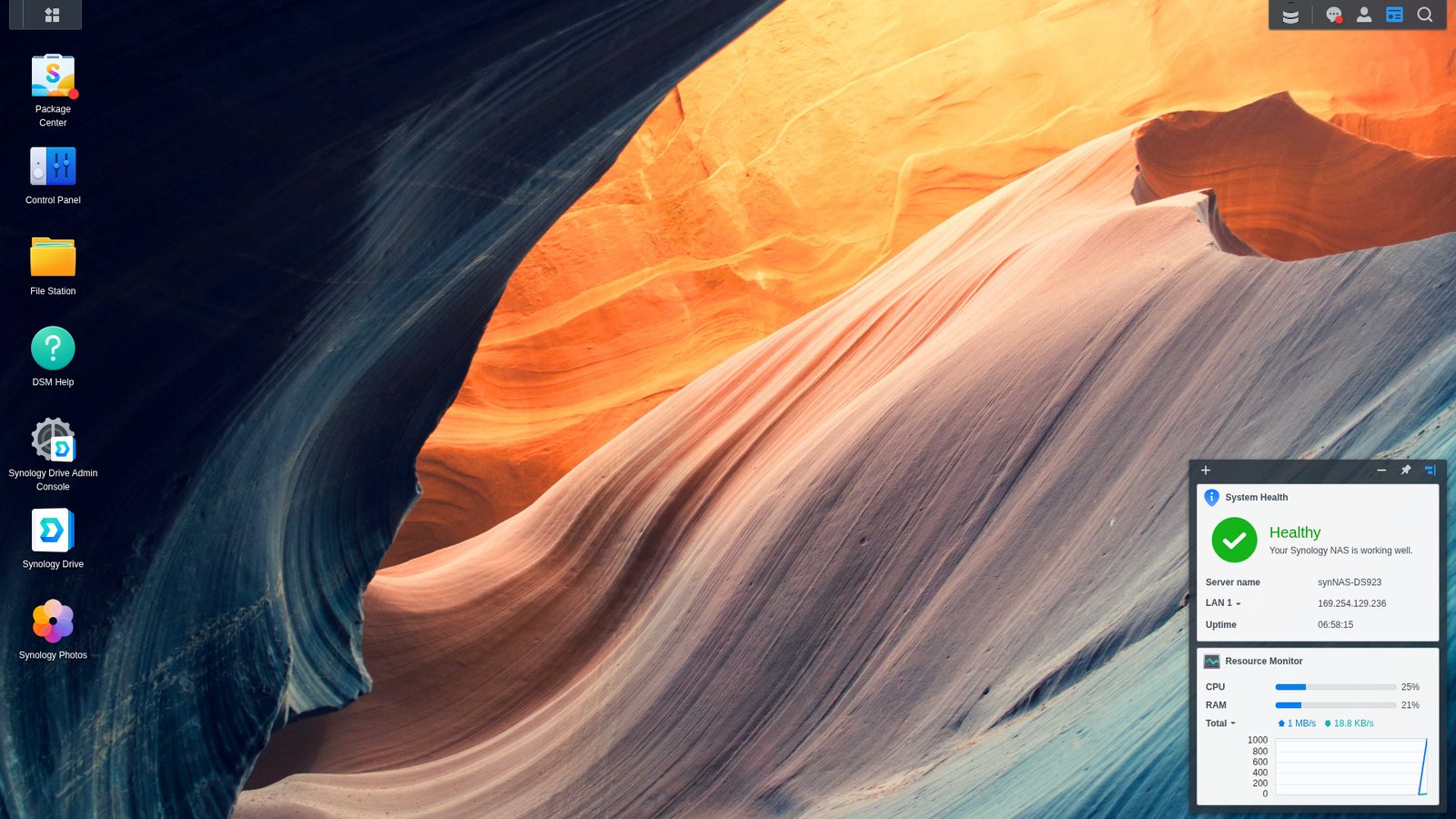
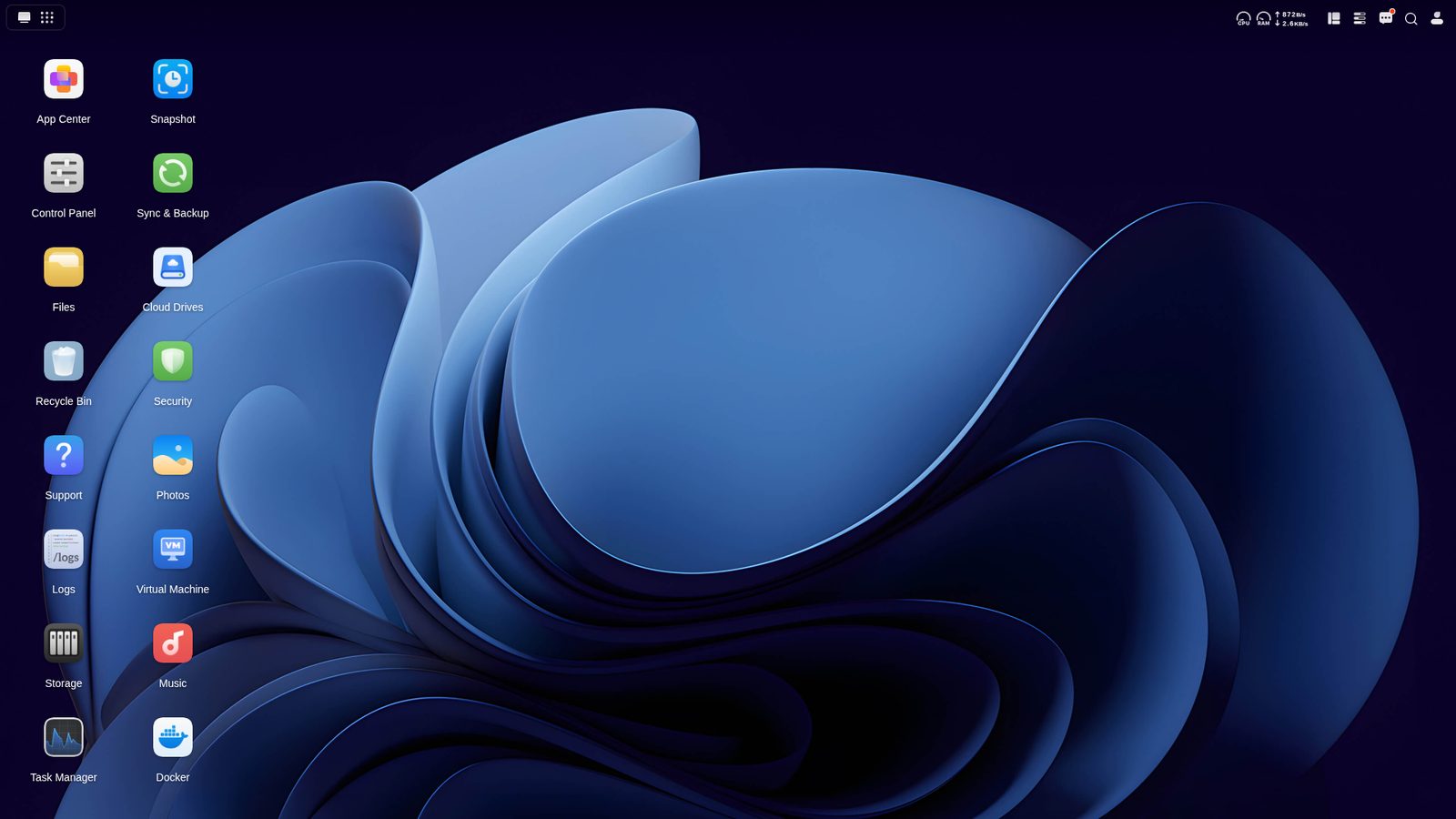
UGOS borrowed a lot of DSM’s layout, and on a personal level I’m not in love with how similar they are, but the practical upside is real: if you’ve used DSM, there’s basically no learning curve on a UGREEN. Navigation is actually where UGOS wins, and it isn’t close, because it’s faster and more fluid just clicking around and opening things. DSM wins on depth, and depth is what you’re paying for.
Photos and Phone Backup
Can UGREEN Photos actually replace Synology Photos? Mostly yes, and it comes down to one feature rather than the whole list. Both have a mobile app that backs up the photos you take to the NAS automatically, which is the baseline for me because it’s the part that actually protects your data, and both of them do it well.
Beyond that you get AI facial and object recognition on both, which used to be a Synology-only thing until UGREEN added it. I’ll say they both work well, but I won’t say either works great, because this is notoriously hard to do and next to Google Photos every self-hosted option is a step down.
This is the one area where I’d go out of my way to install something else on either platform, and what I’d install is Immich in Docker. Setup is harder than clicking install in a package manager, but it’s simply better than both first-party options, and the fact that you can run it on either device is the point.
Backups, Where Synology Is Still Clearly Ahead
This is the biggest remaining gap, and it’s the one I’d think hardest about.
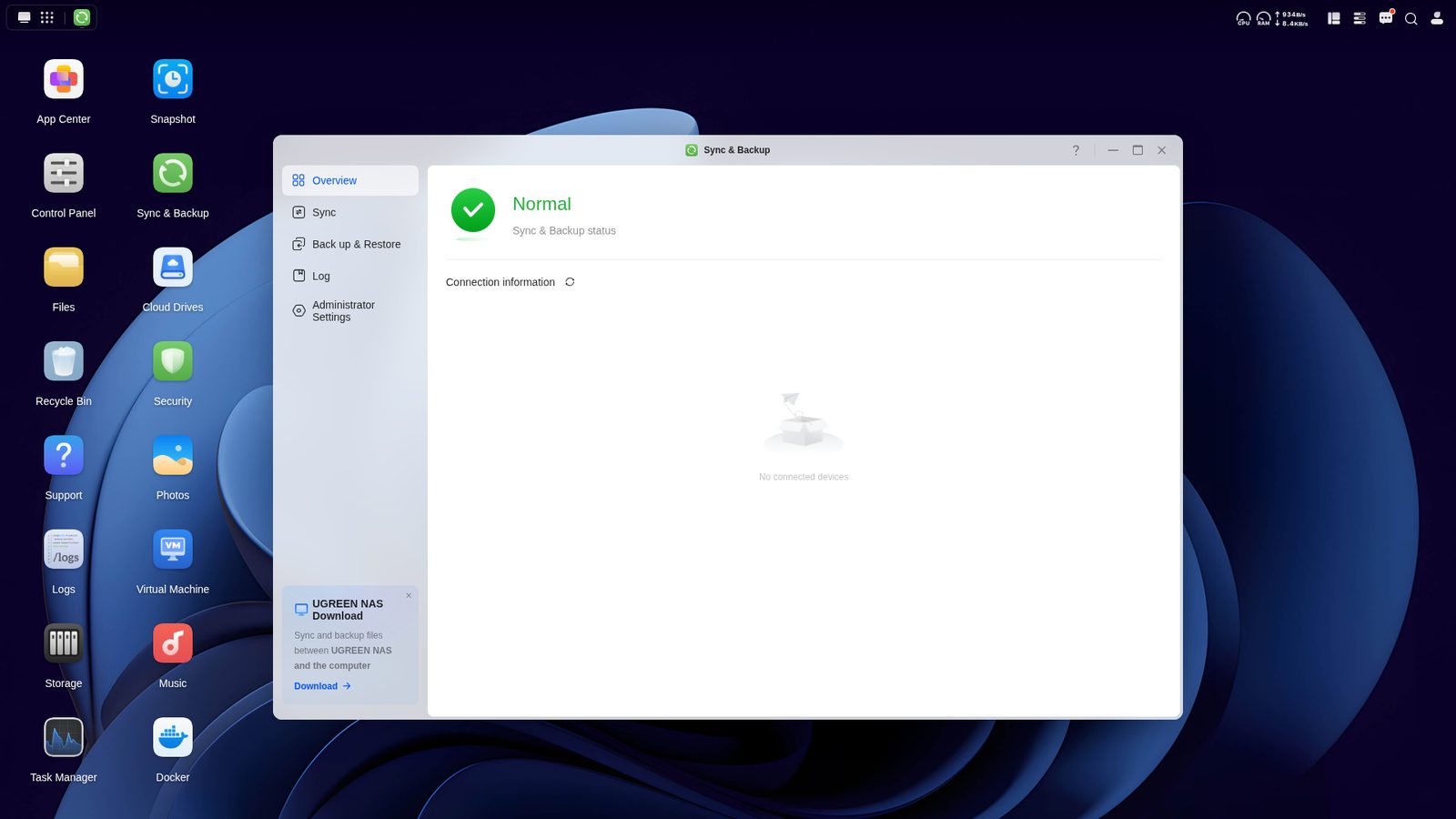
Hyper Backup gives you versioned, encrypted archives to a long list of destinations including cloud storage. UGREEN’s cloud destinations are far more limited, and there’s a more important distinction underneath that: on the UGREEN side you’re mostly syncing your data, not backing it up.
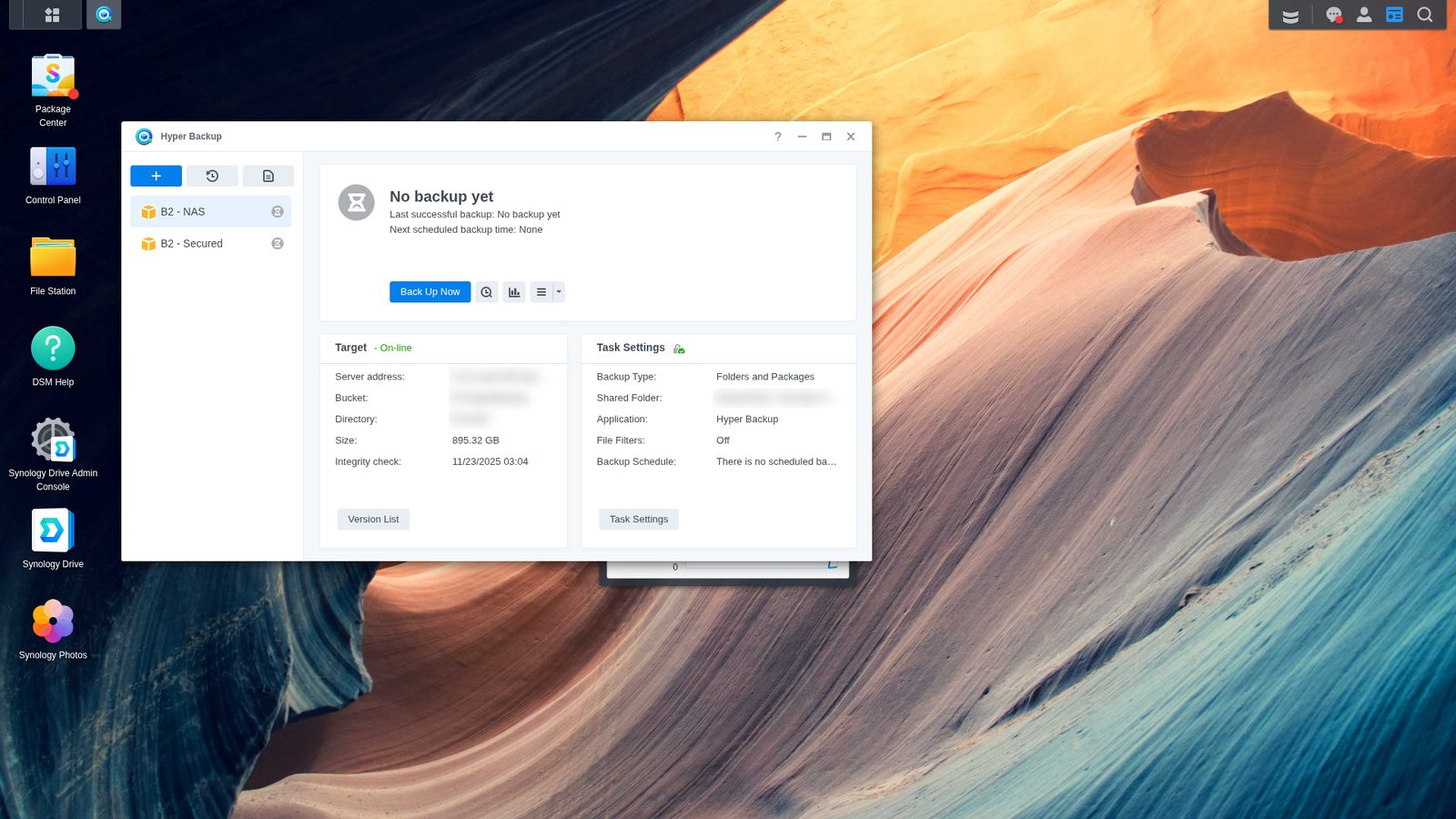
That difference is not academic, and it’s the thing I’d want understood before anyone commits. If you sync a folder to a cloud destination and then delete a file on the NAS, that file gets deleted at the destination too, because a real backup keeps versions you can go get it back from while a sync just faithfully copies your mistake. If you go the UGREEN route and you’re sending data off-site, you need a snapshot or versioning policy on the destination side to cover that, and you need to set it up deliberately, because nothing will do it for you.
Hyper Backup, Synology Drive, and Active Backup for Business are the three applications I’d call genuinely hard to replace. I’ve replaced all of them in my own setup and I have guides on how I did it, but it was work. On Synology you open Package Center, install, and configure. On UGREEN you’re doing it with third-party tools in Docker.
Docker, VMs, and the Apps You Can’t Replace
Docker runs well on both, and that matters more on the UGREEN side precisely because the first-party ecosystem is thinner. If you don’t like a UGREEN app you have an alternative, and that’s the trade in one line: more work, more options.
Which is why I’d put it plainly: if you’re living inside Synology’s app ecosystem today and you’re planning to replace it with UGREEN’s apps, it won’t be one for one. But if you were going to self-host everything in containers anyway, it’s basically a wash, because you can run the same stack on either one. For a complete beginner Synology is still noticeably easier, and for someone comfortable in Docker the gap mostly disappears.
Virtualization is the sleeper win for UGREEN, because on most pre-built NAS units I write off the VM app entirely when the hardware can’t carry it. The Intel DXP models have the performance to run a VM full time, and the ones I’ve run performed very well.
Remote Access and VPN
Remote access is the second most important feature after applications, and this one’s a split decision.
On relay services, UGREENlink has been about two to four times faster than Synology QuickConnect in my testing. That sounds better than it is, because both work the same way: your traffic routes from the NAS through their servers to your device. Adding that middleman is what makes relay access slow in the first place. Faster is still faster, but the real answer is to remove the middleman and use a VPN.
And that’s where they diverge, because Synology has a kernel limitation that means you can’t run WireGuard on their devices at all. You can run Tailscale, and Tailscale is WireGuard underneath, but it needs a third party to broker the connection, so it isn’t a true WireGuard setup the way it is on the UGREEN side. If you want a first-party VPN on Synology you’re using their VPN Server package, which I ran for years and which works fine, but you’re limited to OpenVPN, and in my testing WireGuard is dramatically faster.
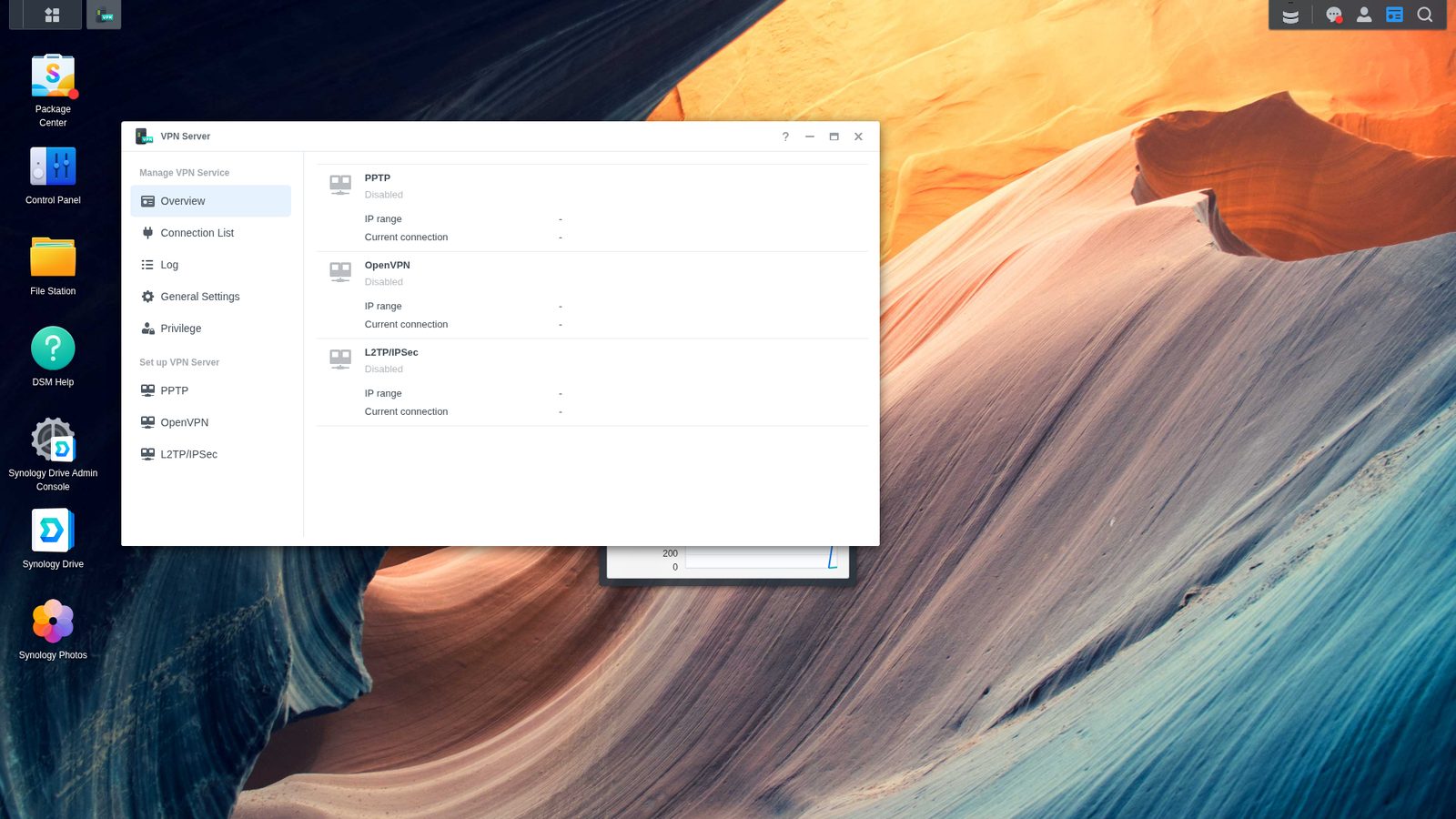
My actual recommendation sidesteps both: if you want a VPN, run it on dedicated hardware instead of your NAS. Something like a UniFi Cloud Gateway handles it properly and is easy to configure even if you’re new to networking, and I went through the whole lineup in my UniFi router buying guide. A lot of people don’t want their NAS terminating VPN connections anyway, and I’d agree with them.
Security
There haven’t been any major UGREEN security vulnerabilities that I’m aware of, and there’s nothing bad on record for UGREENlink. But Security Center on UGOS is weaker than Synology’s, and QuickConnect has simply been around longer. Security is measured over time, and UGREEN hasn’t had much of it yet.
Standard caveat, and I mean it: security changes constantly, nothing here is a guarantee, and neither platform is safe to expose directly to the internet without thinking it through. Keep firmware current, don’t port forward your NAS, and use a VPN for remote access.
Storage Pools, SHR, and Snapshots
Both platforms support the standard RAID types for storage pools and BTRFS or ext4 for volumes, so day-to-day storage behaves about the same either way. The differences come down to two features, one on each side.
Synology has SHR, which lets you mix drive sizes and actually use some of the extra capacity. Whether that matters depends entirely on the drives you own, because SHR isn’t a guarantee of more usable space. But for people upgrading drives one at a time over years, it’s a genuine advantage and UGREEN has no equivalent.
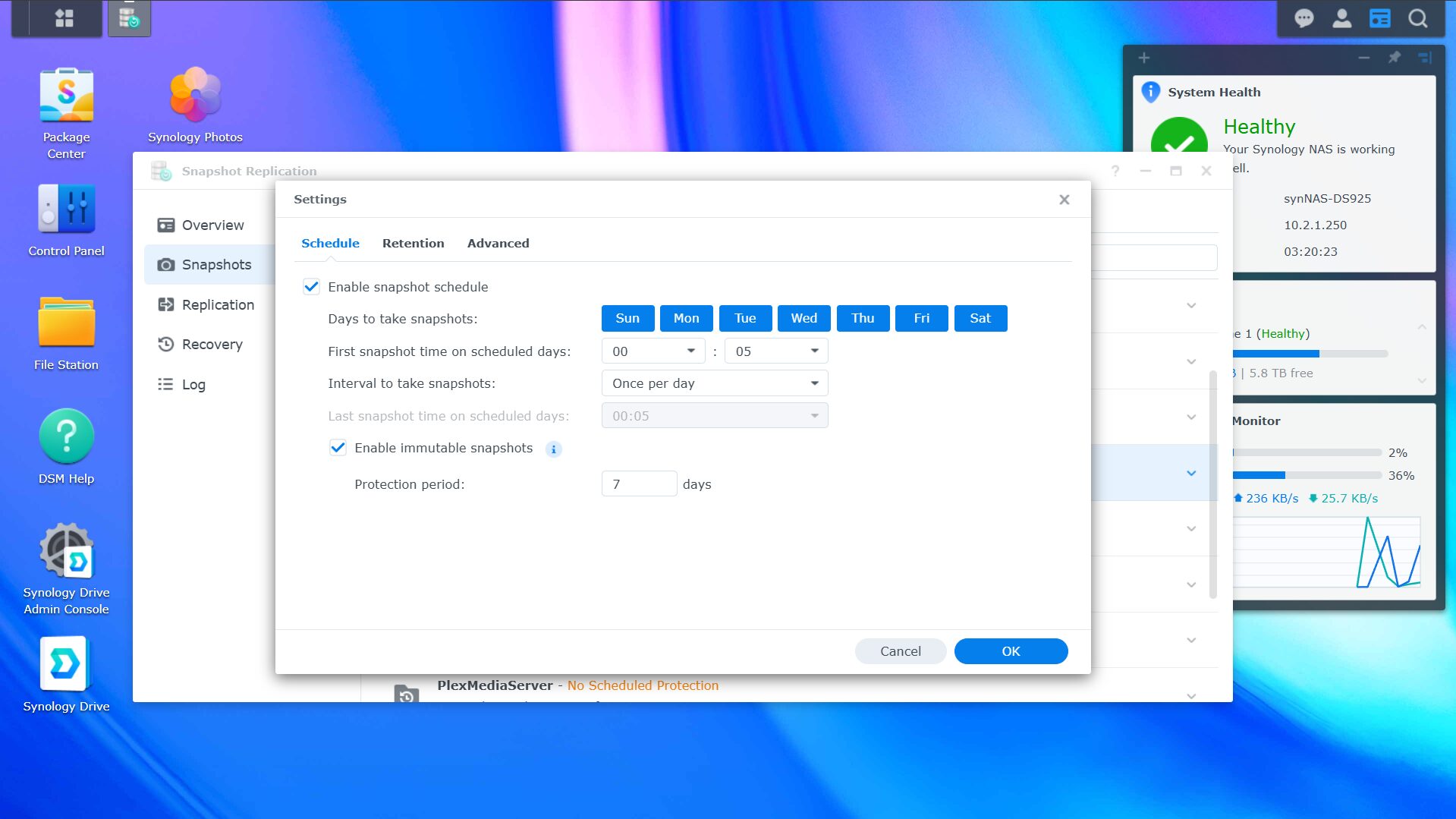
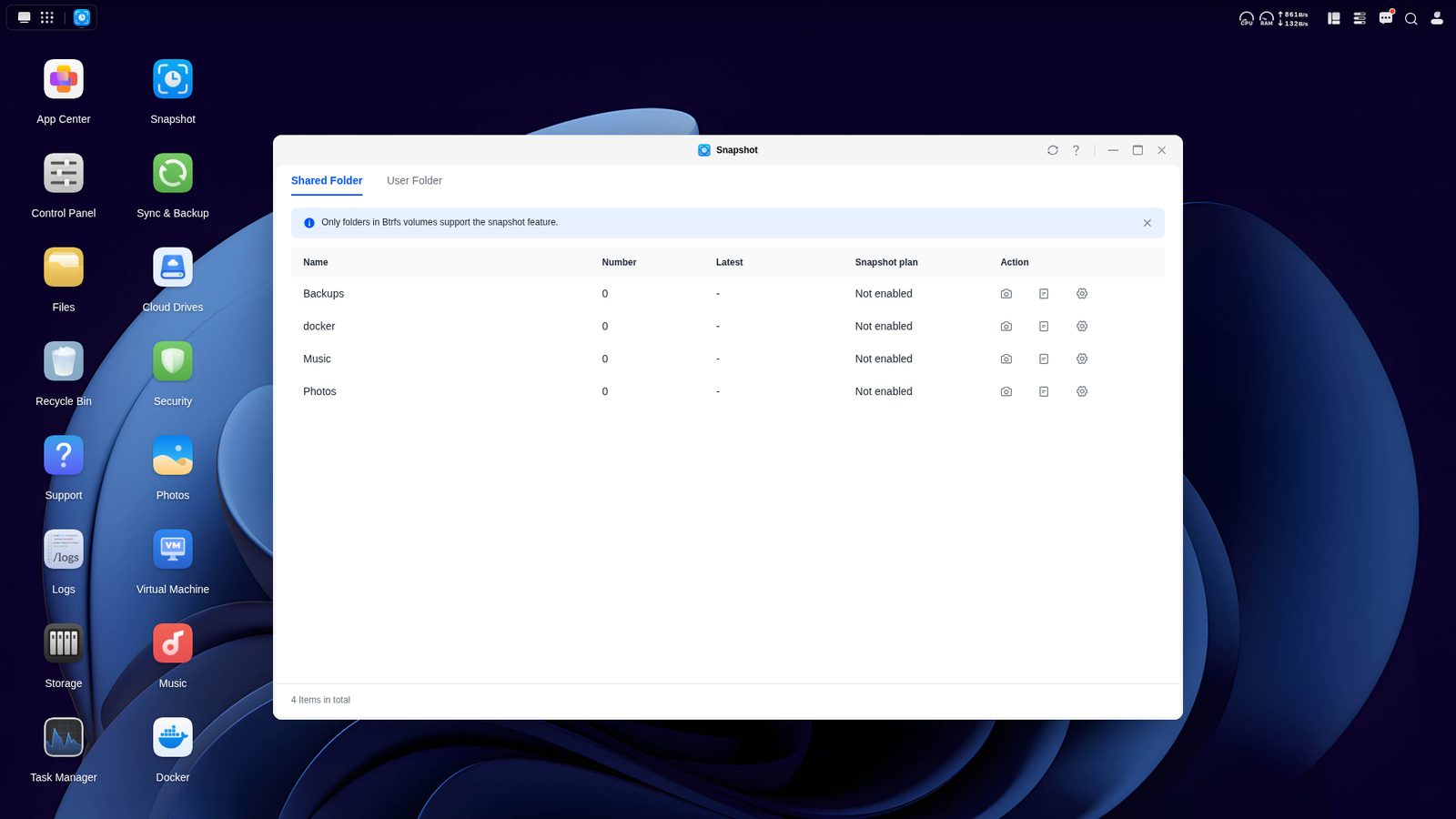
UGREEN’s side of the ledger has improved a lot since I first looked at it. BTRFS snapshots landed in UGOS while I was literally in the middle of recording the first comparison, and they’ve had time to mature since. There’s also a per-file versions tool, and the surveillance center application records ONVIF cameras locally like a traditional NVR, which used to be territory only Synology covered. The gap here closed faster than I expected it to.
The Upside of Running Your Own Operating System
Everything above compares the software that comes in the box, and there’s one factor that shifts the whole debate.
A Synology runs DSM and that’s the end of it, but a UGREEN DXP model is a standard x86 machine, so if you hated everything I just said about UGOS, you can install TrueNAS, Unraid, or Proxmox on it instead. UGOS is an option, not a requirement. UGREEN has said a third-party OS doesn’t void the hardware warranty, though I’d confirm the current policy before you commit.
One practical note if you go that route: the GT line uses eMMC storage for the operating system, so if you want TrueNAS or Unraid on a GT you should install it to one of the two dedicated M.2 slots and buy a drive for it. On the Plus and Pro you could wipe the included M.2 NVMe and use that, though it’s not what I’d technically recommend.
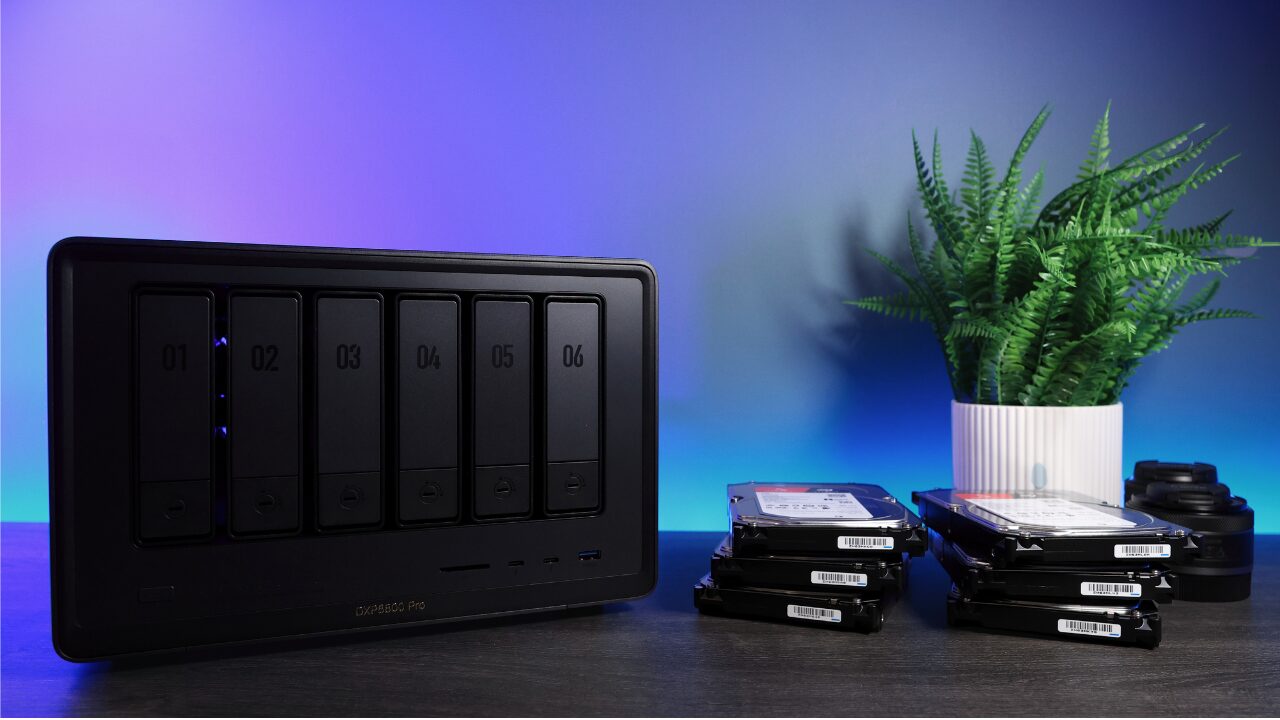
None of this is theoretical for me, either. My DXP4800 Plus runs TrueNAS and pulls a nightly ZFS replication as my on-site backup. My DXP8800 Plus started on UGOS as my off-site target, and the missing piece was encryption at rest, so it runs TrueNAS now with every dataset encrypted. I wanted specific things UGOS doesn’t do yet, and the hardware let me have them. You can’t repurpose a Synology that way, and for power users that one fact makes the hardware advantage impossible to ignore.
Side by Side
| Category | Synology | UGREEN |
|---|---|---|
| Hardware for the money | Behind at every tier | Wins hands down |
| Plex/Jellyfin transcoding | Gone from the 2025+ Plus lineup | Works on every Intel DXP model |
| Hard drive compatibility | Any drive since DSM 7.3 | Any SATA drive, no vendor list |
| SSD compatibility | Still restricted | No restrictions |
| Feature gating by drive brand | Yes. DSM 7.4 Storage Efficiency needs an all-Synology pool | None |
| Mixed drive sizes | SHR | No equivalent |
| Snapshots | Mature | BTRFS snapshots, newer but working |
| Backup tooling | Hyper Backup: versioned, encrypted, many destinations | Mostly sync, limited cloud destinations, no versioning at the target |
| Photos | Synology Photos, phone backup, AI search | UGREEN Photos, phone backup, AI search. Run Immich on either |
| Mobile app | Split across several apps | Best pre-built NAS app I’ve used |
| VPN | OpenVPN only. Kernel can’t run WireGuard, Tailscale is brokered | True WireGuard, no kernel limitation |
| Relay speed (my testing) | QuickConnect baseline | UGREENlink 2-4x faster |
| Virtual machines | Supported, hardware is the limit | Intel DXP models run a VM full time |
| Third-party OS | Not possible | TrueNAS/Unraid/Proxmox on DXP models |
| Security tooling | More mature, longer track record | Security Center is weaker |
| OS maturity and ecosystem | Gold standard, three-decade head start | Good and improving, still behind DSM |
UGREEN DXP4800 Plus vs. Synology DS925+
This is the matchup most people are actually asking about, so it’s worth doing directly. These are the two 4-bay units at roughly the same price, and they’re the ones I get asked to compare more than any other pair.
On hardware it isn’t close, and the spec sheets say it plainly. The DXP4800 Plus has an Intel chip with Quick Sync, DDR5 memory, and a built-in 10GbE port, where the DS925+ has an AMD chip with no integrated GPU, DDR4, and two 2.5GbE ports. If you want a Plex or Jellyfin server, that alone decides it, because the DS925+ can’t hardware transcode at all.
The DS925+ answers back with three things that matter. ECC memory comes standard rather than as something you add, SHR lets you mix drive sizes and reclaim some of the extra capacity, and DSM is a deeper, more polished operating system with an app catalog UGOS can’t match, particularly Hyper Backup and Active Backup for Business.
So the split is clean enough to say in two sentences. Buy the DS925+ if you want the software to do the work for you and you’re fine paying more for less hardware, and buy the DXP4800 Plus if you want transcoding, faster networking, no drive restrictions, and the option to wipe it and run TrueNAS in two years. I own both, and the UGREEN is the one running my on-site backup.
Is UGREEN Better Than Synology?
On hardware, yes, and it isn’t particularly close. On software, no, and it probably won’t be for years. That’s the whole answer, and anyone telling you one brand simply beats the other is skipping the part that decides it for you.
The useful version of the question is which compromise you’d rather make. Synology asks you to accept older hardware, no transcoding, and drive rules that keep moving. UGREEN asks you to accept a younger operating system, weaker backup tooling, and a bit more do-it-yourself in Docker. Both of those are real costs and not talking points. In 2025 the Synology compromise was clearly the smaller one for most people. In 2026 it depends on you, and that’s the actual news here.
The Models I’d Actually Buy
Best Synology
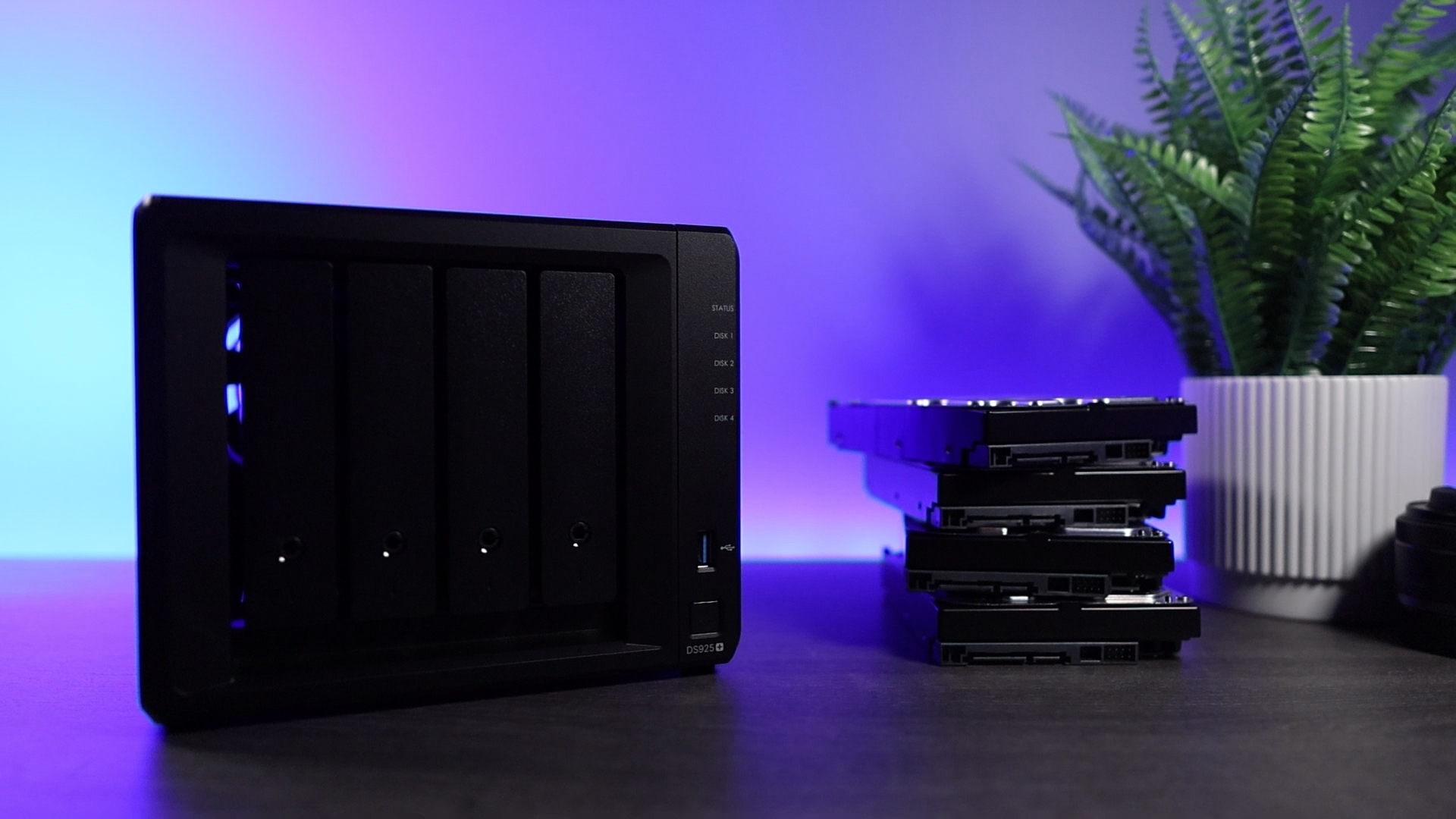
Synology DiskStation DS925+
4-bay, AMD Ryzen V1500B (4C/8T), 4GB DDR4 ECC (to 32GB), 2x 2.5GbE, 2x M.2 storage pool, DSM 7.x
If you’ve read this far and decided the software is worth the premium, the DS925+ is the Synology to buy. DSM is at its best here, the dual 2.5GbE and M.2 storage pools are genuinely useful, and ECC memory comes standard. Know what you’re giving up: there’s no hardware transcoding, so this is a box for files, backups, and VMs rather than a Plex server.

Synology DiskStation DS1525+
5-bay (to 15 via 2x DX525), AMD Ryzen V1500B, 8GB DDR4 ECC (to 32GB), 2x 2.5GbE, 10GbE-upgradable, DSM 7.x
The DS1525+ is the step up when you outgrow four bays, and unlike most of the 2025 lineup, it’s a clear improvement over its predecessor: a better processor, and it kept the 10GbE expansion option. Same DSM strengths, same caveats on transcoding. If you want capacity plus Synology’s software, this is the one.
Best UGREEN
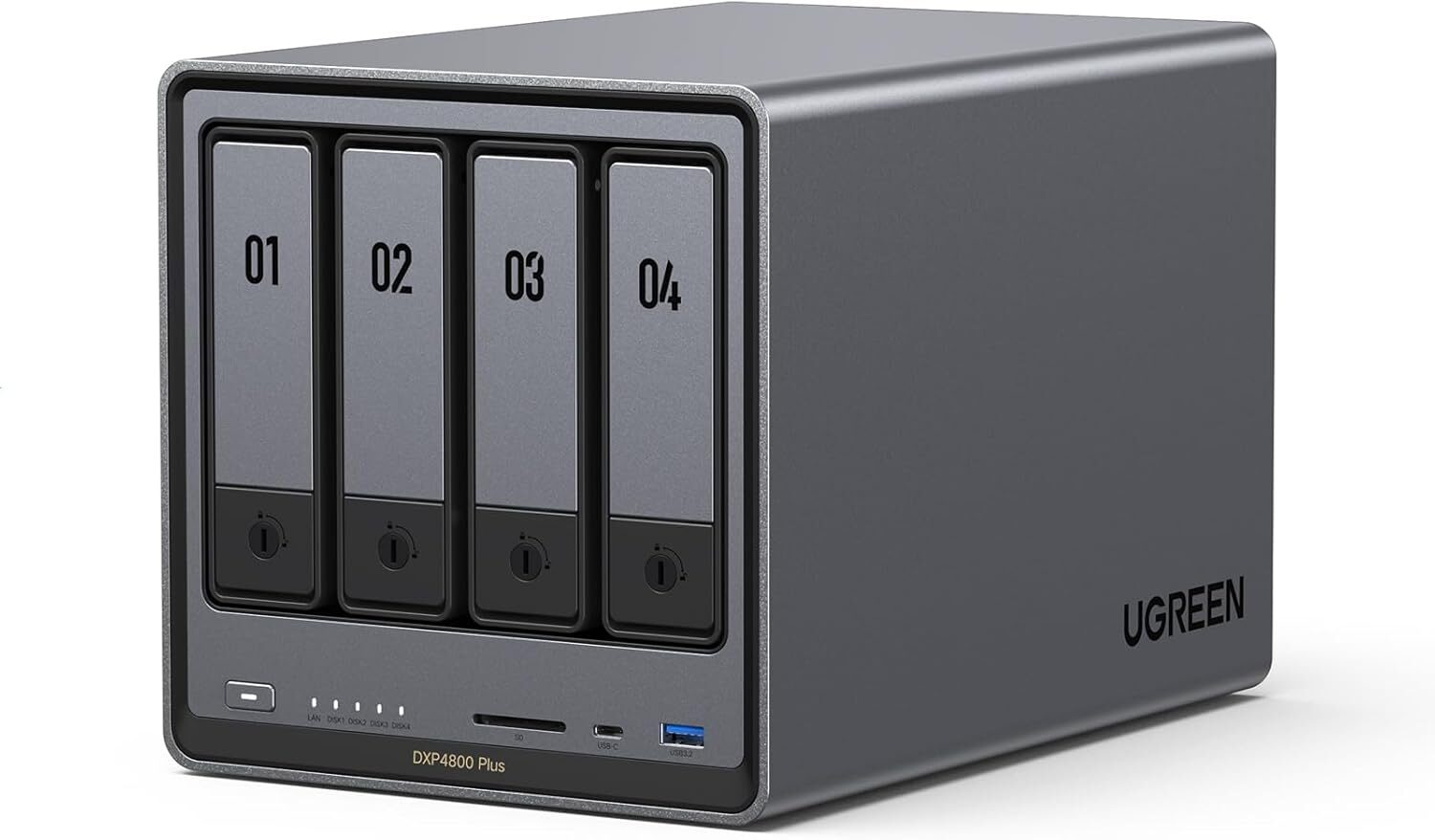
UGREEN NASync DXP4800 Plus
4-bay + 2x M.2 NVMe, Intel Pentium Gold 8505 (5-core, Quick Sync), 8GB DDR5 (to 64GB), 10GbE + 2.5GbE, UGOS Pro
The direct DS925+ rival, and on hardware it isn’t close: working Quick Sync transcoding, built-in 10GbE, and more CPU for similar money. It’s the UGREEN I run as my on-site backup, on TrueNAS, which says something about both the software gap and the freedom to route around it. For most people crossing over from Synology, this is the model to cross to.
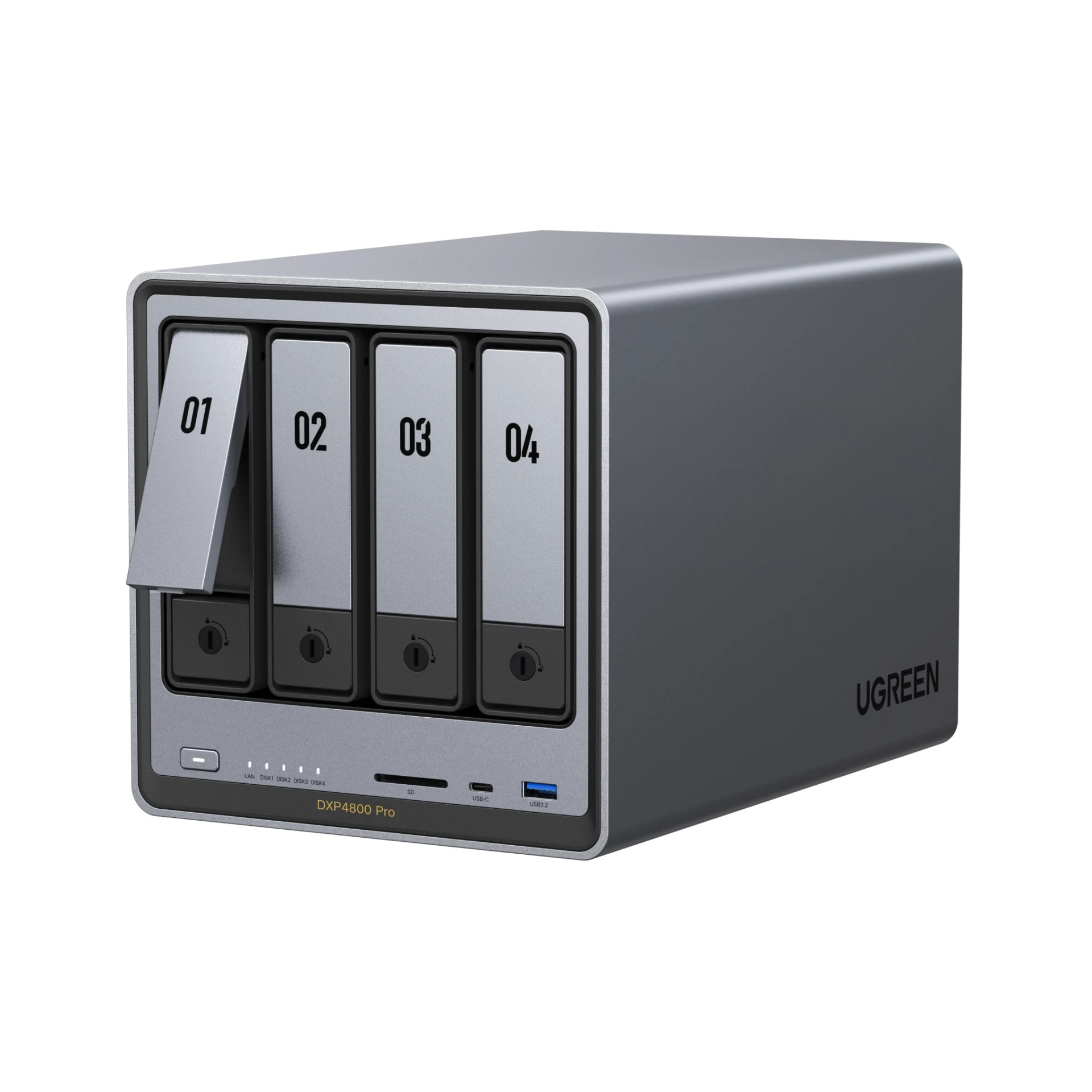
UGREEN NASync DXP4800 Pro
4-bay + 2x M.2 NVMe, Intel Core i3-1315U (6-core, Quick Sync), 8GB DDR5, 10GbE + 2.5GbE, 128GB built-in SSD, UGOS Pro
The Pro is the Plus with a better processor, and that’s genuinely most of the story. Same Quick Sync transcoding, same networking, more CPU headroom for virtual machines and heavier container stacks. If the price gap over the Plus is small when you’re buying, take the Pro. If it isn’t, the Plus does the same job for most people.
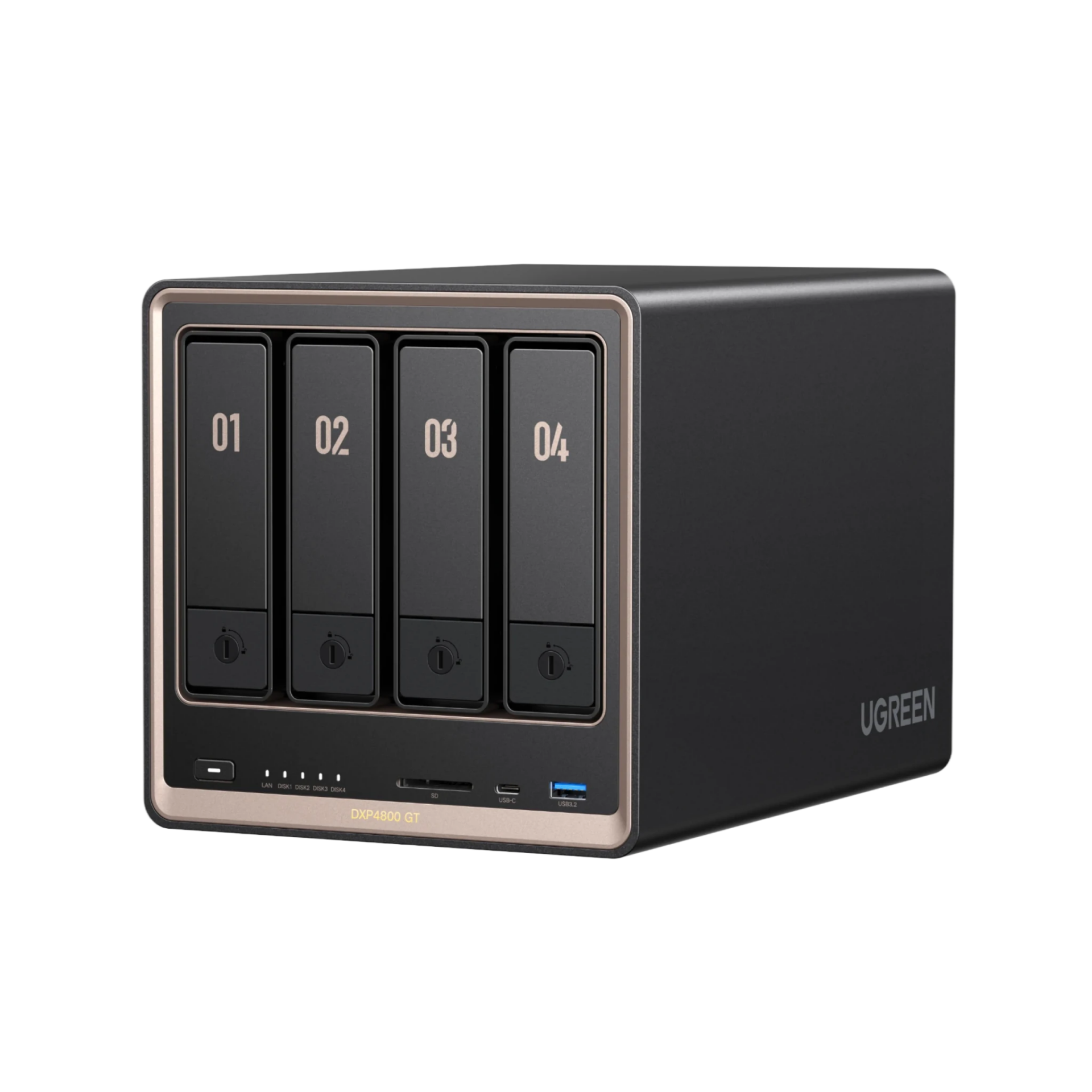
UGREEN NASync DXP4800 GT
4-bay SATA/U.2 combo bays + 2x M.2 NVMe, AMD R2514 (no Quick Sync), 8GB DDR4 (to 64GB, ECC supported), dual 10GbE, eMMC boot, UGOS Pro
The GT goes after the exact buyer Synology courts with the DS925+: ECC support, dual 10GbE, and U.2 drives, at a price where Synology gives you two 2.5GbE ports. No Quick Sync, so it’s not a Plex box, and the included RAM isn’t ECC, so you add that module yourself. If you plan to run TrueNAS on it, budget for an M.2 drive too, since the OS lives on eMMC here. For a fast home lab that values data integrity over transcoding, nothing at this price matches it.
Where I Stand
A lot changed this year and a lot stayed the same. DSM is still the better operating system, and if I’ve been clear about anything here it should be that. But there’s one real flip: for most home users, UGREEN is no longer a compromise, and Synology now has to earn the premium you’re paying. A year ago the easy advice was “just pay the premium, Synology is better.” That’s not the 2026 answer.
So here’s the honest split, and it’s genuinely a split now rather than a default. Buy Synology if you want appliance-like behavior, if Hyper Backup, Synology Drive, Active Backup for Business, or SHR are things you’d actually use, and if you don’t want to spend your weekends on this. Buy UGREEN if you want better hardware for the money, transcoding that works, drive freedom, and the option to run your own operating system down the road. Just know you’ll do more of the work yourself, mostly in Docker.
What impressed me about UGREEN over the past year is where they spent the time: improving what already existed instead of piling on new features. Is UGOS at DSM’s level? No, and it’ll take years. But this is far more of a real comparison than it’s ever been, and which way you go now depends more on you than on either company.
I keep both in my own setup, and I expect to for a while yet. If you want the model-by-model breakdown on the UGREEN side, my best UGREEN NAS guide covers the whole lineup, and the rest of my current picks live on the recommended hardware page. Whichever way you go, put good NAS drives in it.