
If you’re buying new today, the best 8 bay NAS for most people is the UGREEN DXP8800 Ultra, and it’s the one I’d buy. If you already own the UGREEN DXP8800 Plus, I would not upgrade. I use one as my offsite backup, it’s been rock solid for close to a year, and the Ultra is really just a refresh of it.
The other two picks depend on what you want the NAS to do. The UniFi UNAS Pro 8 is the rackmount, storage-only option, and it’s one I’ve benchmarked myself and use for backup storage. The Synology DS1825+ is the 8-bay NAS for anyone who wants Synology DSM, though its drive policy is worth reading first. And if you’re only starting with four drives, a six-bay is usually the better buy.
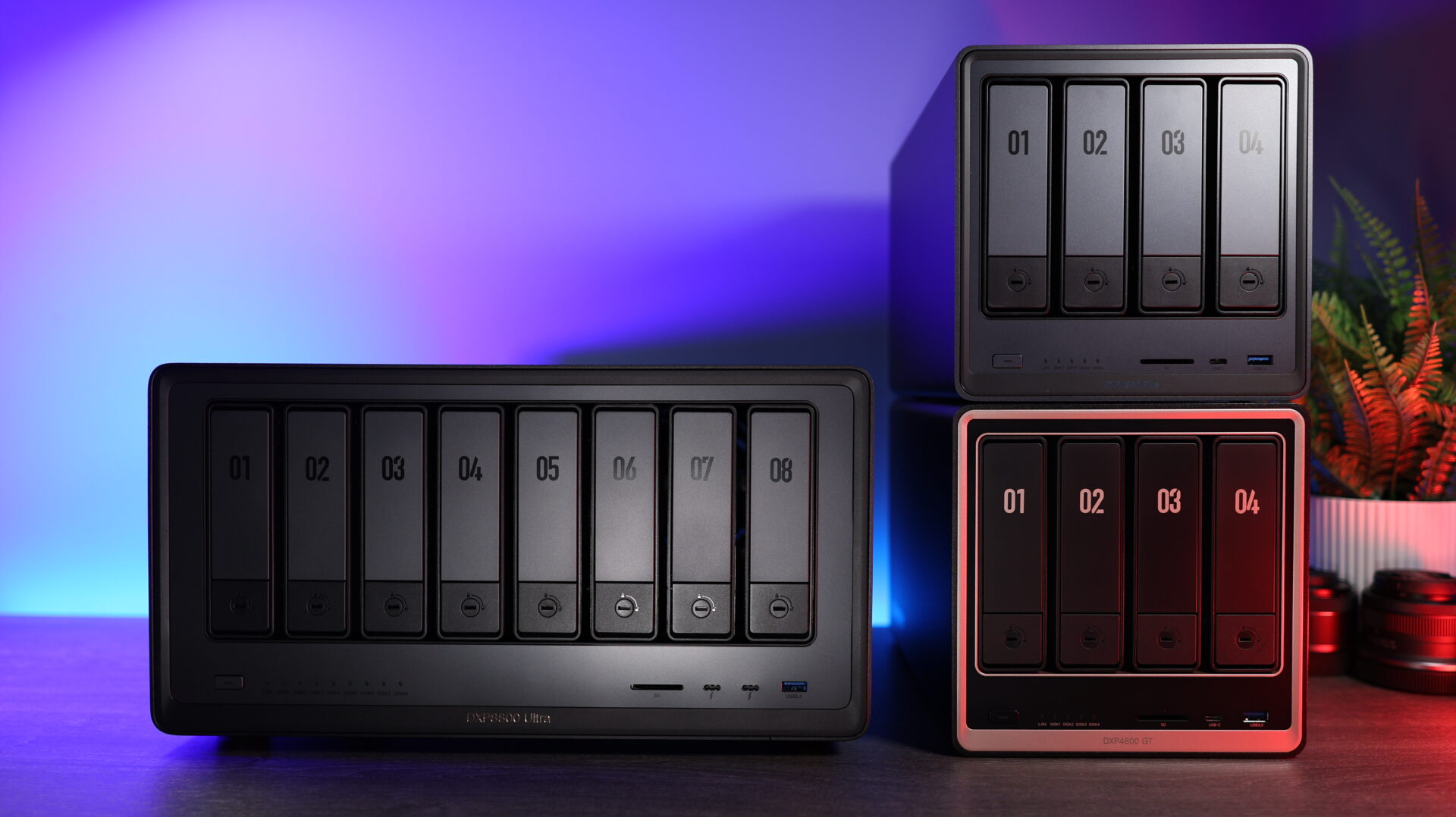
Disclosure: Some links below are affiliate links, which means that I earn a percentage of each sale at no cost to you. UGREEN sent me the DXP8800 Ultra and has sponsored several of my videos. Thank you for your support.
Here’s how my four picks and two other 8-bay options compare on the specs that differ.
| NAS | CPU | RAM (standard / max) | Networking | M.2 slots | Worth knowing |
|---|---|---|---|---|---|
| UGREEN DXP8800 Ultra | Intel Core 7 150U | 8 GB DDR5 / 96 GB | 2x 10GbE, 2x Thunderbolt 4 | 2 | PCIe Gen4 x4 slot |
| UGREEN DXP8800 Plus | Intel Core i5-1235U | 8 GB DDR5 / 64 GB | 2x 10GbE, 2x Thunderbolt 4 | 2 | PCIe x4 slot |
| UniFi UNAS Pro 8 | Quad-core ARM Cortex-A57 | 16 GB | 2x 10G SFP+, 1x 10GbE | 2 | 2U rackmount, storage only |
| Synology DS1825+ | AMD Ryzen V1500B | 8 GB DDR4 ECC / 32 GB | 2x 2.5GbE | 2 (Synology SSDs) | Expands to 18 bays |
| QNAP TS-873A | AMD Ryzen V1500B | 8 GB / 64 GB | 2x 2.5GbE | 2 | QTS or ZFS-based QuTS hero |
| Asustor AS6808T | AMD Ryzen Embedded V3C14 | 16 GB DDR5 ECC / 64 GB | 2x 10GbE, 2x 5GbE | 4 | 2x USB4 |
The Best 8-Bay NAS I’d Buy Today
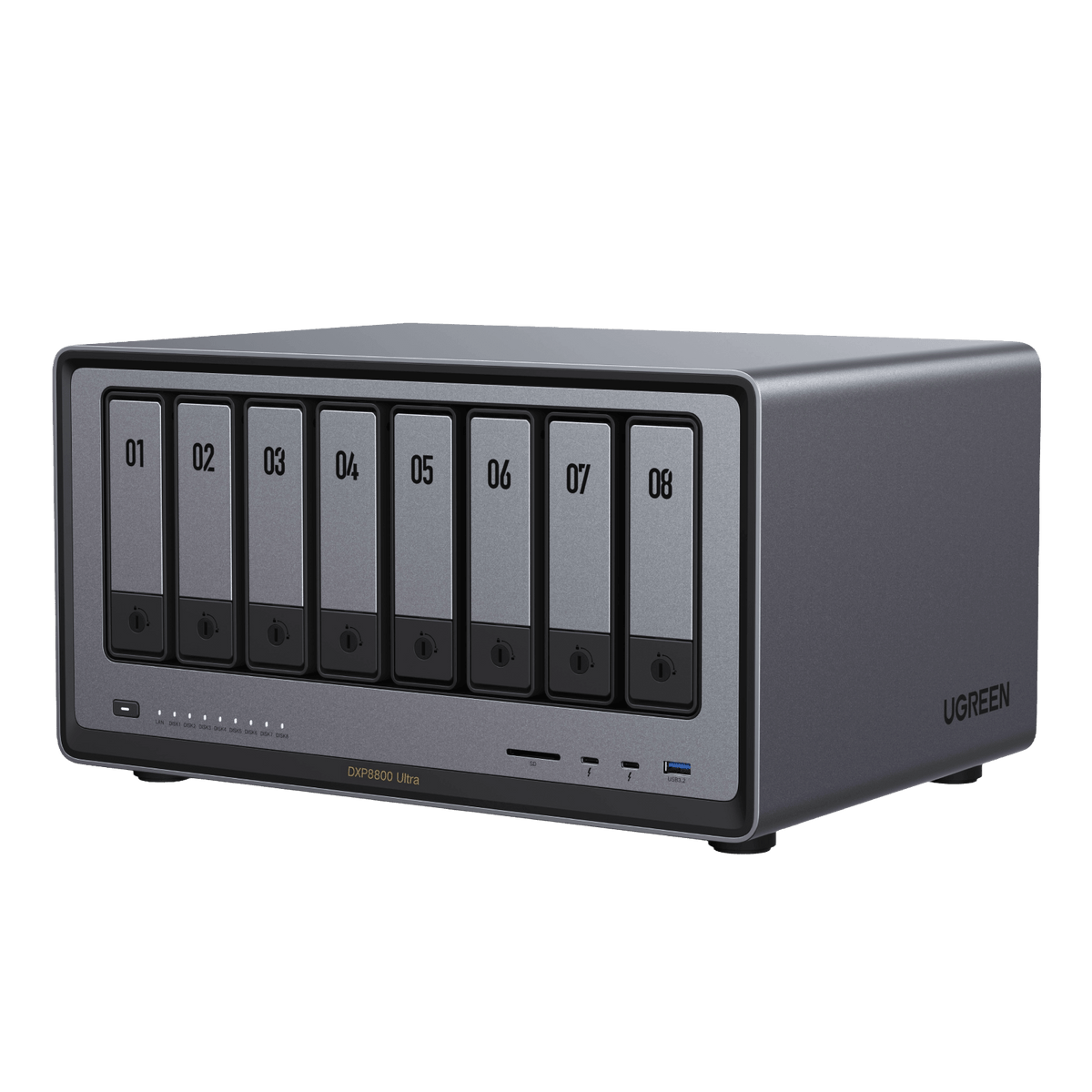
UGREEN DXP8800 Ultra: Best 8-Bay NAS for a New Buyer
Intel Core 7 150U · 8 GB DDR5 (96 GB max) · 2x 10GbE · 2x Thunderbolt 4 · 8 bays + 2 M.2
If you’re a new buyer, this is the device that I’d buy. It’s the most expensive of my four picks, and UGREEN sells it as a small-business NAS, but it’s a great fit at home for anyone who wants the top end.
UGREEN sent me this one for review, but the recommendation comes from my own testing.
Compared to the DXP8800 Plus, the CPU went from the i5-1235U to the Core 7 150U, and the memory ceiling went from 64 GB to 96 GB. The ports are basically the same, with two 10GbE ports, two Thunderbolt 4 ports, eight SATA bays, two M.2 slots and a PCIe x4 slot.
I had no problem loading it with eight drives, no SSD cache, and editing directly off of it, which is saying something because not all devices are capable of that. I also ran the same large-file copy over 10GbE on the Ultra and on a 12-bay DIY build I’ve been testing, and they were practically even. If you don’t have a 10GbE network yet, the two Thunderbolt 4 ports give a single computer a direct-attach option instead.
It ships with UGOS Pro, which runs Docker and virtual machines, and UGREEN allows third-party drives and operating systems like TrueNAS or Unraid. UGOS backs up to another UGREEN NAS or an rsync server, and its Cloud Drives app adds Amazon S3 and Backblaze backup.
The One I Run: UGREEN DXP8800 Plus
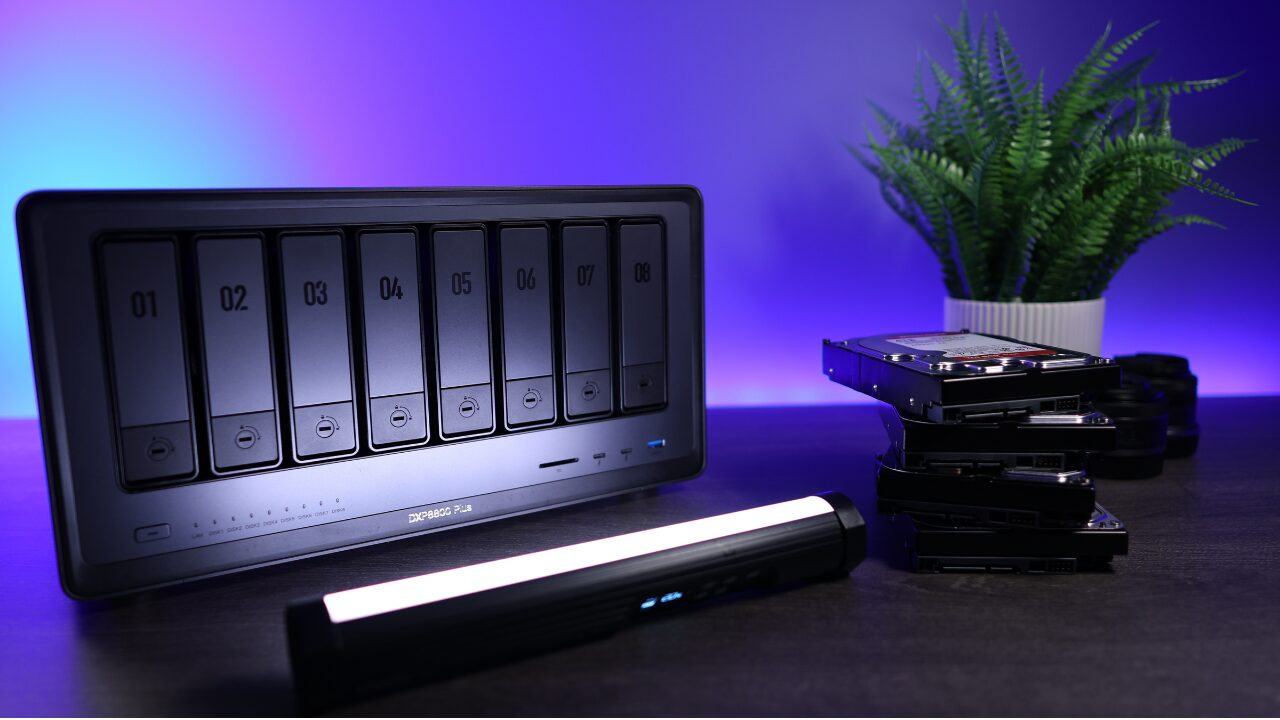
UGREEN DXP8800 Plus: Best for an Offsite Backup NAS
Intel Core i5-1235U · 8 GB DDR5 (64 GB max) · 2x 10GbE · 2x Thunderbolt 4 · 8 bays + 2 M.2
I’m using a DXP8800 Plus as an offsite backup, and it’s been absolutely rock solid for close to a year, maybe even over a year at this point. It’s still sold new and sits below the Ultra in price, so it’s a great 8-bay NAS if you don’t need the newer CPU.
Back in November 2025, I called it the best off-site NAS backup that I have ever had, and nothing since has changed my mind. When I first set it up, it ran UGOS, and I used UGREEN’s default rsync backup tool to pull data from my onsite NAS devices with snapshots on top.
The problem was that I wanted all of that data encrypted at rest, and it wasn’t. So I installed TrueNAS Community Edition on the DXP8800 Plus to use ZFS replication instead. As of January 2026, it pulled a ZFS replication every hour, so no credentials for the backup box sat on the onsite NAS, and Proxmox Backup Server ran on it as a VM, which worked well. Security changes over time and nothing is guaranteed, but encryption was why I switched.
That’s the part of UGREEN I’d point out to anyone who likes to tinker, since the hardware doesn’t lock you into UGOS. It’s also one of the reasons UGREEN is on my list of the best Synology NAS alternatives. If you put TrueNAS on a DXP8800 Plus with eight drives, you’re probably going to be using RAID-Z2.
UniFi UNAS Pro 8: The Rackmount Pick
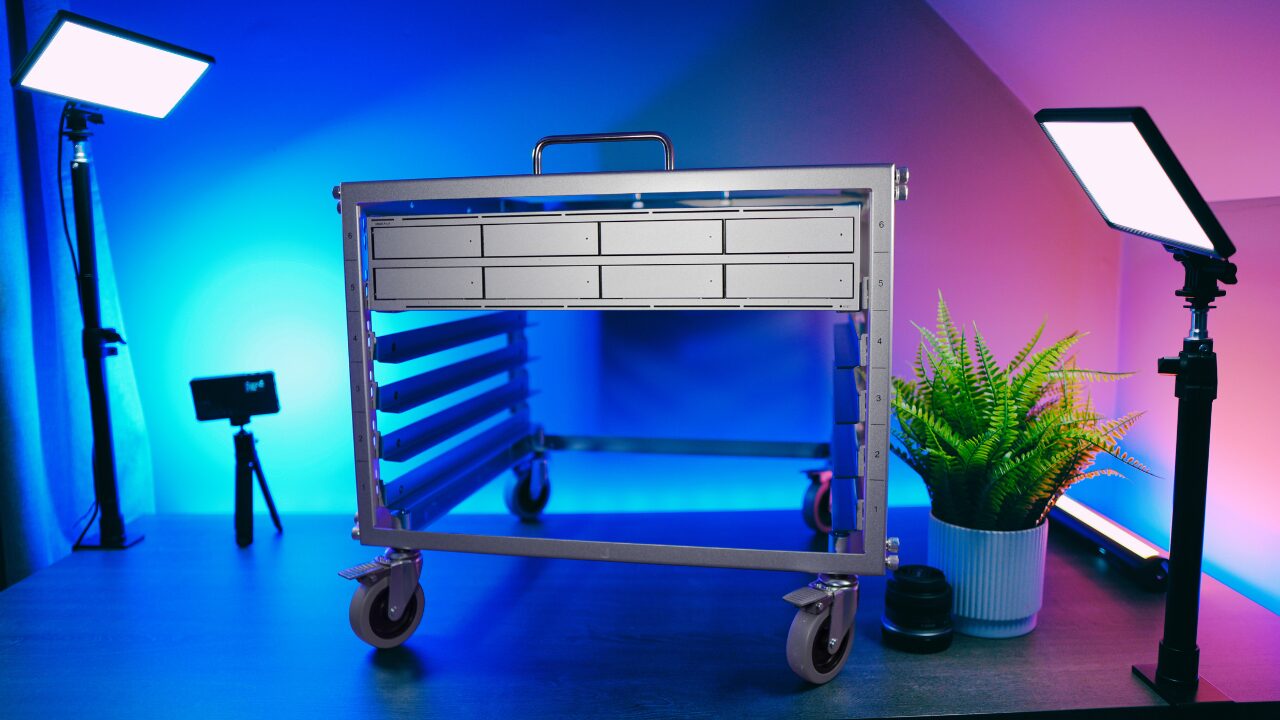
UniFi UNAS Pro 8: Best Rackmount, Storage-Only NAS
2U rackmount · quad-core ARM Cortex-A57 · 16 GB RAM · 2x 10G SFP+ and 1x 10GbE · 8 bays + 2 M.2 · 2 power supply slots, 1 included
The UNAS Pro 8 is the cheapest of my four picks, and I use one as backup storage, with every app I run on separate hardware. As of August 2026, it’s storage only, with no Docker, no virtual machines and no apps. It ships with one power module for its two slots.
The UNAS Pro 8 is the only rackmount 8-bay NAS here, and UniFi lists its rails for square-hole, four-post racks with posts 600 to 1066 mm apart. I tested it against the seven-bay UNAS Pro in September 2025 on an early-access version of UniFi Drive, so the numbers may have moved since. I started with four 8 TB drives in RAID 5 plus two M.2 SSDs as SSD cache, against the UNAS Pro running six drives in RAID 10. The UNAS Pro 8 won on small files, while the UNAS Pro stayed slightly ahead on sustained large-file reads.
When I switched the UNAS Pro 8 to RAID 10 with six drives, meaning the same setup as the UNAS Pro, it was better across the board. The takeaway is that you can run RAID 5 or 6 with cache and get pretty close to RAID 10 performance while actually storing more data. With multiple RAID groups and hot spares supported, eight bays give you room for both.
UniFi’s spec sheet lists two 550W power modules, which is the slot count, so you’d buy the second Hot-Swappable Power Module (550W) separately. For most home users, redundant power is something you don’t need. For a small business that wants SSD cache and redundant power in one box, it’s the right fit.
I’ve compared every UniFi NAS model separately, including the seven-bay UNAS Pro.
The 8-Bay Synology Pick: DS1825+
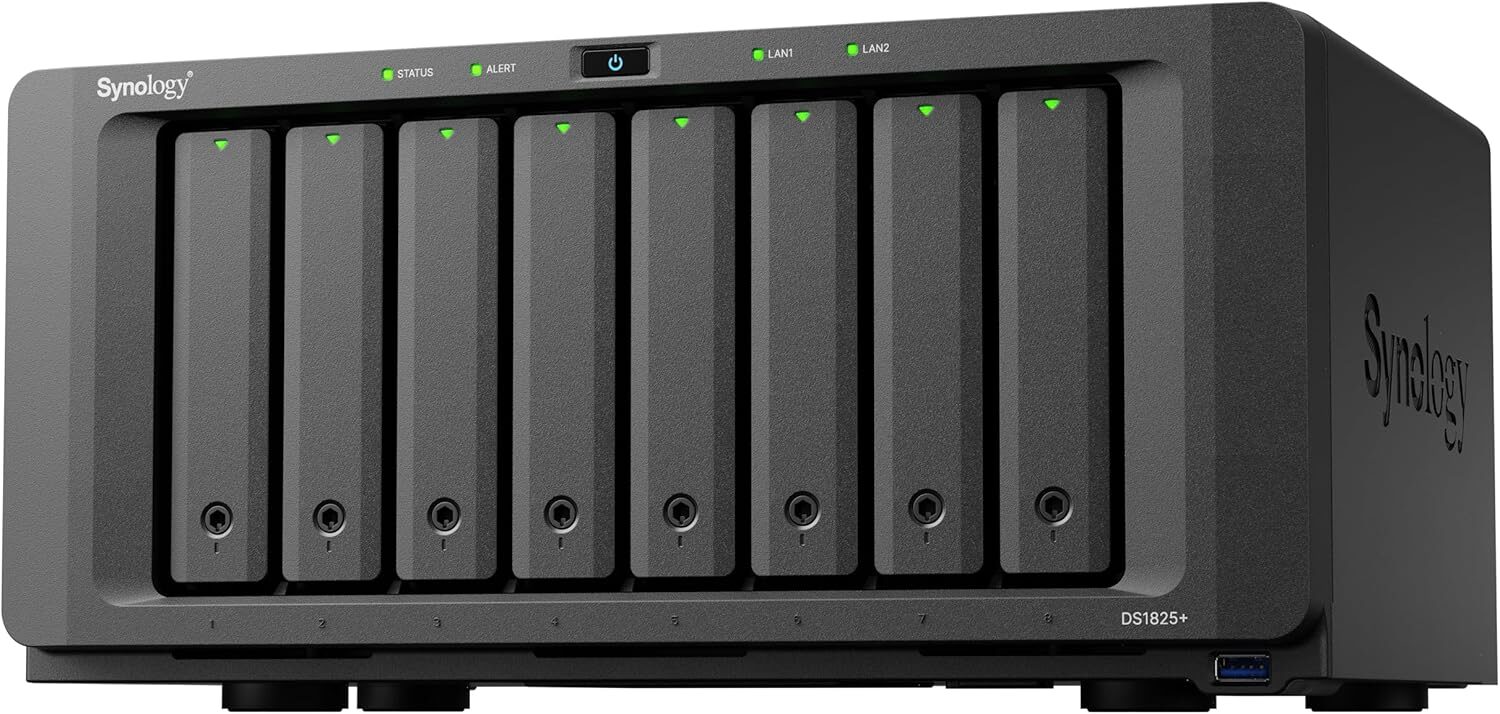
Synology DS1825+: Best 8-Bay NAS for Synology DSM
AMD Ryzen V1500B · 8 GB DDR4 ECC (32 GB max) · 2x 2.5GbE · PCIe slot (up to 25GbE) · 8 bays + 2 M.2 (Synology SSDs) · expands to 18 bays
The DS1825+ is the 8 bay Synology NAS to buy if you want DSM and its apps. It’s also the only one of my four picks that grows past eight bays, with up to two DX525 expansion units for 18 bays. The downside is the drive policy, which is better than it was but still limits M.2 SSDs.
The PCIe slot takes a card up to 25GbE, and the two M.2 slots take Synology SSDs for cache or a storage pool. The Ryzen chip has no integrated graphics, so it isn’t the one to buy for Plex or Jellyfin transcoding.
Synology’s drive policy has changed more than once, so this is where it stands as of September 2026. DSM 7.3 (released October 8, 2025) lets 2025 Plus models like the DS1825+, plus Value and J series, install non-validated third-party hard drives and create storage pools on them. M.2 storage pools and SSD cache still need drives from Synology’s compatibility list. DSM 7.4 (released June 16, 2026) then added Storage Efficiency, Synology’s post-process deduplication and compression, which requires Synology hard drives.
Simply put, third-party hard drives work for storage pools, unlisted M.2 SSDs won’t work at all, and Storage Efficiency needs Synology drives. The product page still says Synology only guarantees full functionality with compatible drives. It runs the same DSM as the DS925+, which I still think is one of the best pre-built NAS devices you can buy, but the drive restrictions are the real issue on both.
If you’re comparing the DS1825+ vs the DS1823xs+, the xs+ model is still sold, with a faster Ryzen V1780B and 10GbE built in. It launched in 2023, so Synology’s 2025 drive policies don’t apply to it. If you’re set on Synology but not on eight bays, I’ve covered which Synology NAS you should buy across the lineup.
QNAP and Asustor 8-Bay NAS Options
QNAP and Asustor both sell current 8-bay NAS devices, and they show up in almost every list. I haven’t tested either model, and they aren’t among my picks, but they cover two different tiers.
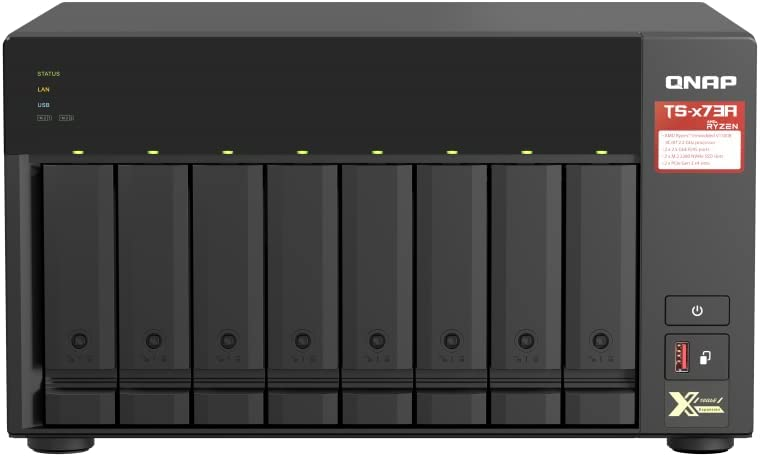
QNAP TS-873A: 8 Bays With a ZFS Option
AMD Ryzen V1500B · 8 GB (64 GB max) · 2x 2.5GbE · 2x PCIe Gen3 slots for 10GbE · 8 bays + 2 M.2
The TS-873A uses the same Ryzen V1500B as the DS1825+ and sits at about the same price tier. It takes up to 64 GB of memory, though, and can run QNAP’s ZFS-based QuTS hero instead of QTS. I’ve never been the biggest fan of QNAP’s operating system, since it isn’t as straightforward as Synology DSM, so I’d try QNAP’s online demo before buying.

Asustor Lockerstor 8 Gen3 (AS6808T): 10GbE and Four M.2 Slots
AMD Ryzen Embedded V3C14 · 16 GB DDR5 ECC (64 GB max) · 2x 10GbE and 2x 5GbE · 2x USB4 · 8 bays + 4 M.2
The AS6808T sits near the top of this list in cost. What the extra money buys over the QNAP and the Synology is DDR5 ECC memory, 10GbE built in, four PCIe 4.0 M.2 slots and two USB4 ports. It’s an AMD chip as well, so it isn’t the one for Plex or Jellyfin either.
If you’re weighing QNAP against Synology more generally, I’ve compared the two platforms in Synology vs. QNAP.
Do You Need 8 Bays, or Is a 6-Bay Enough?
If you think you’ll start with four drives, you probably don’t need an 8 bay NAS, and a six-bay like UGREEN’s DXP6800 Ultra is the better pick. The opposite mistake is buying a four-bay and filling it on day one. When it runs out, it’s not a simple upgrade. It is a full migration to a new device.
An 8-bay makes sense when you already have a lot of data and know it’s growing. It also makes sense for two drives of parity (RAID 6 or RAID-Z2), which costs a quarter of your raw capacity on eight drives and a third on six. For a small business, the UNAS Pro 8 (with a second power module for redundancy) and the DXP8800 Ultra are the two I’d look at.
Whichever one you buy, I’d budget for three things:
- Memory: almost all of these start with 8 GB of RAM (the AS6808T starts at 16 GB, and the UNAS Pro 8 runs no apps), so plan for more if you’ll run Docker or VMs.
- Networking: 10GbE does nothing for you unless your switch and the computer on the other end are 10GbE as well.
- Media: if you’re thinking Plex and Jellyfin, just buy an Intel device, meaning one of the UGREENs (see the best NAS for Plex).
If you’d rather build your own, an 8-bay NAS case is a different purchase. Otherwise, if you need a lot of data storage and you’re buying new, skip straight to the DXP8800 Ultra, because it’s the better overall device.