The best OPNsense hardware for most people is a fanless four-port box with Intel 2.5GbE ports, and the Protectli Vault V1410 is the one I’d point you to first. The Protectli Vault Pro VP2430e is the upgradable alternative if you already have RAM and an SSD to put in it. The Protectli Vault V1210 is the cheapest complete box if two ports are enough, and the Protectli Vault Pro VP2440e is for internet faster than 2.5 gig. The Deciso DEC697 is for anyone who wants OPNsense preinstalled.
The best hardware for OPNsense does not need to be powerful, but it has to be 64-bit x86, it should have Intel NICs, and it needs at least two ports.
Disclosure: Some links below are Amazon affiliate links, which means that I earn a percentage of each sale at no cost to you. Thank you for your support.
OPNsense Hardware Requirements: How Much You Actually Need
OPNsense firewall hardware has to be x86-64 (amd64), and the OPNsense 26.7 images (July 2026) are amd64 only, so an ARM board like a Raspberry Pi will not work. For most people, 8 GB of RAM and an SSD is the target if you’ll run IDS/IPS, and 4 GB is fine for a basic setup. The docs give the OPNsense hardware requirements as three full-feature tiers, matched to throughput:
| Tier | CPU | RAM | Storage | Throughput |
|---|---|---|---|---|
| Minimum | 1 GHz dual-core | 3 GB | 4 GB SD or CF card | 11-150 Mbps |
| Reasonable | 1 GHz dual-core | 4 GB | 40 GB SSD | 151-350 Mbps |
| Recommended | 1.5 GHz multi-core | 8 GB | 120 GB SSD | 350-750+ Mbps |
OPNsense’s recommended hardware is the last row, and every mini PC below is past it on CPU. What actually needs more hardware is features like intrusion detection, a web proxy and heavy logging. Deciso’s own numbers show it: the DEC697 is rated for 5,000 Mbps as a firewall and about 541 Mbps with IPS turned on.
The NIC matters more than the CPU. The docs call Intel NICs “reliable, fast and not error-prone”, and every Protectli pick here uses Intel’s I226-V for 2.5GbE rather than Realtek. Check the NIC chip, not the port count. The Qotom Q11022H6 has two 10G ports, but they’re Marvell AQC113, which OPNsense 26.7 supports only through a development-preview driver package.
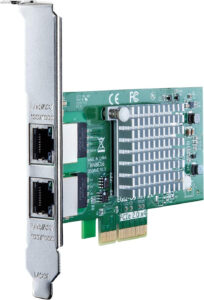
If you already own a PC with a free PCIe slot, a dual-port NIC with Intel’s I350 chip adds two Intel gigabit ports. The same card works if you’d rather install OPNsense as a virtual machine. The docs ask for at least 3 GB of RAM and an 8 GB disk for a VM, with hardware offloading disabled in Interfaces > Settings. I’ve run pfSense this way in Proxmox, with a NIC passed through for tutorials. If it’s your main router, though, your internet goes down whenever the host reboots.
The Best OPNsense Hardware to Buy
The Protectli Vault V1410 is the best OPNsense hardware for most people. Here’s how the picks compare, roughly cheapest first at the vendors’ own stores in September 2026 (barebones before RAM and storage).
| Product | Ports | Best for | Price tier |
|---|---|---|---|
| Protectli Vault V1210 | 2 x 2.5GbE | Lowest cost, WAN and LAN only | Budget |
| Protectli Vault Pro VP2430e | 4 x 2.5GbE | Upgradable four-port | Mid (barebones) |
| Protectli Vault V1410 | 4 x 2.5GbE | Most people | Mid |
| Protectli Vault Pro VP2440e | 2 x 10G SFP+, 2 x 2.5GbE | Multi-gig internet | Upper (barebones) |
| Deciso DEC697 | 4 x 2.5GbE | OPNsense preinstalled | Premium |
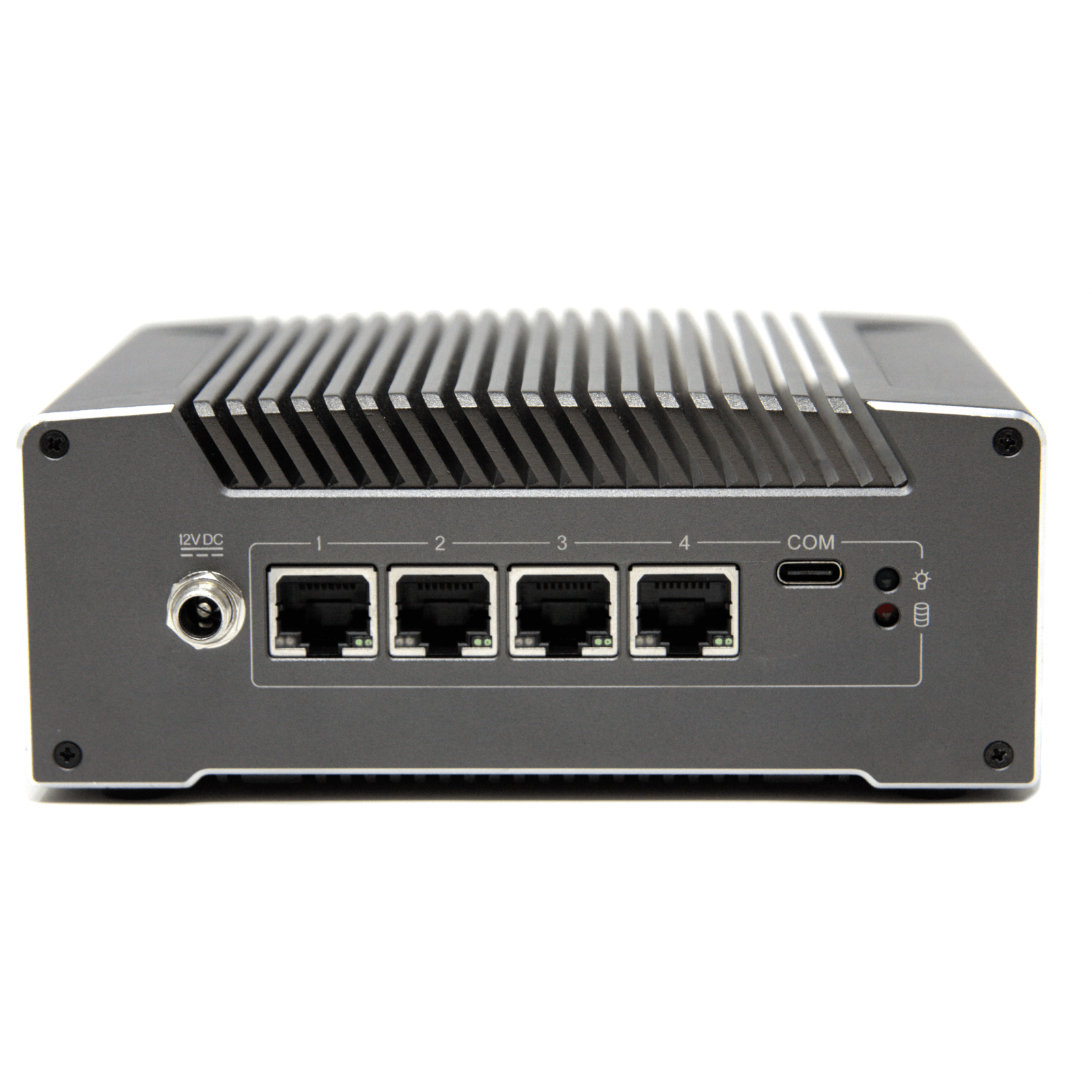
Protectli Vault V1410: Best OPNsense Hardware for Most People
Intel N5105 · 4 x Intel 2.5GbE · 8GB soldered · 32GB eMMC + M.2 NVMe · fanless
It’s complete out of the box, fanless, and every port is Intel 2.5GbE, so you get WAN, LAN and two spare ports for a DMZ or another network. Protectli now points FW4B buyers to it. Just know the RAM is soldered and the 32GB eMMC is under the docs’ 40 GB reasonable tier, so add an NVMe drive if you’ll run IDS.
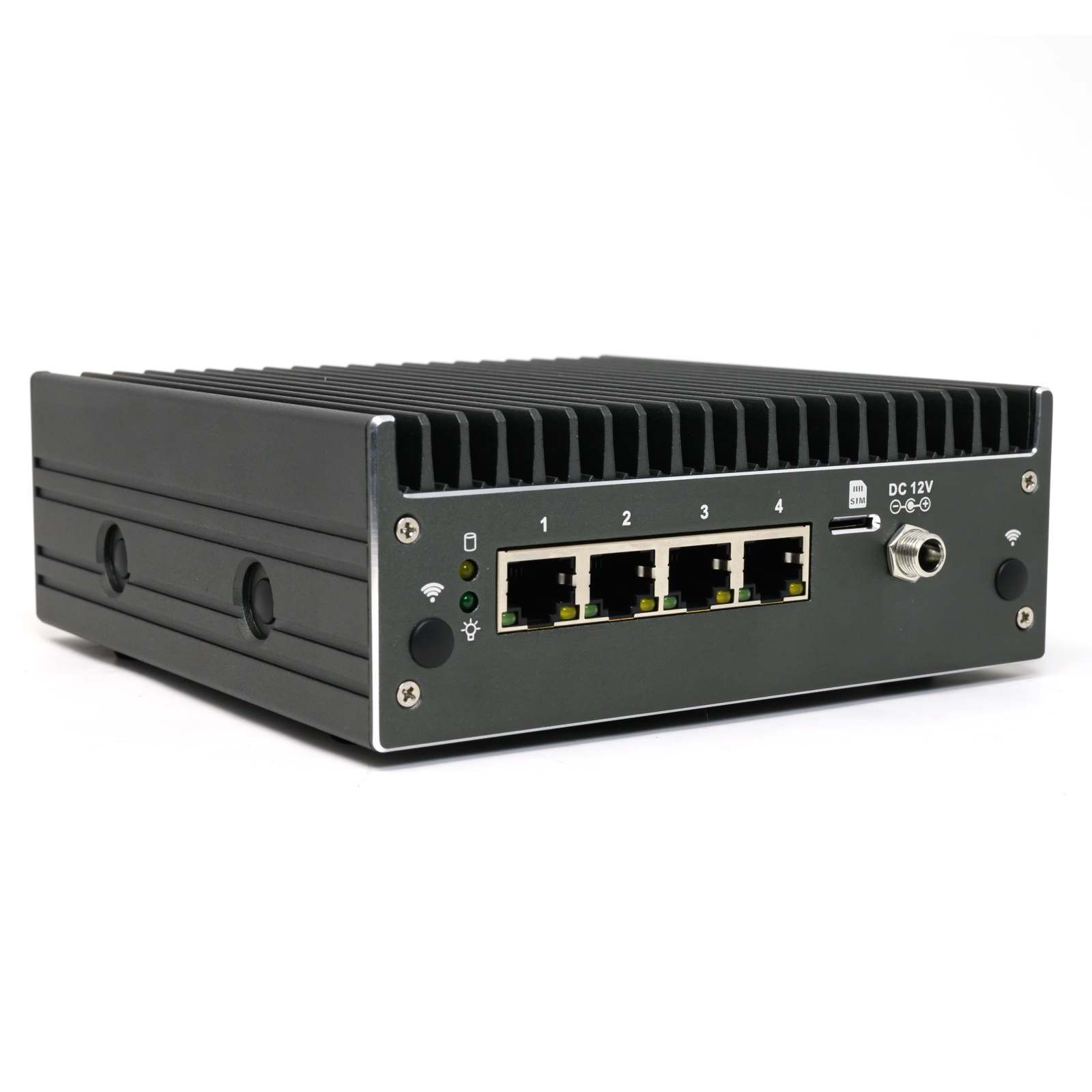
Protectli Vault Pro VP2430e: Best Upgradable Four-Port Box
Intel N150 · 4 x Intel 2.5GbE · DDR5 SO-DIMM · no eMMC · fanless
It’s newer than the V1410, with the N150 and an upgradable DDR5 slot, and it starts for less at Protectli’s store. The catch is the “e”: there’s no onboard eMMC, and the Amazon listing is barebones, so you add your own RAM and SSD. It only works out cheaper than the V1410 if you already have them.
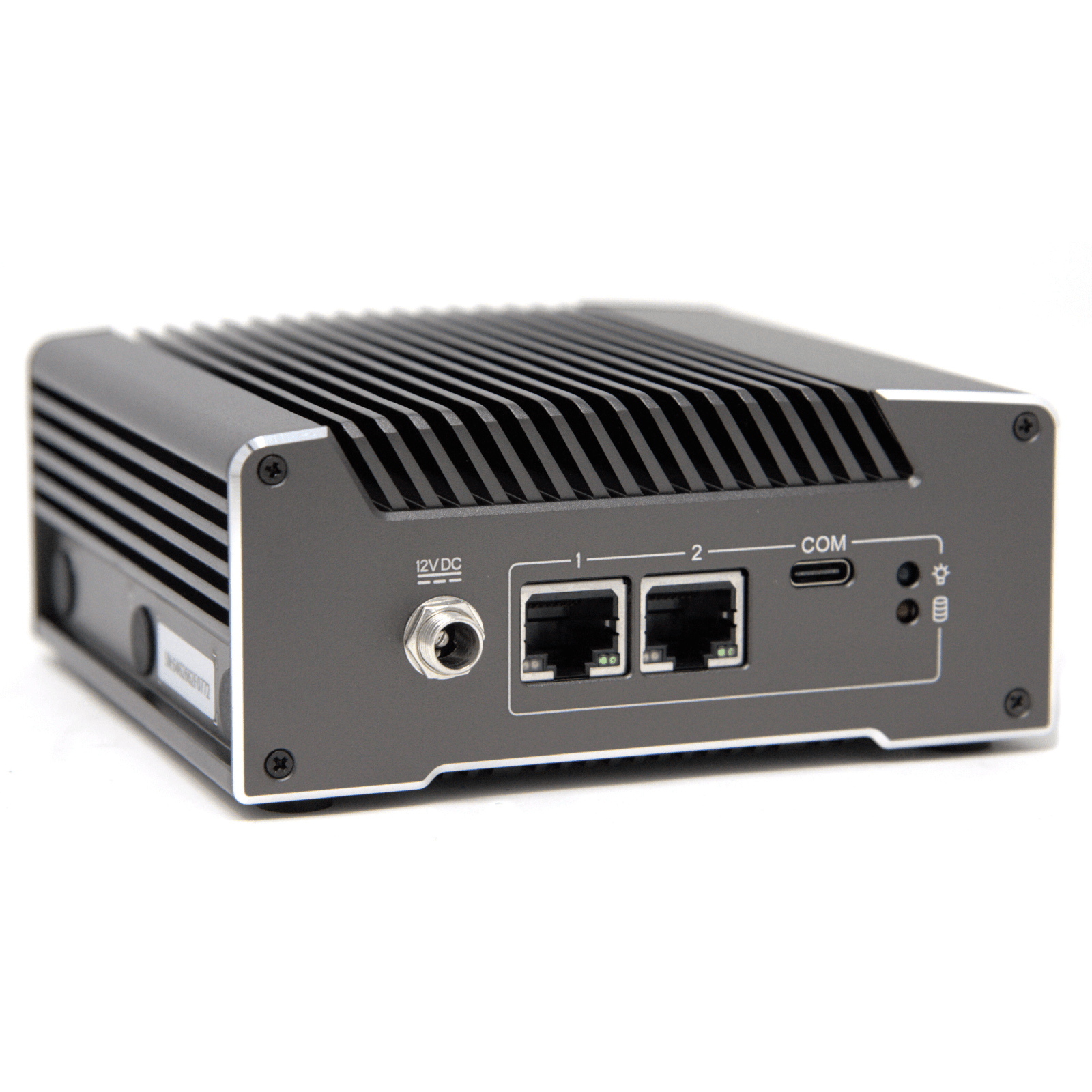
Protectli Vault V1210: Best Budget OPNsense Hardware
Intel N5105 · 2 x Intel 2.5GbE · 4GB soldered · 32GB eMMC + M.2 · fanless
If WAN and LAN are all you need (VLANs can still split the LAN), this is the FW2B’s successor and the cheapest box on this list. Its 4GB of soldered RAM is the docs’ reasonable tier, so it’s for a basic setup rather than IDS.
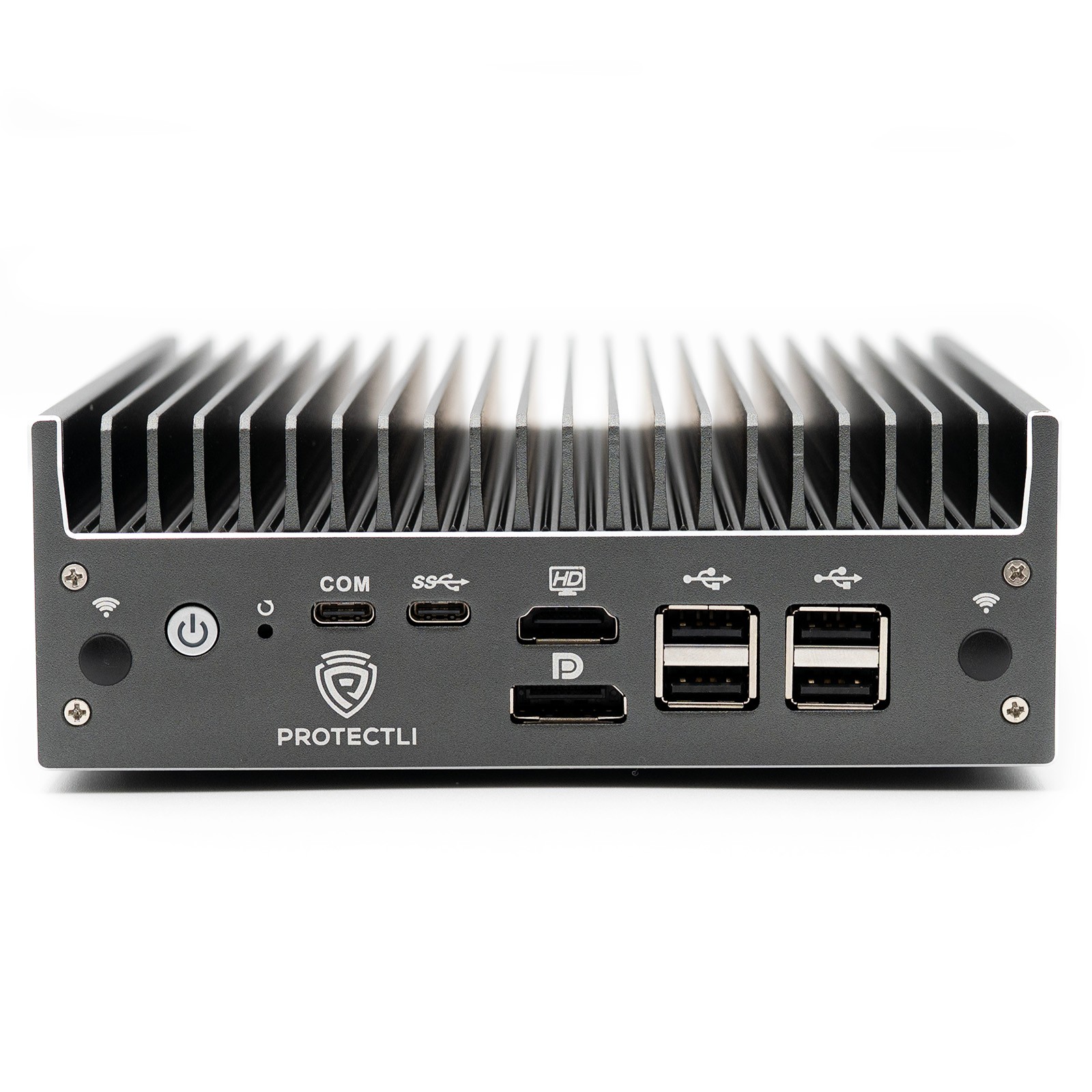
Protectli Vault Pro VP2440e: Best for 10 Gig Internet
Intel N150 · 2 x Intel X710 10G SFP+ · 2 x Intel 2.5GbE · DDR5 SO-DIMM · no eMMC · fanless
If your plan is faster than 2.5 Gbps, this gets you 10G with Intel NICs on every port. It ships barebones like the VP2430e, so add RAM and an SSD to its cost, and the SFP+ ports need a transceiver or DAC cable. The Minisforum MS-01 was the other common answer, but it was sold out in September 2026.
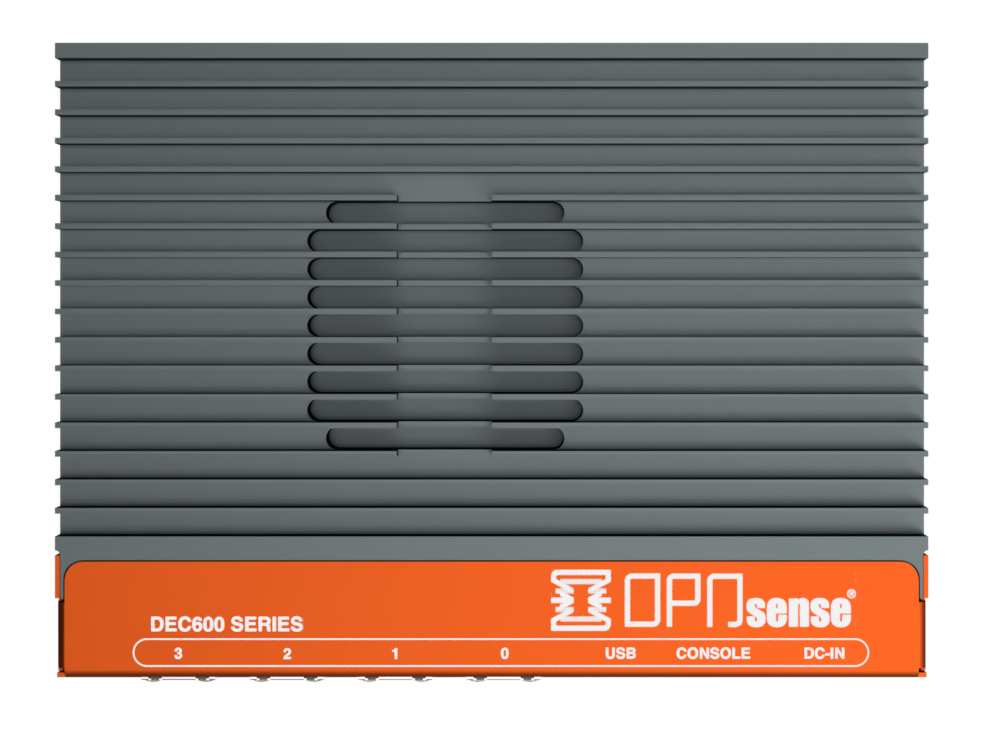
Deciso DEC697: Best Official OPNsense Appliance
AMD G-Series · 4 x 2.5GbE · 8GB · 256GB NVMe · 13W typical · OPNsense preinstalled
Deciso builds OPNsense, and its appliances ship with it installed plus a year of Business Edition. Get this over the Deciso DEC677, because Deciso says the DEC677 (4GB of RAM, 32GB of flash) is not meant for IDS or a web proxy. Where it loses is value, as both cost more than the complete V1410.
What Happened to the Protectli FW2B and FW4B?
I used to recommend the Protectli Vault FW2B and FW4B here. Both are still sold, but Protectli now points buyers to the V1210 and V1410, and the FW-B boxes are gigabit only on older Celeron chips. Buy the successor.
 |  |
Best OPNsense Router for a Home Network
For a home network, the best OPNsense router is the V1410 or the VP2430e, because of ports. OPNsense needs two, and while you can set up VLANs on one LAN port, four ports leave room to set up a DMZ later. 2.5GbE only matters for the WAN if your plan is faster than 1 Gbps.
The router I built for my July 2026 video was a Beelink EQ14 running pfSense CE, and it idled around 10 W. OPNsense and pfSense CE are both FreeBSD-based, so that’s a fair guide to power draw, not an OPNsense benchmark. The EQ14 only has two ports, though. If you’re buying a box for OPNsense, I’d look at one with four 2.5 gig ports for a similar price.
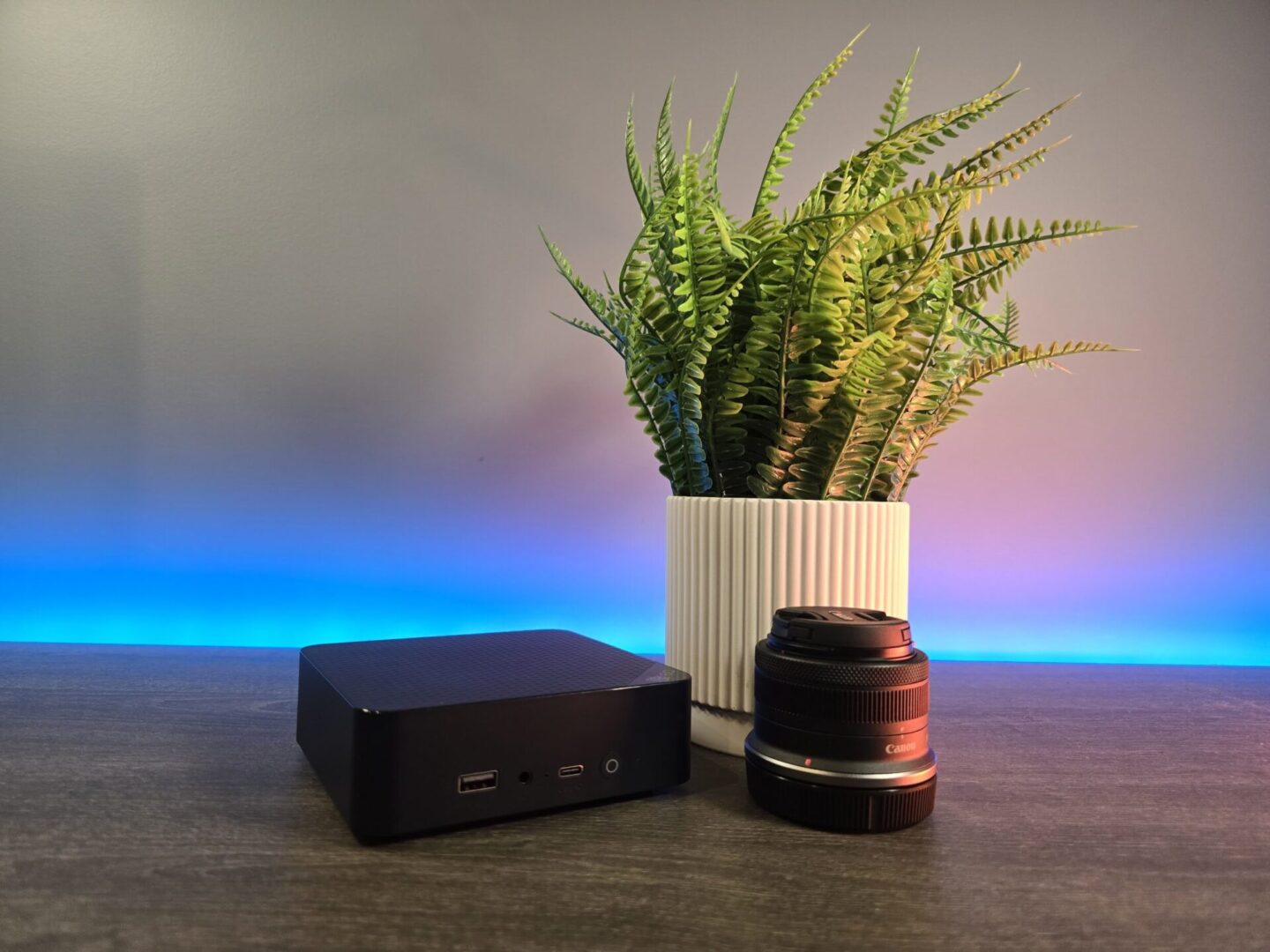
You’ll still need a managed switch and access points behind it. That’s how I ran pfSense on a Netgate 6100 for three or four years, before I moved to a UniFi Cloud Gateway in late 2024. Setting anything up in pfSense had turned into half an hour or more of reading documentation. The learning curve is real, so if you’d rather skip it, the best UniFi router/firewall is the easier path.
Between OPNsense and pfSense, the hardware is the same. OPNsense is free on any box, and so is pfSense CE, but pfSense Plus is only free on Netgate’s own hardware, so on these boxes it’s an annual fee. I prefer the OPNsense GUI (more in pfSense vs. OPNsense), and the best pfSense hardware covers these boxes from the pfSense side.
Final Thoughts on OPNsense Hardware
Overall, don’t overbuy, as a four-port box with Intel 2.5GbE ports handles almost every home connection. Security changes constantly and no box guarantees a safe network, so keep OPNsense updated. If you’re on the fence, install OPNsense in a VM and play around with it before you buy anything.