The best PoE injector is the one that matches the PoE standard and link speed of the single device you’re powering. For most people, that’s a 30 W PoE+ injector like the Omada POE160S. If you’re powering a UniFi Wi-Fi 7 access point with a 2.5GbE port, like the U7 Pro Max, get a 2.5GbE injector such as the UniFi 2.5G PoE+ Adapter (30W) so the port doesn’t drop to gigabit.
I power my own access points from PoE switches (I run a Flex 2.5G PoE and a Pro XG 8 PoE). A PoE injector is still the simplest fix for one access point on a router with no PoE port, or one camera at the end of a cable run. For several devices, a PoE switch is usually the better buy.
Disclosure: Some links below are affiliate links, which means that I earn a percentage of each sale at no cost to you. Thank you for your support.
What a PoE Injector Does
A PoE injector sits between a port without PoE and one device, adding power to the Ethernet cable so the device doesn’t need its own power adapter. It takes data from your router or switch on one port and sends data and power out the other, up to 100 m (328 ft) on every standards injector below. A PoE splitter does the opposite, so it isn’t what you want here.
| Standard | Also called | Injector output | Typically powers |
|---|---|---|---|
| 802.3af | PoE | 15.4 W | Cameras, older and entry-level access points |
| 802.3at | PoE+ | 30 W | Most current access points |
| 802.3bt | PoE++ (UniFi calls 90 W PoE+++) | 60 W or 90 W | PTZ cameras, devices that list 802.3bt |
Size it to the hardware. I’ve said this about PoE switches, and it applies to an injector just as much: for most people, you’re probably not going to need anything more than PoE+. A UniFi U7 Pro Max, for example, is a PoE+ access point with a 25 W maximum on Ubiquiti’s spec page (September 2026), so a 30 W PoE+ injector covers it. The 60 W and 90 W injectors a lot of lists lead with only make sense for a device that actually asks for 802.3bt.
A standards (active) injector negotiates with the device, so it won’t power one that doesn’t ask for it. UniFi’s PoE Adapters are passive (always on, no negotiation, per Ubiquiti), so keep them for UniFi gear, never a computer or printer.
Does a PoE injector slow down your internet? Not on its own, but it can’t pass data faster than its ports, so a gigabit injector caps a 2.5GbE access point’s wired link at 1 Gbps.
The Best PoE Injectors
The Omada POE160S is the one most people should buy. All six gigabit picks were current in September 2026.
| Injector | Standard | Output | Speed | Best for |
|---|---|---|---|---|
| Omada POE150S | 802.3af | 15.4 W | 1 GbE | Cameras, small devices |
| Omada POE160S | 802.3af/at | 30 W | 1 GbE | Most access points |
| TRENDnet TPE-115GI | 802.3af/at | 30 W | 1 GbE | Most access points |
| Omada POE170S | 802.3af/at/bt | 60 W | 1 GbE | PTZ cameras, 802.3bt devices |
| TRENDnet TPE-117GI | 802.3af/at/bt | 60 W | 1 GbE | PTZ cameras, 802.3bt devices |
| TRENDnet TPE-119GI | 802.3af/at/bt | 95 W | 1 GbE | The most power |

Omada POE160S: Best PoE Injector for Most Access Points
802.3af/at · 30 W · 2 x gigabit
It powers anything up to PoE+ at gigabit, so a 2.5GbE access point wants a pick further down. It used to be sold as the TP-Link TL-PoE160S, and older listings may still use that name.
3.0_2_normal_20231110092100u.jpg)
Omada POE150S: Best for Cameras and Small Devices
802.3af · 15.4 W · 2 x gigabit
For a camera or a gigabit access point that lists 802.3af, this is the cheapest standards injector here. It’s the old TP-Link TL-PoE150S under its Omada name, though the POE160S costs only slightly more and handles PoE+ too.
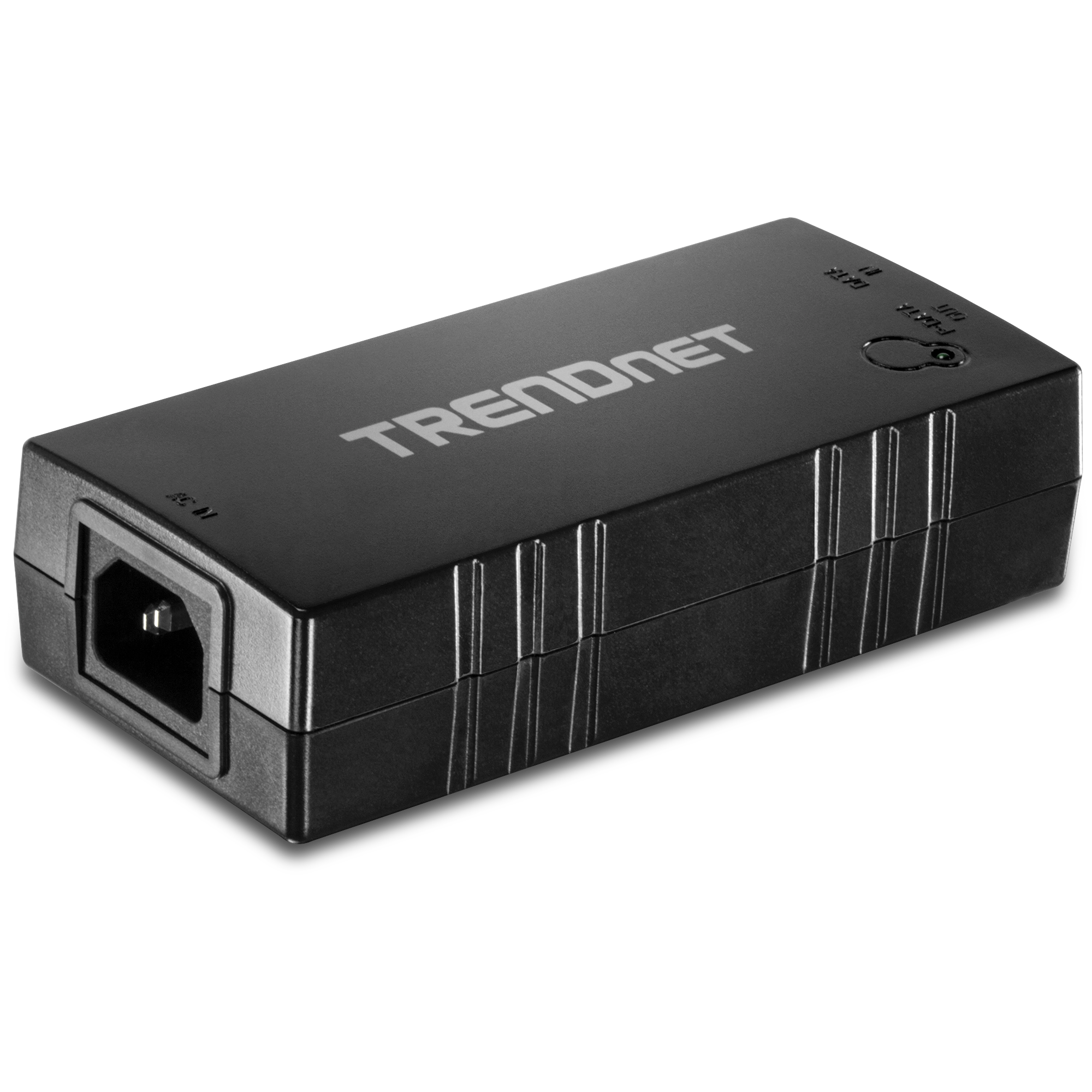
TRENDnet TPE-115GI: Metal-Cased PoE+ Alternative
802.3at 30 W / 802.3af 15 W · gigabit
It does the same job as the POE160S in a metal case and costs a bit more.
2.20_normal_20231130092227f.jpg)
Omada POE170S: 60 W PoE++ Injector
802.3af/at/bt · 60 W · gigabit
For a PTZ camera or anything that lists 802.3bt, this is the step up (it’s the former TP-Link TL-PoE170S). The TRENDnet TPE-117GI does the same 60 W job for a little less, so either one works.
TRENDnet TPE-119GI: Most Power
802.3af/at/bt · 95 W · gigabit
It’s the most power here and in the upper price tier, so only buy it if the device’s spec sheet asks for more than 60 W.
Best Budget PoE Injectors
For most people the budget pick is the Omada POE160S: it’s in the cheapest tier and still covers the next device you buy if it needs PoE+. For a UniFi access point with a 2.5GbE port, the UniFi 2.5G PoE+ Adapter costs about the same and keeps that speed. Here’s how every pick lined up in September 2026 (Amazon for third-party injectors, the UniFi store for Ubiquiti’s adapters, which are meant for UniFi gear):
- Cheapest: UniFi’s PoE Adapter (15W), PoE+ Adapter (30W) and 2.5G PoE+ Adapter, plus the Omada POE150S and POE160S.
- Lower mid: the TRENDnet TPE-115GI.
- Mid: the POE260S, the TPE-215GI, UniFi’s 10G PoE++ Adapter, and the 60 W injectors, cheapest first: UniFi’s PoE++ Adapter (60W), the TPE-117GI and the POE170S.
- Upper: the TPE-119GI, the TPE-219GI and UniFi’s 10G PoE+++ Adapter.
Best PoE Injector for UniFi U7 Pro Max
The U7 Pro Max is a PoE+ access point with a 25 W maximum and a 1/2.5 GbE uplink, according to Ubiquiti’s spec page (September 2026). Any 30 W PoE+ injector will power it, but to keep the 2.5GbE link you need a 2.5GbE injector like the UniFi 2.5G PoE+ Adapter (30W). The switch or router port feeding it has to be 2.5GbE too (my 2.5Gb switch guide covers those).
I’ve tested the U7 Pro Max, and against the UDR7’s built-in Wi-Fi it was a little better, but not drastically better. You don’t want to upgrade to Wi-Fi 7 when you just needed better access point placement (which is what optimizing a UniFi Wi-Fi network is about). If it is the right AP, these three injectors all deliver 30 W at 2.5GbE:

UniFi 2.5G PoE+ Adapter (30W): Best for UniFi Access Points
PoE+ · 30 W · 2.5 GbE · UACC-PoE+-2.5G
It’s Ubiquiti’s own adapter, and bought from the UniFi store, it’s the cheapest way to get 2.5GbE PoE+ to a U7 Pro Max (on Amazon it sits level with the POE260S).
1.0_2_large_20231016025605d.jpg)
Omada POE260S: Best 2.5GbE Injector Outside UniFi
802.3af/at · 30 W · 2 x 2.5 GbE
If you’d rather buy on Amazon, or the access point isn’t UniFi, this is the standards-based option. It’s the former TP-Link TL-PoE260S.
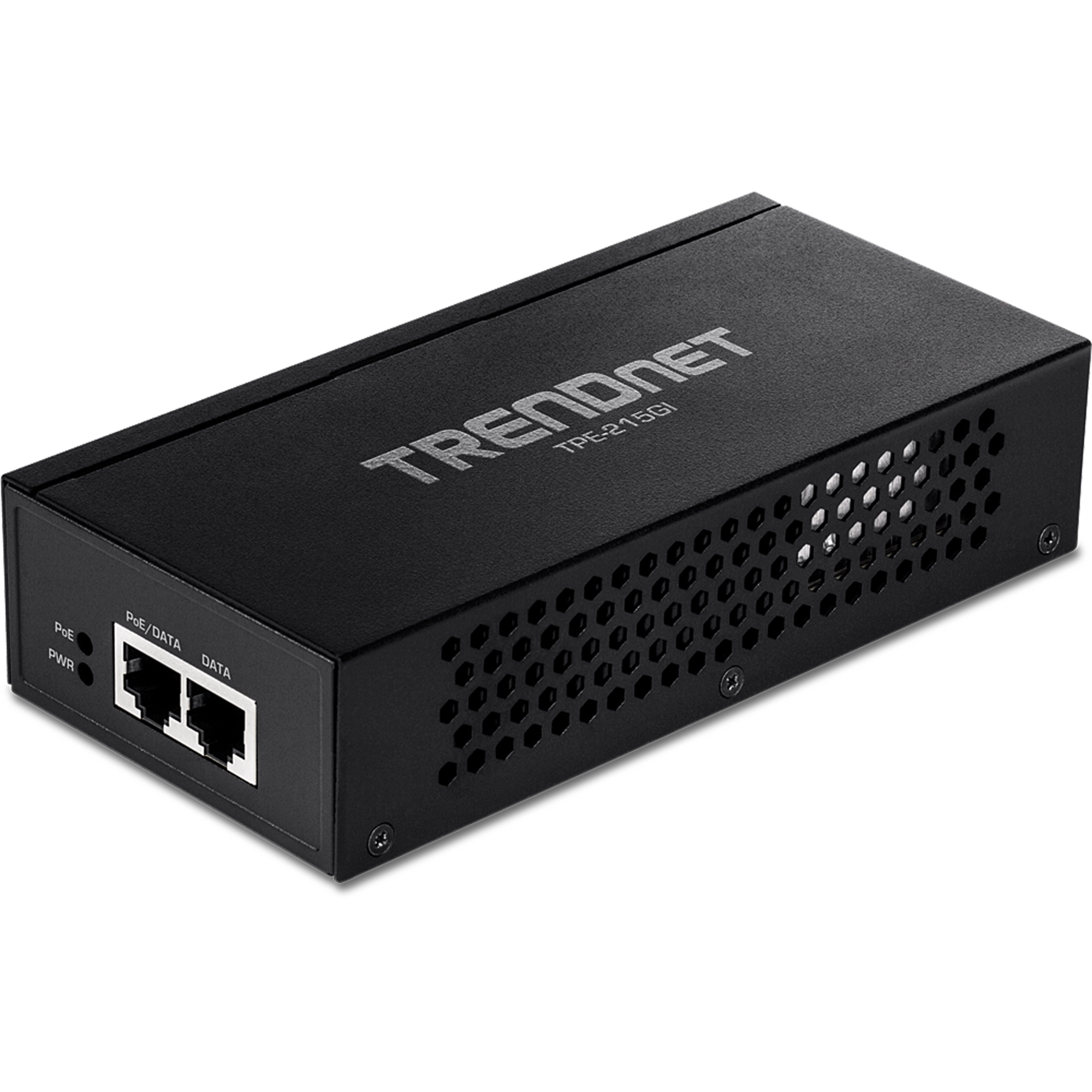
TRENDnet TPE-215GI: 2.5GbE PoE+ in a Metal Case
802.3af/at · 30 W · 2.5 GbE
It’s the same 30 W at 2.5GbE in a metal case, a little above the POE260S. The TRENDnet TPE-219GI goes to 90 W at 2.5GbE, but a U7 Pro Max doesn’t need it.
The U7 Pro (PoE+, 21 W) has the same 2.5GbE port, so these three fit it too. The U7 Pro XG needs a 10GbE injector, like UniFi’s 10G adapters below, to keep its link speed.
UniFi PoE Injector Options from Ubiquiti
Ubiquiti PoE injectors are sold as PoE Adapters. Ubiquiti says they’re passive, so they’re meant for UniFi gear. The UniFi store listed all six as available in September 2026:
| Adapter | Output | Speed |
|---|---|---|
| UniFi PoE Adapter (15W) | 15 W PoE | 1 GbE |
| UniFi PoE+ Adapter (30W) | 30 W PoE+ | 1 GbE |
| UniFi 2.5G PoE+ Adapter (30W) | 30 W PoE+ | 2.5 GbE |
| UniFi PoE++ Adapter (60W) | 60 W PoE++ | 1 GbE |
| UniFi 10G PoE++ Adapter (60W) | 60 W PoE++ | 10 GbE |
| UniFi 10G PoE+++ Adapter (90W) | 90 W PoE+++ | 10 GbE |
Buy them from the UniFi store, since the Amazon listing for the 15 W adapter was a reseller asking many times the store’s price in September 2026.
The gateway usually decides whether you need one. In my UniFi router guide, the three ways to power an access point are a UniFi router with PoE ports, a UniFi switch with PoE, or a PoE injector. Per Ubiquiti’s specs (September 2026), the UniFi Express 7 has no PoE port and the UDR7 has one PoE port with a 15.4 W budget. The Cloud Gateway Fiber has one PoE+ port with 30 W, so it can power a U7 Pro Max directly, while a UDR7 or Express 7 needs an injector or a PoE switch for it.
PoE Injector vs PoE Switch: When to Skip the Injector
Every device needs its own injector and its own outlet, so it gets messy fast. You don’t want to end up adding a bunch of PoE injectors if you just needed a PoE switch in the first place. For most people, an 8-port PoE switch is going to be the most common starting point, and my 8-port PoE switch guide has the picks.
Multi-port injectors like TRENDnet’s four-port TPE-147GI exist, but a switch usually makes more sense. A PoE-powered switch is another way around it, and in 2025 I powered my Flex 2.5G PoE from a single port on another switch and ran a few devices off that one cable (my Pro XG 24 PoE switch review covers it).