Skip to content
WunderTech
  • Home
  • Synology
    • Best Synology NAS Devices
    • Synology NAS Setup Guide
  • Proxmox
  • UniFi
    • Best UniFi Router & Firewall
  • Docker
  • Home Lab
  • Firewall
  • About Us
  • Consulting
  • Toggle website search
Search this website
Menu Close

43 Search Results Found

You searched for: "portainer"
  1. Home>
  2. Search results for “portainer”>
  3. Page 2
How to Run Docker in Proxmox on a VM

How to Run Docker in Proxmox on a VM

I've been running Docker on Proxmox for a while now, most recently on my two-node custom-built Proxmox Cluster using Proxmox VE 9.1. Before that, I ran it on a Synology…

Continue Reading How to Run Docker in Proxmox on a VM
Docker Guides: Setup, Compose, Containers, Updates, Backups, and Self-Hosting

Docker Guides: Setup, Compose, Containers, Updates, Backups, and Self-Hosting

Docker Guides: Setup, Compose, Containers, Updates, Backups, and Self-Hosting Docker is one of the first things people usually run into when they start building a home lab or self-hosting applications.…

Continue Reading Docker Guides: Setup, Compose, Containers, Updates, Backups, and Self-Hosting
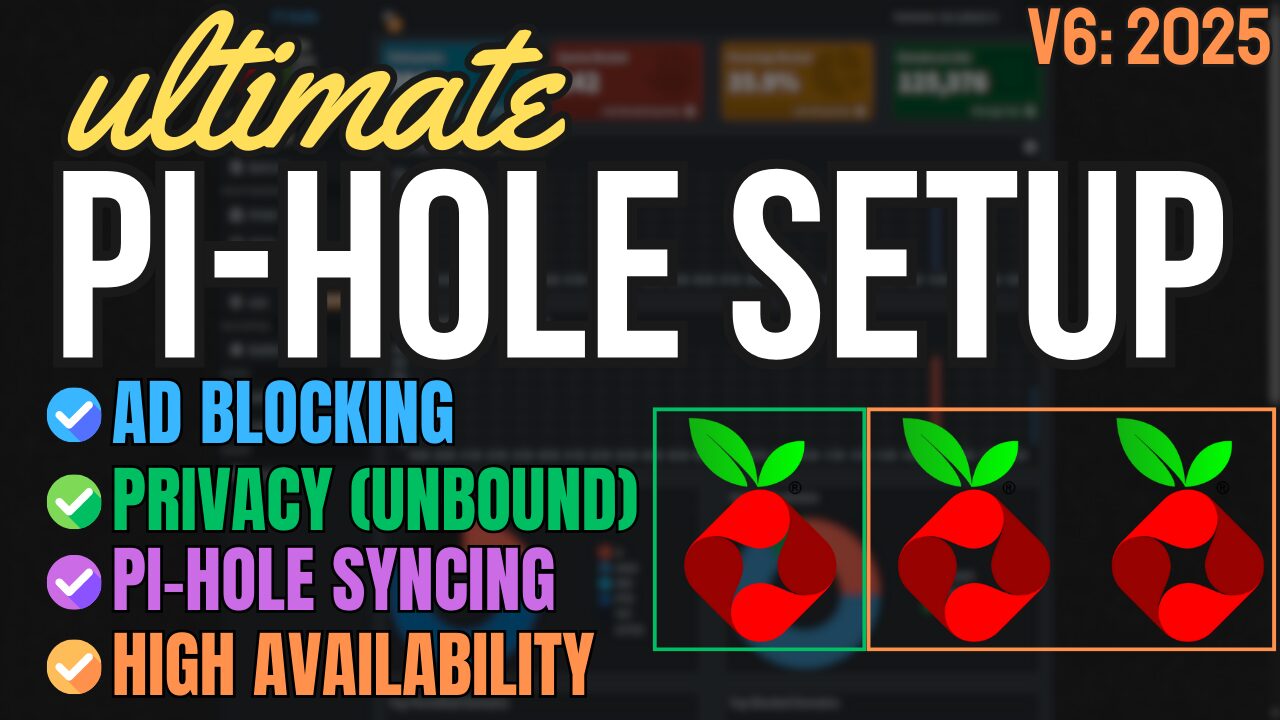
Ultimate Pi-hole Setup: Unbound + Nebula Sync + Keepalived

Ultimate Pi-hole Setup: Unbound + Nebula Sync + Keepalived

This article is a supplement to the video below, which goes over the ultimate Pi-hole setup, with Unbound, Nebula Sync, and Keepalived. The goal is to provide everything for Pi-hole,…

Continue Reading Ultimate Pi-hole Setup: Unbound + Nebula Sync + Keepalived
The BEST Way to Set Up Motion Notifications in Blue Iris

The BEST Way to Set Up Motion Notifications in Blue Iris

I've been using Blue Iris for a few years, and overall, I've been extremely happy with how it functions. The one problem I've always had is motion notifications in Blue…

Continue Reading The BEST Way to Set Up Motion Notifications in Blue Iris
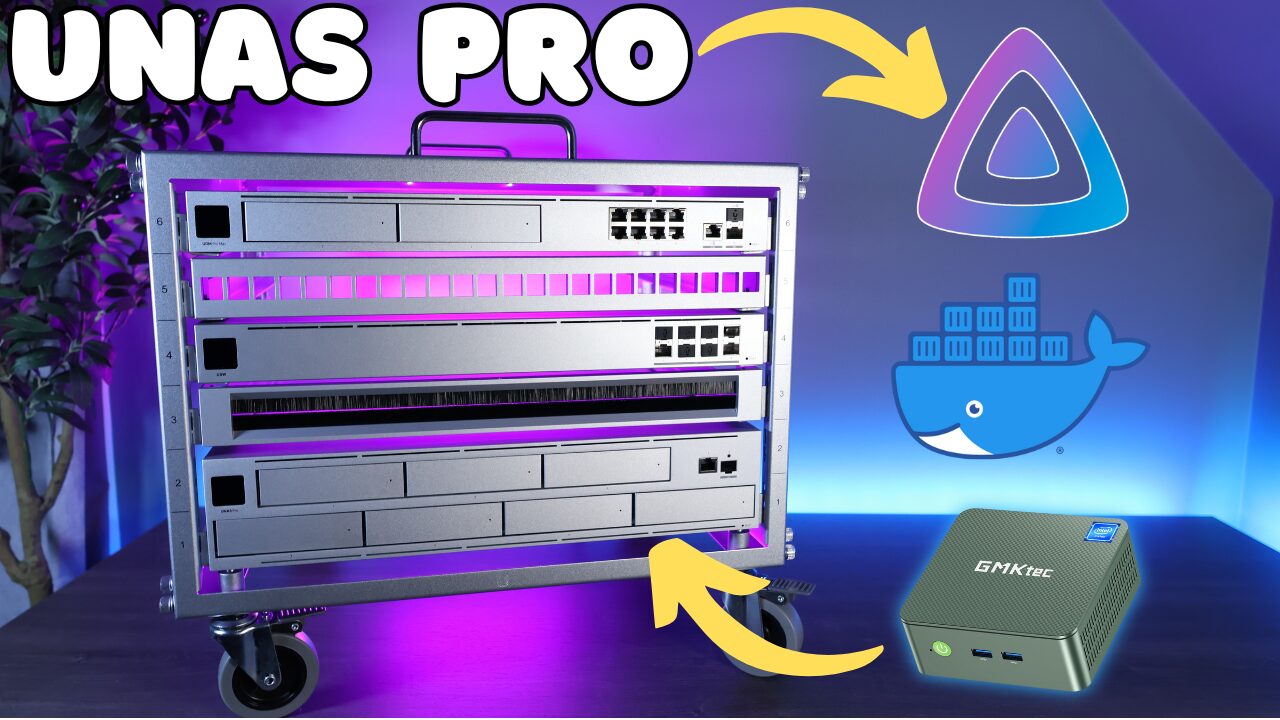
Adding Docker & Jellyfin to the UNAS Pro

Adding Docker & Jellyfin to the UNAS Pro

This article will be supplementary to the video below, which highlights how to add Docker and Jellyfin to the UNAS Pro using a Mini PC. This allows you to utilize…

Continue Reading Adding Docker & Jellyfin to the UNAS Pro
Configuring a Home Lab Self-Hosted Dashboard with Homarr

Configuring a Home Lab Self-Hosted Dashboard with Homarr

One of the first things that I wanted to do as soon as my home lab started growing was to configure a self-hosted dashboard. It makes accessing your services quick…

Continue Reading Configuring a Home Lab Self-Hosted Dashboard with Homarr
Local SSL for Home Lab Services with Nginx Proxy Manager

Local SSL for Home Lab Services with Nginx Proxy Manager

If you start adding more services to your home lab, the inevitable scenario you'll find yourself in is forgetting IP addresses and ports. If you happen to remember the IP…

Continue Reading Local SSL for Home Lab Services with Nginx Proxy Manager
Setting up a Cloudflare Tunnel using Docker

Setting up a Cloudflare Tunnel using Docker

Cloudflare Tunnels let you expose services on your home network without opening a single port on your router. No port forwarding, no dynamic DNS juggling, the container reaches out to…

Continue Reading Setting up a Cloudflare Tunnel using Docker
  • Go to the previous page
  • 1
  • 2
  • 3
  • 4
  • 5
  • 6
  • Go to the next page

Buy Me a Coffee at ko-fi.com

Check out all of our social channels below, and make sure you subscribe to our YouTube channel!

  • YouTube
  • Reddit

WHO WE ARE & AFFILIATE DISCLOSURE

WunderTech provides tutorials and guides on Synology, UniFi, Proxmox, TrueNAS, Docker, and more. WunderTech is maintained by Frank Joseph, an IT professional with 15+ years of experience in corporate IT and application management. He holds a Bachelor of Science in Computer Information Systems and an MBA, and shares practical tutorials based on real home lab experience here and on his YouTube channel (90k+ subscribers).

Certain offers on this page may promote our affiliates, which means we earn an affiliate commission if you purchase products or services through some of our links. Please view our complete disclaimer for more information. WunderTech is a trade name of WunderTech, LLC.
© 2026 WunderTech, All Rights Reserved | Privacy Policy | Terms & Conditions | Disclaimer | Accessibility | Editorial Standards | Ethics | Contact Us
Close Menu