
Home Lab Hardware I Use and Recommend
This is the home lab hardware that I actually recommend, sorted by what you need and what you’ll spend. I’ve spent years reviewing NAS devices, UniFi networking, and home lab hardware on YouTube, and a lot of what’s below is equipment I run myself: my backups replicate to UGREEN units running TrueNAS, my network runs on UniFi, and the UPS advice comes from outages. I included honest trade-offs as well, even on the popular stuff, because the fastest way to waste money in a home lab is buying more than you need.
The list changes as the hardware does. When a model ships with an end-of-life processor, loses transcoding support, or stops being worth the price, it comes off this page. If you’re not sure where to start, the quick picks below answer the most common questions, and each section goes deeper.
Disclosure: Some links below are affiliate links, which means that I earn a percentage of each sale at no cost to you. Thank you for your support!
Not sure what to buy? Start here.
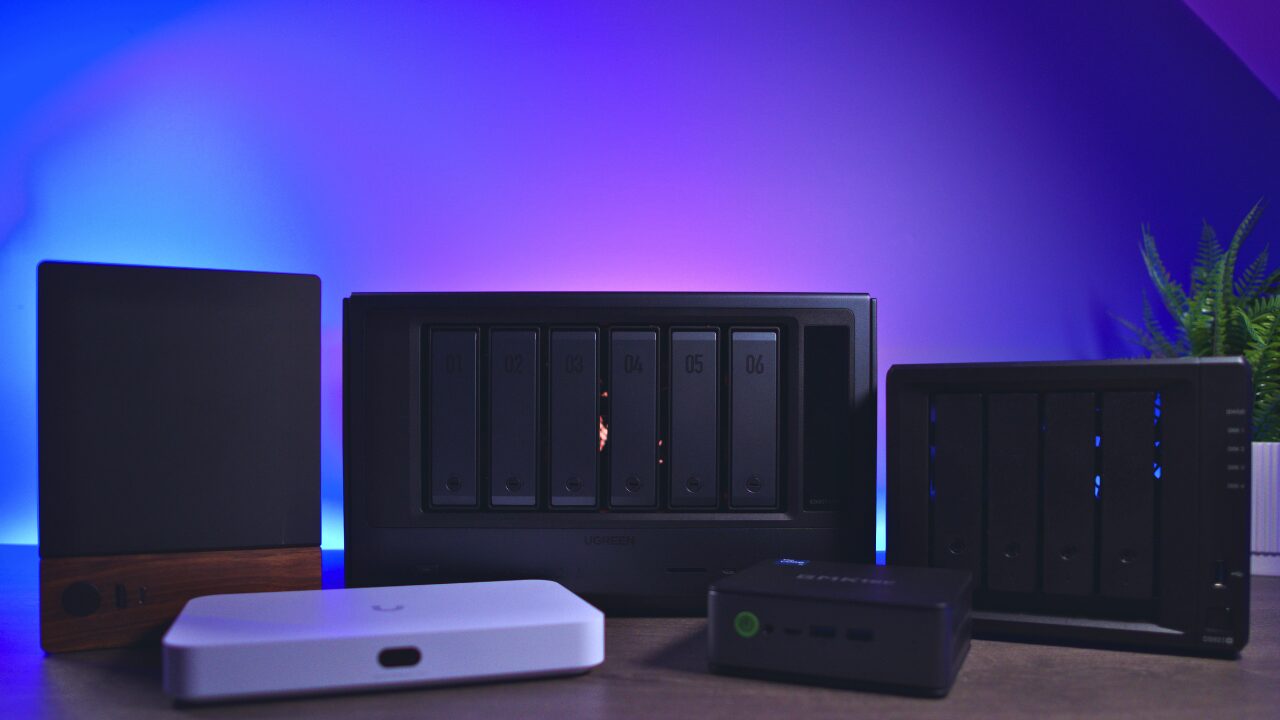
- Best NAS for beginners: the UGREEN DXP4800 Plus for pure value, or the Synology DS925+ if you want the most polished software and can spend more. I’d skip the older J4125-era Synology 2-bays at this point.
- Best NAS for Plex: UGREEN DXP4800 Plus. Intel Quick Sync means hardware transcoding actually works, and it is the most hardware for the money. Synology’s newest units dropped transcoding.
- Best budget NAS that still does Plex: UGREEN DXP2800. The TerraMaster F4-425 is cheaper still, but only worth it if you’ll put TrueNAS or Unraid on it.
- Best prosumer / home-lab NAS: UGREEN DXP4800 GT for dual 10GbE on a budget, or Synology DS1525+ for DSM software and 5 bays. Synology’s AMD units do not transcode, so buy them for files and VMs, not media.
- Best NAS drives: IronWolf Pro when it’s within about $10 of the Red Plus, and it usually is. If the gap is bigger at your capacity, the standard IronWolf keeps you on CMR for less.
- Best all-UniFi storage: UNAS Pro. Seven bays and 10G SFP+ for $499 is very hard to beat if you can live without apps. The desktop UNAS 2 and UNAS 4 cover smaller setups.
- Best UniFi starting point: the Cloud Gateway Fiber if you’re starting fresh and want room to grow. On a budget, the Dream Router 7 gets you the gateway and WiFi 7 in one box.
- Best whole-home mesh: the UniFi Express 7 3-Pack. WiFi 7 MLO lets the nodes bond 5 GHz and 6 GHz for the backhaul, so you keep the throughput that older mesh systems lost at every hop.
NAS Devices
Synology is what most people search for, and if you want what DSM offers, you’re probably better off with a real Synology than an alternative. UGREEN is the value and transcoding story, TerraMaster rounds out the budget end, and Ubiquiti’s UNAS line is the pure-storage option if you live in UniFi. Match the model to what you actually need and skip the rest.
Synology
Top Pick
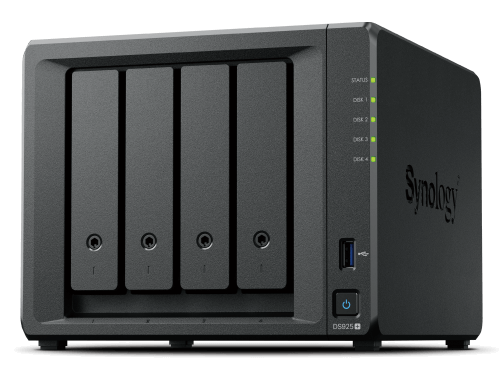
Synology DiskStation DS925+
4-bay, AMD Ryzen V1500B (4C/8T), 4GB DDR4 ECC (to 32GB), 2x 2.5GbE, 2x M.2 storage pool, USB-C expansion, DSM 7.x
The DS925+ is generally the best pre-built NAS you can buy if you take the operating system into consideration. DSM is still the most polished NAS software there is, and the dual 2.5GbE plus M.2 storage pools are genuinely nice. There are two things to be clear on: it does not support hardware transcoding (AMD, no iGPU), and Synology has already shown they’re willing to change hard drive restrictions, which means they could change them again. Buy it for files, backups, and VMs. For Plex, I would look at the DXP4800 Plus instead.
Most Popular
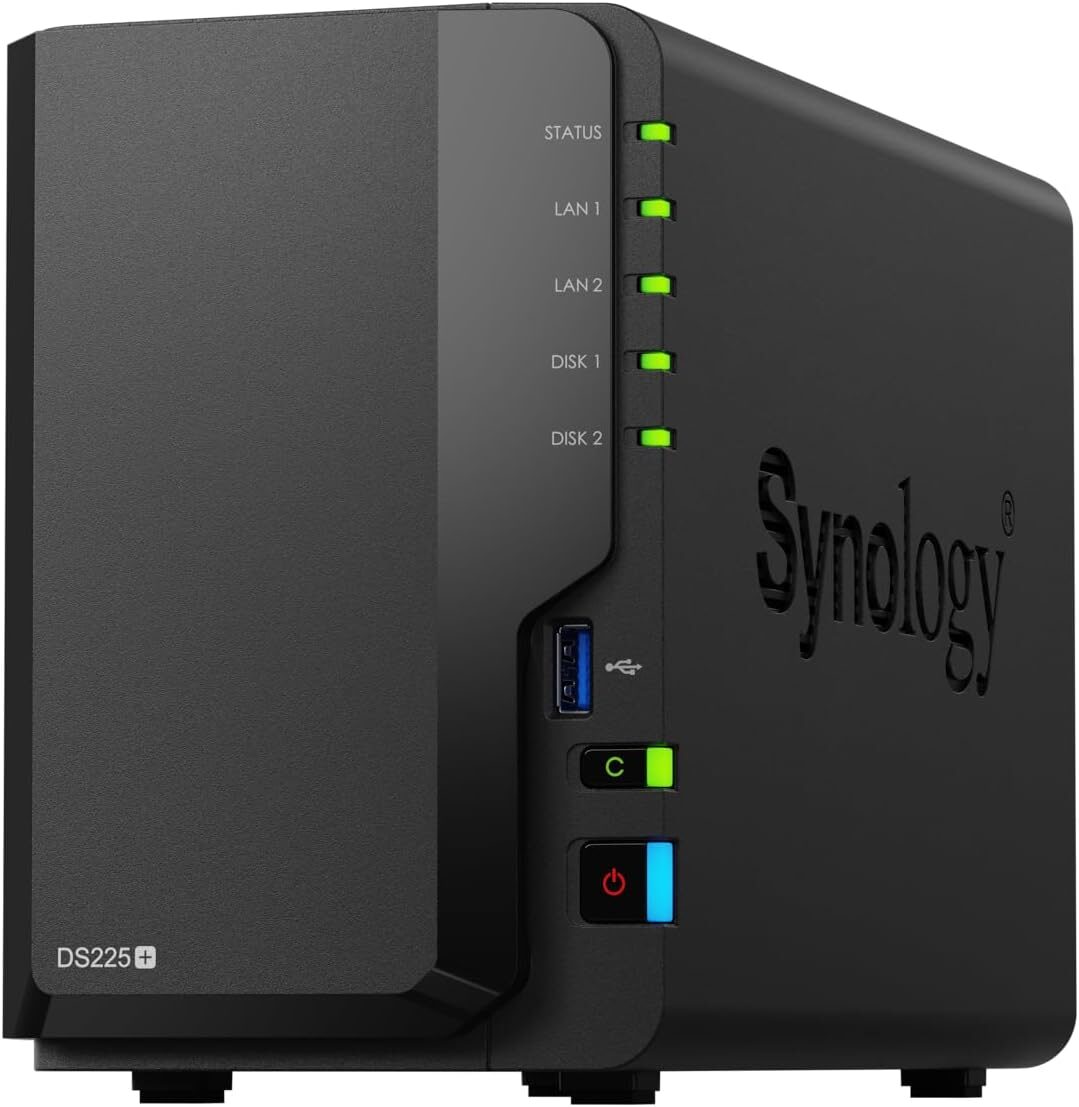
Synology DiskStation DS225+
2-bay, Intel Celeron J4125 (4-core), 2GB DDR4 (to 6GB), 2.5GbE + 1GbE, 2x M.2 NVMe, DSM 7.x
The DS225+ is the 2-bay that most people search for, but I’d think twice before buying it. It uses the same Intel J4125 that Synology has been shipping since 2020, and I don’t think you should be buying a discontinued, end-of-life processor in 2026. The 2025 firmware also disables the iGPU driver, which means Plex and Jellyfin hardware transcoding does not work out of the box. If all you want is photo backup and Synology’s software, it will do that job without issue. For anything media-related, I would look at the DS224+ at a discount or a UGREEN instead.
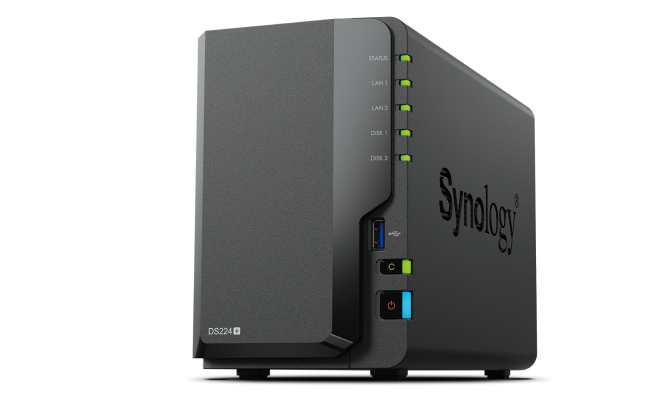
Synology DiskStation DS224+
2-bay, Intel Celeron J4125 (4-core), 2GB DDR4 (to 6GB), 2x 1GbE, no M.2, DSM 7.x
The DS224+ uses the same J4125 as the DS225+, but it came out before the 2025 changes, so hardware transcoding still works and there is no drive lock-in. The downside is that you are still buying a six-plus-year-old processor, which is why I’d only go this route at a real discount. If you’re set on Synology for a budget media box, this is the one that still makes sense. Otherwise, the UGREEN DXP2800 gives you newer hardware for similar money.
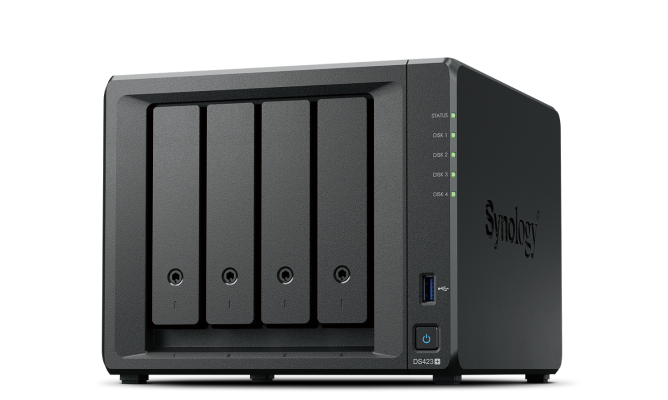
Synology DiskStation DS423+
4-bay, Intel Celeron J4125 (Quick Sync), 2GB DDR4 (to 6GB), 2x 1GbE, 2x M.2 (cache only), DSM 7.x
The DS423+ was my answer for Plex on a Synology for years, and technically it still works: the iGPU transcodes, it takes any drive you like, and four bays hold a lot of media. The problem is that it runs the same end-of-life J4125, and I have a hard time telling anyone to buy that new in 2026. If you find one at a steep discount and want DSM, go for it. At full price, the UGREEN DXP4800 Plus is the better Plex box.

Synology DiskStation DS1525+
5-bay (to 15 via 2x DX525), AMD Ryzen V1500B (4C/8T), 8GB DDR4 ECC (to 32GB), 2x 2.5GbE, 10GbE-upgradable, 2x M.2, DSM 7.x
The DS1525+ is the step up when you outgrow four bays, and unlike most of the 2025 lineup, it’s a clear upgrade over its predecessor: a better processor, and it kept the 10GbE expansion option. You get the same DSM strengths and the same 2025 caveats, meaning no hardware transcoding and the drive-verification policy. If you want capacity plus Synology’s software, this is the one I’d point you to.
UGREEN
Top Pick
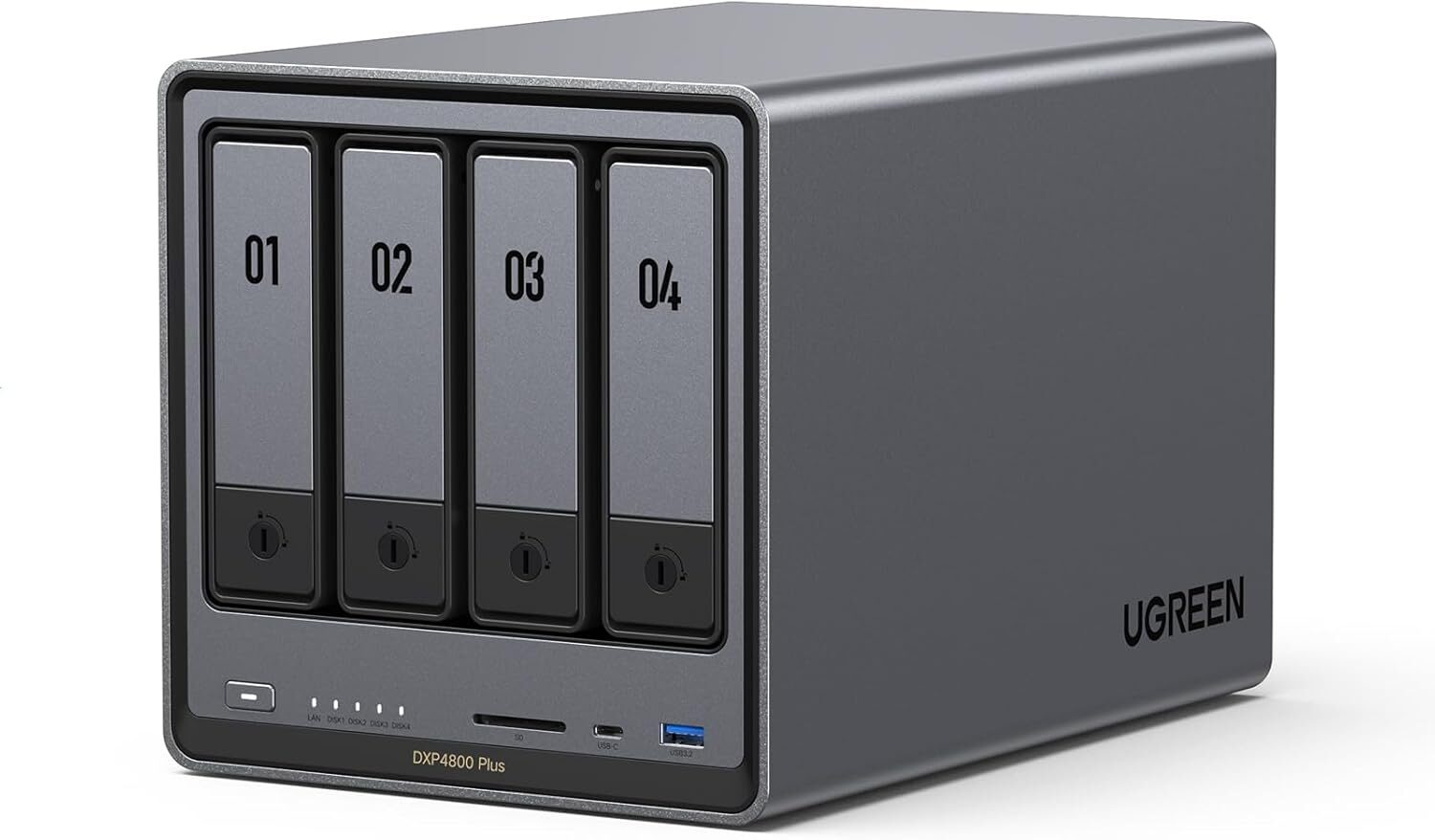
UGREEN NASync DXP4800 Plus
4-bay + 2x M.2 NVMe, Intel Pentium Gold 8505 (5-core, Quick Sync), 8GB DDR5 (to 64GB), 10GbE + 2.5GbE, UGOS Pro
The DXP4800 Plus is the standout 4-bay value and the one I steer most Plex buyers to. You get hardware transcoding, built-in 10GbE, and noticeably more horsepower than Synology’s DS925+ at a similar price. I actually run one myself, though not on UGOS: mine runs TrueNAS, turns on at 2 a.m., pulls an incremental ZFS replication as my on-site backup, and shuts off an hour later. That flexibility is half the appeal, because if UGOS ever isn’t enough for you, a third-party OS installs without a fight. The trade-off is that UGOS is newer and less proven than DSM.
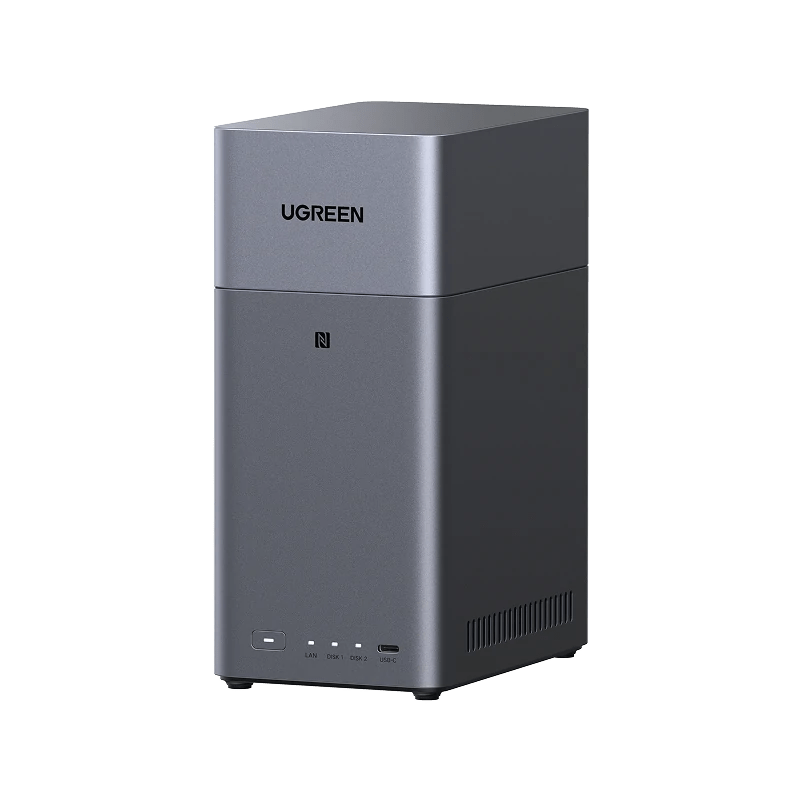
UGREEN NASync DH2300
2-bay HDD, entry quad-core CPU, fixed RAM, 2.5GbE, UGOS Pro
The DH2300 is about the cheapest real NAS worth owning, and it beats paying for cloud storage pretty quickly. It’s the entry point into UGREEN’s ecosystem, it runs most of the same apps as the DXP line, and it’s plenty for photo and file backup. Keep your expectations in check, because it is an entry-level CPU and UGOS is still younger than DSM. If you want the same budget line with four bays, the DH4300 Plus is the step up.
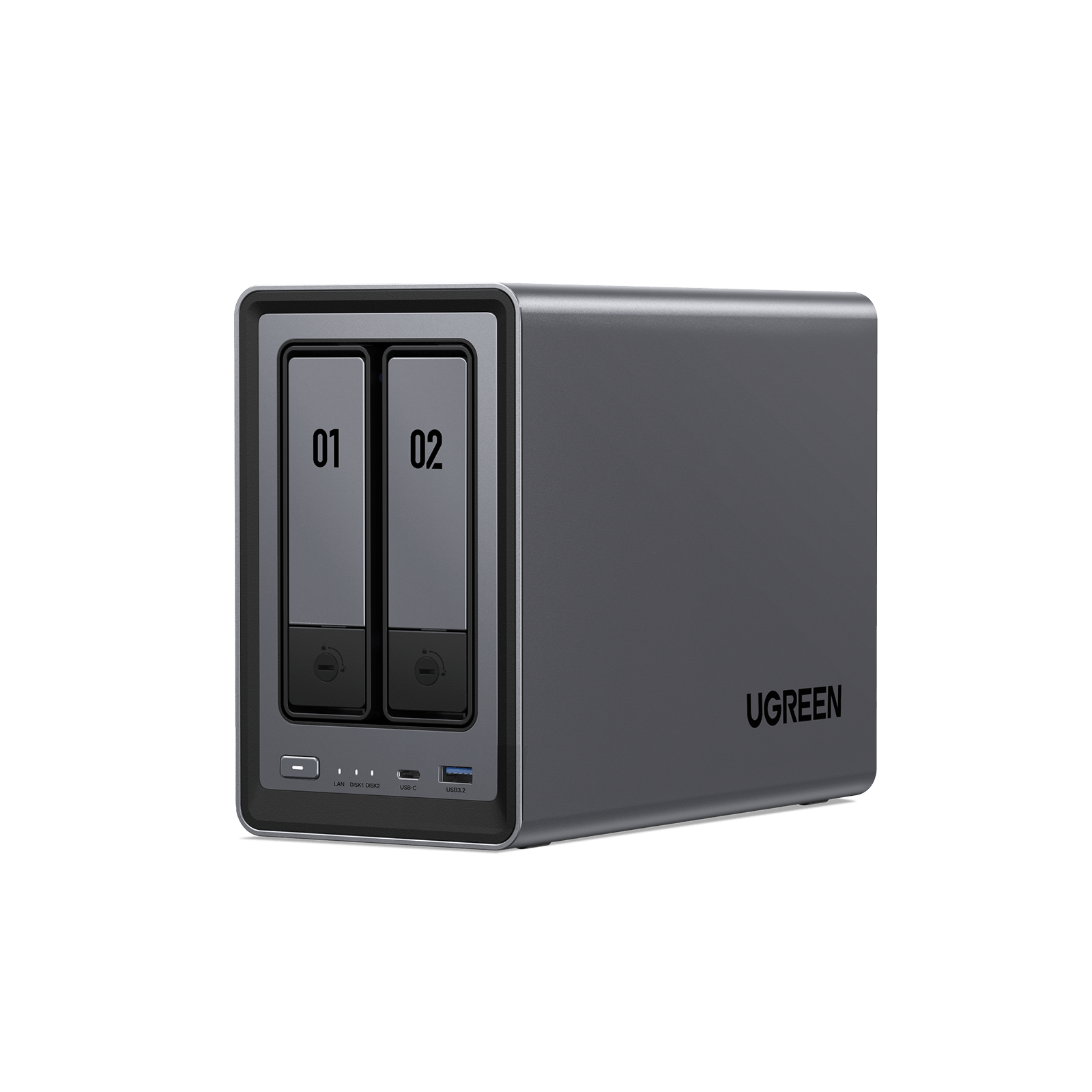
UGREEN NASync DXP2800
2-bay + 2x M.2 NVMe, Intel N100 (Quick Sync), 8GB DDR5 (exp.), 2.5GbE, UGOS Pro
The DXP2800 gets you real hardware transcoding in a compact 2-bay thanks to its Intel N100, which is something the same-priced Synology 2-bays can’t reliably do anymore. If you want a small Plex box without spending DXP4800 money, this is the one I’d go with. The caveats are a single 2.5GbE port and the fact that UGOS is still maturing next to DSM.
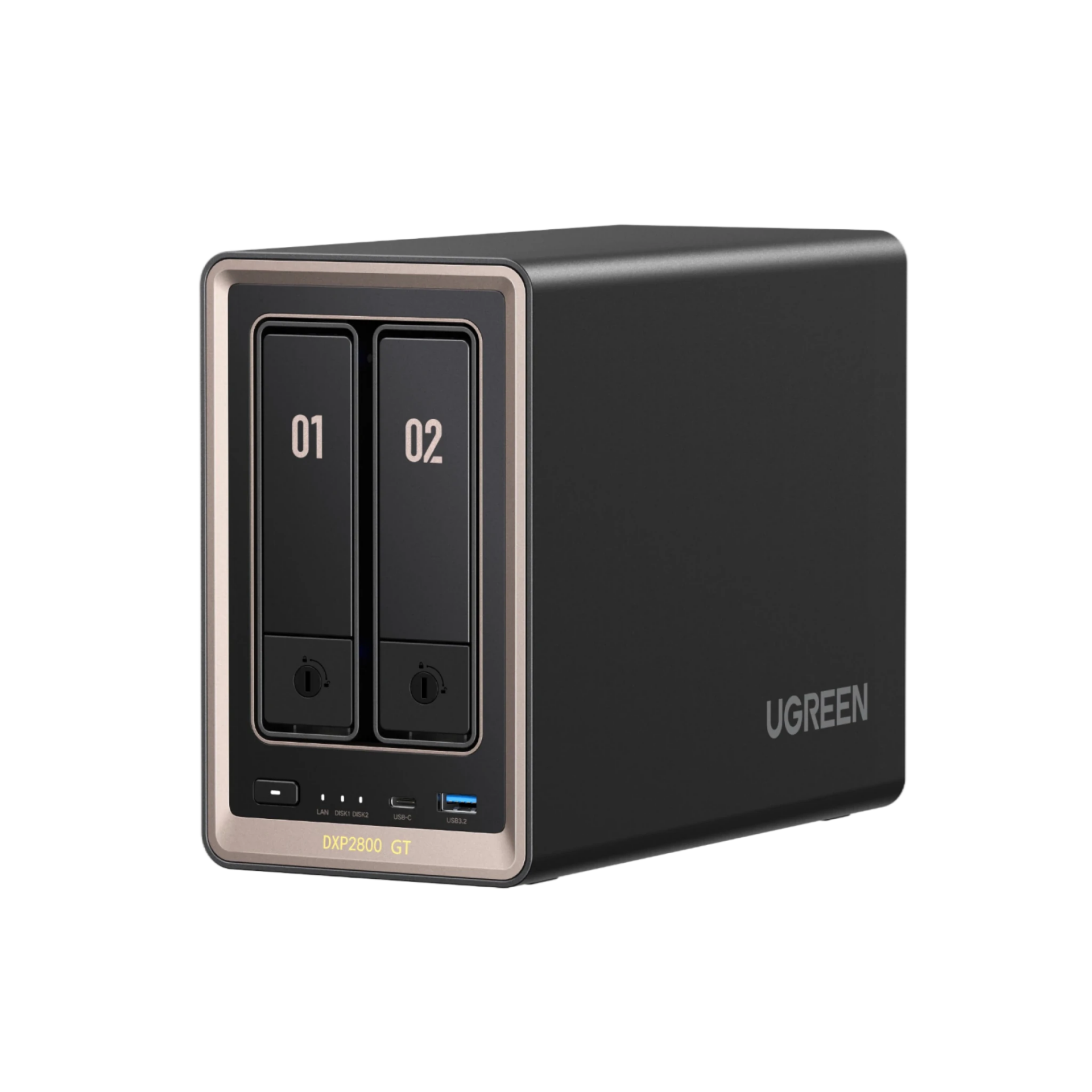
UGREEN NASync DXP2800 GT
2-bay + 2x M.2 NVMe, AMD Ryzen Embedded R2514 (4C/8T, no iGPU), 8GB DDR4, 10GbE, UGOS Pro
The DXP2800 GT is the 2-bay for people who care more about network speed than transcoding, because you’re getting a 10GbE port at a price where the big brands are still shipping 2.5GbE or less. It uses the same AMD Ryzen chip as the DXP4800 GT, which means there’s no Quick Sync iGPU and Plex transcoding falls back to software. If your library direct-plays or the box is mostly handling backups and file transfers, that trade-off generally won’t matter. If transcoding is the priority, the DXP2800 with its Intel N100 is the safer pick.
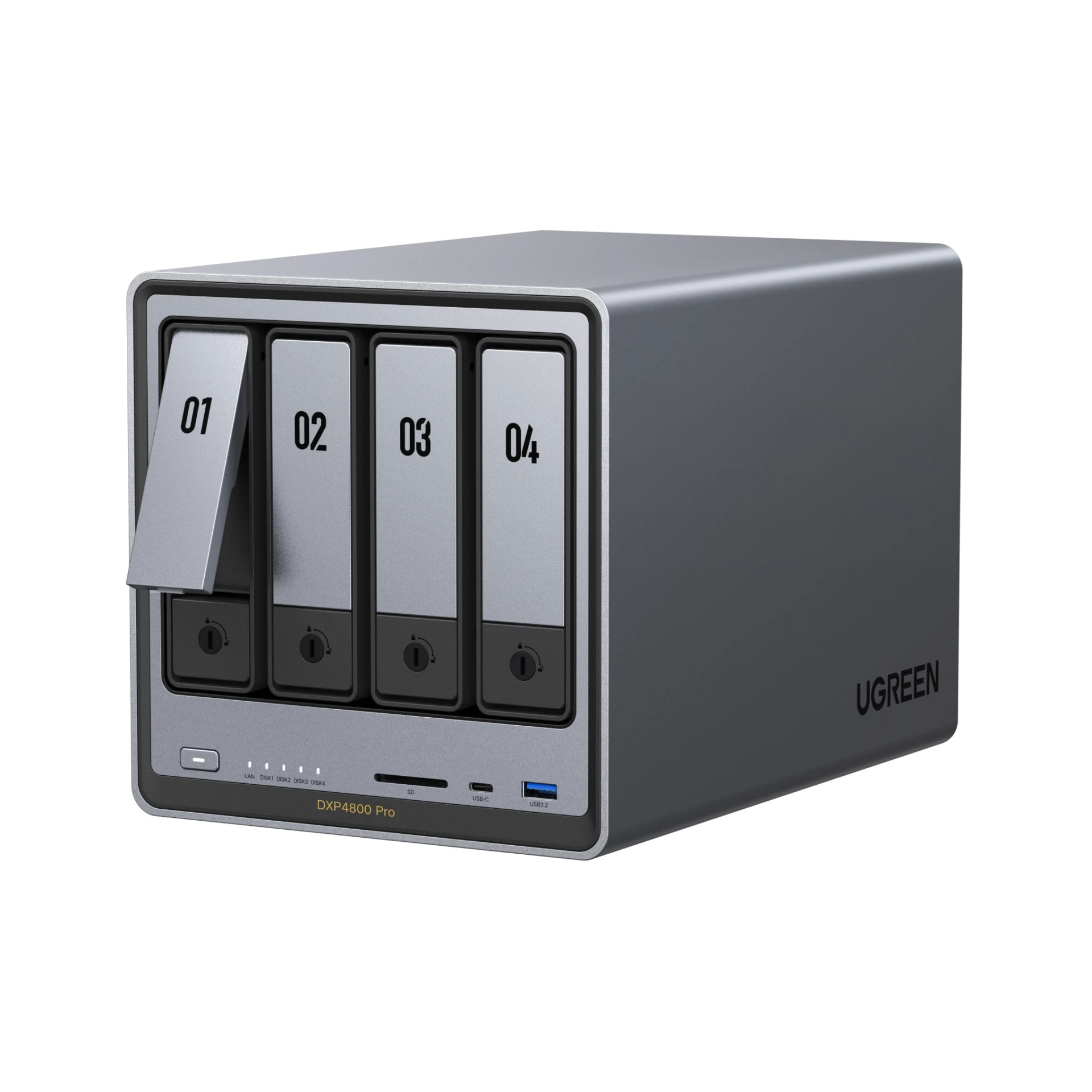
UGREEN NASync DXP4800 Pro
4-bay + 2x M.2 NVMe, Intel Core i3-1315U (6-core, Quick Sync), 8GB DDR5 (to 96GB), 10GbE + 2.5GbE, UGOS Pro
The DXP4800 Pro is a refreshed take on the DXP4800 Plus, and UGREEN sells them side by side rather than replacing one with the other. The Pro moves you from the Pentium Gold up to a newer Core i3-1315U and raises the memory ceiling to 96GB, while keeping the 10GbE plus 2.5GbE networking and the Quick Sync transcoding that make the Plus easy to recommend. It is the stronger box, but quite honestly, most people will not feel the CPU difference in day-to-day NAS work. If you find the Plus at a discount, that’s still the value play. If you’re buying at full price for VMs or heavier Docker use, the Pro makes sense.
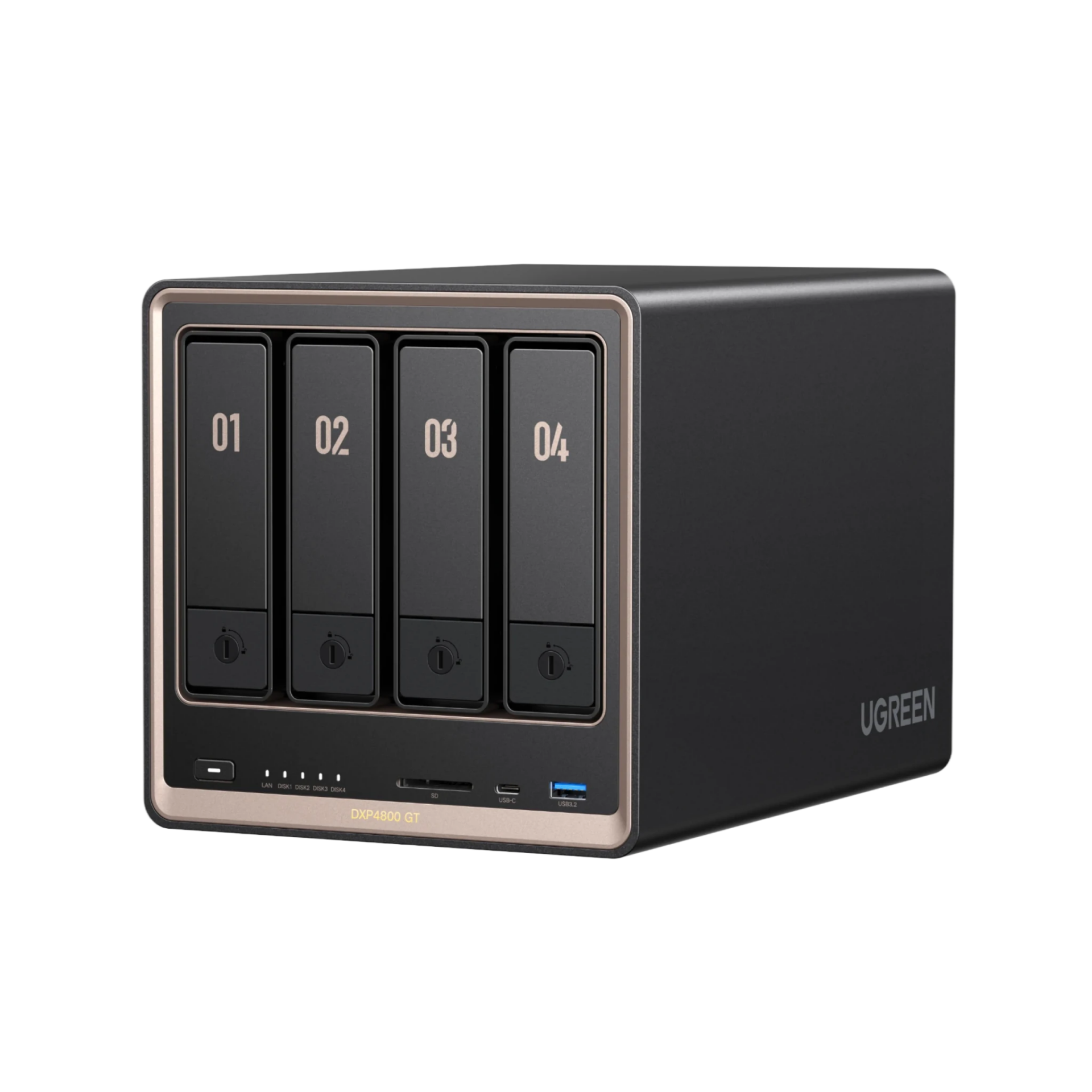
UGREEN NASync DXP4800 GT
4-bay SATA + 2x M.2 NVMe (U.2 capable), AMD Ryzen Embedded R2514 (4C/8T), 8GB DDR4 (to 64GB), dual 10GbE, UGOS Pro
The DXP4800 GT gives you dual 10GbE in a 4-bay for less than Synology and QNAP charge for far less networking, which makes it a strong pick for a fast home lab or multi-user transfers. There are two caveats: the AMD chip has no Quick Sync iGPU, so plan on software transcoding, and it’s brand new (June 2026), so UGOS maturity is the main risk. If Plex is the priority, get the DXP4800 Plus instead.

UGREEN NASync DXP6800 Pro
6-bay + 2x M.2 NVMe, Intel Core i5-1235U (10-core, Quick Sync), 8GB DDR5 (exp.), dual 10GbE, 2x Thunderbolt 4, UGOS Pro
The DXP6800 Pro is the middle option between the 4800 line and the 8-bay, and it moves you up to a 10-core i5, dual 10GbE, and Thunderbolt 4 in a box that still fits on a desk. The i5 keeps Quick Sync, which means Plex transcoding works properly, and six bays plus two NVMe slots is plenty of headroom for most setups. Like the rest of the DXP line, you can install TrueNAS or Unraid on it and it will function fine if UGOS ever stops being enough for you. The real question is whether you need this much NAS, because if you’re storing files and running a few containers, the DXP4800 Plus does that for a lot less.

UGREEN NASync DXP8800 Plus
8-bay + 2x M.2 NVMe, Intel Core i5-1235U (10-core, Quick Sync), 8GB DDR5 (exp.), dual 10GbE, 2x Thunderbolt 4, UGOS Pro
The DXP8800 Plus is the UGREEN unit I trust with my own backups. Mine started as my off-site backup NAS running UGOS, pulling rsync backups from my on-site devices with snapshots for data integrity, and the piece I was missing was encryption at rest. That’s why it runs TrueNAS now: all of my datasets are encrypted and it handles the ZFS replication side of my 3-2-1 strategy. You couldn’t do that with something like Synology. Eight bays, dual 10GbE, and a 10-core i5 is more NAS than most people need, but if you’re consolidating everything into one box or building a serious backup target, that is the point of an 8-bay. If six bays covers you, the DXP6800 Pro is the same platform for less, and the DXP8800 Ultra below is the newer version of this same box.
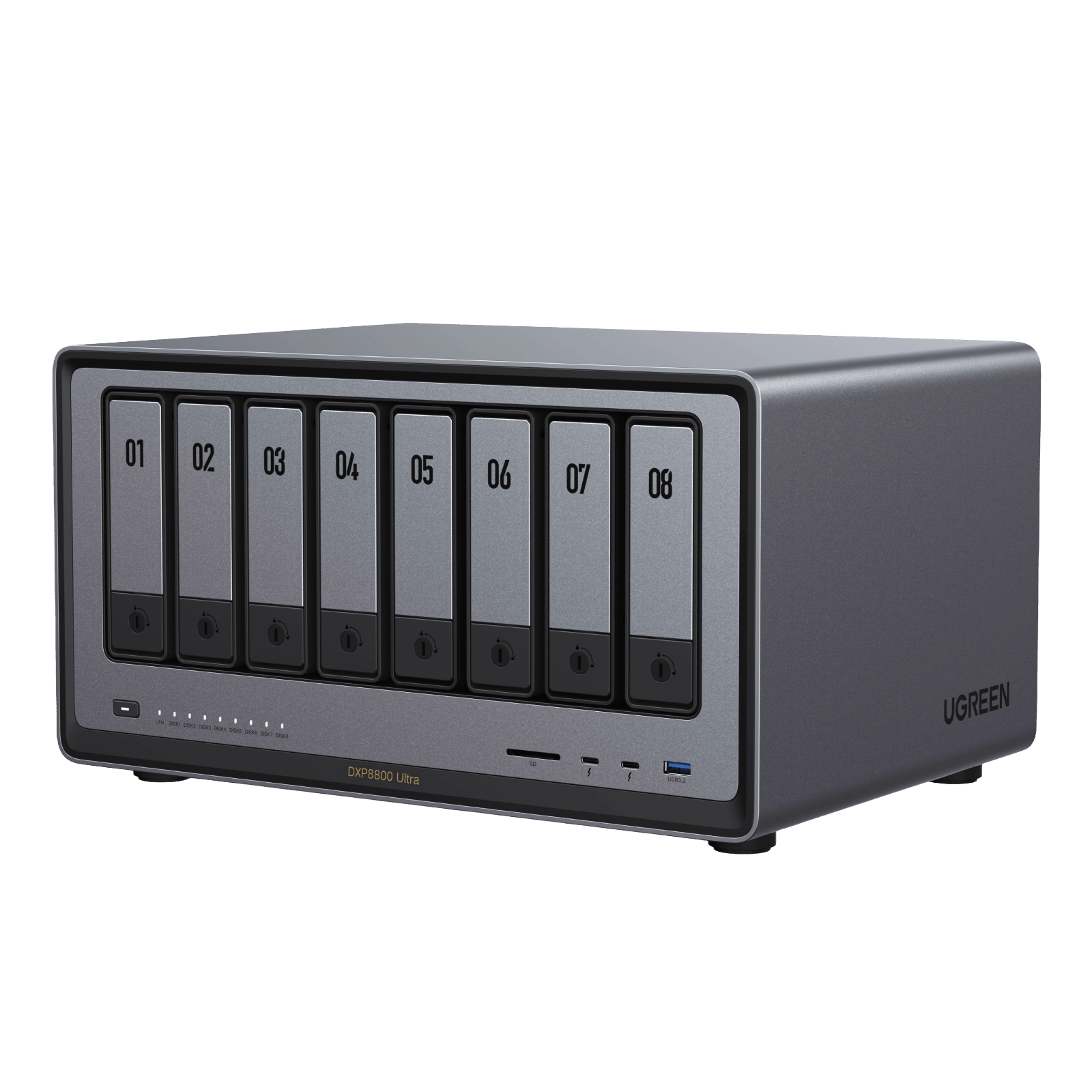
UGREEN NASync DXP8800 Ultra
8-bay SATA + 2x M.2 NVMe (to 272TB), Intel Core 7 150U (10-core, 12-thread, Quick Sync), 8GB DDR5-4800 (to 96GB), dual 10GbE, 2x Thunderbolt 4, PCIe Gen4 x4, 8K HDMI, 128GB system SSD, UGOS Pro
The DXP8800 Ultra is the new top of the UGREEN lineup, and it’s a targeted refresh of the 8800 Plus rather than a new design. Four things changed: the i5-1235U became a Core 7 150U, the memory ceiling went from 64GB to 96GB, the second NVMe slot now runs at full PCIe Gen4 x4 instead of being lane-limited, and the thermals are better. Everything else carries over, including the eight SATA bays, dual 10GbE, dual Thunderbolt 4, and the 128GB system SSD. At $1,779.99 it is about $400 over the Plus, and that gap is the whole decision. If you’re hosting VMs, editing off Thunderbolt, or you know you want the RAM headroom, the Ultra earns it. If the Plus is discounted and you mostly need eight bays and 10GbE, buy the Plus and put the difference into drives.
UniFi UNAS
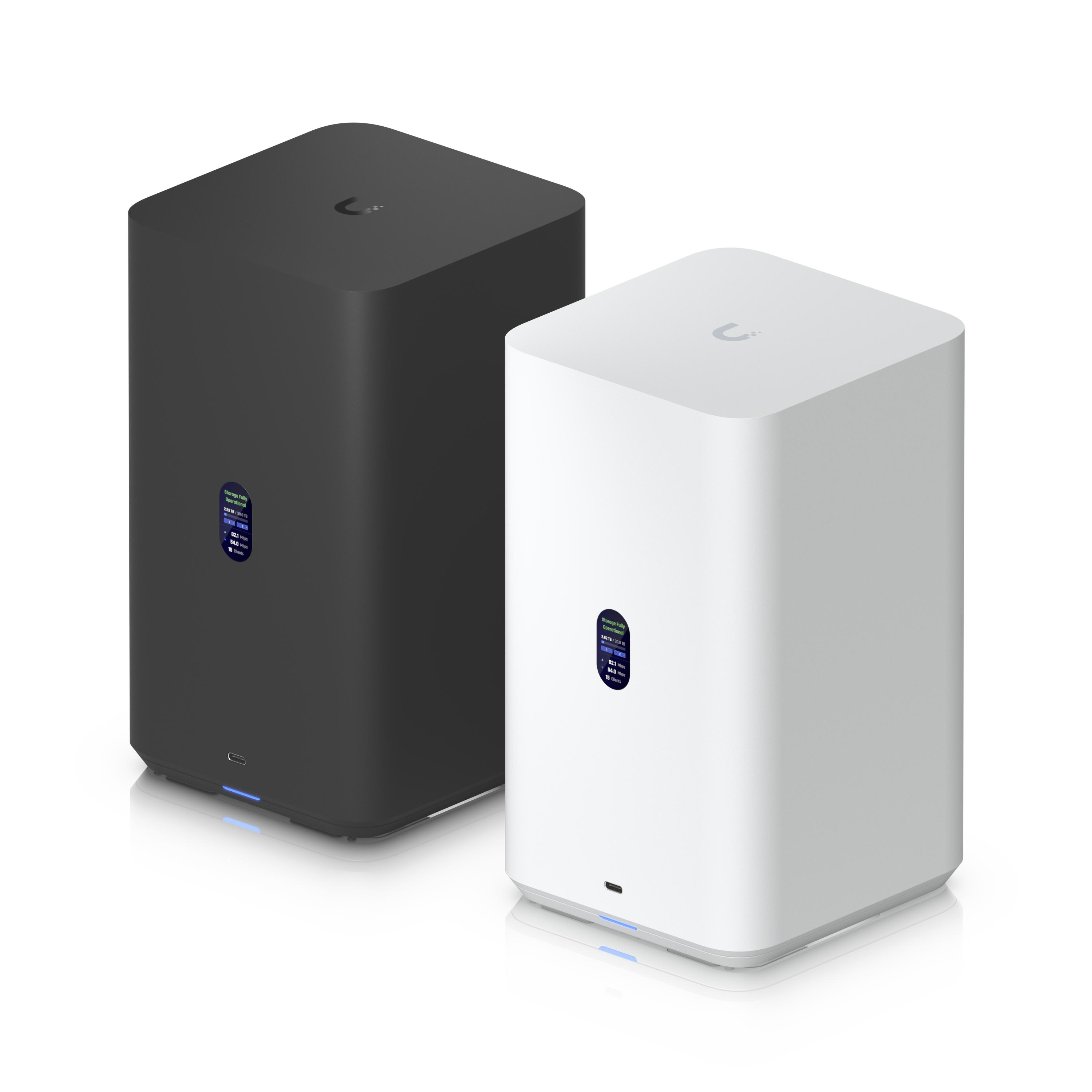
Ubiquiti UNAS 2
2-bay 3.5in, 2.5GbE, quad-core ARM / 4GB, PoE++ powered (adapter included), RAID 1, UniFi Drive (SMB/NFS, snapshots, Time Machine)
The UNAS 2 is the cheapest way into UniFi-native storage, and PoE++ power with the included adapter makes for a genuinely tidy install. You need to know exactly what you’re buying, though. UniFi Drive covers file shares, snapshots, Time Machine, and cloud backup, and that is it: no apps, no Docker, no transcoding. If you want a NAS that does more at this price, the UGREEN DH2300 is the better buy. If you want clean UniFi-managed backup storage, this is it.
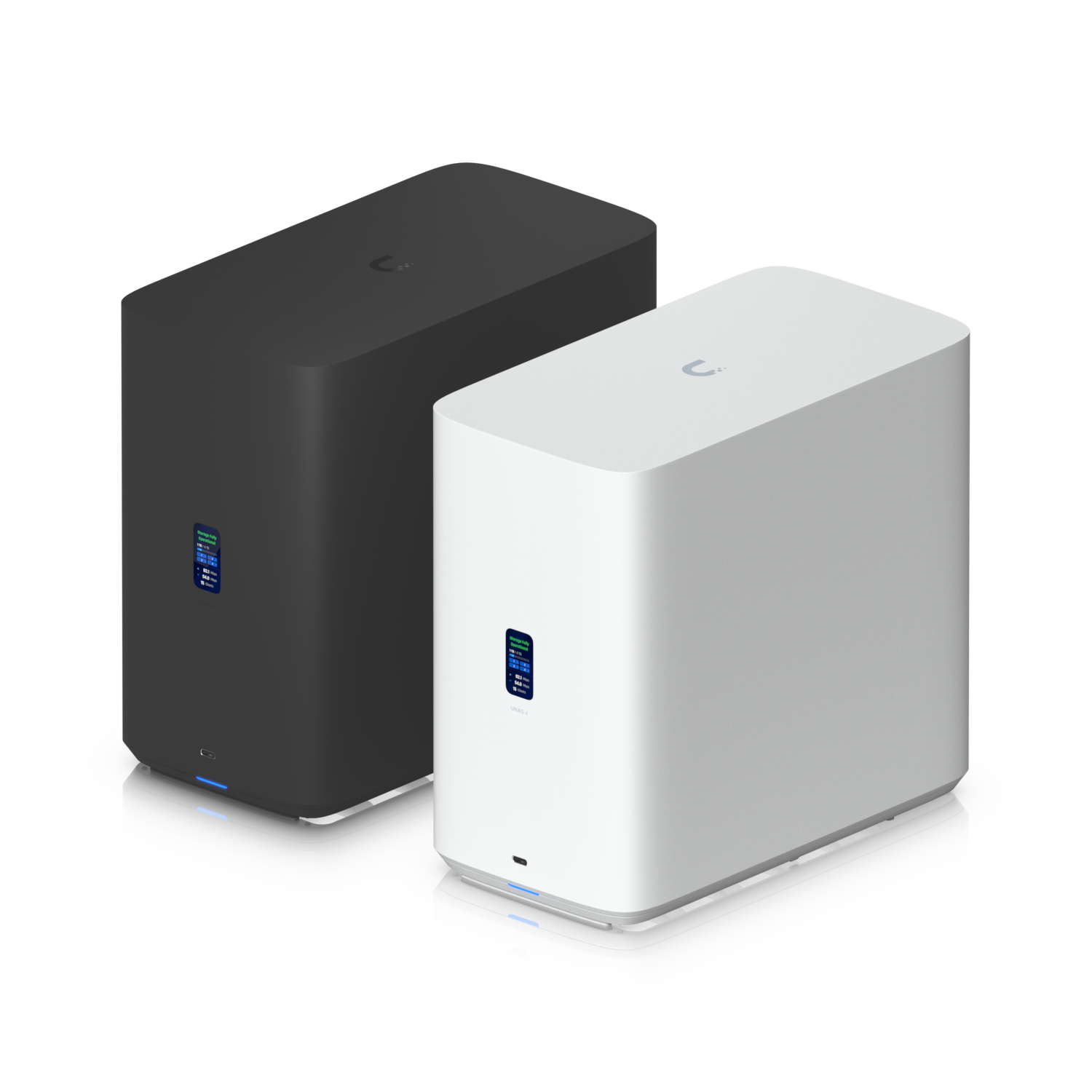
Ubiquiti UNAS 4
4-bay 2.5/3.5in + 2x M.2 NVMe cache, 2.5GbE, quad-core ARM / 4GB, PoE+++ powered (adapter included), RAID 5/6/10, UniFi Drive
The UNAS 4 adds proper RAID 5/6/10 and M.2 SSD caching to the desktop UNAS formula, and it’s still powered over PoE with the included adapter. The same storage-only rule applies to the whole UNAS line: no containers, no apps, no transcoding, just clean file storage managed from the UniFi console. The single 2.5GbE port is the main limit. If you need 10G, the rackmount UNAS Pro models are where that starts.
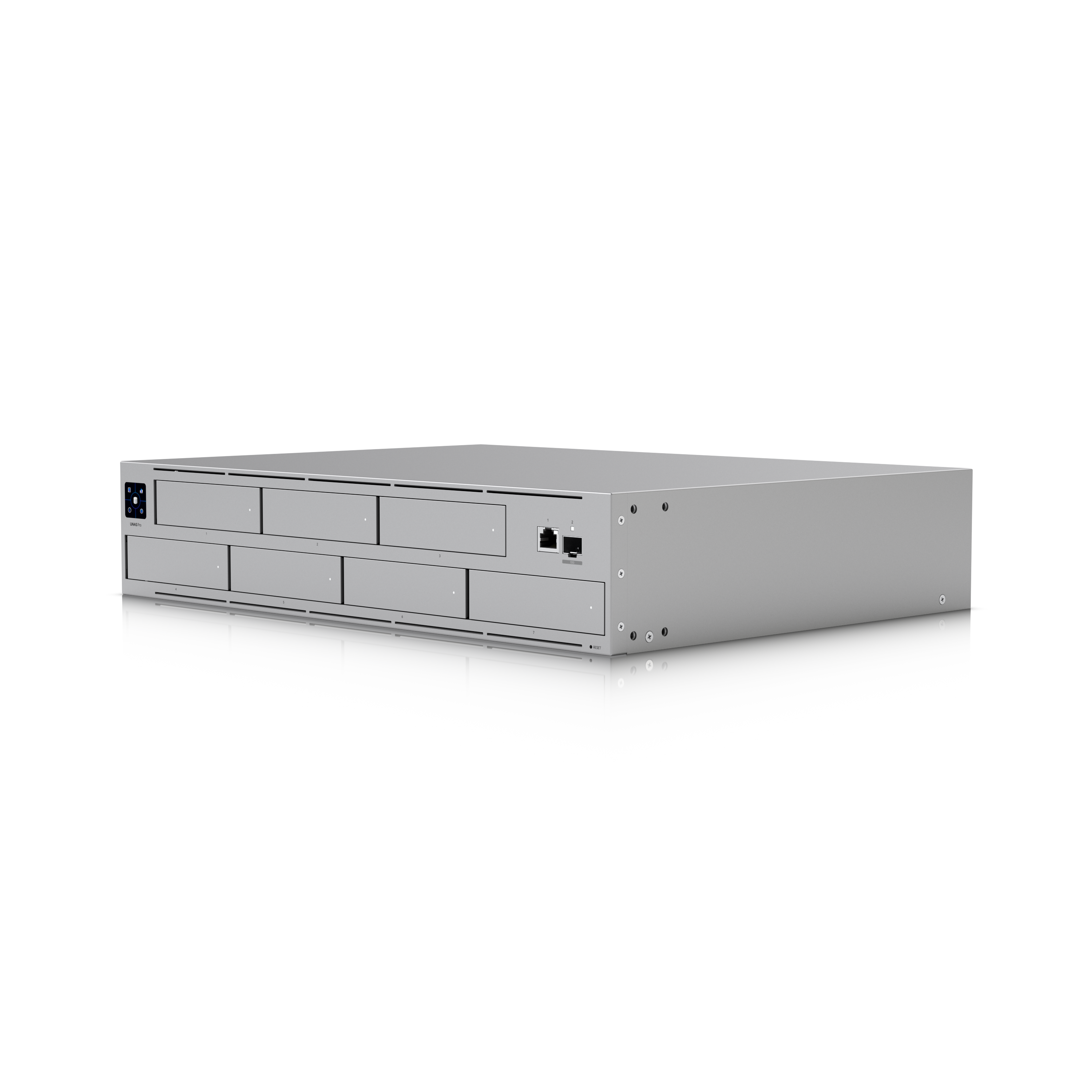
Ubiquiti UNAS Pro
2U rackmount, 7 bays 2.5/3.5in, 10G SFP+ + 1GbE, quad-core ARM / 8GB, RAID 5/6/10 (multiple RAID groups, hot spare), UniFi Drive
The UNAS Pro is the best Synology alternative I’ve used for pure storage as of right now, and it’s the only NAS I’ve been sent for review that I actually use day to day. Seven bays with 10G SFP+ at this price is very hard to beat. You need to understand the trade-off, though: there are no applications at all, and it’s missing some things you might expect, like iSCSI and encrypted backups. I store data on it, keep snapshots configured, and back everything up, and for that it has been great. Pair it with a mini PC if you need Docker and apps. If you need dual 10G or more bays, the UNAS Pro 4 and UNAS Pro 8 extend the line.
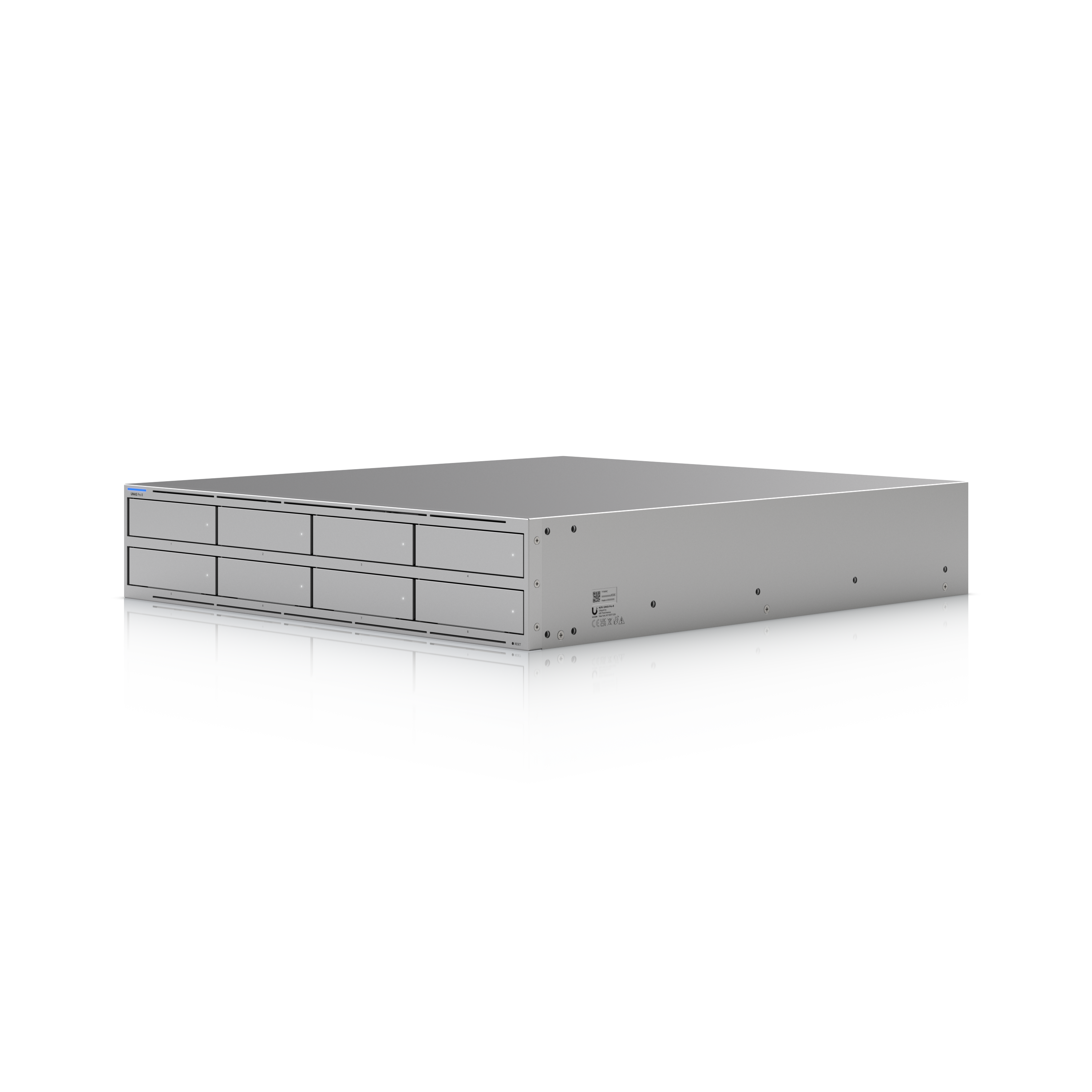
Ubiquiti UNAS Pro 8
2U rackmount, 8 bays 2.5/3.5in + 2x M.2 NVMe cache, 2x 10G SFP+ + 10GbE RJ45, quad-core ARM / 16GB, redundant hot-swap PSUs, UniFi Drive
The UNAS Pro 8 is the top of the UNAS line, and it addresses the main hardware gaps in the original UNAS Pro: you get NVMe cache slots, redundant hot-swap power supplies, an eighth bay, and three 10G ports instead of one. The storage-only rule still applies to the whole line, though — no apps, no Docker, no transcoding — so buy it as a serious backup target or bulk file store, not an app server. At $799 it undercuts every 8-bay from the big NAS brands by a wide margin, as long as UniFi Drive covers what you need.
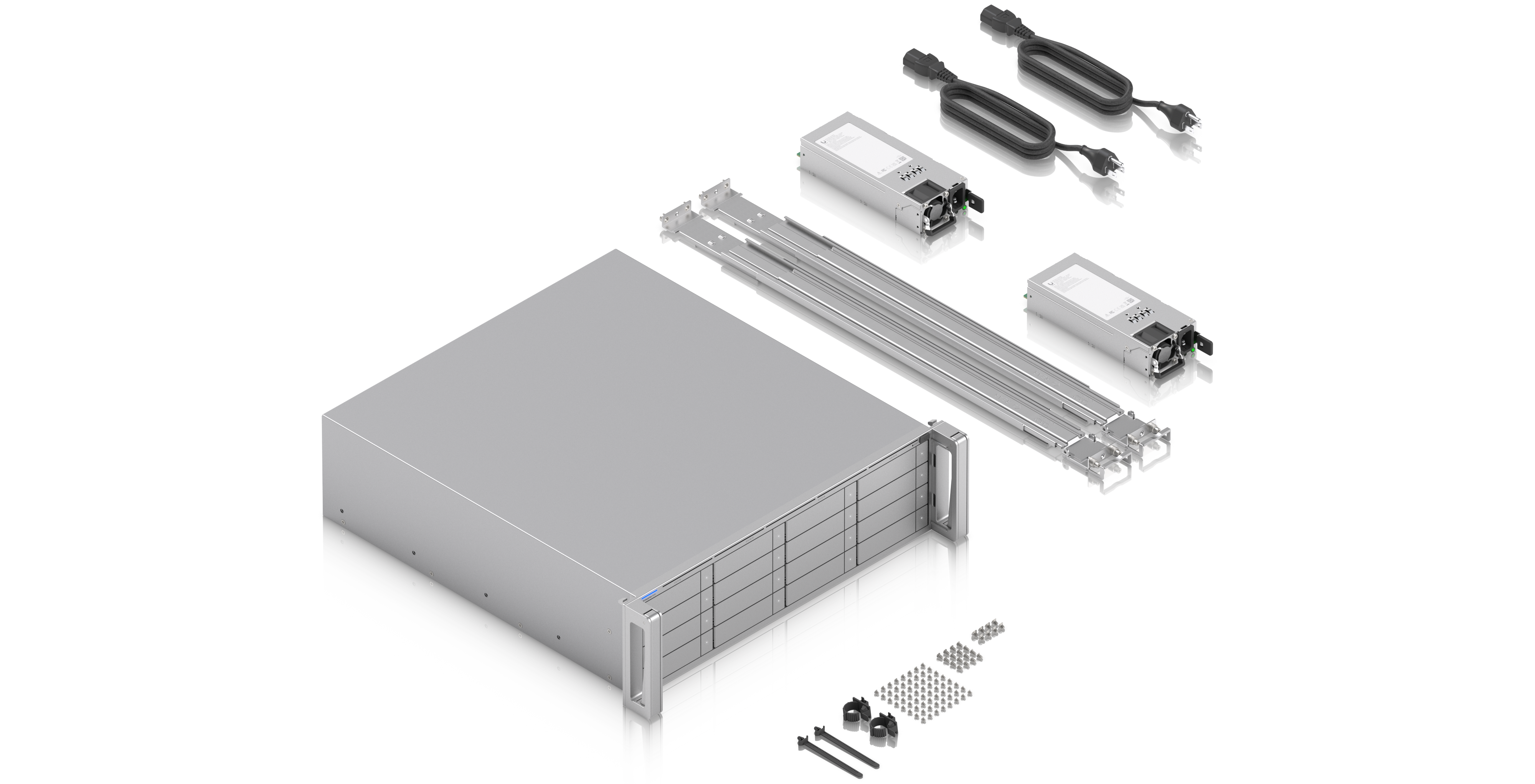
Ubiquiti eNAS (Enterprise NAS)
3U rackmount, 16x 2.5/3.5in SATA bays, 2x 25G SFP28 + 10GbE RJ45, hot-swap M.2 NVMe, Mini-SAS expansion, redundant power supplies
The eNAS is UniFi moving into serious storage, and I want to be clear about who it’s for: this is a small to medium-sized business product, not something a home user needs. Sixteen bays, dual 25G SFP28, redundant power supplies, and SAS expansion put it in a different class, and a different price bracket, than the UNAS line. If you’re running a business on UniFi and want your storage in the same ecosystem, it’s the first option that genuinely fits that job. For a home lab, the UNAS Pro above covers you for a fraction of the cost.
TerraMaster
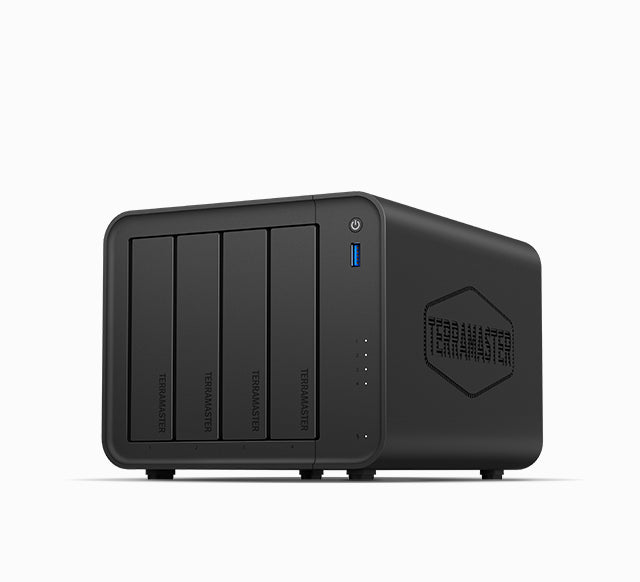
TerraMaster F4-425
4-bay, Intel N95-class quad-core (Quick Sync), 4GB DDR (expandable), 2.5GbE, M.2 slots, TOS 6
The hardware value here is real, and you’re getting working 4K hardware transcoding for well under the Synology or QNAP equivalents. I’ll be honest with you, though: I’ve run into enough problems with TerraMaster’s software that I find TOS difficult to recommend in its current form. Where the F4-425 makes sense is as a cheap chassis for TrueNAS or Unraid. If you are 100% sure you’ll install a third-party OS, it’s a great budget box. If you want the built-in software to just work, spend more.
NAS Hard Drives
The drives that go in the bays, plus the external drive that backs them up. Check the IronWolf Pro against the Red Plus at your capacity, because the better drive is often only a few dollars more.
Top Pick
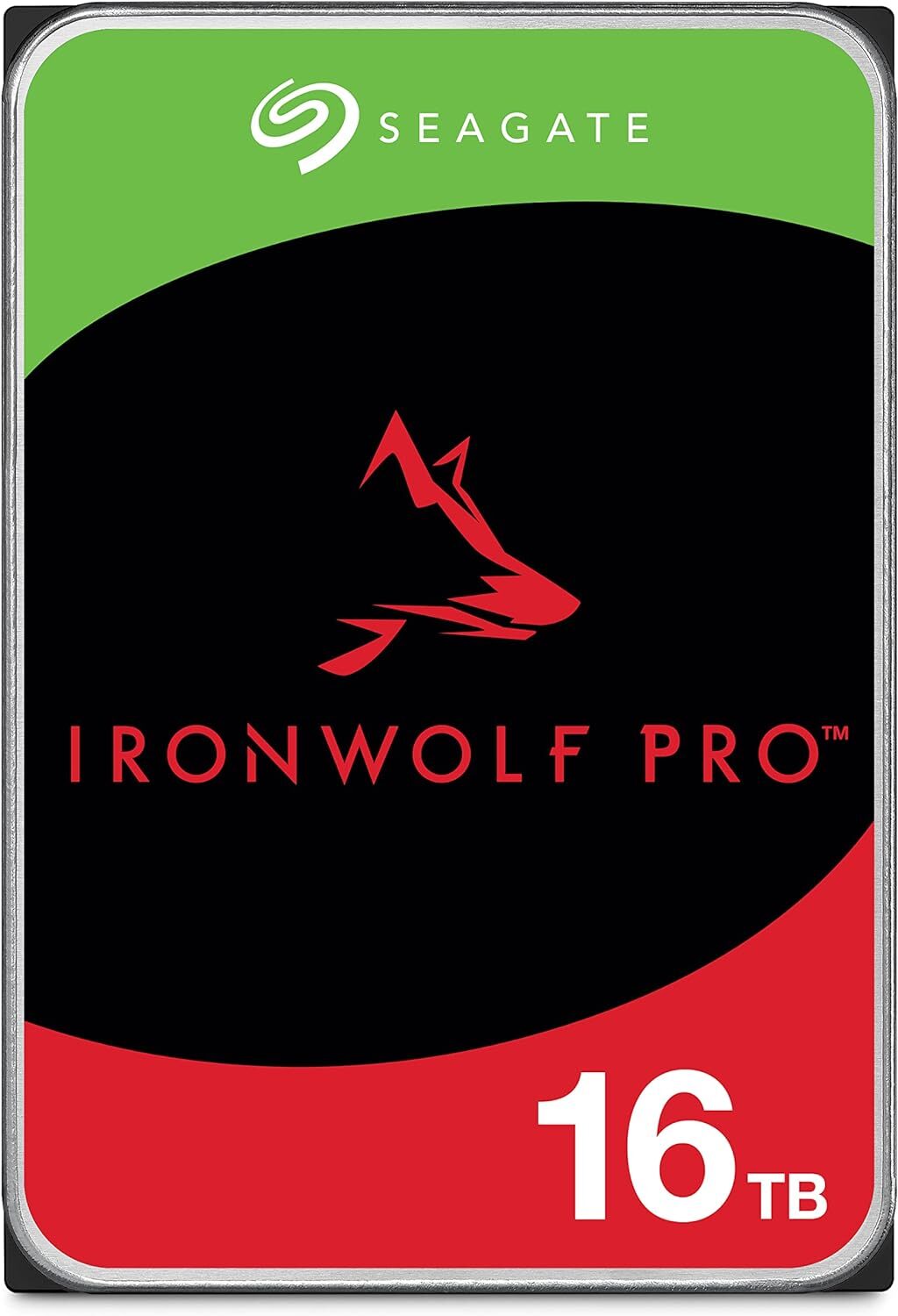
Seagate IronWolf Pro 16TB (ST16000NT001)
16TB, CMR, 7200 RPM, 256MB cache, 300TB/yr workload, 5-year warranty + 3yr Rescue
If you’re looking for the best overall NAS drive, the IronWolf Pro is generally it. It’s a better drive than the Red Plus and usually only about $10 more at a given capacity, which is why it’s the one I’d go with for 4-bay-plus arrays or anything with heavy writes. The 5-year warranty and the 300TB/yr workload rating are what justify the premium. They do run hotter and louder, so ventilation matters.
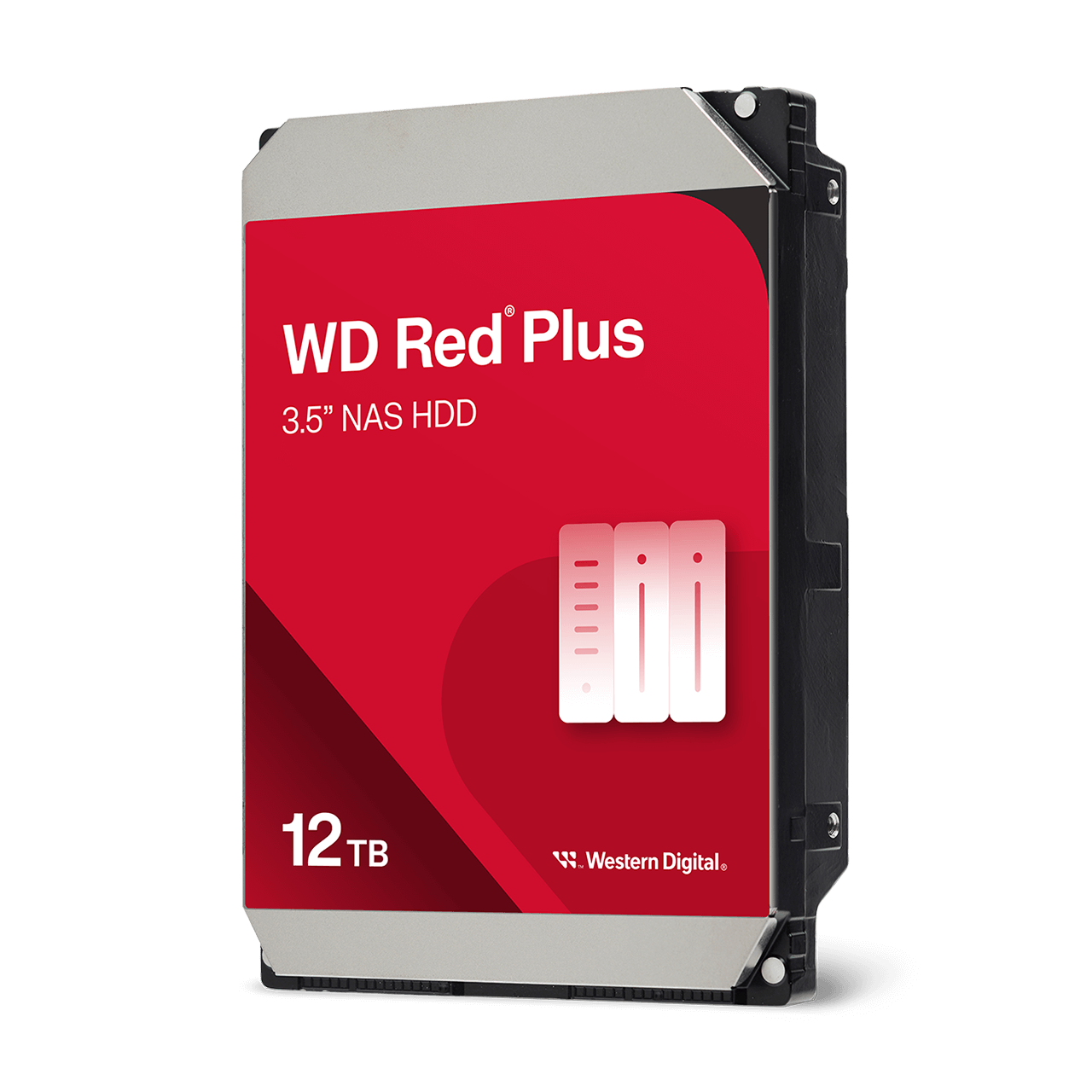
WD Red Plus 12TB (WD120EFGX)
12TB, CMR, 7200-class, 512MB cache, SATA 6Gb/s, 3-year warranty, NASware 3.0
The Red Plus is a quiet, cool-running CMR drive that’s safe for RAID and SHR, and 12TB is the capacity most people should be looking at for a 1 to 4-bay NAS. Here is the thing, though: when the IronWolf Pro is within about $10 of it, and it usually is, the IronWolf Pro is the better drive. I would check both prices and go with whichever the gap favors. Just confirm you’re buying the CMR Red Plus and not an SMR plain Red.
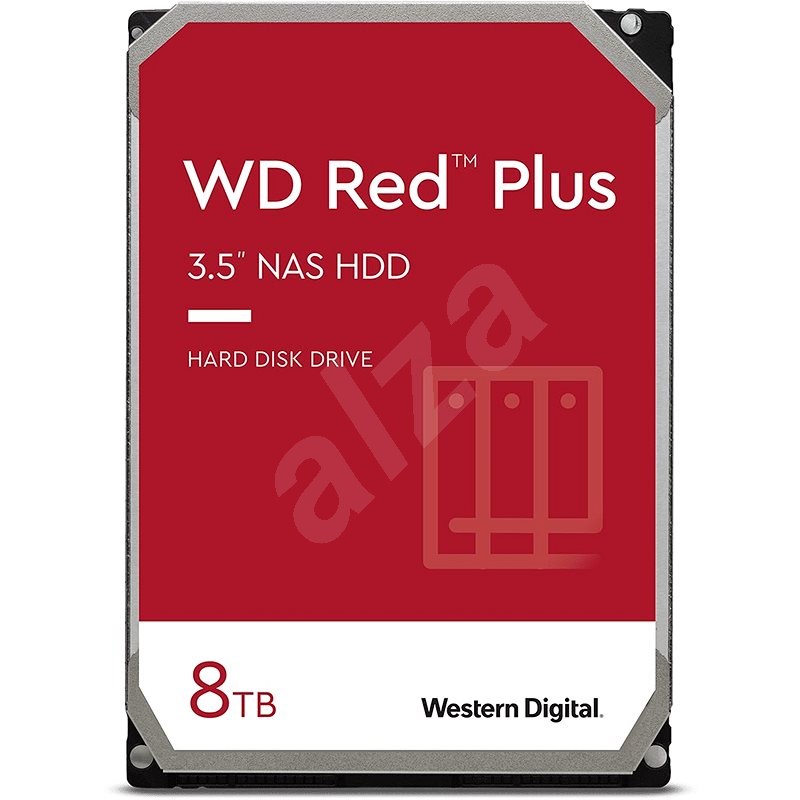
WD Red Plus 8TB (WD80EFPX)
8TB, CMR, 256MB cache, SATA, NASware 3.0
The 8TB Red Plus is the cheapest sensible entry point for a 2-bay Synology or UGREEN. Cost per terabyte is worse than the 12TB, so I’d only buy it if your bays or budget are tight. Otherwise, the 12TB is the smarter spend. The same CMR check applies here: Red Plus or Red Pro, not the plain Red.
Best Value
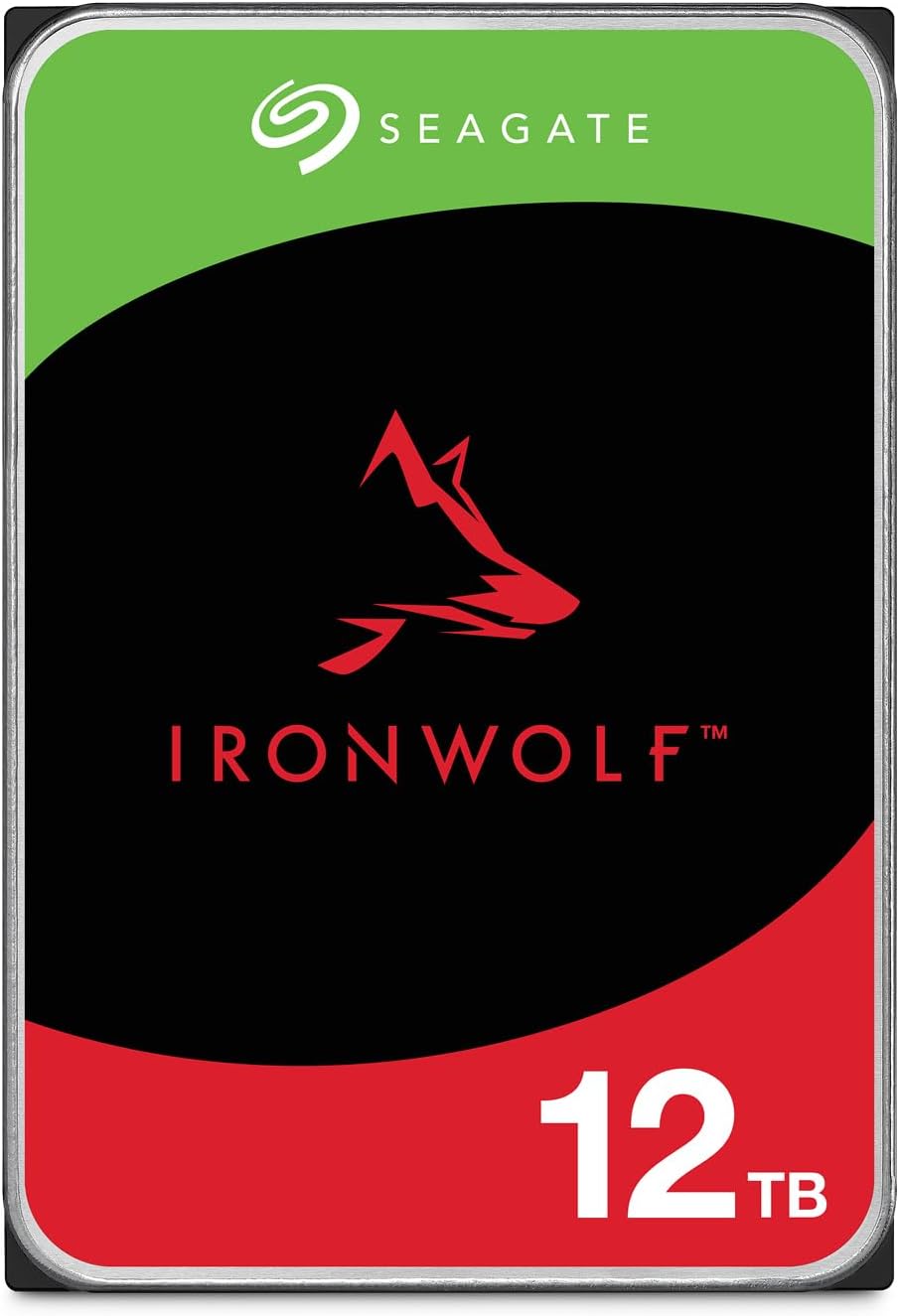
Seagate IronWolf 12TB (ST12000VN0008)
12TB, CMR, 7200 RPM, 256MB cache, 180TB/yr workload, 3-year warranty + Rescue recovery
The standard IronWolf is the one to check when the Pro premium at your capacity is more than about $10, because you keep CMR recording and the NAS-tuned firmware while spending less. The differences are real but modest for home use: a 180TB per year workload rating instead of 300, and a 3-year warranty instead of 5. For a 1 to 4-bay NAS that mostly serves media and takes nightly backups, it is plenty of drive. If your array sees heavy writes all day, pay for the Pro.
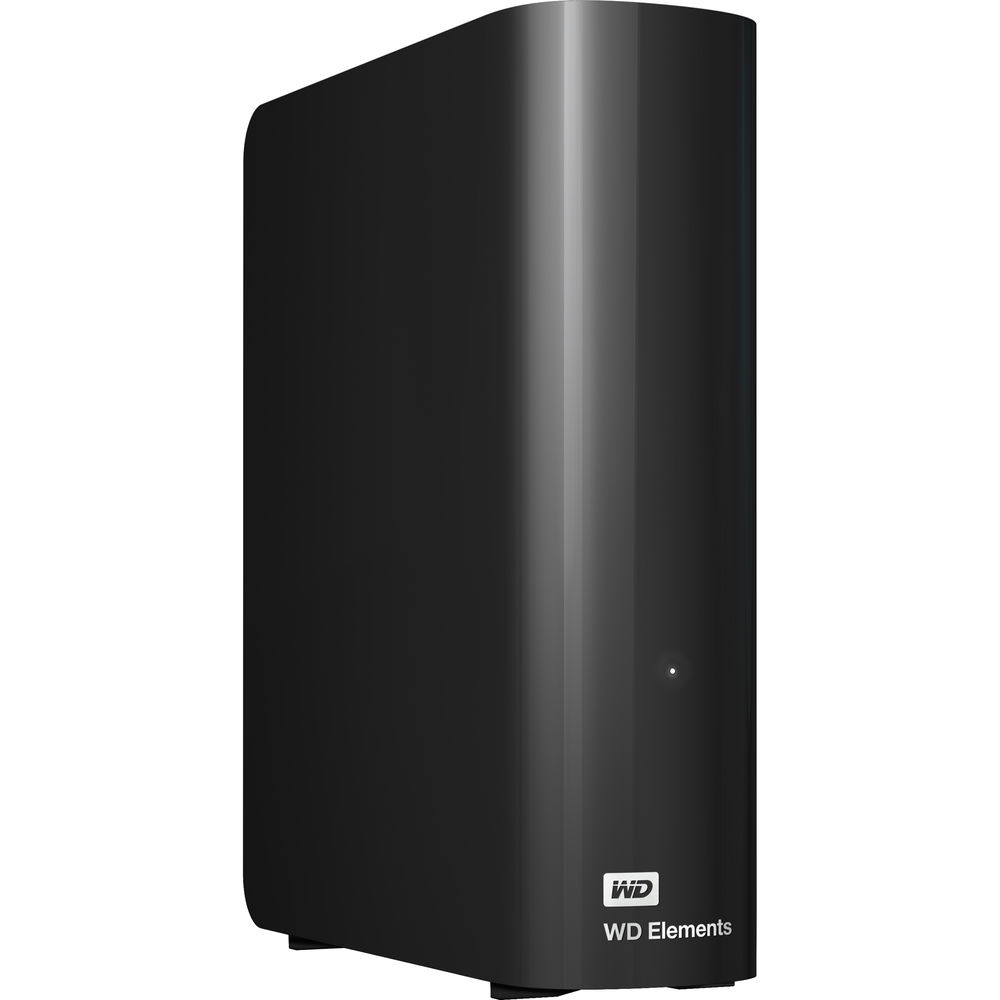
WD easystore / Elements (external USB)
Desktop external USB 3.0 drive, common in 8-20TB; typically a white-label WD Red inside; easystore at Best Buy, Elements at Amazon/Newegg
An external drive is the easiest on-site backup for a Synology or UGREEN NAS: plug it into the USB port, schedule Hyper Backup or a UGOS backup job to it, and you have a local copy that doesn’t depend on anything else being up. WD’s easystore and Elements lines are generally white-label Red NAS drives in an external enclosure, and they go on sale regularly, which is why they’re the ones I keep recommending. The easystore is the Best Buy version and the Elements is what you’ll find at Amazon or Newegg, but it’s the same idea either way. Just remember this is the on-site copy, not off-site, so pair it with a cloud backup.
Networking (UniFi)
UniFi is what I run and what this audience buys most. If you’re starting fresh, look at the Cloud Gateway Fiber first, then work down from there. Where possible links go to the official UniFi store; the rest go to Amazon.
Gateways & Routers
Top Pick
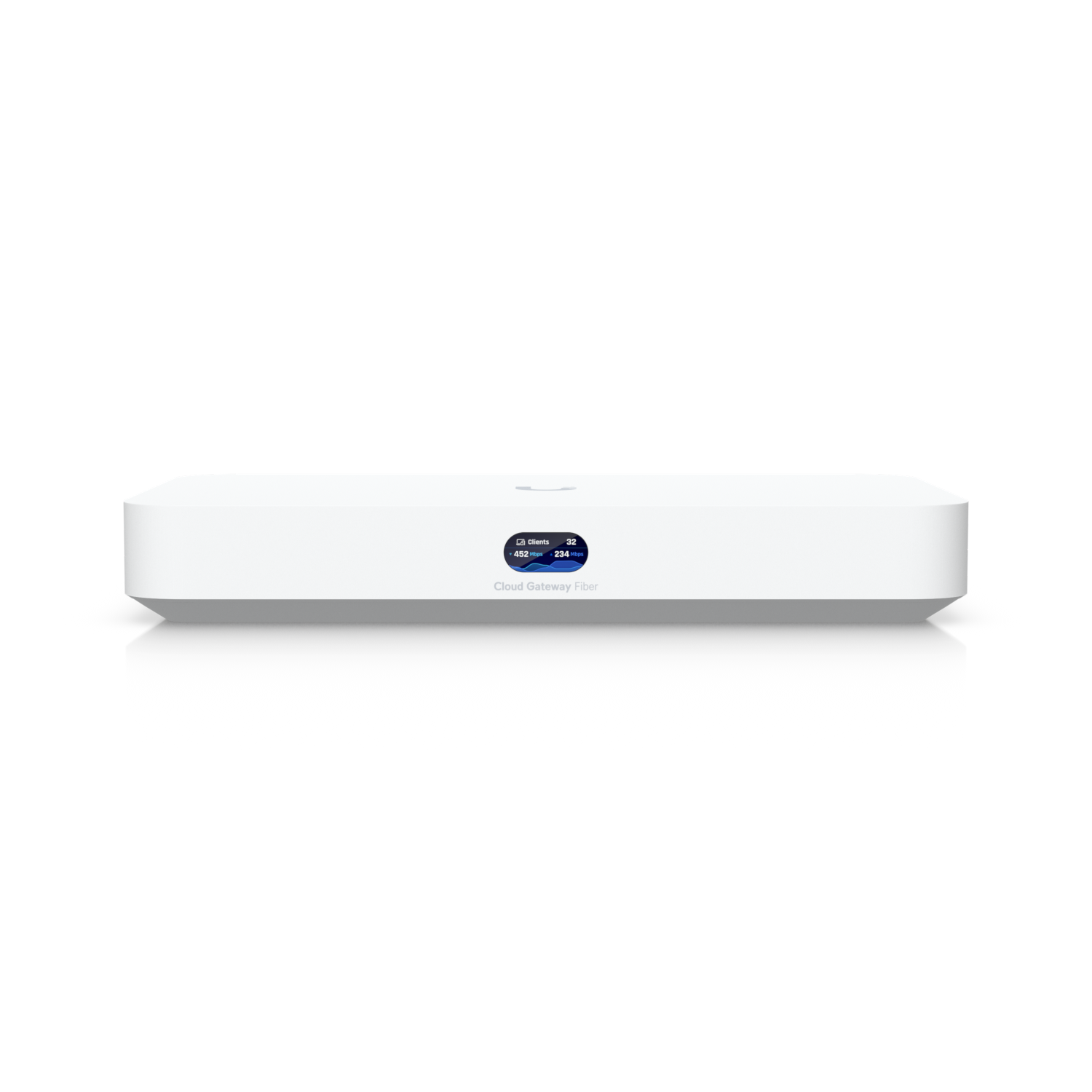
UniFi Cloud Gateway Fiber (UCG-Fiber)
Quad-core A73, 3GB RAM, 5 Gbps IDS/IPS, 10G SFP+ + 10GbE RJ45 WAN, 10G SFP+ LAN + 4x 2.5GbE, optional M.2 NVMe for Protect, desktop
The Cloud Gateway Fiber is the UniFi gateway I’d tell most people to start with. The biggest reason I like it is that it gives you room to grow: a lot of people start with a basic network and eventually want VLANs, VPNs, cameras, faster internet, or 10GbE, and the Fiber handles all of that without a rackmount setup. There’s no built-in WiFi, so plan on adding a U7 access point. If you’d rather spend less and keep it to one box, the UDR7 below covers a simple home with the gateway and WiFi together.
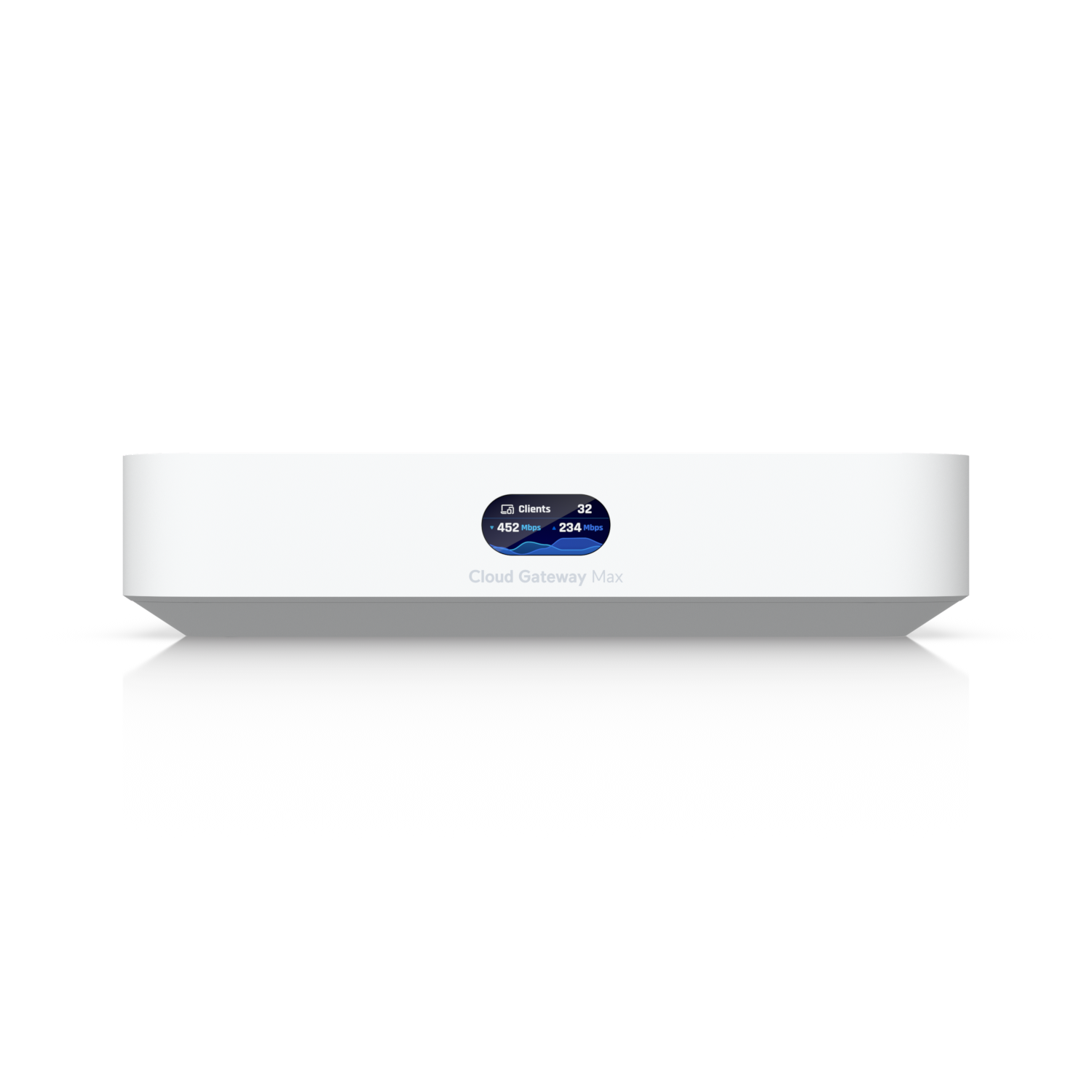
UniFi Cloud Gateway Max (UCG-Max)
2.5 GbE ports, ~5 Gbps IDS/IPS-class routing, on-device controller, UniFi Protect via optional NVMe, desktop
The Cloud Gateway Max is the one I’d buy if you specifically want a compact 2.5GbE gateway and don’t care about 10Gb networking. It runs the full UniFi application suite and has optional NVMe storage for Protect. If you’re buying for the long term, I would usually spend a little more and get the Cloud Gateway Fiber instead.
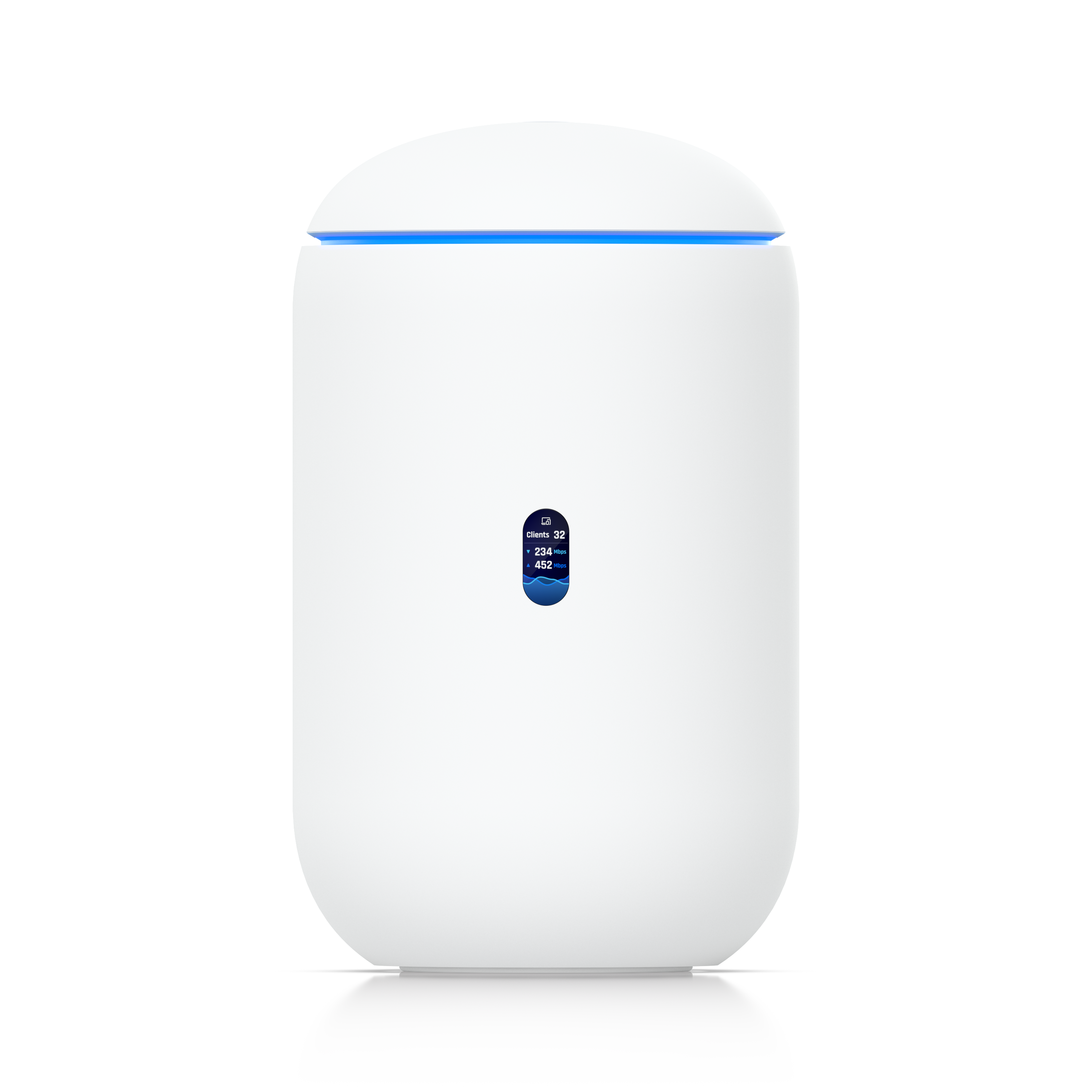
UniFi Dream Router 7 (UDR7)
All-in-one: UCG-Max-class gateway + WiFi 7 tri-band AP, 1x 10G SFP+ WAN + 2.5GbE, 4x 2.5GbE LAN (1 PoE), microSD for Protect
The Dream Router 7 makes the most sense if you’re coming from a normal consumer router and want to move into UniFi without buying a separate gateway, switch, and access point on day one. It’s genuinely good WiFi 7 in one box. The built-in access point only covers so much space, though, so larger homes usually end up adding a U7 anyway.
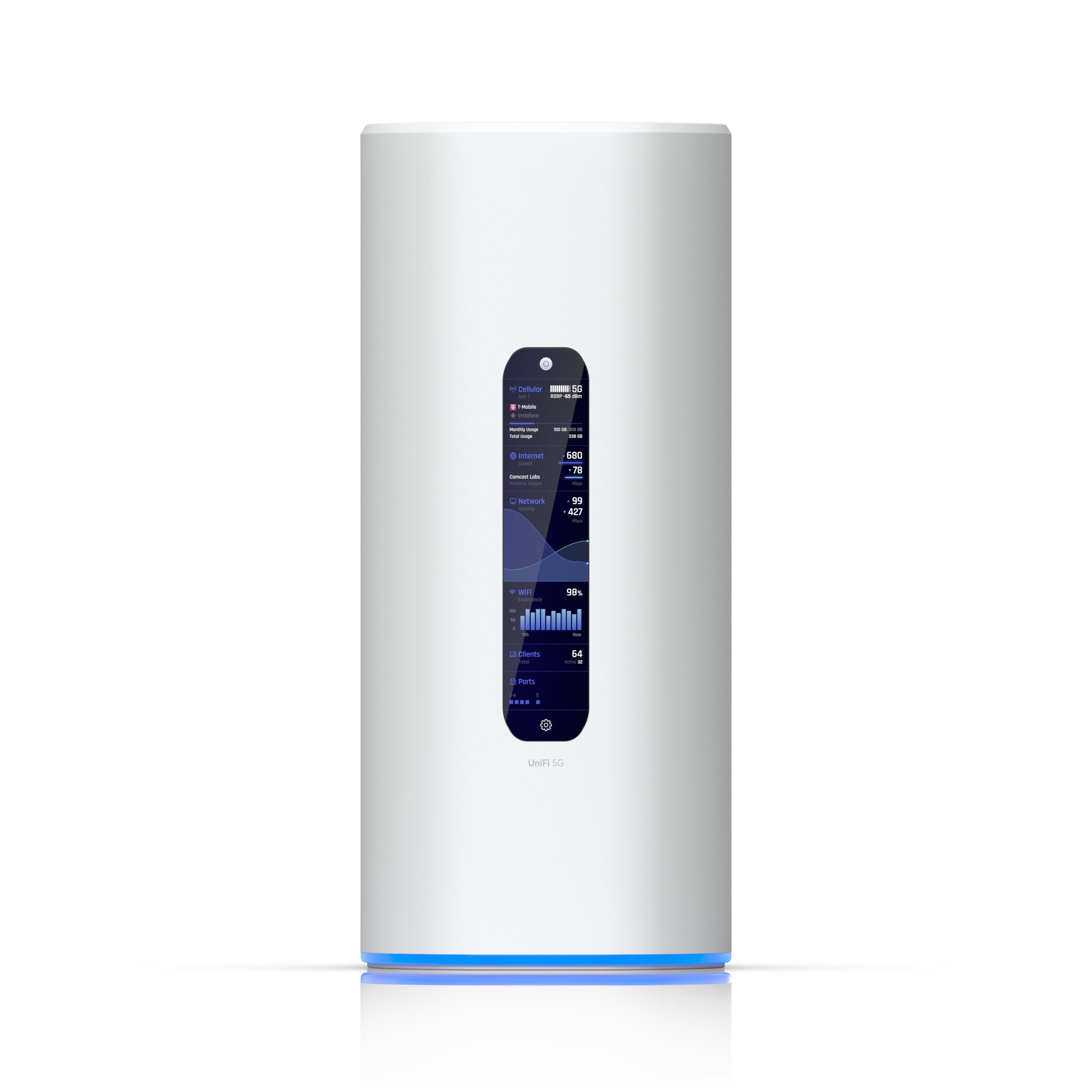
UniFi Dream Router 5G Max (UDR-5G-Max)
All-in-one: UDR7-class gateway + WiFi 7 tri-band AP with built-in 5G modem (up to 3.4 Gbps), dual nano-SIM (one eSIM-capable), 1x 10G SFP+ + 4x 2.5GbE LAN (1 PoE), SD card for Protect
The Dream Router 5G Max is the UDR7 with a 5G modem built in, and that changes who it’s for. If your internet going down is a real problem, whether you work from home, run cameras, or live somewhere outages are common, automatic cellular failover is worth paying for, and it handles primary cellular internet just as well if wired service isn’t an option where you are. Two things to know before you buy: you need a data plan on top of the hardware (T-Mobile and AT&T work today, Verizon isn’t supported yet), and at $499 it costs about $220 more than the UDR7. If you don’t need the cellular side, buy the UDR7 instead.
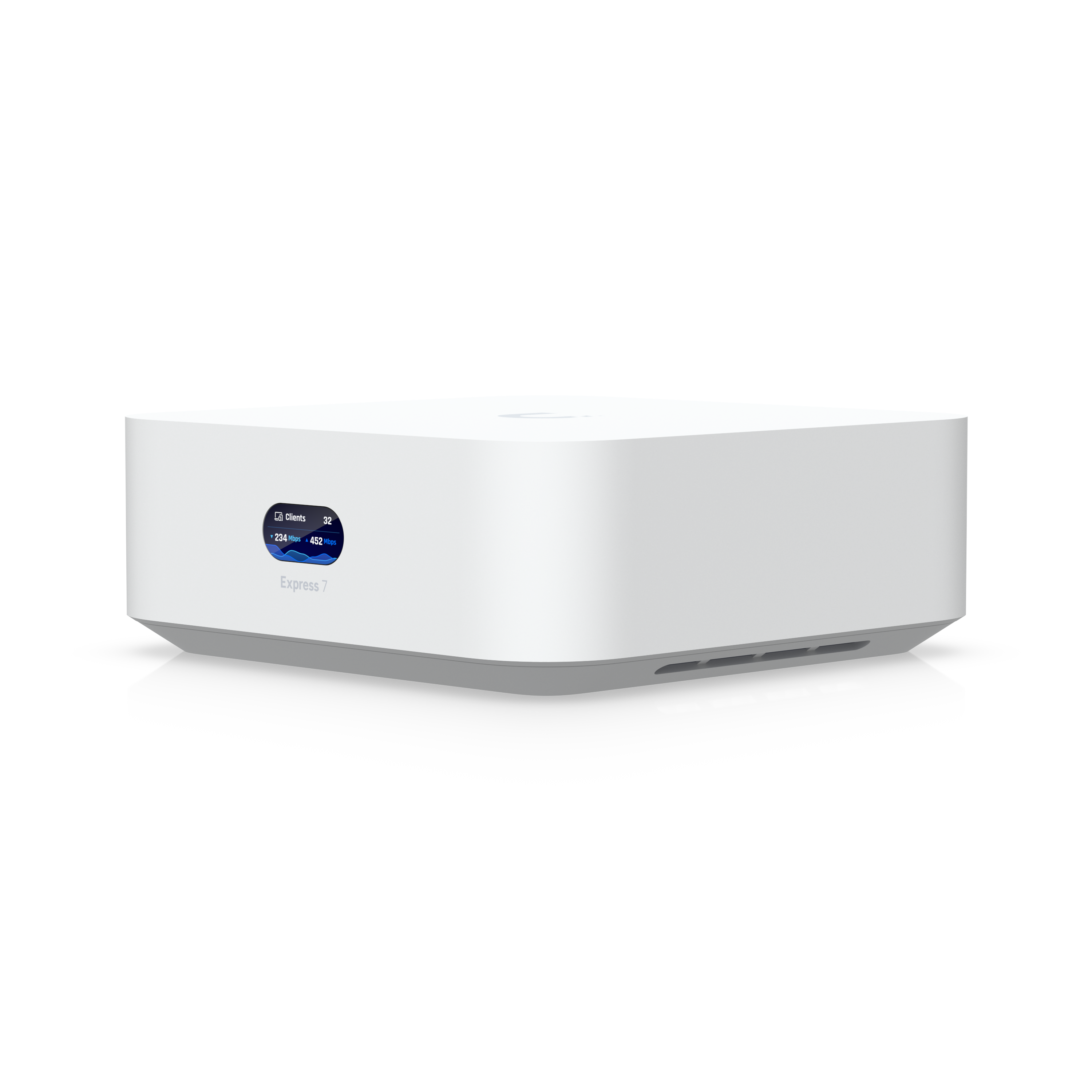
UniFi Express 7 (UX7)
All-in-one: gateway + tri-band WiFi 7 (2×2, 6 GHz), 10GbE WAN + 2.5GbE LAN, 2.3 Gbps IDS/IPS, USB-C powered, compact
The Express 7 is the smallest way into UniFi with WiFi 7: a gateway and a tri-band access point in one compact, USB-C-powered box, with a 10GbE WAN port that is rare at this price. Two things to know before you buy: it only runs UniFi Network, so there’s no Protect or cameras down the line, and the single 2.5GbE LAN port means you’ll be adding a switch for anything wired. For an apartment or a small home on fast internet, it’s a clean start. If you want the full application suite, the UDR7 above is the better base, and if one unit won’t cover the house, the 3-pack below is the same device in triplicate.
Best Mesh
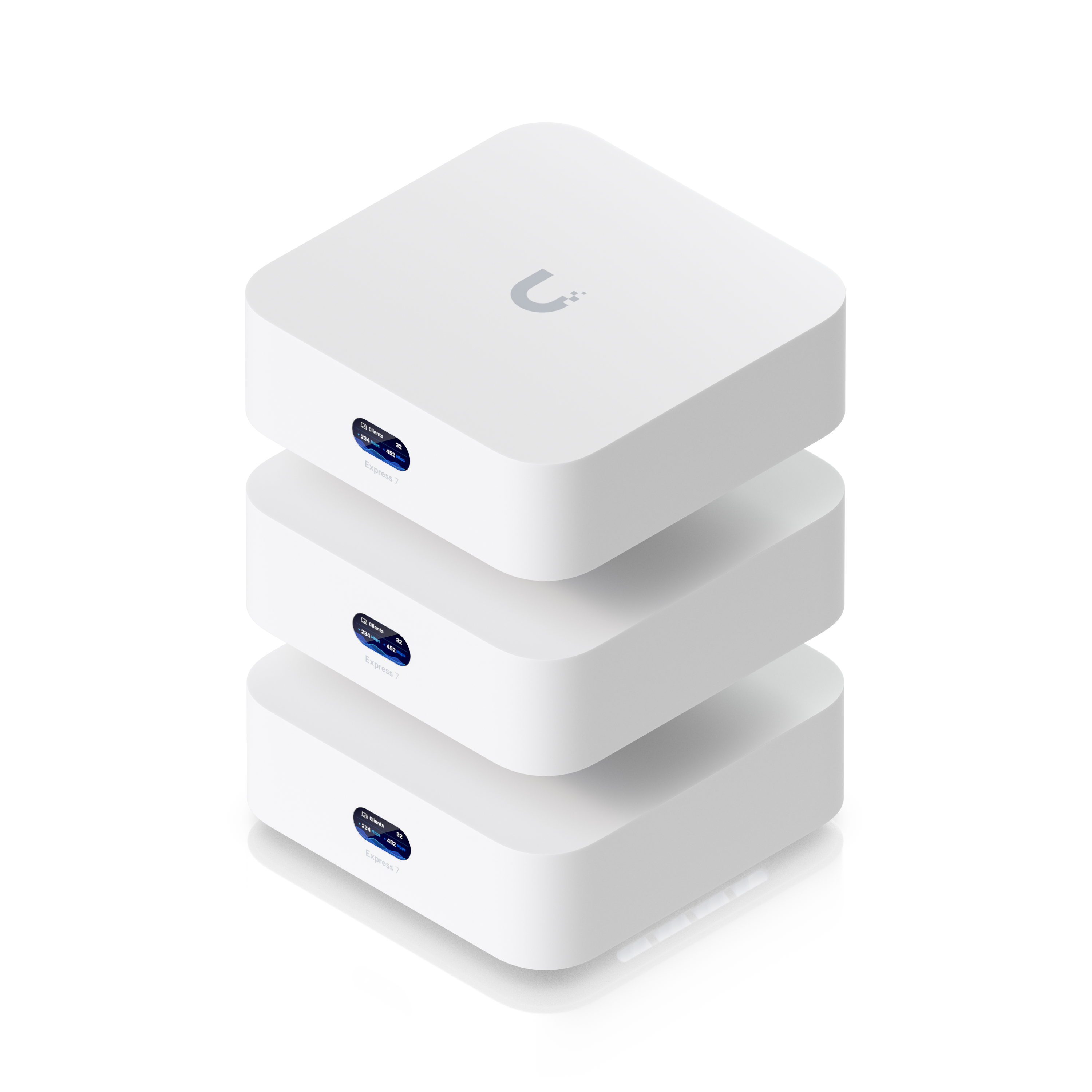
UniFi Express 7 3-Pack (UX7-3)
3x UniFi Express 7: one runs as the gateway, two extend coverage as mesh nodes. Per unit: tri-band WiFi 7 with 6 GHz, 10GbE WAN + 2.5GbE LAN, USB-C powered, UniFi Network only
This is the best whole-home mesh system you can buy right now, and the reason is MLO. Multi-Link Operation is a WiFi 7 feature that lets the nodes bond 5 GHz and 6 GHz into one backhaul link instead of relaying everything over a single band, and Ubiquiti built the Express 7 around it. That matters because the old knock on mesh was real: you used to give up something like half your throughput at every hop, which is why anyone who could run a cable ran a cable. MLO backhaul is what closes that gap. You get three identical units, one acting as your gateway and the other two extending coverage, all managed from the same UniFi console, and the app tells you where to place them. At $559 you’re saving about $38 over three singles, so buy it for the complete WiFi 7 network in one order, not the discount. Two limits to know going in: it runs UniFi Network only, so no Protect or cameras later, and each unit gives you a single 2.5GbE LAN port. Wired ceiling access points are still the better build if your walls are already open. If they aren’t, this is the one I’d buy.
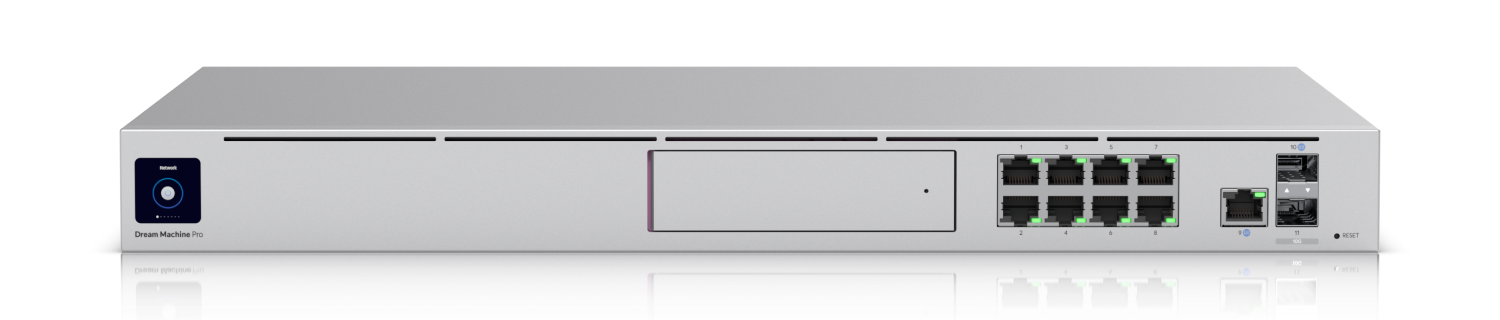
UniFi Dream Machine Pro (UDM-Pro)
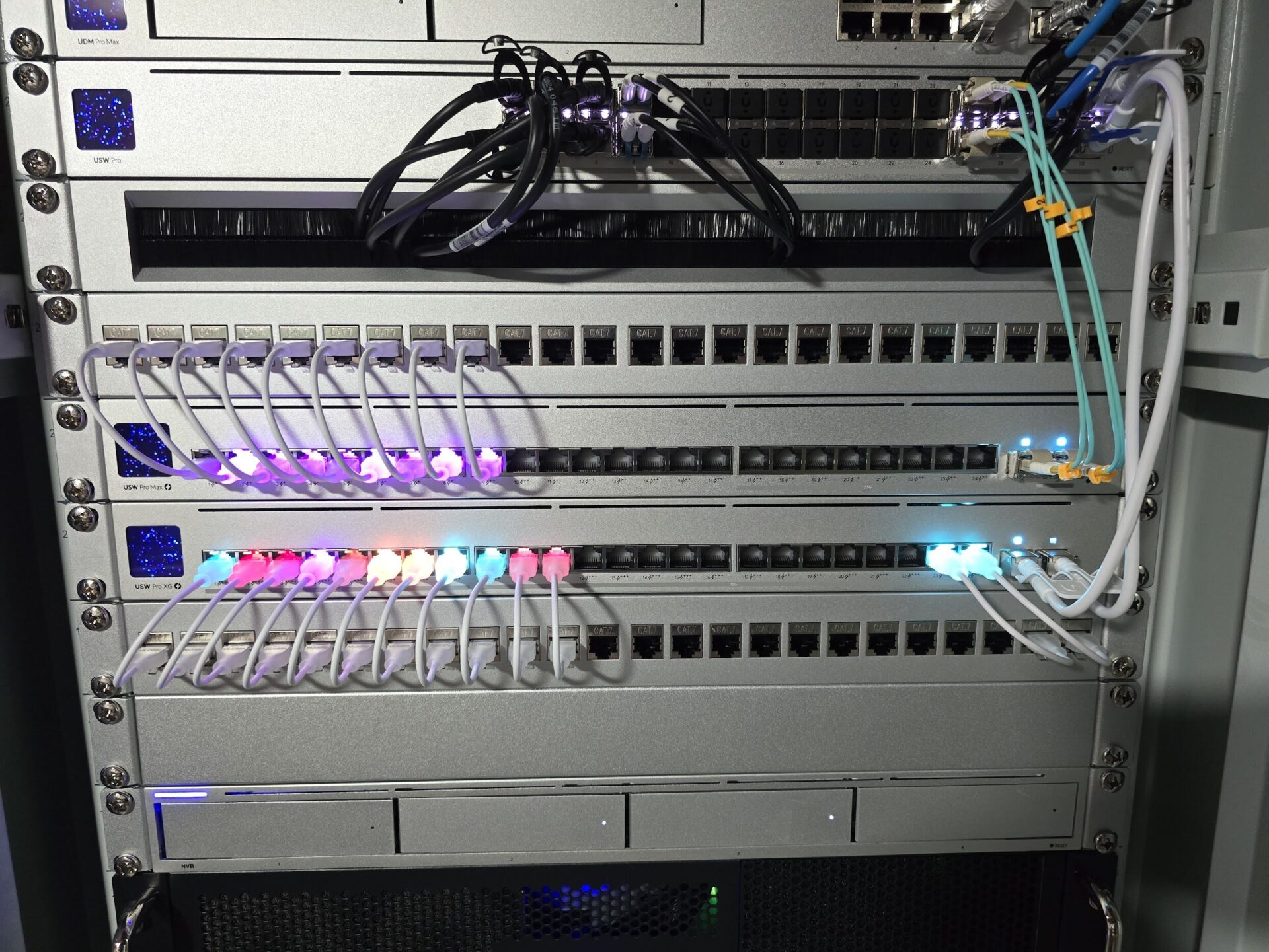
1U rackmount, integrated controller, 8x GbE LAN + GbE WAN + 10G SFP+ WAN, 1x 3.5in bay for Protect, IDS/IPS
The UDM Pro is still a good device, but I would only buy it if price is the priority, because it’s the oldest platform here. You get the rack form factor and the built-in NVR bay for less than the Pro Max. If the budget stretches, the Pro Max is worth it.
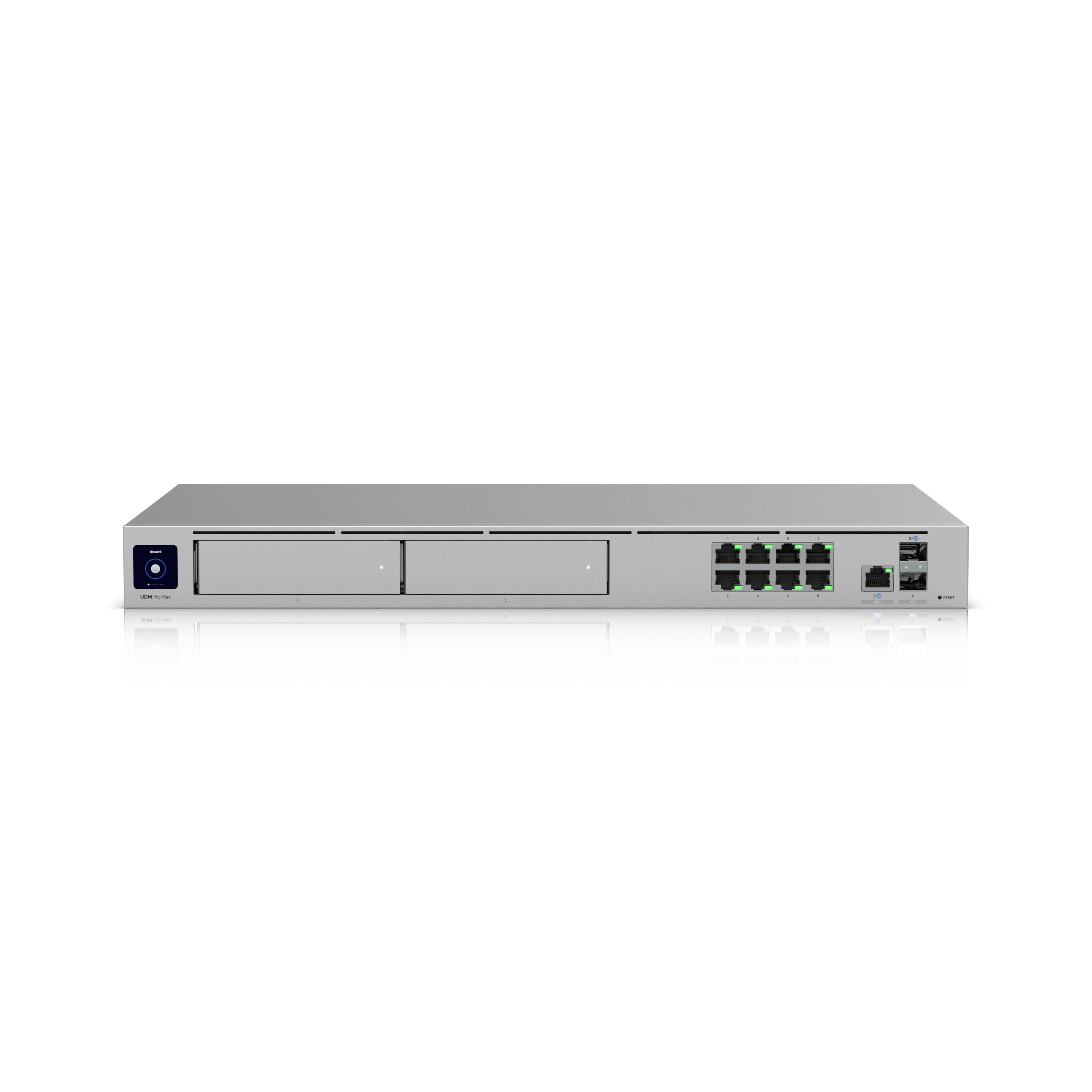
UniFi Dream Machine Pro Max (UDM-Pro-Max)
1U rackmount, 5 Gbps IDS/IPS, dual 3.5in bays (RAID 1) for Protect, Shadow Mode (VRRP) failover, 10G SFP+ WAN
The UDM Pro Max is what I’d buy if you want the best rackmount UniFi router and firewall, and it’s what I currently run: I have two of them configured in Shadow Mode, so the gateway fails over automatically. Dual-drive RAID for Protect and far more IDS/IPS throughput than the UDM Pro are the reasons to stretch. It is overkill for a simple home network, and that’s fine. That is what the UCG-Fiber and UDR7 are for.
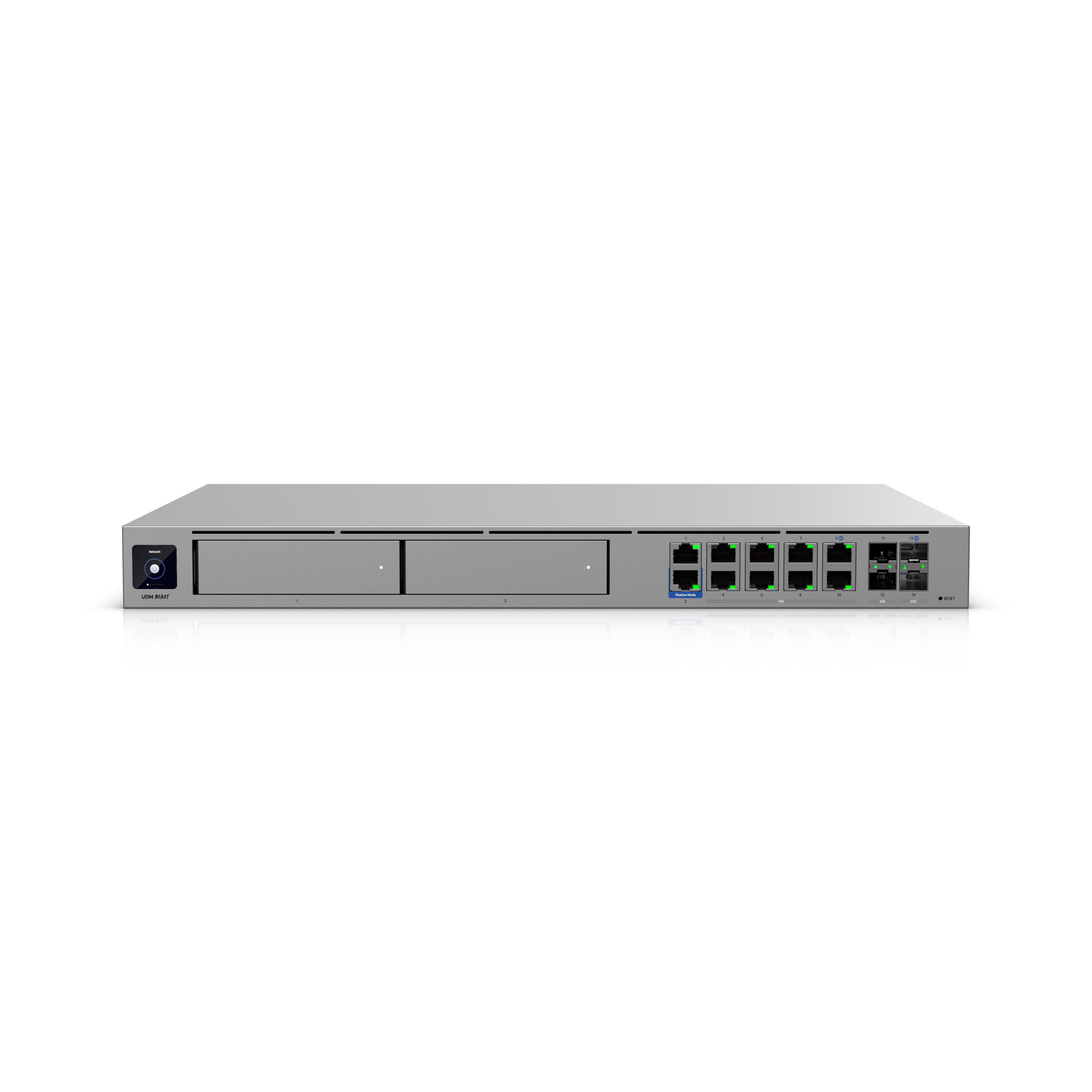
UniFi Dream Machine Beast (UDM-Beast)
1U rackmount cloud gateway, ~25 Gbps IDS/IPS, 2x 25G SFP28 + 2x 10G SFP+ + 8x 10GbE, octa-core ARM / 16GB RAM, 128GB SSD + 2x 3.5in NVR bays, Shadow Mode failover
The UDM Beast is Ubiquiti’s newest and most capable gateway in the Dream Machine lineup, priced at $1,499, and I just got my hands on it for a first look. It sits above the UDM Pro Max, which I’ve been running for close to two years, and it’s better in basically every way: five times the IDS/IPS throughput, double the RAM, dual 25G SFP28 ports, and 40 4K cameras on Protect instead of 15. With that said, most home labs and small businesses do not need this device, and there are no PoE ports, because at this level Ubiquiti assumes you’re already running dedicated PoE switches. If you’re managing a larger site or a camera-heavy Protect deployment, the math starts to justify it. For everything smaller, the UDM Pro Max is almost certainly the right call.
Switches
Best Value
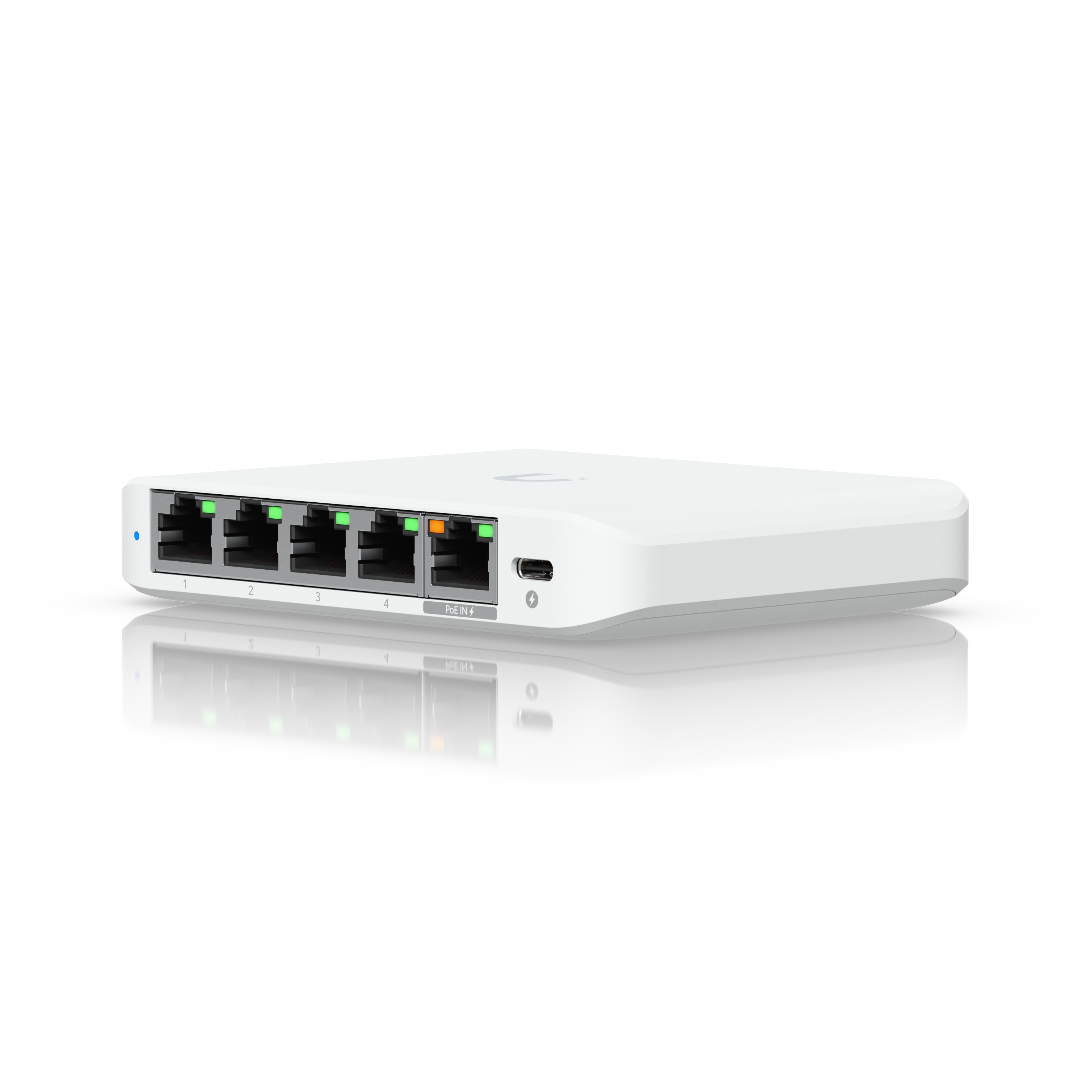
UniFi Switch Flex Mini 2.5G (USW-Flex-2.5G-5)
5x 2.5 GbE, managed (VLANs / controller), fanless, PoE or USB-C powered, palm-sized
The Flex Mini 2.5G is great value for adding 2.5GbE exactly where you need it, like a NAS, a mini PC, or an access point uplink. I used one in my low-power lab build with a management VLAN on it, and it is exactly what it looks like: five ports, no PoE out, an add-on switch rather than your main one. It can also be powered over PoE, which keeps the cabling tidy.
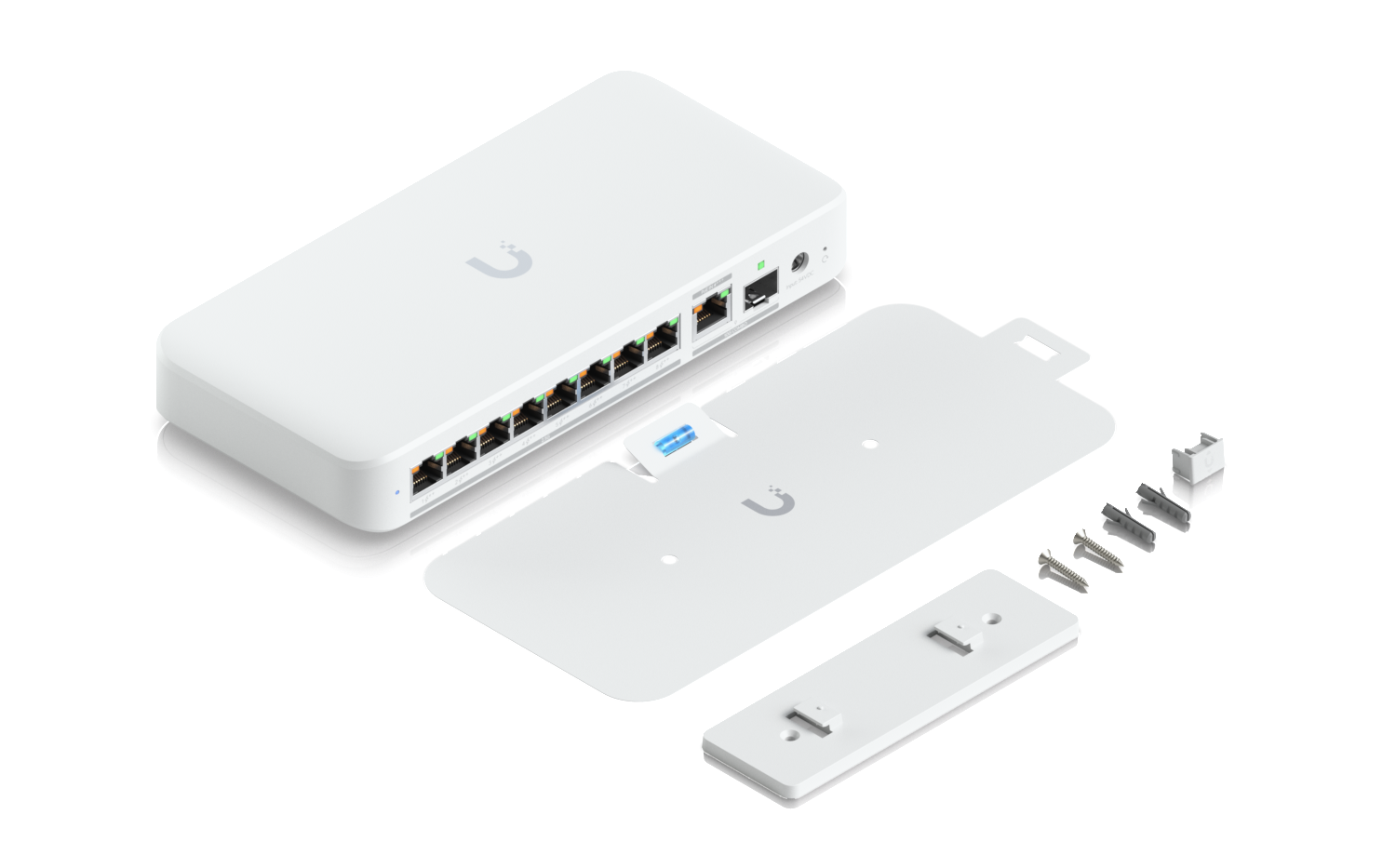
UniFi Switch Flex 2.5G PoE (USW-Flex-2.5G-8-PoE)
8x 2.5GbE (PoE++ output), 10GbE RJ45/SFP+ combo uplink; PoE budget 196W on AC power (adapter sold separately), lower when PoE-powered
The Flex 2.5G PoE is what I’d make the main switch in a small UniFi setup now, because gigabit switch ports have quietly become the bottleneck once you have a multi-gig gateway and newer access points. You get eight 2.5GbE ports with PoE for your APs and cameras, plus a 10GbE uplink back to the gateway. The one thing to check is power: the full 196W PoE budget requires the AC adapter, which is sold separately, and the budget drops a lot if you power the switch itself over PoE. For bigger builds, the Pro Max 16 PoE below is the step up.
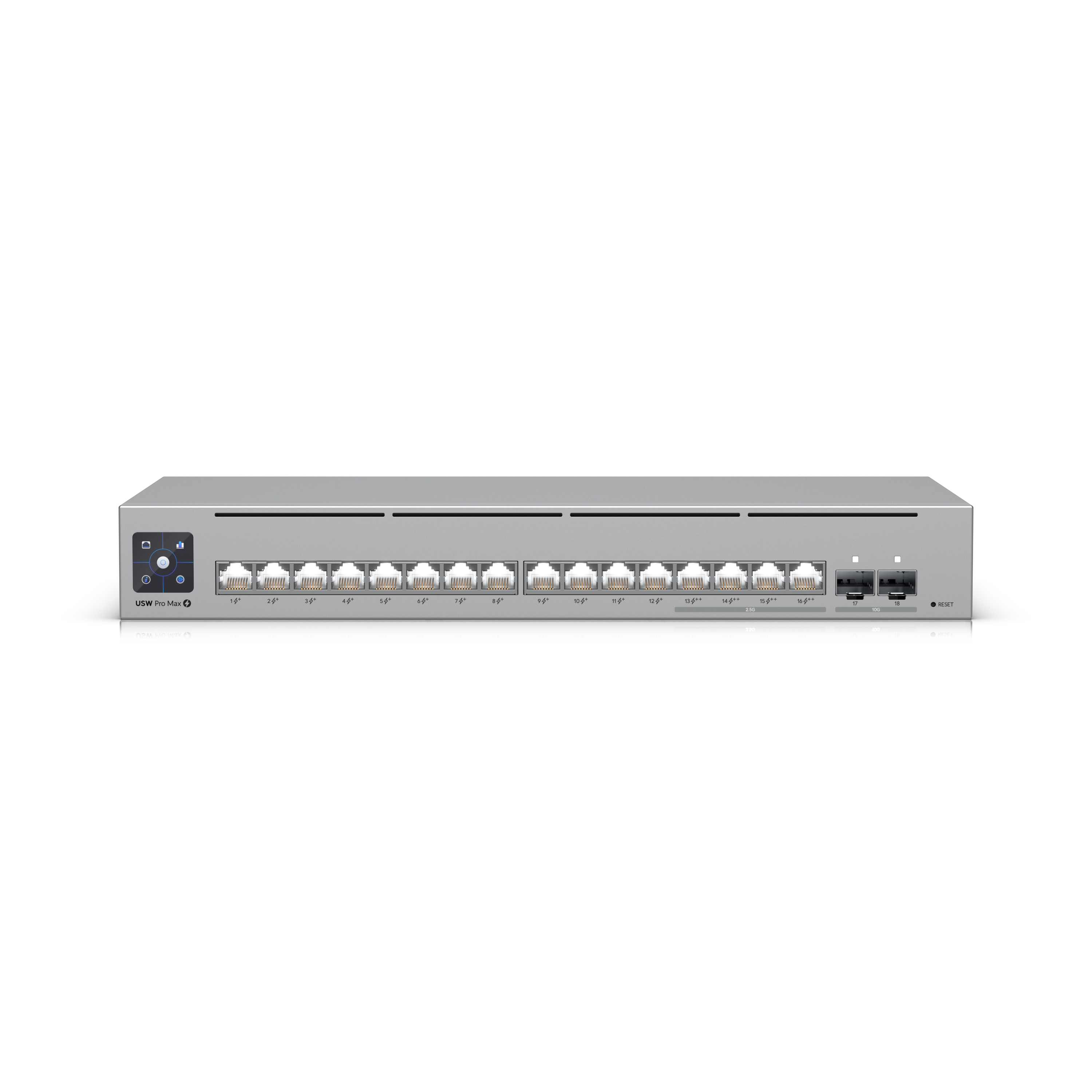
UniFi Switch Pro Max 16 PoE (USW-Pro-Max-16-PoE)
16x 2.5 GbE, PoE++ (180W budget), Layer 3, Etherlighting, rack or desktop
The Pro Max 16 PoE is the real switch once you outgrow the Flex 2.5G PoE, with multi-gig on every port for NAS and Proxmox nodes plus plenty of PoE. It is pricey for a basic home network, and if you only need a couple of multi-gig ports, the $49 Flex Mini 2.5G is the cheaper route. Buy this when the whole rack is going 2.5GbE.
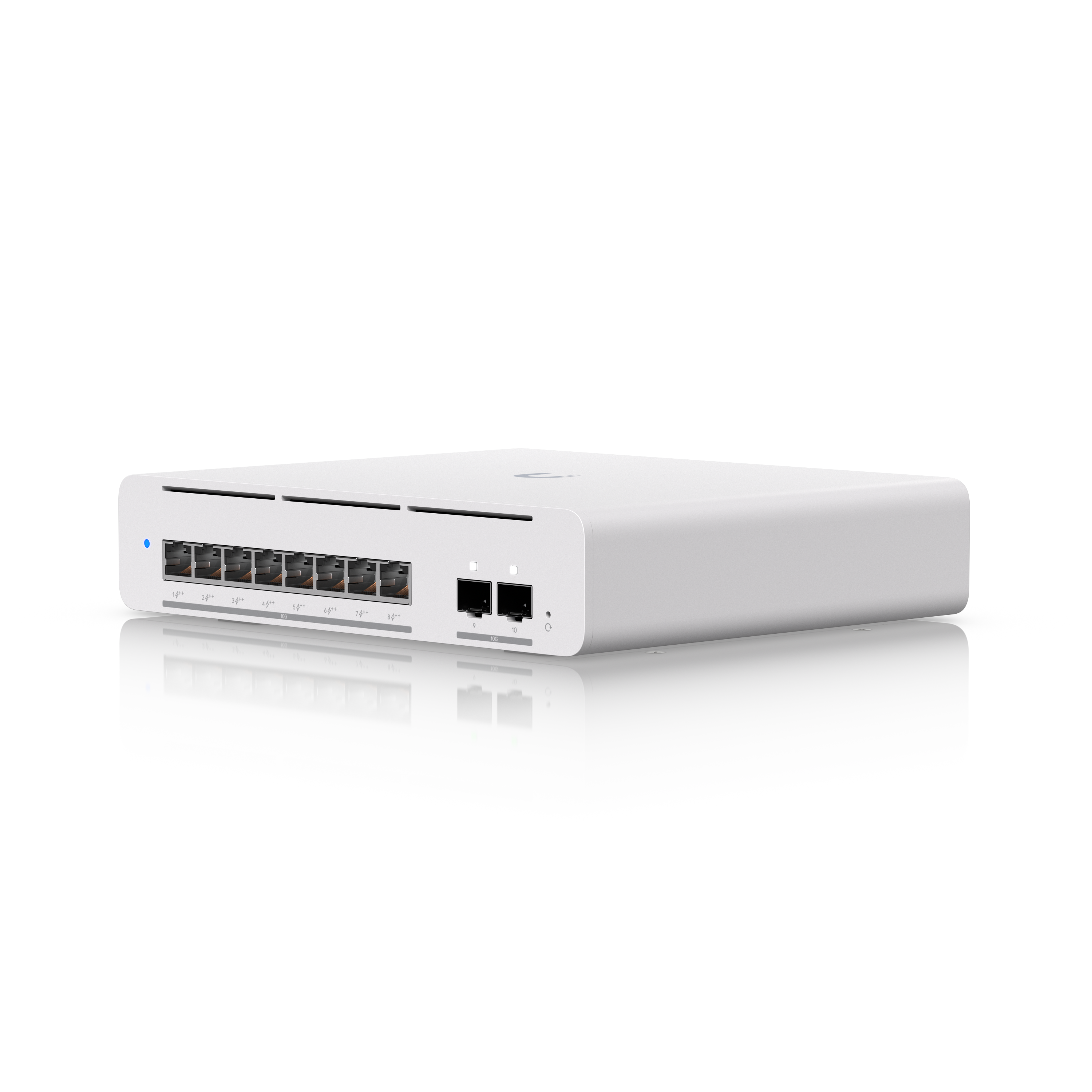
UniFi Switch Pro XG 8 PoE (USW-Pro-XG-8-PoE)
8x 10GbE (all PoE++, 155W budget), 2x 10G SFP+, Layer 3, Etherlighting, desktop or wall-mount
The Pro XG 8 PoE is the switch to buy when 2.5GbE has become the bottleneck: 10GbE on all eight ports, PoE++ on every one of them, and two 10G SFP+ uplinks in a compact box that doesn’t need a rack. That combination feeds a NAS, a Proxmox node, and a 10GbE access point like the U7 Pro XGS from a single switch. At $499 it’s overkill for a network that’s mostly WiFi clients, and the Flex 2.5G PoE above covers that job for far less. Buy this one when the wired side of your lab is actually moving 10-gig traffic.
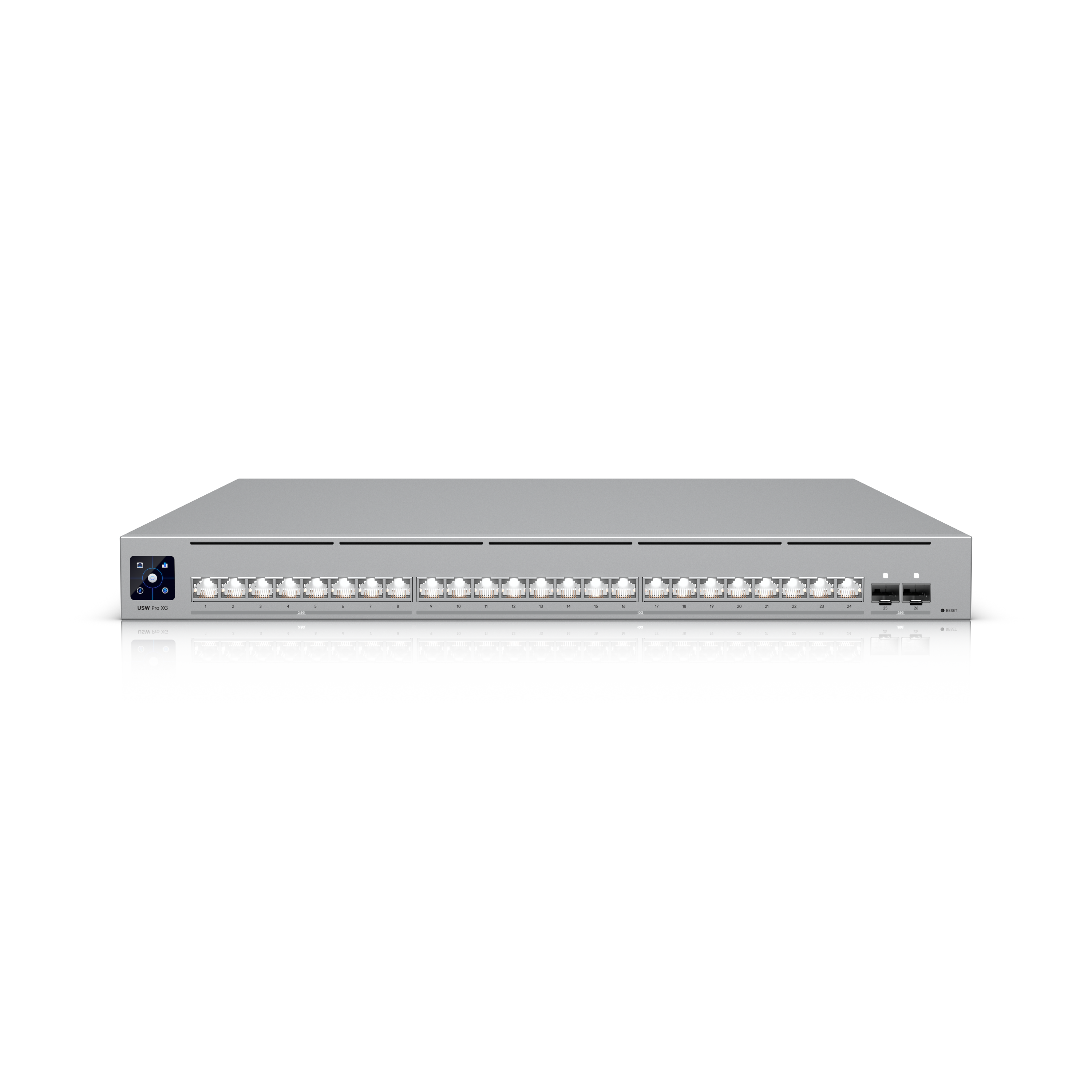
UniFi Switch Pro XG 24 (USW-Pro-XG-24)
16x 10GbE + 8x 2.5GbE, 2x 25G SFP28, Layer 3, Etherlighting, rackmount
The Pro XG 24 is the rack switch for a lab that’s gone multi-gig for real: sixteen 10GbE ports for the machines that matter, eight 2.5GbE for everything else, and two 25G SFP28 uplinks that pair naturally with the UDM Pro Max or UDM Beast. There’s no PoE on this model, and at this level that’s by design, because Ubiquiti assumes your access points and cameras hang off a PoE switch like the ones above. If you need PoE with this class of ports, there’s a Pro XG 24 PoE variant for more money. At $1,099 it’s a serious purchase, but if you’re consolidating a rack full of 10GbE gear onto one switch, this is the clean way to do it.
Access Points

Top Pick
UniFi U7 Pro XGS
Ceiling tri-band WiFi 7, 6 GHz, 8 spatial streams (4×4 on 5 GHz), 10GbE PoE++ uplink
The U7 Pro XGS is the best overall access point that I’ve used. It’s an 8-stream WiFi 7 AP with a full 10GbE uplink, and the performance has been amazing. It does need PoE++ rather than PoE+, so check that your switch can feed it. If you want the best AP for a home lab or small business, this is the one.
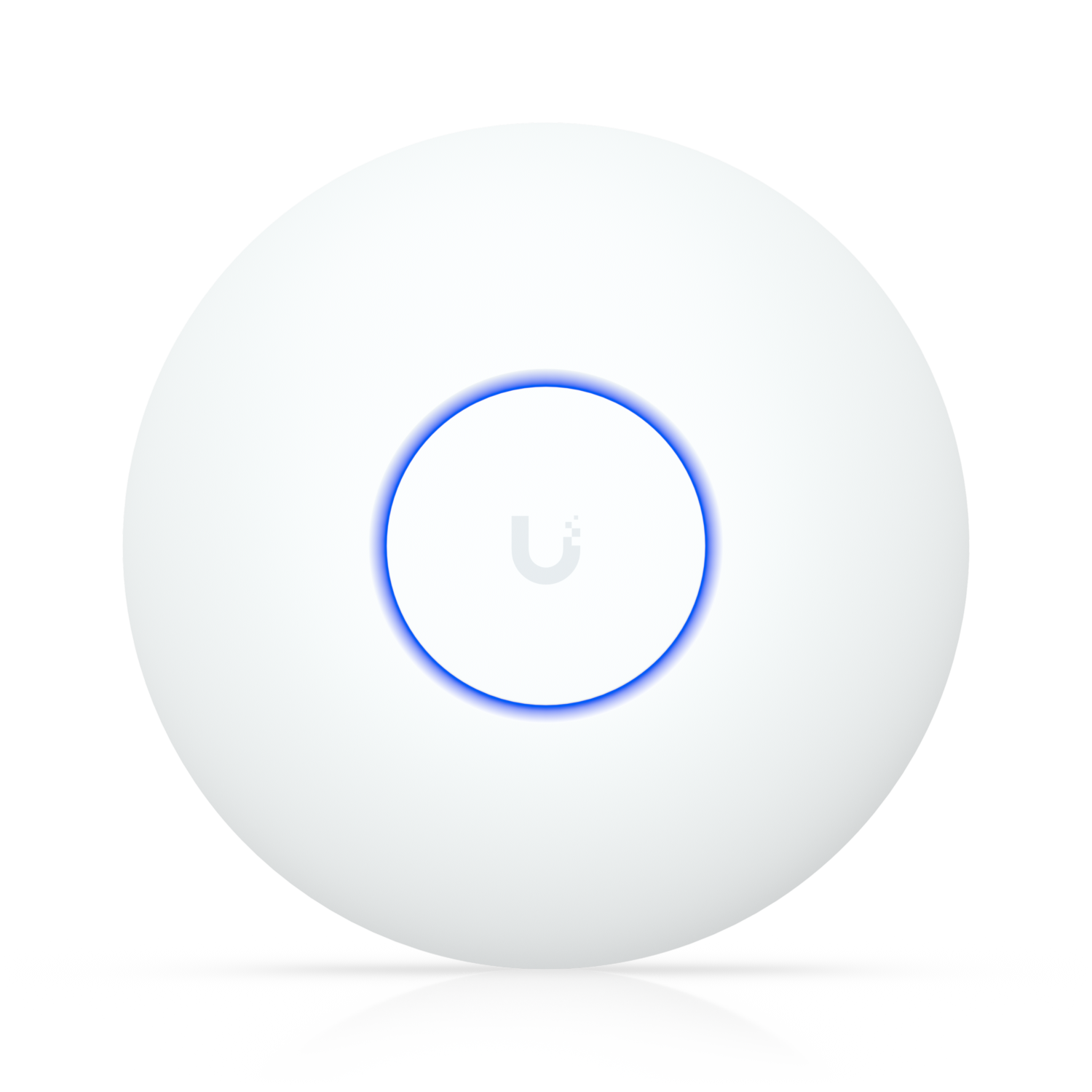
UniFi U7 Lite
Ceiling WiFi 7, dual-band, 4 spatial streams, 2.5 GbE PoE uplink
The U7 Lite is the cheapest way into WiFi 7, and I’ve tested it alongside Ubiquiti’s higher-end access points. It’s dual-band with no 6 GHz, so the win is efficiency and the 2.5GbE uplink rather than headline speeds. For most rooms it is plenty. If you want the 6 GHz band, step up to the U7 Pro.

UniFi U7 Pro
Ceiling tri-band WiFi 7, 6 GHz, 6 spatial streams, 2.5 GbE PoE+ uplink
The U7 Pro is the access point I’d tell most people to buy: full 6 GHz WiFi 7 with a 2.5GbE uplink at a sane price. It needs PoE+, which the Flex 2.5G PoE handles. If you’re covering a large or dense space, the Pro Max adds more streams and a scanning radio, but for a typical home, this is the sweet spot.

UniFi U7 Pro Max
Ceiling tri-band WiFi 7, 6 GHz, 8 spatial streams, dedicated spectral-scanning radio, 2.5 GbE PoE+ uplink
The U7 Pro Max adds more streams and a dedicated spectral-scanning radio for crowded airspace. I’ve run one on my own network, and it’s worth it in big or busy spaces. For a typical home it is overkill, and the U7 Pro gets you most of the real-world benefit for about $90 less.

UniFi U7 Pro XG
Ceiling tri-band WiFi 7, 6 GHz, 6 spatial streams, 10GbE PoE+ uplink
The U7 Pro XG is essentially the U7 Pro with a 10GbE uplink, and that port is the reason to buy it: once you have WiFi 7 clients on 6 GHz, a 2.5GbE cable becomes the bottleneck before the radios do. It still runs on standard PoE+, so most PoE switches can drive it. If the rest of your network is 2.5GbE and staying that way, the standard U7 Pro gets you the same WiFi for less.
Travel
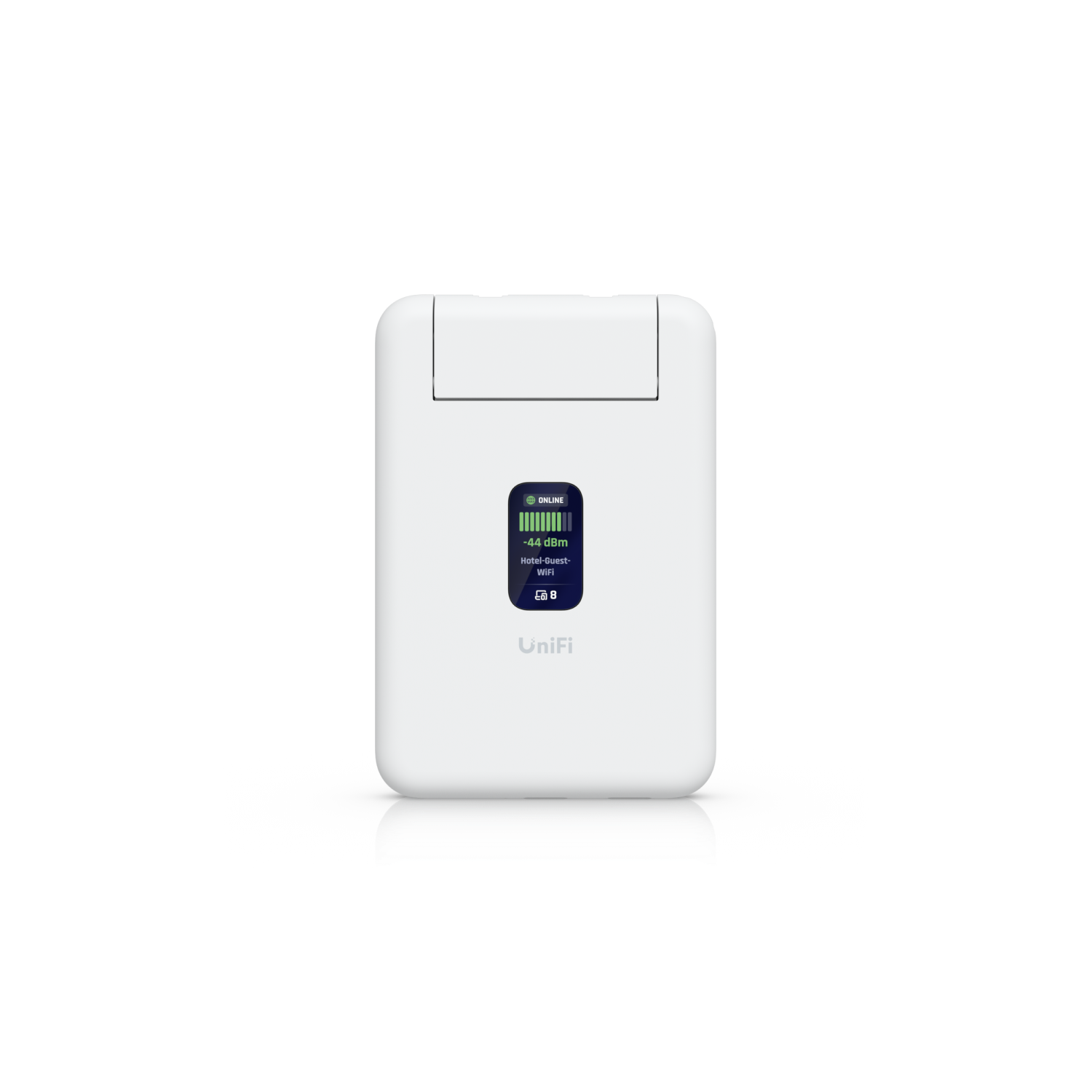
UniFi Travel Router (UTR)
Pocket-sized travel router, WiFi 6, 2x GbE RJ45, USB-C powered, WAN over hotel WiFi or phone tethering, managed like any other UniFi device
The UniFi Travel Router completely threw me off, in a good way. It’s a $79 pocket-sized travel router that is actually part of your UniFi ecosystem, which means it shows up in Site Manager next to everything else you run and can do things a traditional travel router can’t. If you’re already in UniFi and you travel, it’s an easy add. If you’re not in the ecosystem, a standalone travel router still makes sense, but for this audience it’s the obvious pick.
NVRs (UniFi Protect)
If you run UniFi Protect cameras, the recorder decides how many cameras you can support and how much footage you keep. There are no monthly fees, so buy the recorder once and size it right. Drives are not included in either unit.
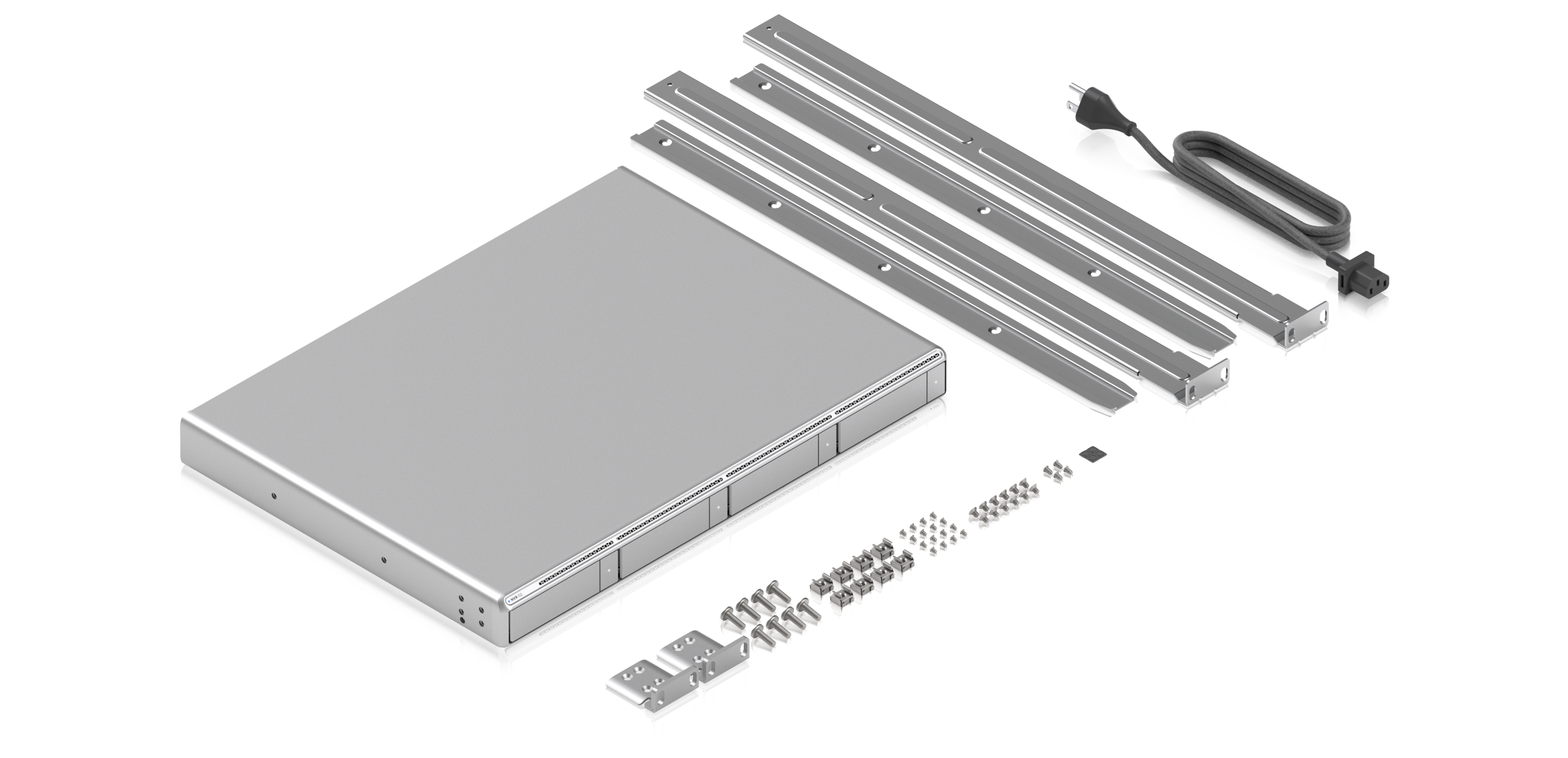
UniFi Network Video Recorder G2 (UNVR-G2)
1U rackmount, 4x 2.5/3.5in bays, up to 30x 4K or 60x Full HD cameras, AI event analytics, HDMI out, 10G SFP+ + 2.5GbE
The UNVR G2 is what you buy when the storage built into your gateway runs out of room, because a Dream Machine records to a single drive while this gives you four bays and support for up to 30 4K cameras. The G2 generation adds on-recorder AI event analytics and an HDMI output, so you can drive a monitor straight from the recorder. Size the drives for your retention target and use surveillance-rated or enterprise drives, because camera recording is a constant-write workload.
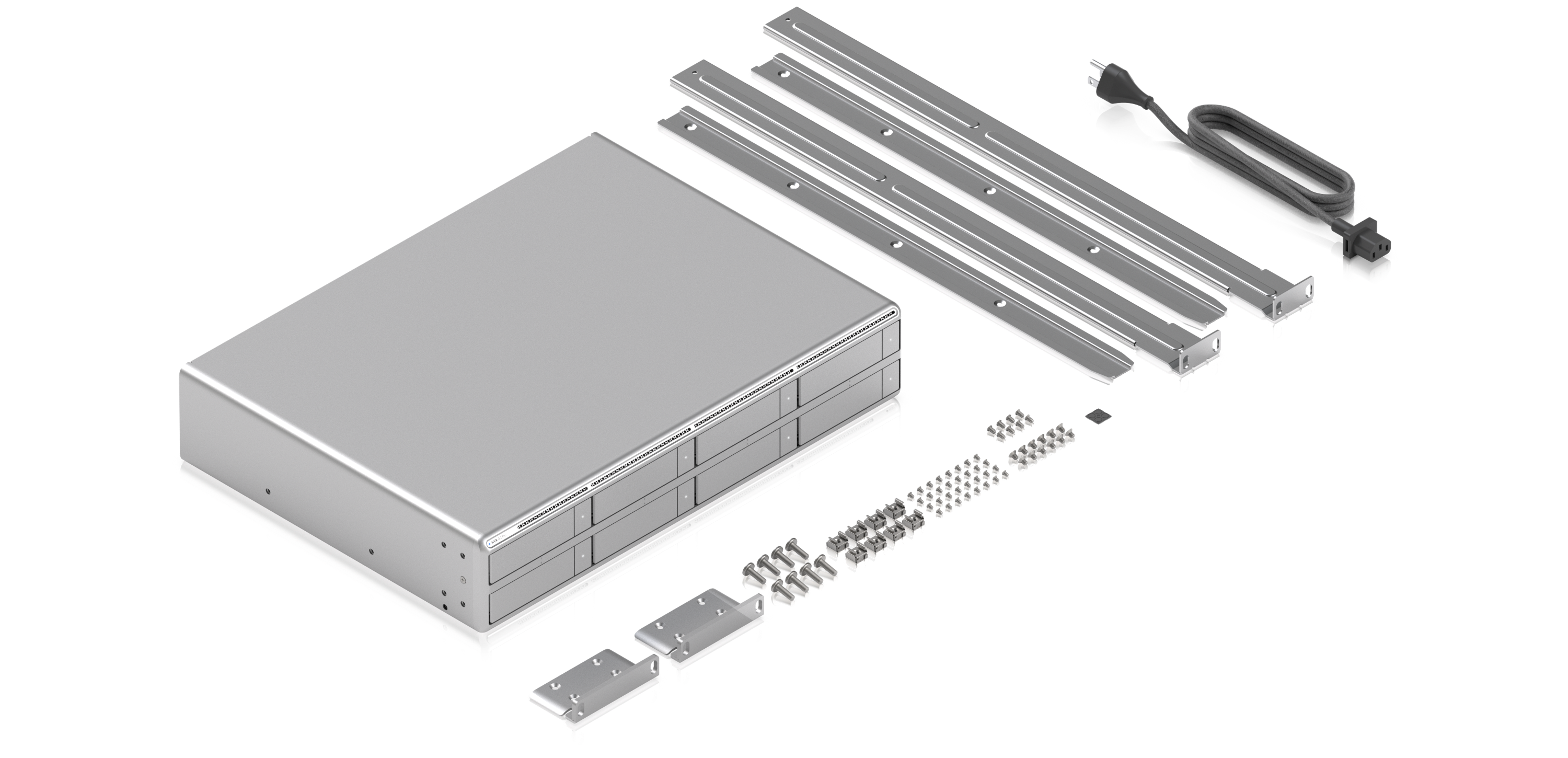
UniFi Network Video Recorder G2 Pro (UNVR-G2-Pro)
2U rackmount, 8x 2.5/3.5in bays, up to 50x 4K or 100x Full HD cameras, AI event analytics, HDMI out, 10G SFP+ + 2.5GbE
The G2 Pro doubles the bays to eight and pushes support to 50 4K cameras, which puts it firmly in business territory. The reason to pick it over the standard G2 is retention: more bays means more days of footage and room for RAID redundancy without giving up the capacity you actually need. For a typical home running a handful of cameras, the standard G2 is the better-sized buy.
IP Cameras (Blue Iris / Self-Hosted NVRs)
UniFi Protect only records UniFi’s own cameras, so this section is for everyone running Blue Iris, Frigate, or another self-hosted NVR. These are PoE cameras that speak ONVIF/RTSP with no cloud account required, and they come from my Blue Iris camera guide.
Top Pick
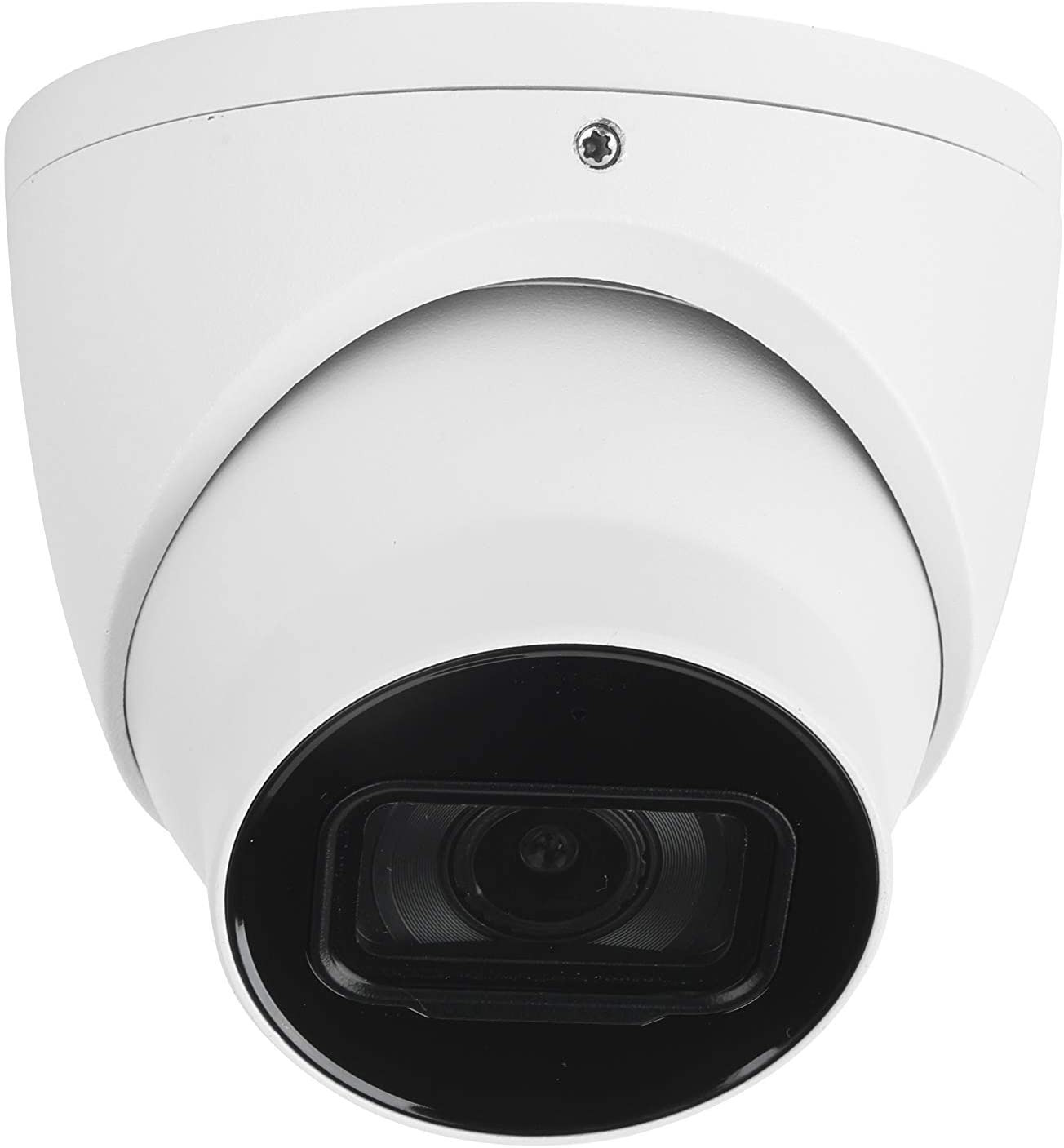
Loryta IPC-T5442TM-AS
4MP (2688×1520) turret, exceptional low-light performance, 2.8/3.6/6mm fixed lens options, H.264+/H.265+, PoE, ONVIF/RTSP
The T5442 is one of my favorite overall cameras for Blue Iris, and the reason is low-light performance: the 4MP sensor produces genuinely usable night footage without leaning on LEDs or color night vision tricks. It’s PoE, it speaks ONVIF and RTSP, and there’s no cloud account anywhere in the process. Pick the fixed focal length (2.8, 3.6, or 6mm) based on how wide the scene is, and if you’re not sure which you need, the varifocal EmpireTech below solves that problem for you.
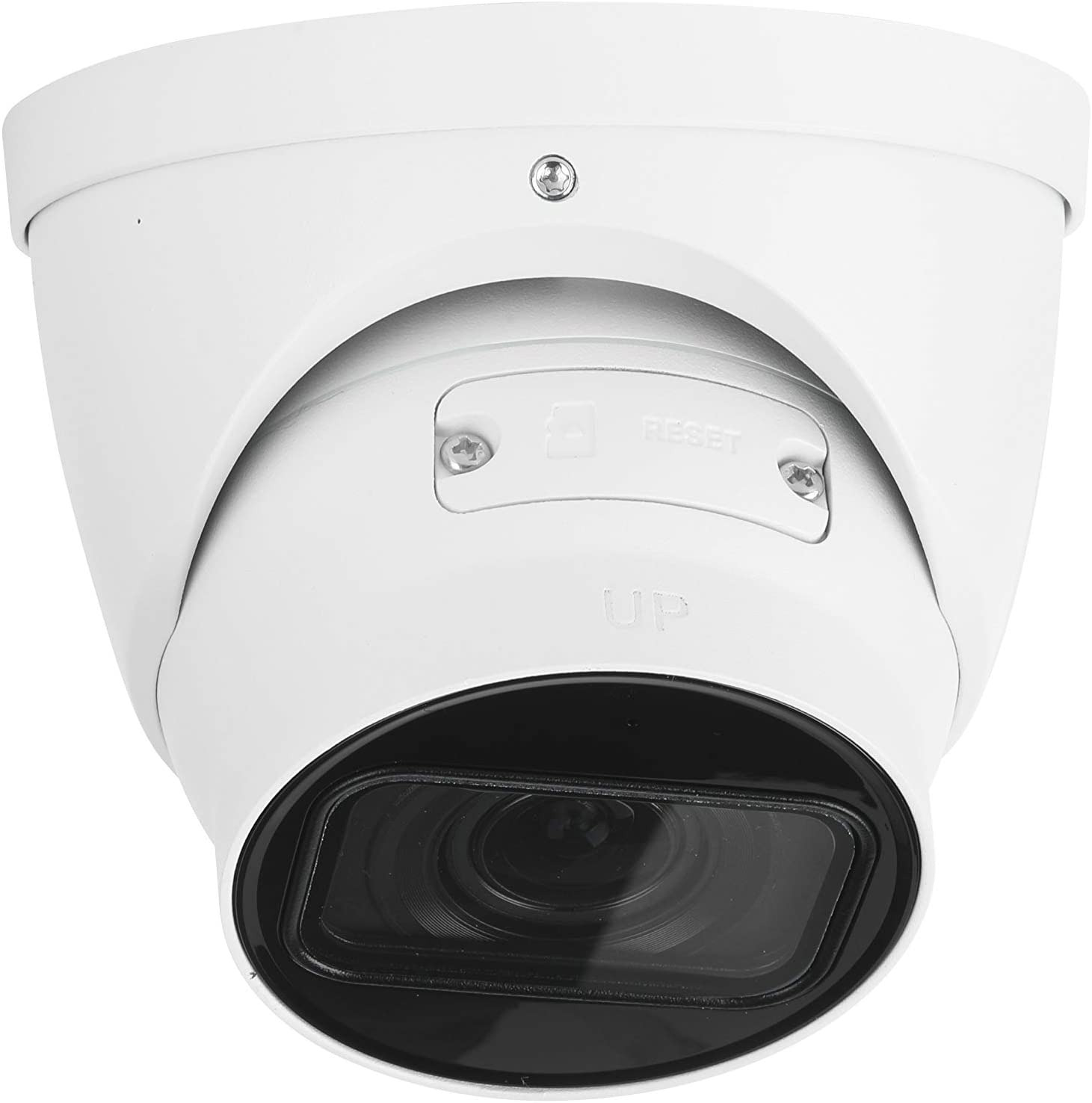
EmpireTech IPC-T5442T-ZE
4MP (2688×1520) turret, 2.7-12mm varifocal lens, same low-light platform as the Loryta, H.264+/H.265+, PoE, ONVIF/RTSP
This is basically the same camera as the Loryta with one big difference: a 2.7mm to 12mm varifocal lens, so you dial in the exact field of view after the camera is mounted instead of guessing at a focal length up front. That flexibility costs a little more, but it’s the safer buy when you don’t know precisely what the camera needs to cover. Everything else — the low-light performance, PoE, ONVIF/RTSP — matches the Loryta.
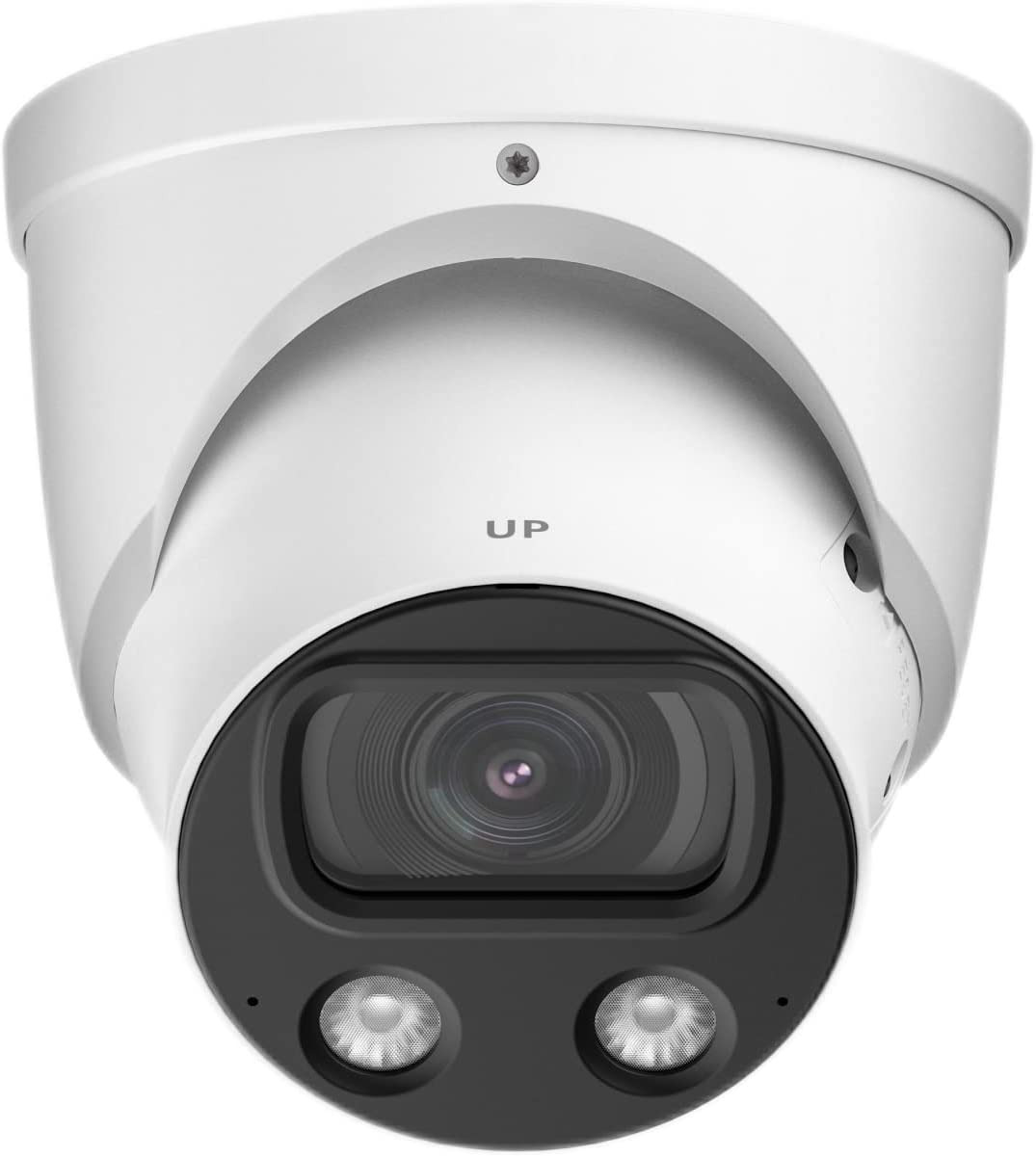
EmpireTech IPC-Color4K-T
8MP 4K (3840×2160) turret, color night vision via built-in LED lights, 2.8/3.6mm fixed lens, H.264+/H.265+, PoE, ONVIF/RTSP
The Color4K-T is the step up when you want 4K detail and color at night: two built-in LED lights let it hold color night vision where the 4MP cameras switch to black and white. The trade-off is that the LEDs are visible when they’re on, so it’s not a subtle camera. If you’d rather have a bullet-style housing, the Color4K-X is the same idea and an equally strong low-light performer.
Mini PCs & DIY NAS
For Proxmox, Home Assistant, Docker and roll-your-own NAS builds. Start with the Beelink for a first always-on server; step up to Minisforum when you want 10GbE and real VM horsepower.
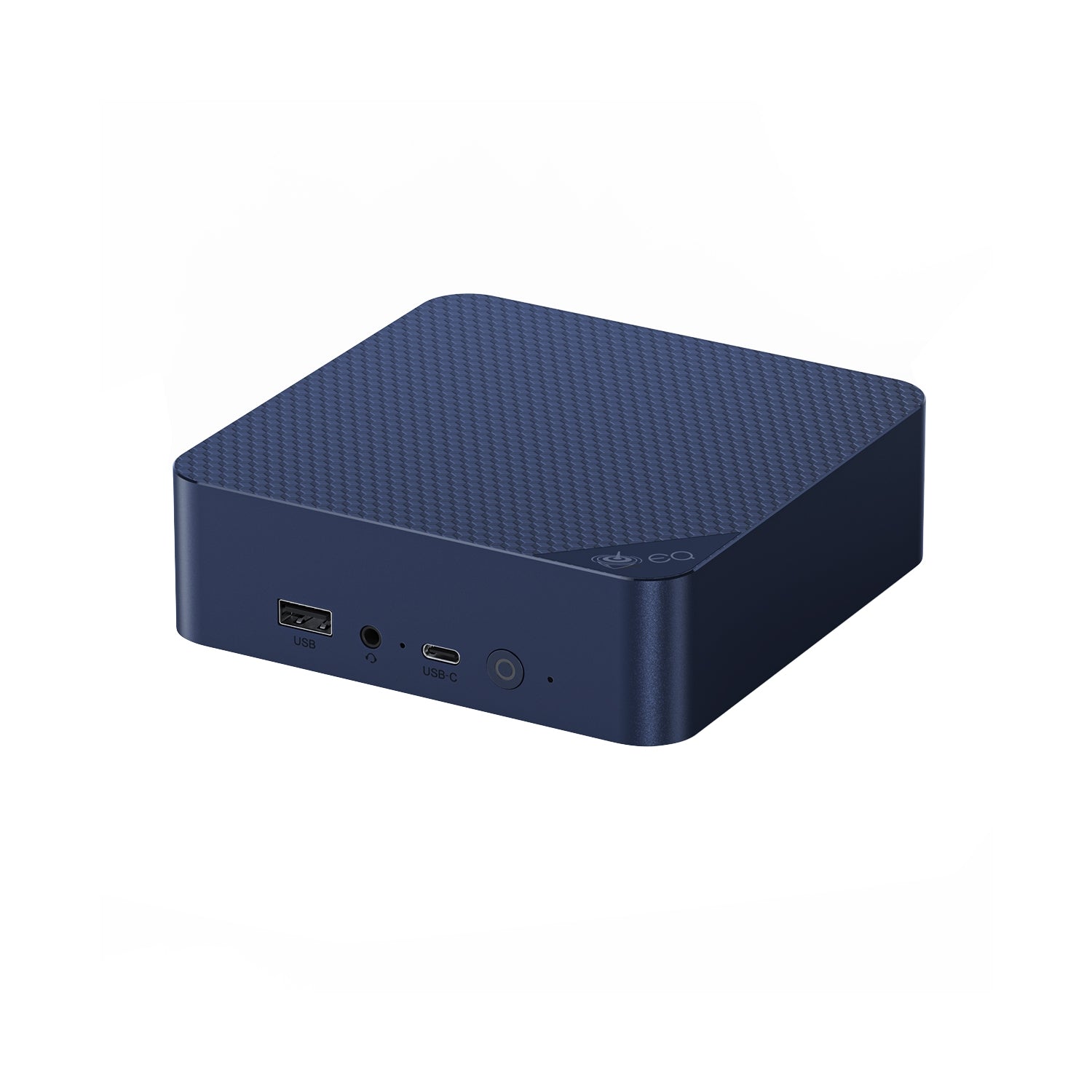
Top Pick
Beelink EQ14 (Intel N150)
Intel N150 (4c/4t), 16GB DDR4 (to 32GB), 500GB NVMe, dual 2.5GbE, ~6W idle
The Beelink EQ14 is the mini PC I’d tell most people to start a home lab with, and it’s what I used as the hypervisor in my low-power build. Mine runs Proxmox with Docker, Home Assistant, and a Windows 11 VM, all at single-digit idle watts, and the dual Intel 2.5GbE NICs make it a natural Proxmox or OPNsense box. Just know its limits: it’s fast enough to use, but this isn’t a setup that can really scale. It is a light-duty host, not a VM monster.

Minisforum MS-01
Intel i5-12600H or i9-13900H, dual 10GbE SFP+ + dual 2.5GbE, 3x M.2 NVMe + 1 PCIe slot, USB4, vPro, to 96GB DDR5
The MS-01 is the enthusiast favorite for a serious Proxmox node, and dual 10GbE SFP+ at this size and price is hard to match. I would buy it barebone and add your own RAM and NVMe. There are two caveats: it runs warm with an audible fan under load, and some 13th-gen units need a BIOS update for stability at 96GB of RAM, so stick to 64GB if you’re unsure.
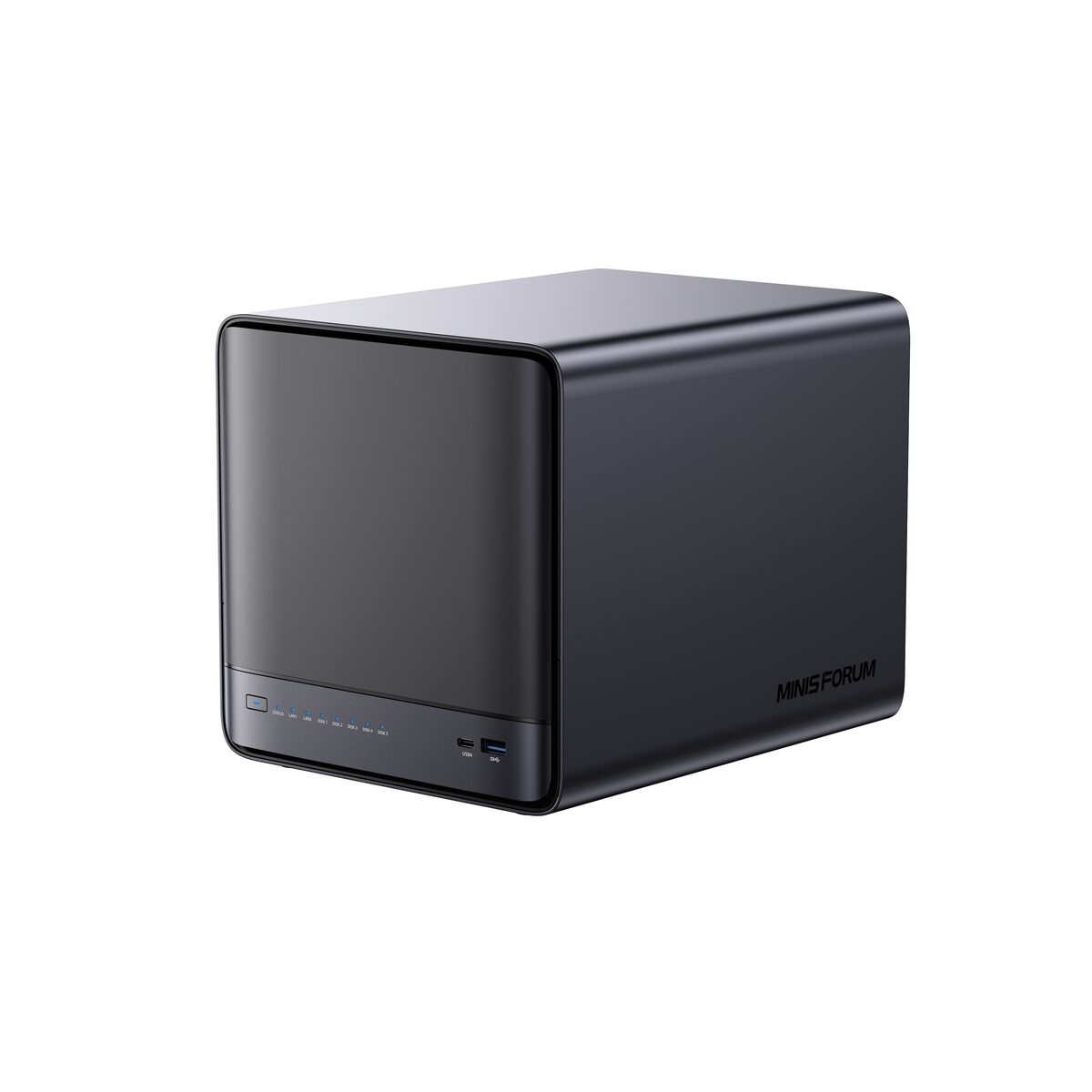
Minisforum N5 Pro
AMD Ryzen AI 9 HX PRO 370 (12c/24t, Radeon 890M, 50 TOPS NPU), 5x HDD bays + 3x M.2/U.2 (to ~144TB), DDR5 ECC (to 96GB), 10GbE + 5GbE, OCuLink
The N5 Pro is a do-everything box, with real NAS bays plus enough CPU and GPU to run VMs, AI workloads, and Plex transcoding. It is pricey, and the bundled OS is young enough that most buyers put TrueNAS, Unraid, or Proxmox on it instead, which is honestly how I’d run it too. If you only want file storage, it’s overkill. If you want one box that does everything, this is the closest thing to it.
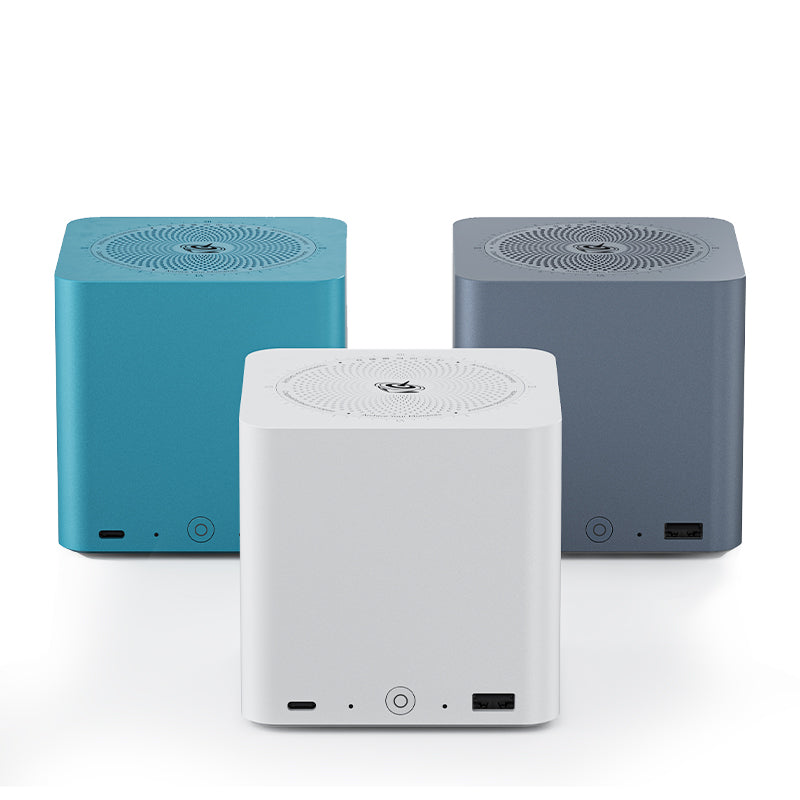
Beelink ME mini (Intel N150, 6x M.2)
Intel N150, 12GB LPDDR5, 6x M.2 NVMe (to ~24TB), 64GB eMMC boot, dual 2.5GbE, integrated PSU, ~9W class
The ME mini is tiny, silent, and low-power, which makes it a great all-SSD NAS, Docker host, or backup target. One thing to be upfront about: the N150 only exposes about nine PCIe lanes, so five of the six M.2 slots run at x1 speeds. That is fine for storage and 2.5GbE, but it’s not a high-throughput array. It’s NVMe only, with no 3.5-inch bays.
Remote KVMs
A remote KVM gives you keyboard, video, and mouse over the network at the hardware level, so you can fix a machine that won’t boot without walking over to it — BIOS access included. GL.iNet’s Comet line is the value pick here, and there are no subscription fees.

Best Value
GL.iNet Comet (GL-RM1)
HDMI capture to 4K@30FPS, GbE, USB-C keyboard/mouse emulation, Tailscale/ZeroTier built in, optional ATX power board, no subscription
The Comet is the cheapest way to get real out-of-band access to a machine: plug it into HDMI and USB, and you control that computer from anywhere as if you were sitting in front of it, BIOS screens included. Tailscale support is built in, so remote access doesn’t require port forwarding, and there’s no subscription. Add the ATX power board and you can power a dead machine back on from the other side of the world. For a home lab, one of these next to your main server is cheap insurance.

GL.iNet Comet Pro (GL-RM10)
Dual-band WiFi 6 + GbE, 2.22in touchscreen, 4K@30FPS passthrough, 32GB eMMC, two-way audio, Tailscale support, ATX/Fingerbot options
The Comet Pro adds the things the standard Comet makes you live without: dual-band WiFi 6 so it works where there’s no LAN drop, a touchscreen for status and setup, more storage, and two-way audio. That WiFi option matters more than it sounds, because the machine you most need remote access to isn’t always the one sitting next to a switch. If the target machine has Ethernet nearby, the standard Comet does the same core job for less.
Storage & SSDs
NVMe and SATA SSDs for NAS cache, a fast boot drive or a Proxmox VM datastore. One heads-up for all of these: SSD pricing turned volatile in 2026 from the AI-driven memory shortage, so check the live price before you buy.
Most Popular
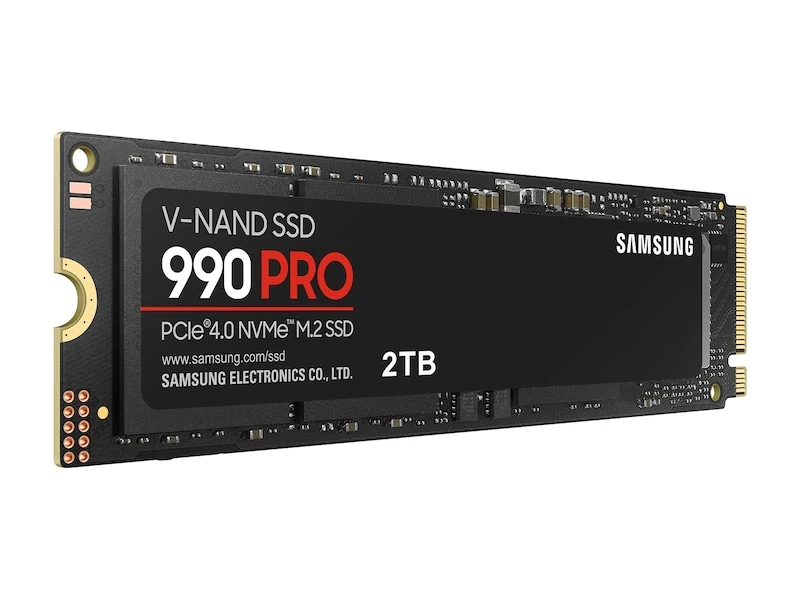
Samsung 990 Pro 2TB (NVMe Gen4)
PCIe 4.0 x4, up to 7,450MB/s read, DRAM cache, high random IOPS, 5-year warranty, 2TB
The 990 Pro is the default high-end NVMe for cache, app volumes, or a Proxmox VM disk, and it’s the drive I use myself, including as NVMe cache. Two tips from experience: update the firmware as soon as you get it, because early models had an issue that a firmware update fixed, and check the live price before buying, because NAND pricing has been bouncing around all year.
Best Value
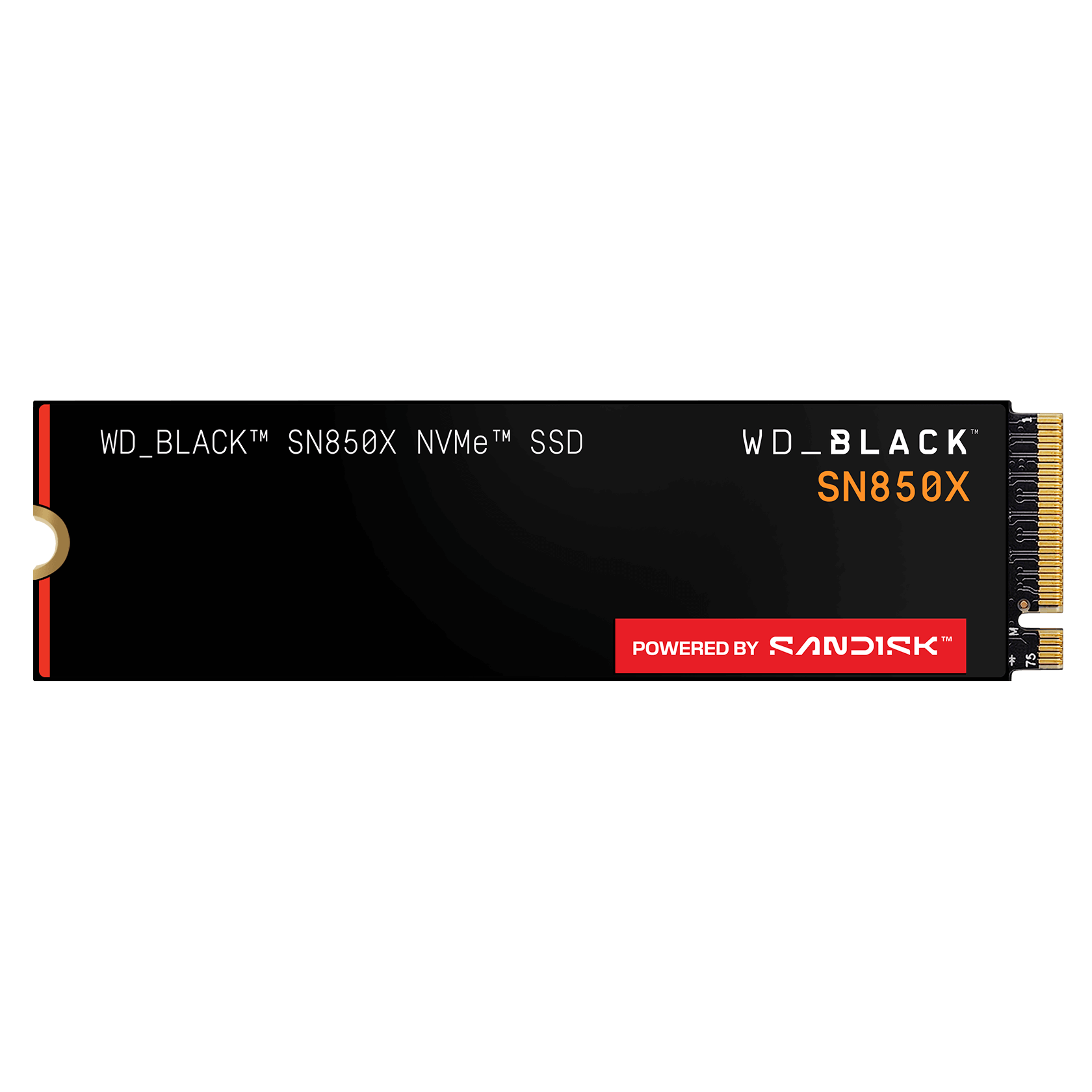
WD Black SN850X 2TB (NVMe Gen4)
PCIe 4.0 x4, ~7,300MB/s read, DRAM cache, 5-year warranty, 2TB
The SN850X runs a touch cooler and usually costs a bit less than the 990 Pro at 2TB, which makes it the value pick for cache, boot, or a fast scratch disk. For NAS use, the performance difference between these two is negligible. The same advice applies to every SSD right now: prices are volatile, so check both and buy the cheaper one.

WD Red SA500 (SATA NAS SSD)
2.5in SATA 6Gb/s, up to 560MB/s, high endurance (2TB ~1300 TBW), NAS-tuned firmware; 500GB to 4TB
The SA500 is a purpose-built SATA SSD for NAS cache when your unit only has 2.5-inch bays, and it has higher endurance than a desktop SSD, which is what matters for cache duty. The Samsung 870 EVO is a fine alternative, but its pricing has spiked and it’s sometimes worse value. SATA caps out near 560MB/s, so if your NAS has NVMe slots, use those instead.
Power & Protection (UPS)
A NAS that loses power mid-write can corrupt data, so a UPS is the attach buy I would not skip. NAS vendors specifically want pure sine wave output, which narrows the field.
Don’t Skip
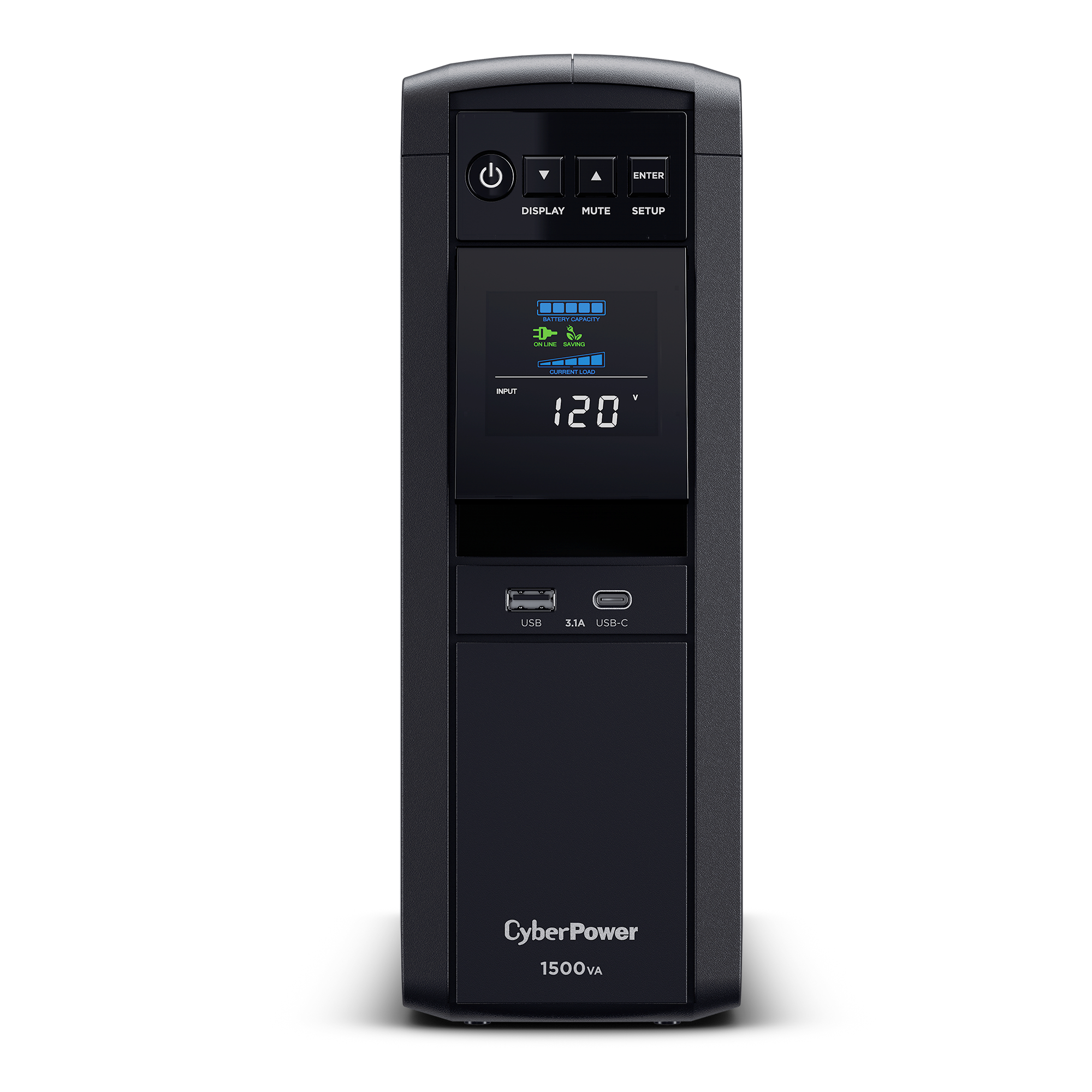
CyberPower CP1500PFCLCD (PFC Sinewave)
1500VA / 1000W, pure sine wave, AVR, LCD, 12 outlets, USB safe-shutdown (Synology / QNAP / UGREEN), ~10-12 min runtime, 3yr warranty
CyberPower is what I’ve always bought when I want pure sine wave without paying APC’s Smart-UPS prices, and a 1500VA unit like this will run your NAS, router, and switch long enough to shut everything down safely. Plug the USB cable into the NAS and it will shut itself down automatically when the power goes out. If the budget is tight, a simulated sine wave unit is still absolutely better than nothing, but if you’re buying once, buy the pure sine wave.
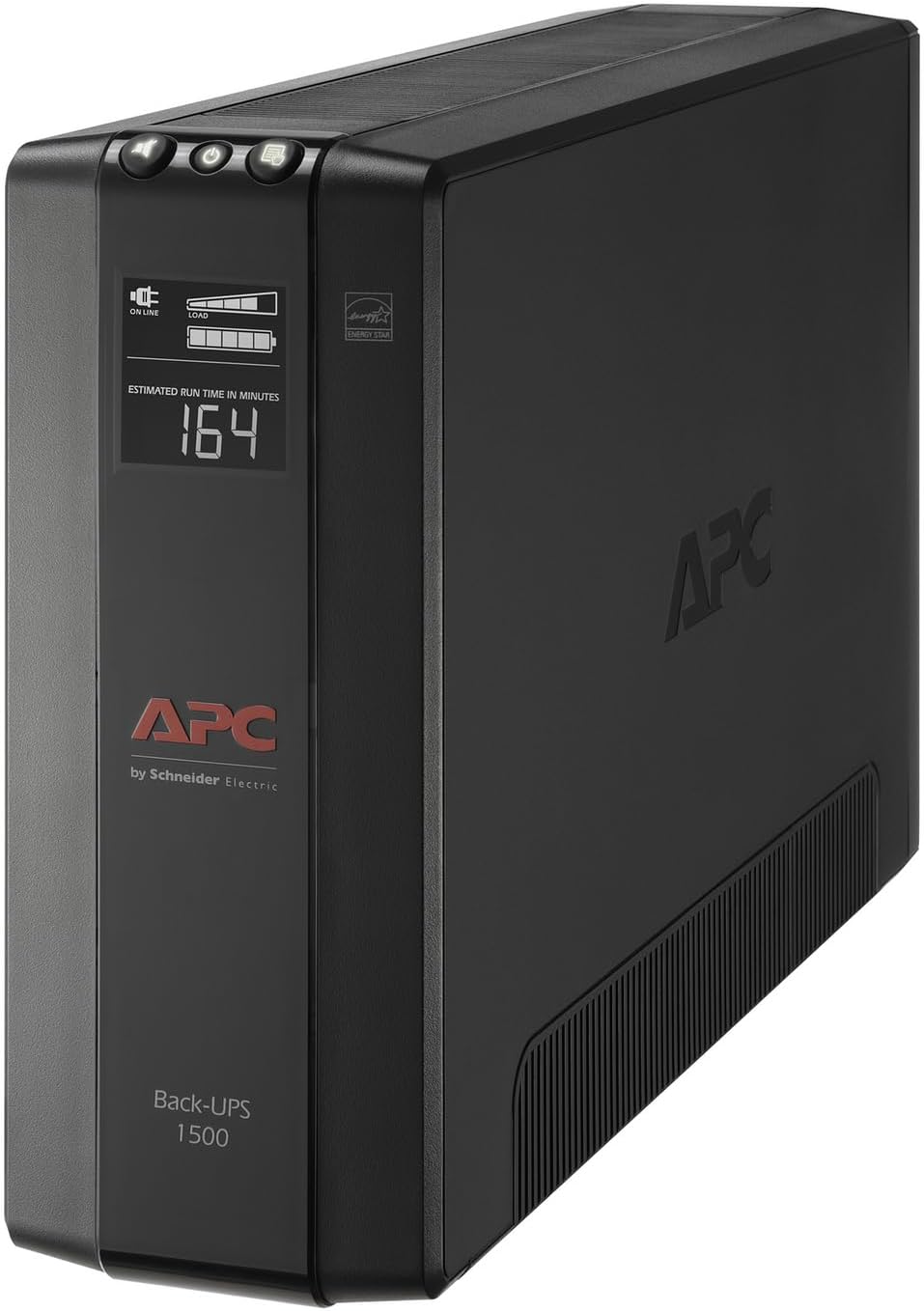
APC Back-UPS Pro 1500VA (BX1500M)
1500VA / 900W, AVR, LCD, 10 outlets, USB data port for NAS auto-shutdown, replaceable battery; stepped (simulated) sine wave
APC is the other brand I’ve recommended for years, and the BX1500M is the APC I’d size for a NAS, router, and switch together. You get automatic voltage regulation, plenty of outlets, and a USB port so the NAS can shut itself down cleanly when an outage runs long. The one caveat is the waveform: this is a stepped sine wave rather than pure sine, which most setups handle fine, but if your NAS vendor insists on pure sine wave, the CyberPower above is the safer buy. Everything comes with its positives and negatives, and here you’re trading waveform purity for capacity per dollar.
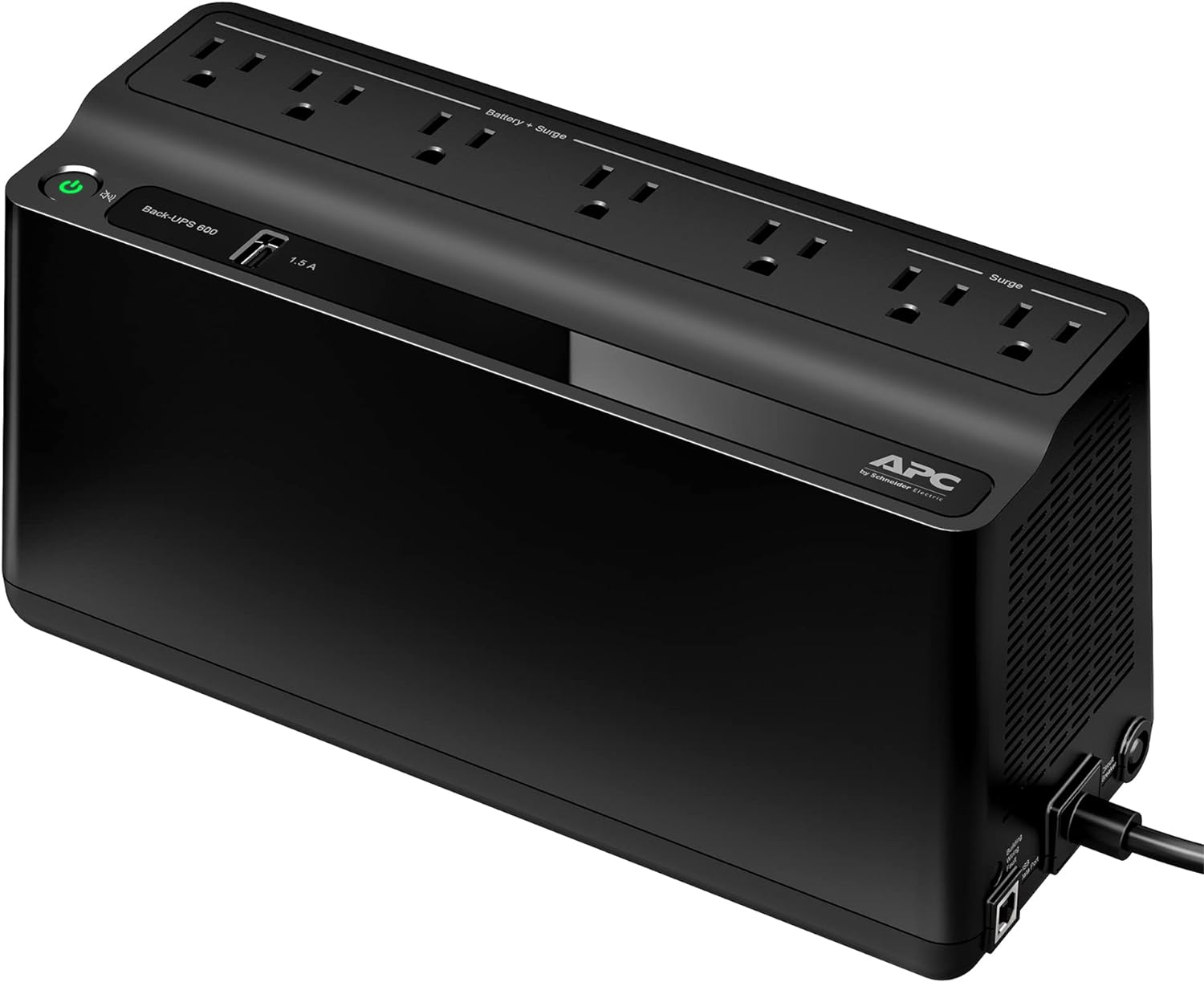
APC Back-UPS 600VA (BE600M1)
600VA / 330W, 7 outlets + USB-A charging port, wall-mountable, ~23 min runtime at 100W
The 600VA is the one I’d put on network gear. A modem, gateway, and an access point or two barely sip power, so this cheap little unit keeps the internet up through short outages and brownouts. I’ve run a Synology on a small APC like this myself and it works, but it is not pure sine wave and the runtime drops fast once a NAS full of drives is pulling from it. Buy it for the network closet and let the bigger units above carry the storage.
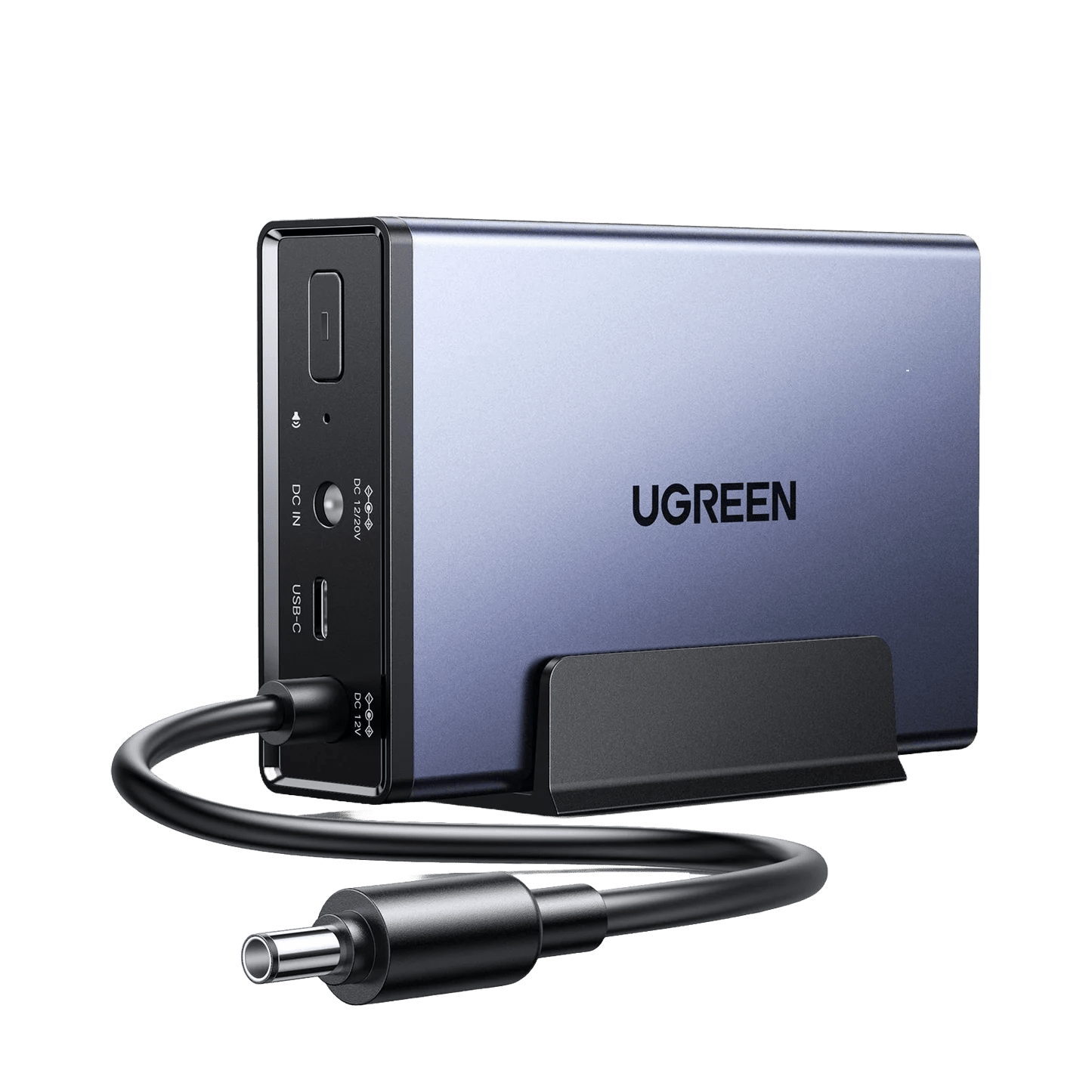
UGREEN NAS 120W DC UPS (US3000, 12000mAh)
120W DC (12V/10A), 12000mAh, 0ms transfer, ~10 min runtime, NAS auto on/off; fits DXP2800, DXP4800/Plus/Pro, DH2300/DH4300 Plus (not DXP6800/8800)
The US3000 is a tidy, purpose-built battery that sits next to a UGREEN NAS and buys you about 10 minutes for a clean shutdown, without a bulky tower UPS. It only powers the NAS, though, not your router or switch, and it only fits certain UGREEN models. For whole-setup coverage, the CyberPower is the better buy.
Software & Services
The privacy VPNs and DIY-NAS software that finish a build.

Proton VPN
WireGuard support, Secure Core servers, port forwarding, audited no-logs, Swiss-based; real free tier available
Proton VPN is the one I currently use, mostly for routing specific devices and VLANs through a privacy VPN at the UniFi gateway level instead of installing apps on every device. I am not going to pretend to be a VPN expert, because there are better and worse options depending on what you’re looking for, but Proton has worked well for me, and it’s the provider behind my UniFi policy-routing videos. The free tier is a real free tier, which makes it easy to test before you pay for anything.

NordVPN
NordLynx (WireGuard), large server network, audited no-logs, Threat Protection; frequent multi-year deals
NordVPN is the one I used before Proton, and it’s still the mainstream pick for a reason: it is fast, the server network is huge, and the apps run on just about everything. Keep expectations realistic with any commercial VPN, because you’re shifting trust from your ISP to the provider, not becoming anonymous. If you want the VPN that works everywhere with the least fuss, Nord is the safe choice. If privacy jurisdiction is your priority, go with Proton above.

Unraid OS license
Starter $49 (6 devices), Unleashed $109 (unlimited), Lifetime $249; mixed drive sizes, strong Docker / VM support
Unraid is the OS I’d pair with a Beelink or Minisforum box and whatever drives you’ve accumulated: you can mix any drive sizes, run containers and VMs, and get parity protection without ZFS’s matched-drive rules. One personal quirk, and don’t kill me for it: I wouldn’t run ZFS without ECC RAM, which is exactly why Unraid’s array approach makes sense on consumer hardware like this. Starter and Unleashed only include a year of updates now, so Lifetime is the value pick if you plan to run it for years.