The UniFi Dream Machine Beast (UDMB) is Ubiquiti’s newest and most capable gateway in the Dream Machine lineup, priced at $1,499, and I just got my hands on it for a first look. It sits above the Dream Machine Pro Max ($599, which I’ve been running for close to two years) and is clearly aimed at larger deployments, multi-site operators, and anyone running UniFi Protect at a large scale.
If you have been running a Pro Max and are wondering whether an upgrade makes sense, the spec sheet alone gives you a lot to think about.
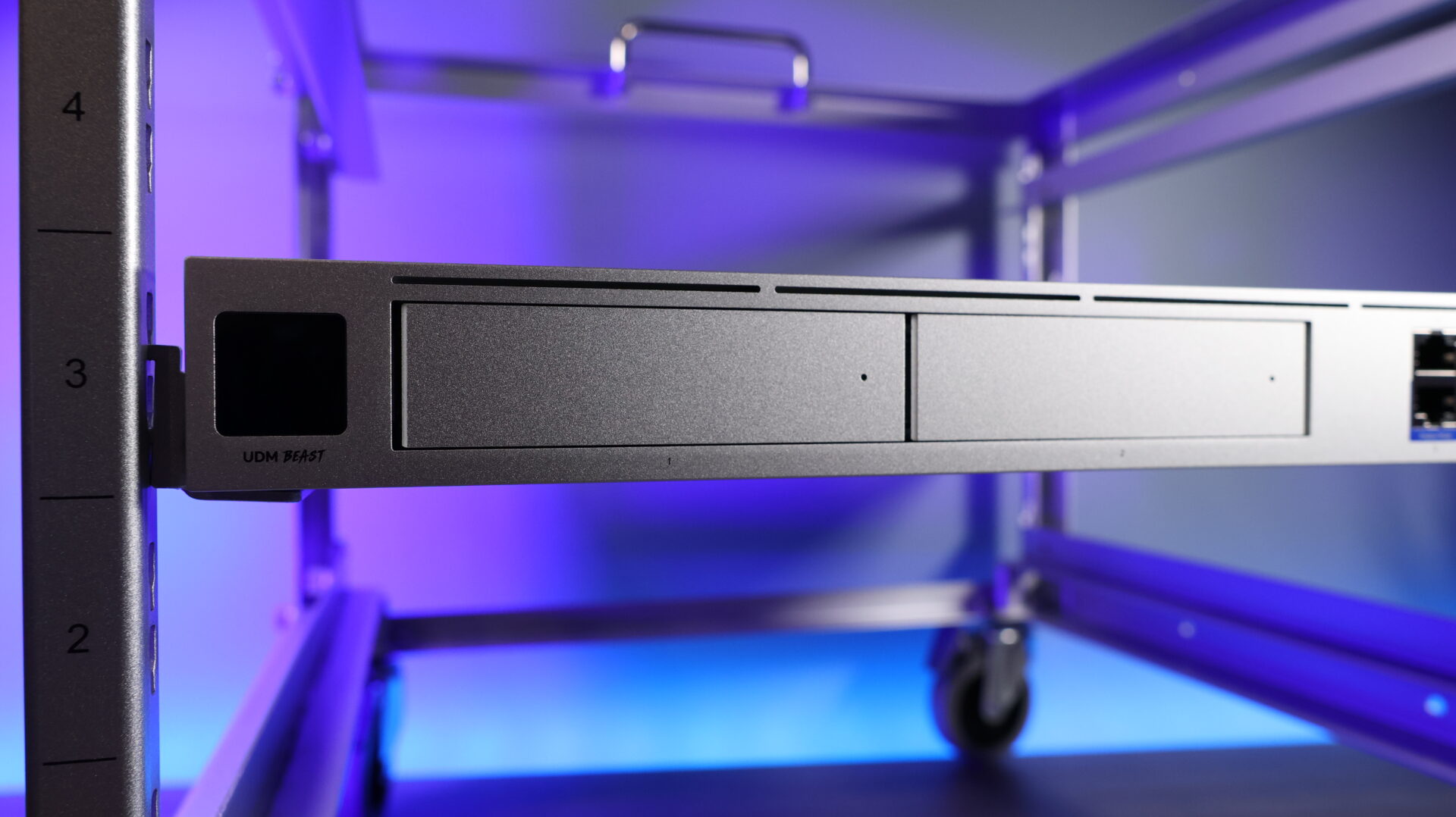
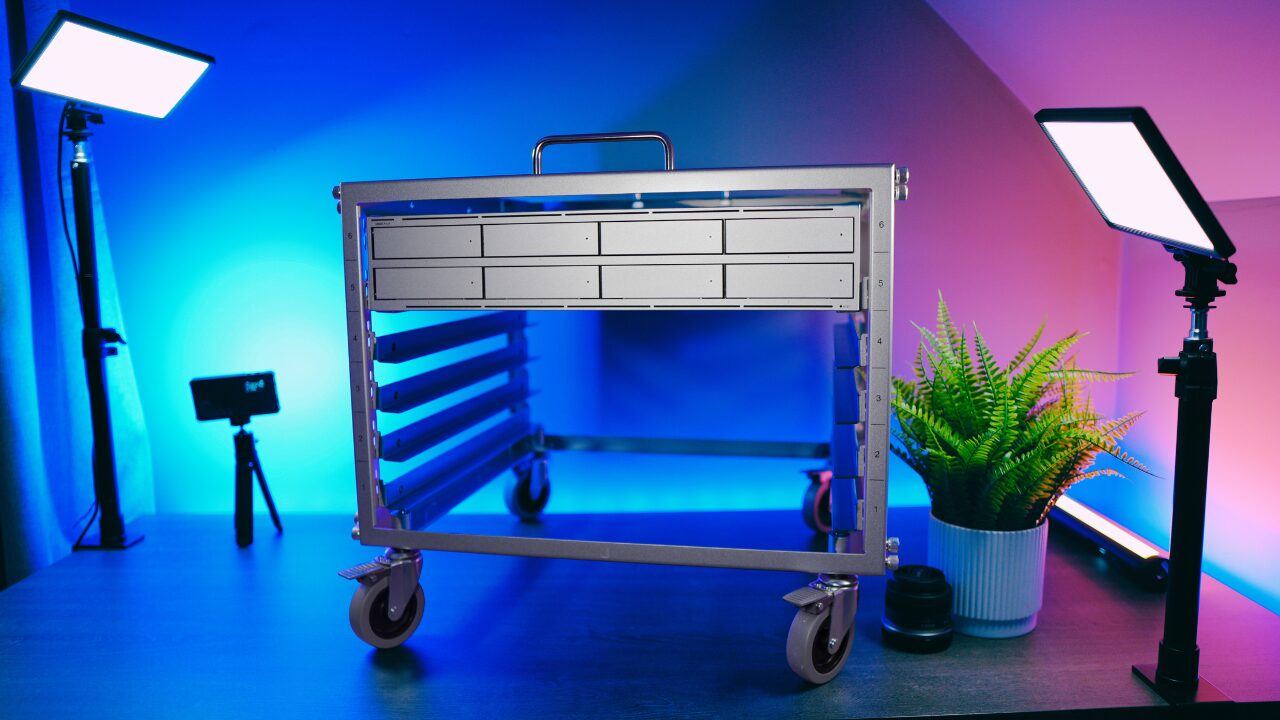
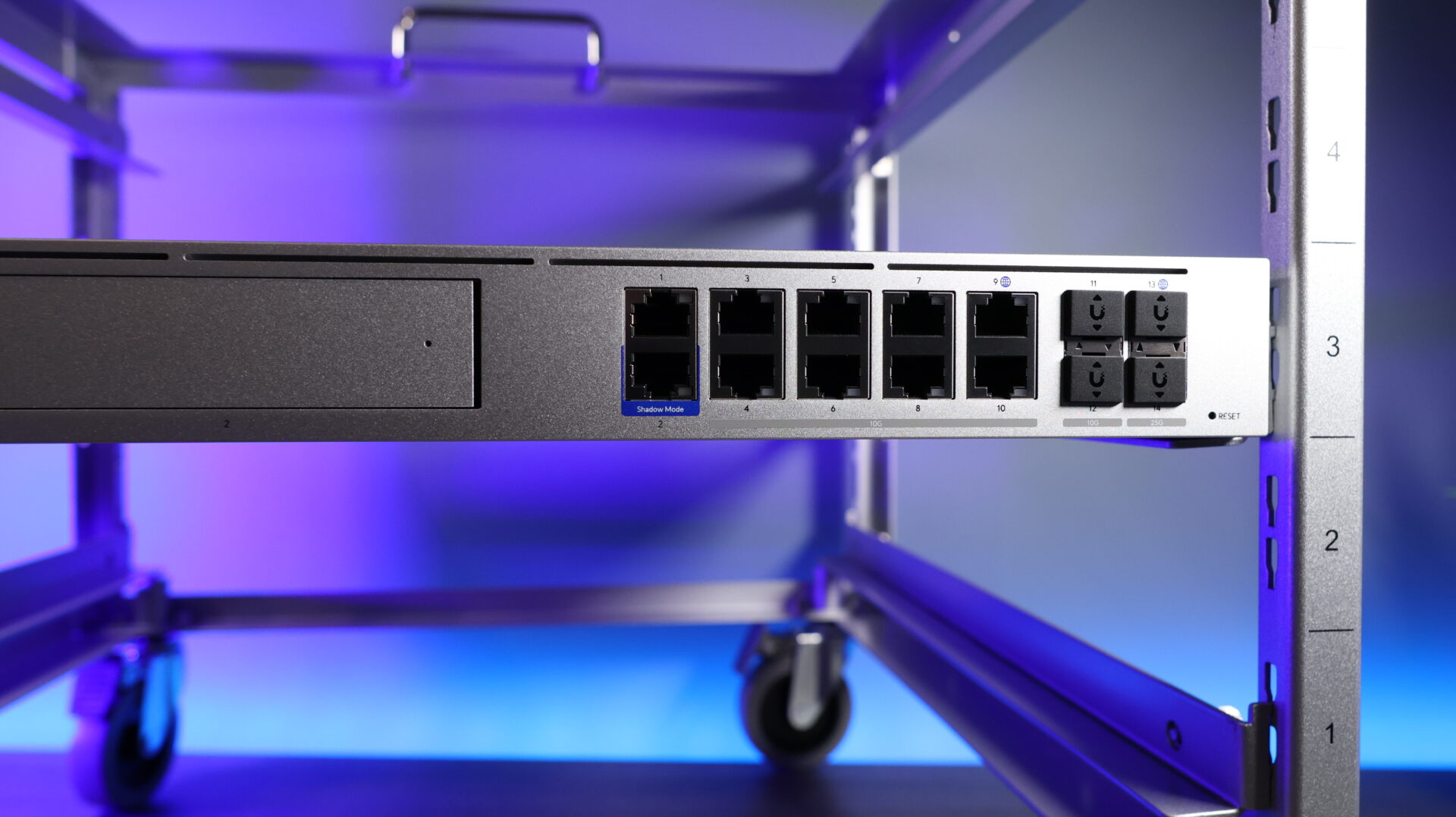
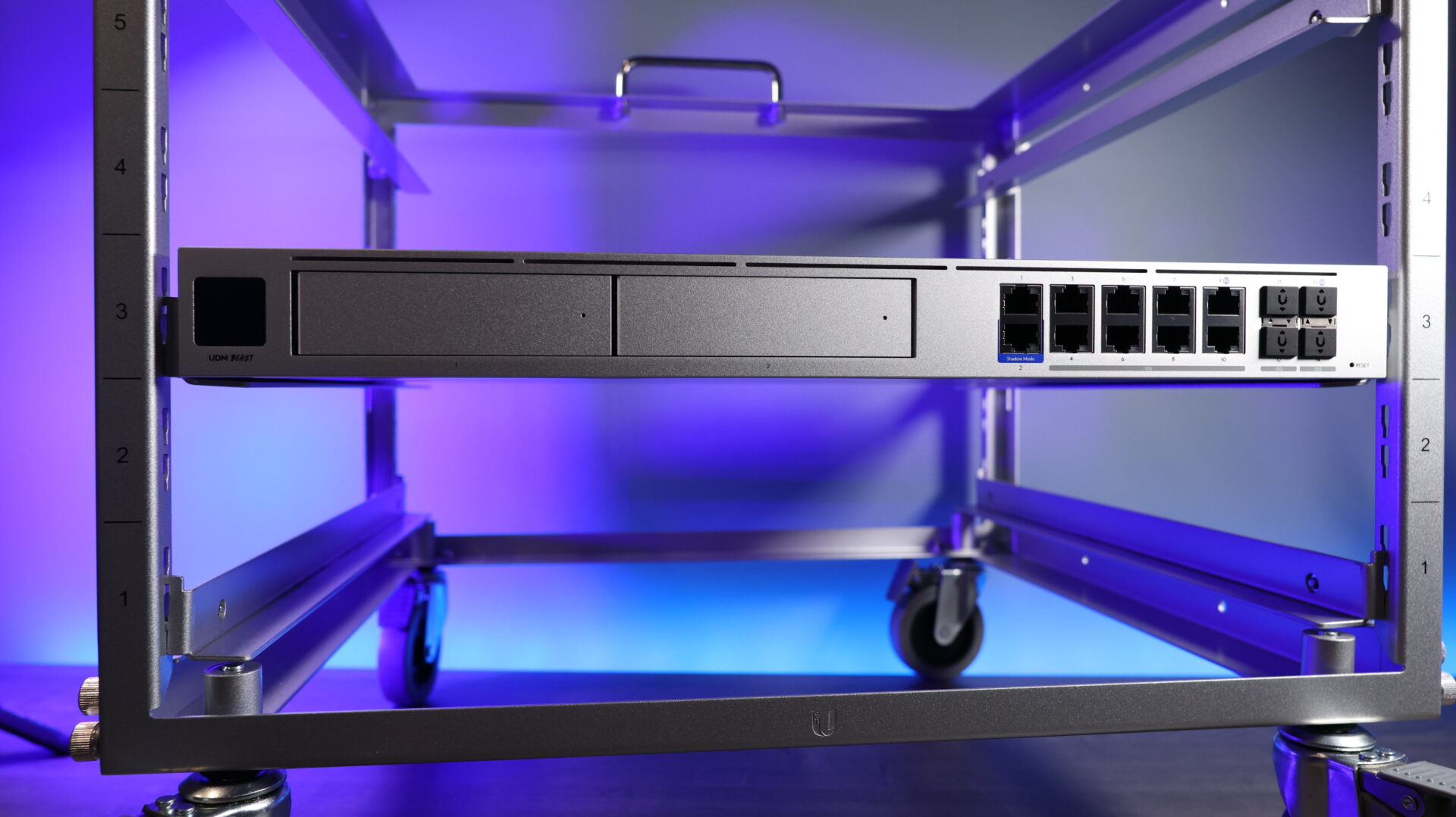
The device shares the same general form factor as the Pro Max but adds significant hardware upgrades. The front has dual hard drive bays for UniFi Protect in RAID 1, and a nice port layout on the right side, which we’ll talk more about later.
In the back, you get a console port for SSH access, a redundant power supply (RPS) slot, and five fans with Ubiquiti’s locking braided power cable.
The Hardware Changes That Actually Matter
The processor is where the UDM Beast separates itself from everything else in the lineup. Previous Dream Machine devices ran the ARM Cortex A57 CPU at 1.7 GHz (Pro) or 2.0 GHz (Pro Max). The UDM Beast uses an ARM Neoverse N2 ARMv9 processor running 8 cores at 2.1 GHz.
Unlike previous generations, that is not just a clock speed bump. The ARMv9 architecture is simply more performant than previous generations, and still maintains good power efficiency. This is a server and data-center-class CPU, which is a big shift in what the hardware is designed to handle.
RAM doubles from 8 GB on the Pro Max to 16 GB on the UDM Beast. That matters more than it sounds, because memory is what allows the device to handle deep packet inspection, intrusion prevention, and caching simultaneously without becoming a bottleneck. The more traffic you push through IPS/IDS, the more that 16 GB of RAM will pay off.
For the ports, the UDM Beast has two 1GbE ports, eight 10GbE ports, two 10G SFP+ ports, and two 25G SFP28 ports. From a WAN perspective, you can use one of the 25G SFP28 ports or a 10GbE RJ-45 port.
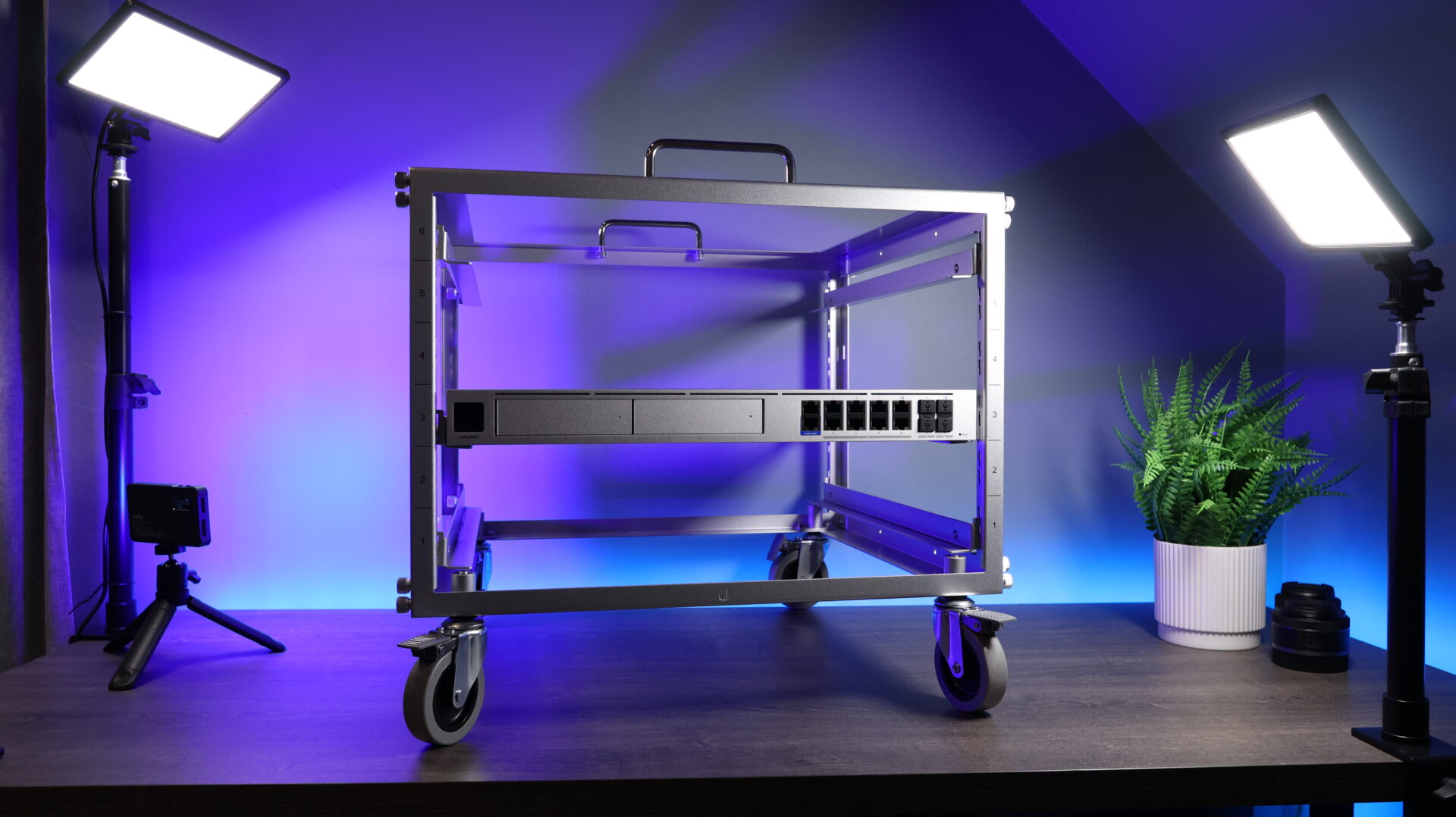
One thing missing that some buyers will notice is that there are no PoE ports on the device. I think it’s lacking PoE ports because most users deploying a UDM Beast will almost certainly already be running dedicated PoE switches, so it is not a practical gap for the target buyer. There’s no doubt that it would have been nice to have them, but it’s also not a miss for the target audience.
How It Compares to the Dream Machine Pro Max
Here is the side-by-side on the specs that matter most:
| Spec | Dream Machine Pro Max | Dream Machine Beast |
|---|---|---|
| Price | $599 | $1,499 |
| CPU | ARM Cortex A-57 (2.0 GHz) | ARMv9 8-core (2.1 GHz) |
| RAM | 8 GB | 16 GB |
| IPS/IDS Throughput | ~5 Gbps | ~25 Gbps |
| Concurrent Clients | 2,000 | 7,500+ |
| HD Camera Support (Protect) | 50 HD / 15 4K | 100 HD / 40 4K |
| Managed UniFi Devices | 200+ | 750+ |
| Access Hubs (Door Access) | 150 | 200 |
| Hard Drive Bays | 2 | 2 |
| 25G SFP28 Ports | No | Yes |
The camera numbers are the most dramatic difference for anyone running UniFi Protect at a large scale. The Pro Max handles 15 4K cameras, while the Beast handles 40. For HD cameras, you go from 50 to 100. If your deployment is camera-heavy, the math on that alone starts to justify the price gap and can make this a better buy than previous generations.
The client’s ceiling is also a significant change, and points to the type of deployment this is designed for. The Pro Max tops out around 2,000 concurrent clients, while the Beast handles 7,500+.
Setting up VLANs and the overall network setup works the same way on the Beast as any other UniFi gateway, so your existing network design carries over directly.
Setting Up the UniFi Dream Machine Beast
The setup process follows the same pattern as any other Dream Machine. Power it on, connect to your network, and the device appears in the UniFi app for adoption. You can also access it through a web browser. From there, you name the device, sign into your Ubiquiti account, and either start fresh or restore from a backup.
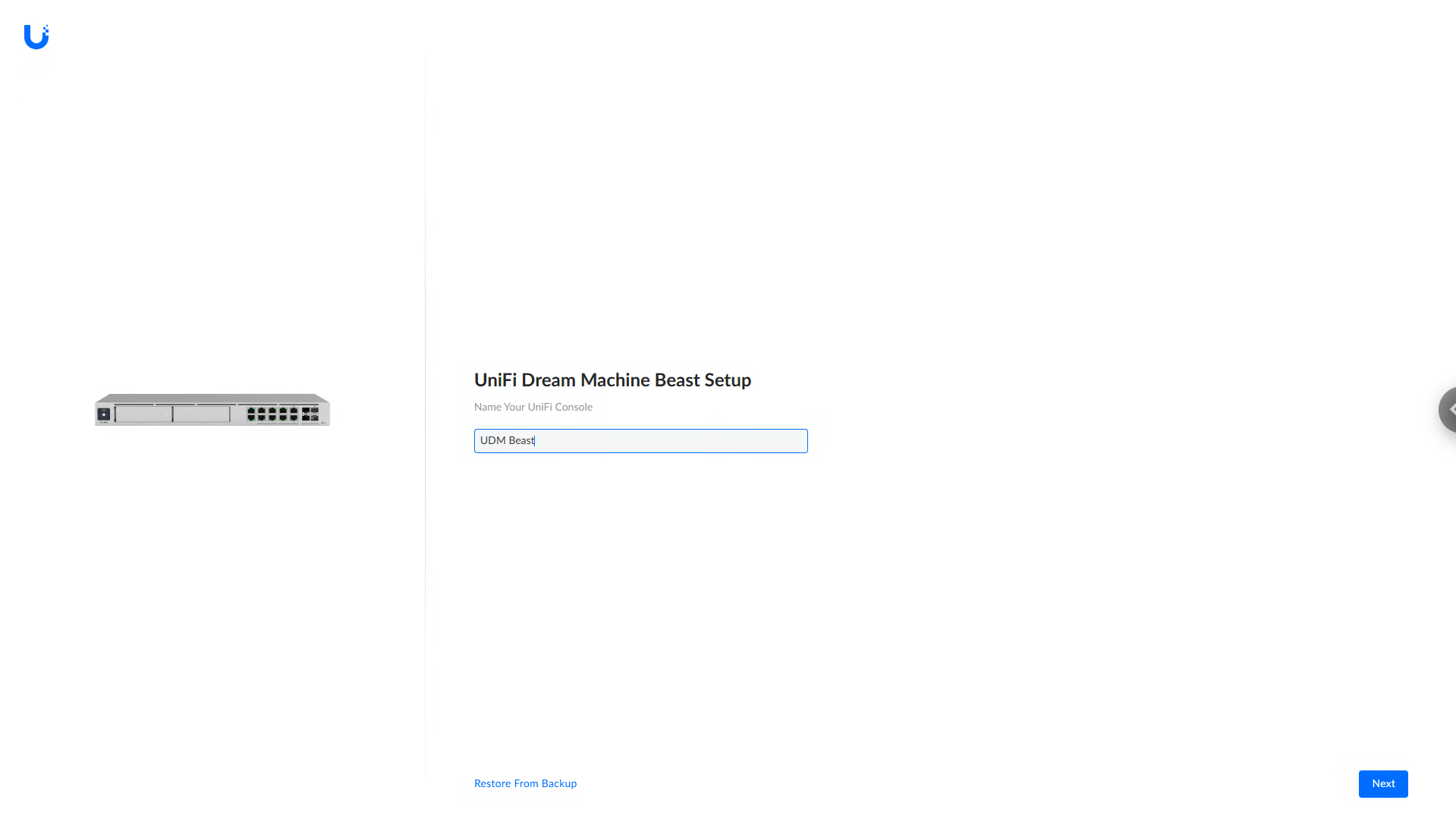
The restore path is the one worth paying attention to. If you are migrating from a Pro Max, you can pull your latest backup from the old device and apply it during initial setup. Applications, network settings, firewall rules, and VLAN configurations all carry over. In my initial testing, everything restored properly, and that migration path is helpful for existing customers.
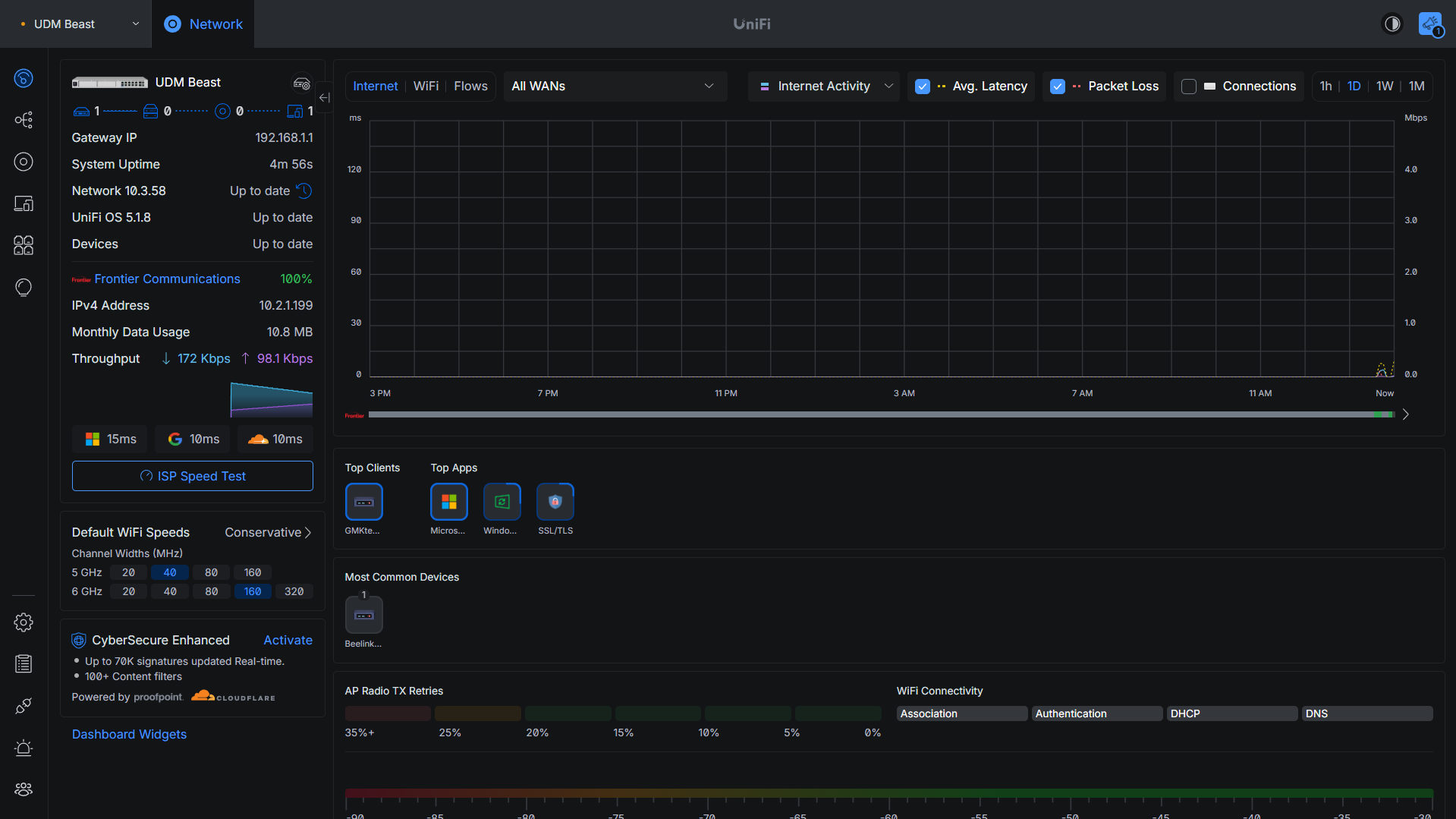
After the restore completes, you can start to use the system. Under the ports section, you will be able to manage everything and see exactly what is connected to each port.
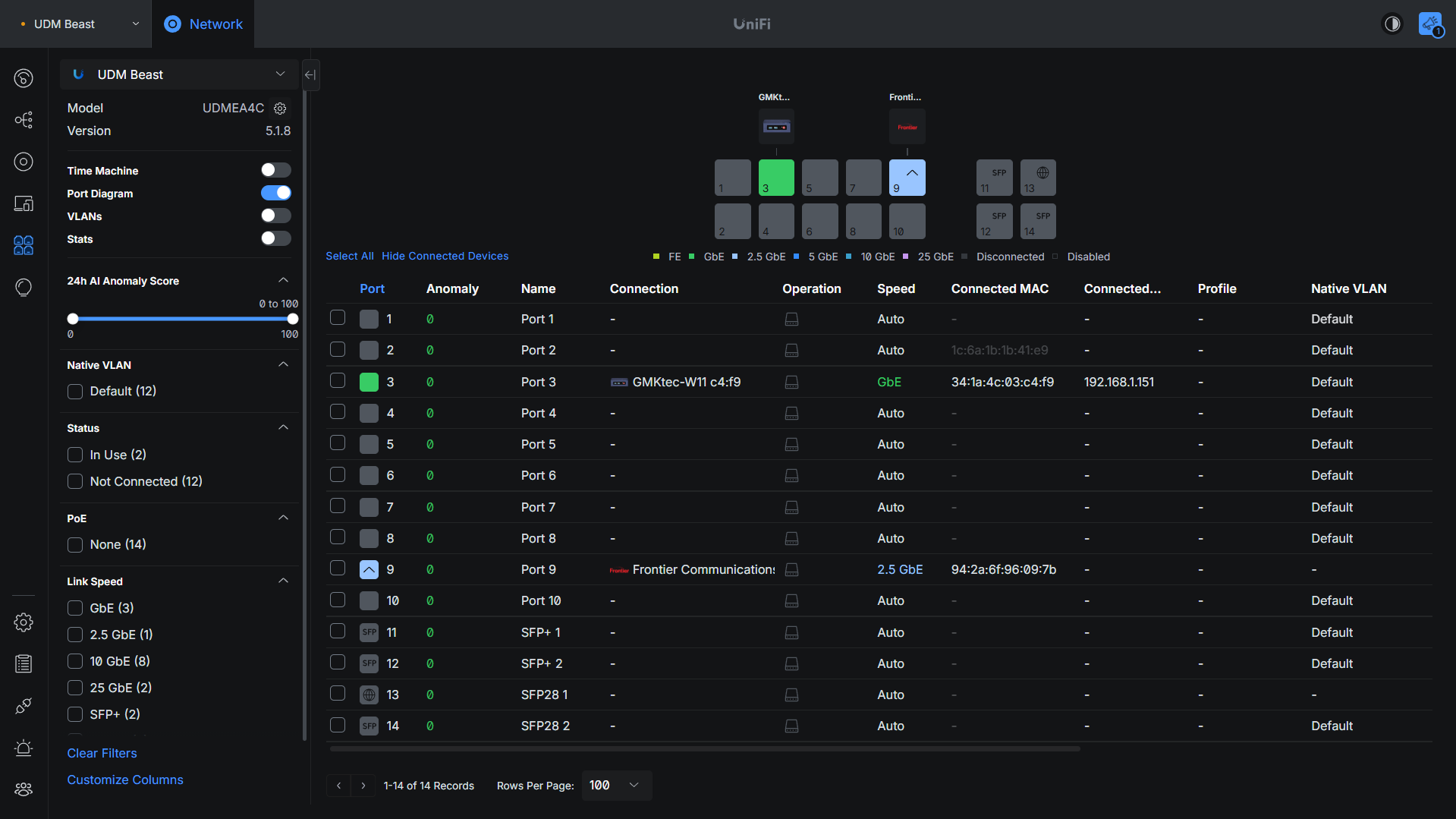
Just about everything else is the same, so if you’ve used a different UniFi Cloud Gateway, you’ll feel comfortable navigating through the UI.
Who the Dream Machine Beast Is Actually For
The honest answer is that most home lab users and small business deployments do not need this device, outside of highly specific scenarios. For most, the Pro Max is still the better choice.
With that said, the Beast makes sense when you are managing a ton of 4K cameras, running IPS/IDS on multi-gigabit WAN connections, or need to support a huge deployment. It also makes sense if you are building infrastructure that needs room to grow over five-plus years without swapping hardware again.
The hardware gap is real, and to be clear, the UDM Beast is better in literally every single way over the Pro MAX, but you need to figure out if you’ll actually use the enhanced compute power.
If you are running a smaller UniFi deployment, the UDM Pro Max is almost certainly the right call. If you are managing a larger site or planning for serious UniFi Protect expansion, the UDM Beast is the way to go.